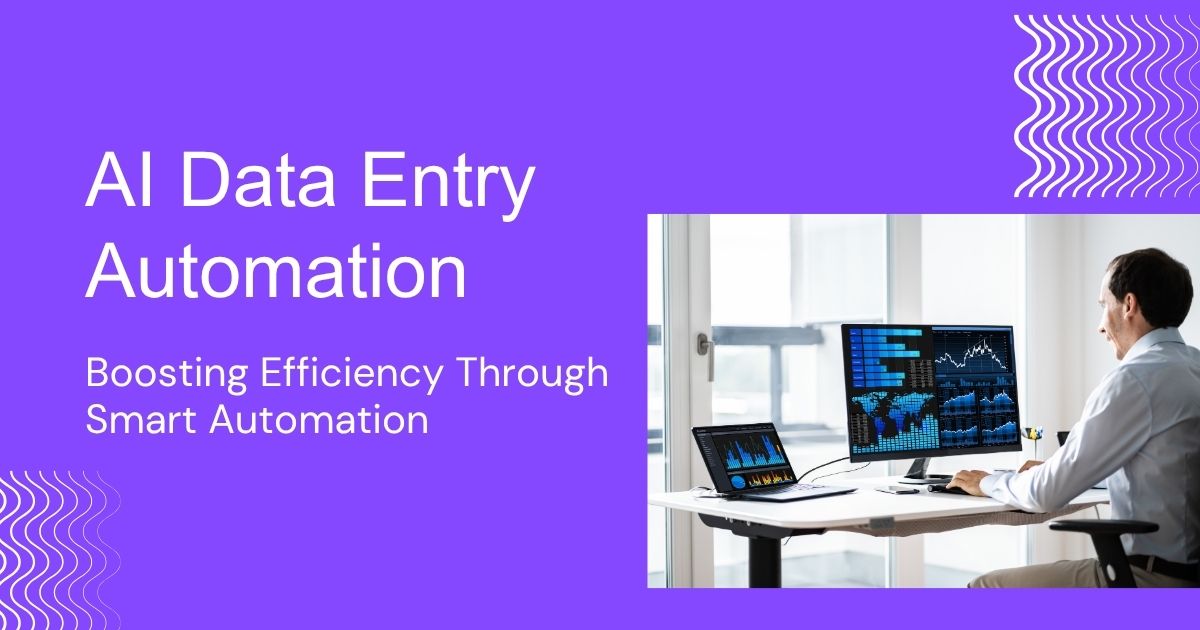
AI data entry automation uses OCR, NLP, and machine learning to automatically process documents, improving speed, accuracy, and consistency while reducing manual work. Common uses include invoices, customer onboarding, and inventory management. It saves time, cuts costs, enhances employee productivity, and delivers measurable ROI with proper implementation and support.
What Is AI Data Entry Automation?
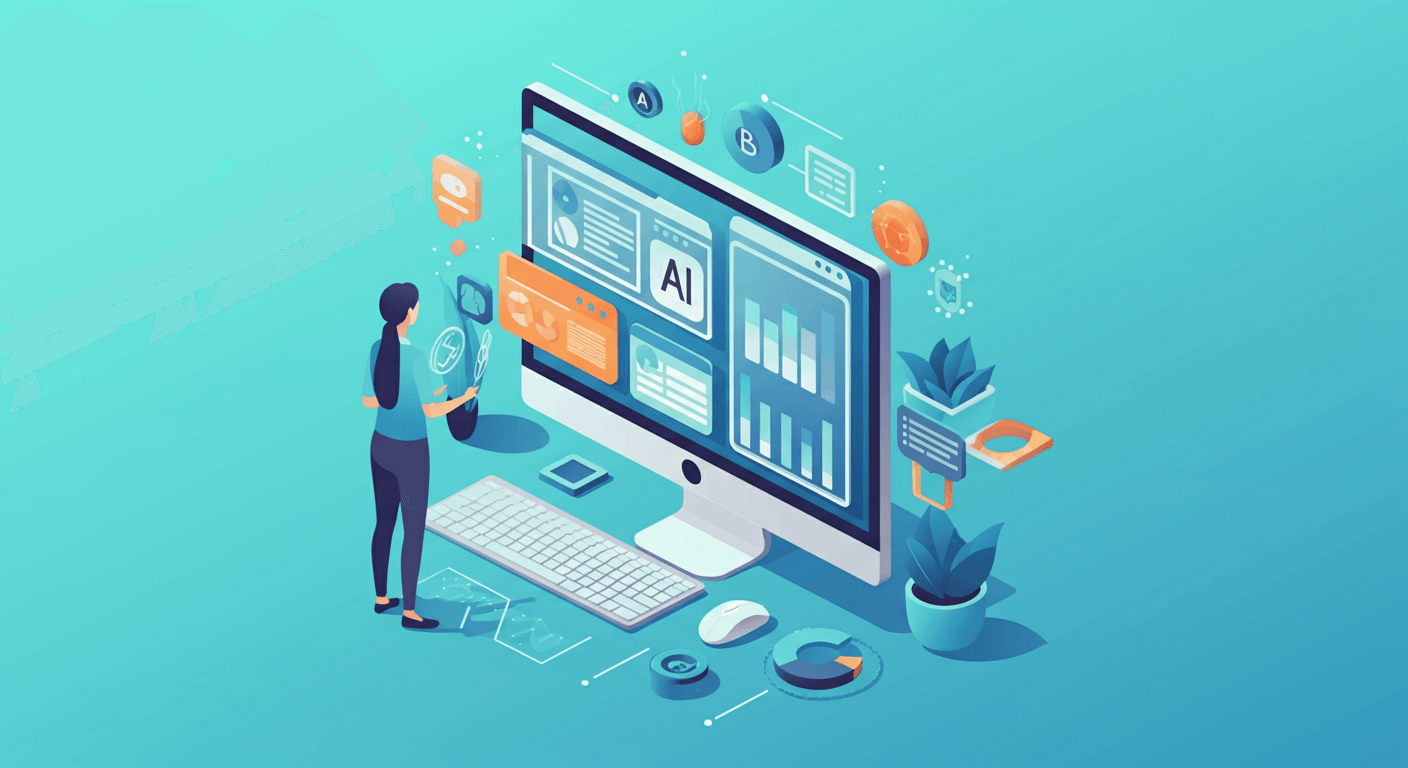
AI data entry automation uses artificial intelligence technologies to automatically capture, process, and input data without human intervention. Unlike traditional data entry methods that rely on manual typing and copying, AI systems can read documents, extract relevant information, and populate databases or applications with remarkable speed and accuracy.
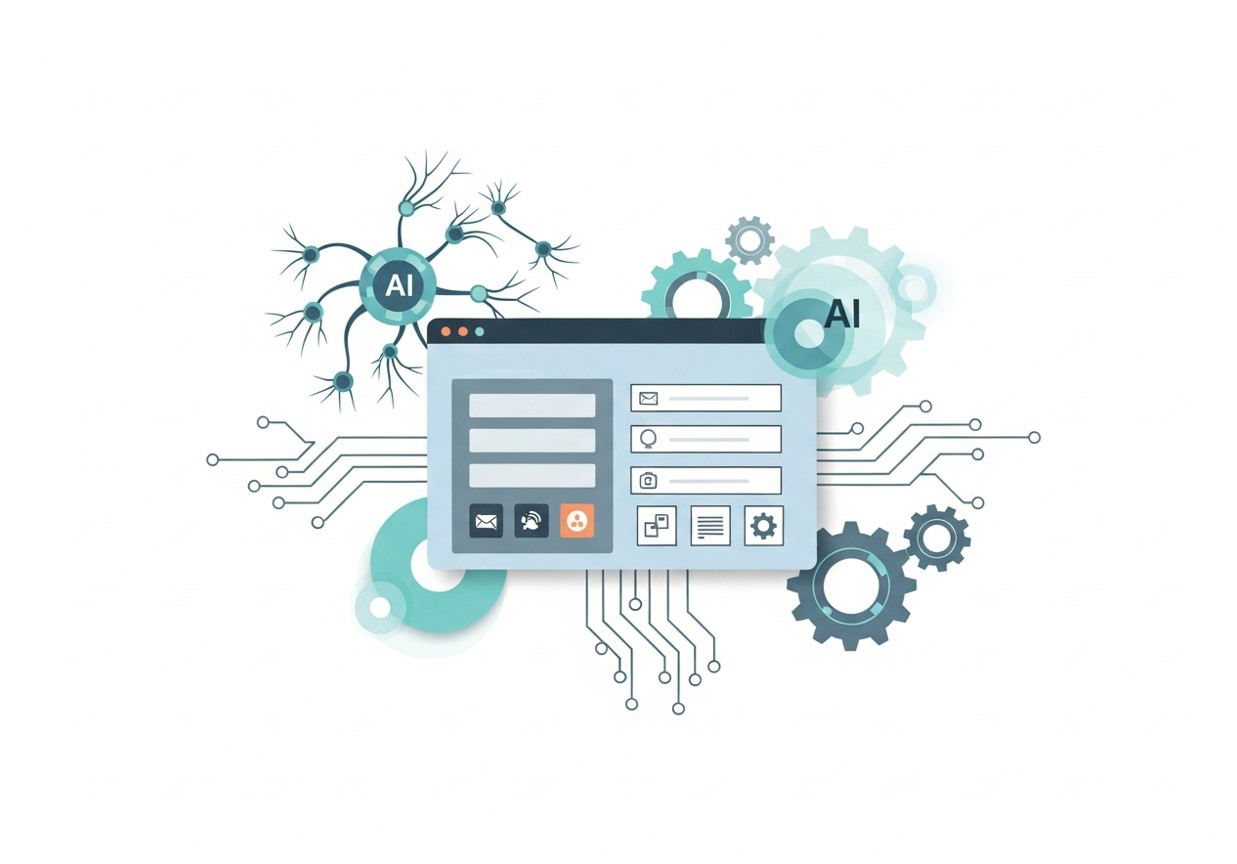
These systems leverage several key technologies working in concert. Optical Character Recognition (OCR) converts images of text into machine-readable format, while Natural Language Processing (NLP) helps AI understand context and meaning within documents. Machine learning algorithms continuously improve accuracy by learning from patterns in your specific data types.
The automation process typically begins when a document enters your system—whether through email, file upload, or direct scanning. The AI immediately analyzes the content, identifies key data points, and routes information to appropriate destinations. This seamless flow eliminates the traditional bottlenecks associated with manual processing.
Core Technologies Behind AI Data Entry
Optical Character Recognition (OCR)
Modern OCR technology has evolved far beyond simple text recognition. Advanced OCR systems can handle various document types, from printed forms to handwritten notes, even when image quality is poor. These systems excel at maintaining formatting structure and can differentiate between different types of information on complex documents.
Natural Language Processing
NLP enables AI systems to understand context within documents. Rather than simply extracting text, NLP helps identify relationships between different pieces of information. For example, it can distinguish between a billing address and shipping address on the same invoice, or understand that “Net 30” refers to payment terms rather than a product description.
Machine Learning and Pattern Recognition
Machine learning algorithms become smarter with each document they process. They learn to recognize your specific document layouts, understand your business terminology, and adapt to unique formatting requirements. This continuous learning means accuracy improves over time without additional programming.
Key Benefits of Automating Data Entry

Dramatic Time Savings
The most immediate benefit of AI data entry automation is speed. Tasks that once took hours can be completed in minutes. A single AI system can process hundreds of documents simultaneously, working around the clock without breaks or fatigue. For web-based operations, see our guide on automate web-based data entry.
Improved Accuracy and Consistency
Human error is inevitable in repetitive tasks, but AI systems maintain consistent accuracy rates. They don’t experience fatigue, distraction, or rushing that can lead to mistakes. Many AI data entry solutions achieve accuracy rates exceeding 95%, with some specialized systems reaching even higher levels when properly configured.
Cost Reduction
While implementing AI automation requires initial investment, the long-term cost savings are substantial. Businesses can reduce dependence on temporary staff during busy periods, minimize overtime costs, and reallocate existing employees to more valuable activities. The reduction in errors also eliminates costs associated with correcting mistakes and managing data quality issues.
Enhanced Employee Satisfaction
Removing tedious data entry tasks from employee responsibilities often leads to improved job satisfaction. Workers can focus on analysis, customer service, and strategic activities that make better use of their skills and training. This shift typically results in higher retention rates and improved overall productivity.
Common Applications and Use Cases

Invoice Processing
The system can extract vendor information, line items, totals, and payment terms from various invoice formats. Integration with accounting software ensures seamless flow into financial systems. For more on optimizing invoice workflows, see automated data entry in Xero.
Customer Onboarding
New customer registration often involves collecting information from multiple sources—application forms, identification documents, and supporting paperwork. AI automation can consolidate this information into customer relationship management systems, ensuring complete profiles while reducing onboarding time.
Insurance Claims Processing
Insurance companies use AI data entry automation to process claims faster and more accurately. The technology can extract relevant details from accident reports, medical documents, and damage assessments, then populate claims management systems automatically.
Inventory Management
Retail and manufacturing businesses leverage AI to maintain accurate inventory records. AI systems process delivery receipts, purchase orders, and inventory adjustment forms, keeping stock levels accurate across locations. See how automated data entry boosts digital efficiency in inventory and operations.
Implementation Strategies
Assess Your Current Processes
Begin by mapping your existing data entry workflows. Identify which processes consume the most time, generate frequent errors, or create bottlenecks. Document the types of documents you handle, their formats, and where the extracted data needs to go. This assessment helps prioritize which processes will benefit most from automation.
Start with High-Impact, Low-Complexity Tasks
Choose initial automation projects that offer clear benefits without requiring complex integration. Invoice processing or simple form data extraction often provide good starting points because they involve standardized document types and well-defined data requirements.
Plan for Integration
Consider how AI data entry automation will connect with your existing software ecosystem. Most modern solutions offer APIs and pre-built integrations with popular business applications. Plan these connections early to ensure smooth data flow and minimize disruption to current workflows.
Prepare Your Data
Clean, well-organized data improves AI system performance. Standardize document formats where possible, establish consistent naming conventions, and ensure that destination systems can accommodate automated data input. Quality preparation reduces implementation time and improves long-term results.
Choosing the Right AI Data Entry Solution
Evaluate Accuracy Requirements
AI solutions vary widely in terms of accuracy, depending on factors like their training data, algorithms, and specialization. Some systems are optimized for structured data such as standardized forms, while others excel at unstructured or semi-structured documents. Before selecting a solution, determine your organization’s tolerance for errors and the impact of mistakes on downstream processes.
For high-stakes applications—such as financial reporting, compliance documentation, or regulatory submissions—near-perfect accuracy is essential, and human review may be required for critical data points. In other cases, where minor errors can be caught and corrected later, a system with slightly lower accuracy may still deliver significant efficiency gains. Assessing these requirements upfront ensures you choose a solution that aligns with your business’s risk tolerance and operational goals.
Consider Volume and Scalability
When evaluating automation tools, it’s important to consider both your current data entry volume and projected growth. Some AI solutions are well-suited for small businesses handling dozens or hundreds of documents daily, while enterprise-grade platforms are designed to process thousands or even millions of entries efficiently.
Scalability is not just about raw processing power—it also involves adaptability to new document types, workflow complexity, and team expansion. Selecting a solution that can scale with your business ensures that as document volume increases, you won’t need to invest in an entirely new system. Additionally, consider cloud-based or modular solutions that allow for incremental growth without disrupting ongoing operations.
Integration Capabilities
Seamless integration with your existing software ecosystem is critical for maximizing automation benefits. Examine whether potential solutions provide pre-built connectors for your ERP, CRM, accounting, or document management systems. Solutions with flexible APIs and strong developer documentation allow you to customize workflows, automate data transfer, and ensure real-time synchronization across platforms.
Integration considerations also include how well the system supports batch processing, alerts, and error handling within your existing processes. A solution that fits smoothly into your technology stack reduces implementation time, minimizes disruption, and improves overall efficiency.
Training and Support Options
Even the most advanced AI system will underperform without proper training and support. Evaluate the vendor’s training programs, documentation quality, and responsiveness of their support team. Look for offerings such as onboarding tutorials, video guides, best-practice workflows, and live customer support.
Assess whether your team has the technical expertise to configure, maintain, and optimize the system independently. If internal resources are limited, a vendor that provides hands-on setup assistance, ongoing consultation, and proactive troubleshooting will help ensure successful adoption. Strong training and support not only shorten the learning curve but also maximize ROI by keeping the system running efficiently over time.
Overcoming Common Implementation Challenges
Managing Change Resistance
One of the most common challenges in adopting automation is employee resistance, often driven by concerns about job security or fear of unfamiliar technology. Team members may worry that automation will replace their roles rather than support them. To address this, leadership should clearly communicate the purpose of automation as a tool for eliminating repetitive, low-value tasks—not reducing headcount. Emphasize how automation allows employees to focus on higher-impact work such as analysis, customer engagement, and strategic decision-making.
Involving employees early in the implementation process can significantly reduce resistance. Seek their input on pain points in current workflows and invite them to help shape how automation is applied. Providing structured training and ongoing support ensures staff feel confident using new tools and prepared for evolving responsibilities. When employees see automation as an opportunity for skill development and career growth, adoption becomes far smoother.
Handling Document Variability
In real-world environments, documents are rarely standardized. Invoices may differ by vendor, forms may be partially completed, and scanned documents can suffer from poor image quality, skewed alignment, or inconsistent formatting. These variations can challenge basic automation systems and lead to errors if not properly managed.
To overcome this, organizations should select AI-powered solutions that use machine learning and intelligent document processing (IDP) rather than rigid rule-based systems. These tools can adapt to different layouts, recognize patterns across document types, and improve accuracy over time as they learn from new data. In addition, it’s important to establish clear exception-handling workflows, allowing uncertain or low-confidence cases to be flagged for human review. This hybrid approach ensures reliability while maintaining processing speed.
Ensuring Data Security
Data security is a critical concern when automating document and data workflows, especially when handling sensitive customer, financial, or personal information. Automated systems must meet or exceed the same security standards as manual processes to avoid introducing new risks. This includes strong access controls, encryption of data both in transit and at rest, and secure authentication mechanisms.
Before adopting an AI solution, organizations should carefully assess its compliance with relevant industry regulations such as GDPR, HIPAA, or SOC 2, depending on the nature of the data. Understanding where data is stored, how long it is retained, and who can access it is essential. Regular security audits, monitoring, and clear data governance policies further ensure that automated systems protect sensitive information while maintaining trust and regulatory compliance.
Measuring Success and ROI
Track key metrics to evaluate your AI data entry automation success. Time savings can be measured by comparing processing speeds before and after implementation. Error reduction becomes visible through decreased correction requests and improved data quality scores.
Cost savings emerge from reduced labor costs, fewer temporary staff needs, and decreased error-related expenses. Employee satisfaction surveys can reveal whether automation has improved job satisfaction and reduced turnover intentions.
Most businesses see positive ROI within six to twelve months of implementation, with benefits accelerating as systems learn and improve over time.
Transform Your Business Operations Today
AI data entry automation represents a practical solution to one of business’s most persistent challenges. The technology has matured to the point where implementation is straightforward, costs are reasonable, and results are measurable.
Start by identifying your most time-consuming data entry processes and researching solutions that address those specific needs. Many vendors offer trial periods or pilot programs that let you experience the benefits before making major commitments.
The businesses that embrace AI data entry automation now will build competitive advantages that compound over time. While others struggle with manual processes, automated organizations can focus resources on growth, innovation, and customer service. The question isn’t whether to automate—it’s how quickly you can get started.
Frequently Asked Questions (FAQ)
What types of documents can AI data entry automation handle?
AI data entry systems can process a wide range of documents, including invoices, receipts, forms, contracts, purchase orders, ID documents, and handwritten notes. The exact capabilities depend on the solution and its training data, but modern platforms handle both structured and unstructured documents effectively.
Is AI data entry automation accurate enough for critical business processes?
Yes, when properly configured and trained, AI data entry automation can achieve accuracy rates exceeding 95%. For critical processes, businesses often combine automation with human review for added assurance, especially during early implementation stages.
How long does it take to implement AI data entry automation?
Implementation timelines vary depending on complexity, document types, and integration requirements. Simple use cases can go live within a few weeks, while enterprise-wide deployments may take several months. Many businesses see measurable benefits shortly after deployment.
Will AI data entry automation replace data entry jobs?
AI automation reduces the need for manual data entry but does not necessarily eliminate jobs. Instead, it shifts roles toward higher-value activities such as data analysis, quality control, and process optimization. Organizations that manage change effectively often see improved employee satisfaction rather than job losses.
Is AI data entry automation suitable for small businesses?
Absolutely. Many AI solutions are designed to scale, making them accessible to small and mid-sized businesses. Cloud-based platforms with usage-based pricing allow smaller organizations to automate processes without large upfront investments.
How do I measure the success of AI data entry automation?
Success can be measured through reduced processing time, lower error rates, cost savings, improved data quality, and increased employee productivity. Tracking these metrics before and after implementation provides a clear picture of return on investment.