This guide explores how automating data entry transforms traditional manual workflows, reducing errors, saving time, and cutting costs. It covers tools, practical implementation tips, and real-world examples across industries. Businesses of all sizes can leverage automation to boost efficiency, accuracy, and employee productivity while preparing for a data-driven future.
What is Data Entry and Why is it Important?

Data entry primarily involves accurately inputting information from one source into another. This can include filling out forms, registering information on websites, transferring data from paper documents to digital formats, updating reports, managing content, or handling other types of records. Almost every industry relies on precise data entry as a cornerstone of critical business operations such as decision-making, customer relationship management, inventory tracking, financial reporting, and more.
Efficient data entry ensures that businesses have reliable and up-to-date information at their fingertips. Even minor errors, like a misentered number or incorrectly formatted data, can have cascading effects, resulting in inaccurate reports, poor strategic decisions, and potentially costly mistakes. Traditional manual methods of data entry—relying on spreadsheets, paper forms, and repetitive typing—are not only slow but also prone to errors, inefficiencies, and high labor costs.
As businesses grow and data volumes increase, the limitations of these old techniques become more pronounced, highlighting the need for modern alternatives. Today, technologies like automating data entry and digital workflow solutions offer faster, more accurate, and scalable approaches, helping companies minimize errors, save time, reduce costs, and make better-informed decisions.
ROI and Business Benefits of Automating Data Entry
Implementing data entry automation provides measurable returns across multiple dimensions of business performance. Operational costs are significantly reduced because fewer employees are required for repetitive manual tasks. At the same time, automation increases processing speed, allowing businesses to handle more work in less time without sacrificing quality. For strategies on how to automate Excel to web data entry, see this guide.
Data accuracy also improves dramatically. With preset rules and intelligent algorithms, automation eliminates most human errors, resulting in cleaner, more reliable datasets. This allows businesses to make better-informed decisions, maintain regulatory compliance, and improve customer satisfaction.
Another major benefit is employee productivity and satisfaction. By removing tedious, repetitive tasks, employees can focus on higher-value activities such as analysis, strategy, and creative problem-solving. This leads to better employee engagement, lower turnover, and a more efficient workforce.
Finally, automation supports scalability. As businesses grow, manual data entry becomes unsustainable. Automation allows companies to handle increasing volumes of data without needing to expand headcount proportionally, making it a cost-effective solution for long-term growth.
The Downside to Manual Data Entry
Manual data entry has been a standard part of business operations for decades, but relying on it in today’s fast-paced, data-driven world creates a host of challenges that can affect efficiency, accuracy, and overall business performance. But there’s plenty not to love:
Human Error
Even highly trained employees are prone to mistakes. Typos, inconsistent formatting, and misinterpreted information are common when data is entered by hand. These errors can accumulate over time, compromising database integrity and leading to inaccurate reports, misguided decisions, and missed business opportunities.
Time-Consuming Processes
Manual entry is slow and labor-intensive. Employees often spend hours transferring information from paper forms, emails, or multiple systems into spreadsheets or databases. This repetitive work not only reduces productivity but also diverts attention from higher-value tasks such as analysis, strategy, and innovation.
Cost Inefficiency
Maintaining a team large enough to handle extensive manual data entry drives up labor costs significantly. Even with a dedicated workforce, accuracy and scalability remain major concerns, as human limitations make it difficult to manage growing data volumes efficiently.
Employee Burnout
’” ‘If it’s the same tedium every day, and you’re treating every task with as much sense of urgency, and you have no better way to prioritize, that’s when people get frustrated and leave.’” Lack of a variety in tasks can frustrate employees and lessen job satisfaction and potentially cause turnover, according to Watson.
The Solution: Automating Data Entry
These challenges make a compelling case for automating data entry. Automation reduces human error, accelerates workflows, lowers operational costs, and increases scalability. By implementing automated data entry solutions, businesses not only enhance data accuracy but also free employees to focus on higher-impact work, driving growth and improving overall operational efficiency. For a more technical approach, see our guide on Python data entry automation.
What Do We Mean by Data Entry Automation?
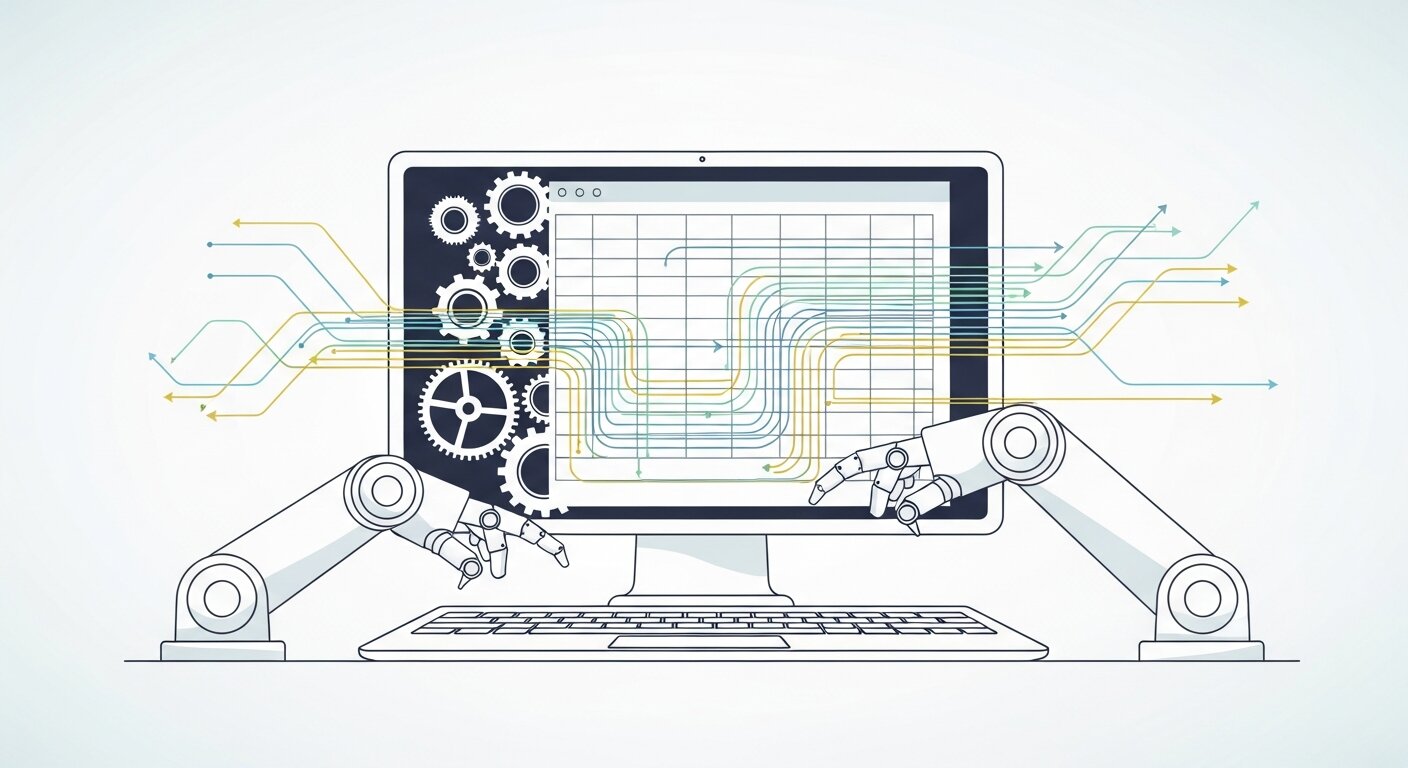
Data entry automation refers to the use of advanced technologies—such as Artificial Intelligence (AI), Machine Learning (ML), and Robotic Process Automation (RPA)—to handle tasks traditionally done by humans. Instead of requiring employees to manually input information, these tools can automatically collect, retrieve, and enter data from multiple sources with incredible speed and accuracy. This not only minimizes the likelihood of human errors but also ensures consistency across large datasets.
Automation tools are capable of performing a wide range of tasks, from processing invoices and extracting data from PDFs to transferring information between different software systems. They can handle repetitive, time-consuming tasks that would otherwise consume hours of human labor, freeing staff to focus on more strategic and analytical responsibilities. By reducing manual workload and improving operational efficiency, data entry automation plays a crucial role in modern business workflows.
Pros of Automated Data Entry
The benefits of automating data entry extend far beyond faster processing times. Automation improves data accuracy, reduces operational costs, increases scalability, and allows employees to focus on higher-value work. It also provides businesses with faster access to critical information, enabling better decision-making, enhanced compliance, and improved overall efficiency. Here’s what makes it a game-changer:
- Improved Accuracy
By using preset rules and algorithms, data is managed by automation, so there’s no room for human error. So the higher the accuracy rates, the cleaner the data sets businesses can depend on to shape strategy and make decisions. - Faster Turnaround Times
Automated abilities allow tools to parse mountains of data in minutes, completing tasks that would take days or weeks for human teams. - Cost Savings
Automation tools have an initial cost, but they save you in the long run by reducing labor costs, increasing efficiency, and reducing errors. - Enhanced Productivity
Reducing the burden for employees to repeatedly input the same data allows them to spend their time on more meaningful, high-impact work, which increases productivity and satisfaction. - Scalability
As businesses scale, manual data entry is no longer feasible. This can be scaled even further as automation allows a business to deal with large amounts of data without massively increasing their resources.
Data Entry Automation? Action File. List Ending Manual Data Entry Once and For All!
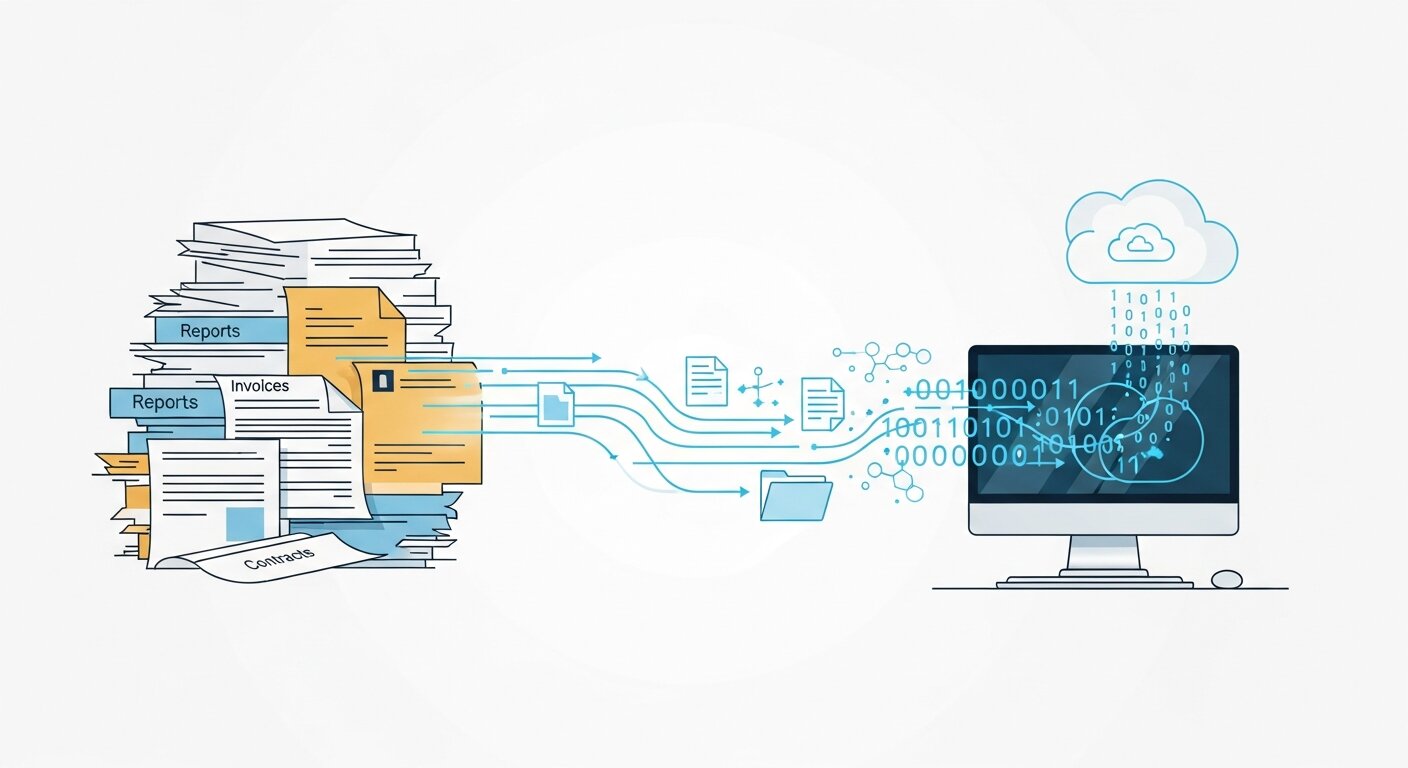
Ready to take your data entry processes on autopilot? Here are the three easiest ways for you to get started:
Assess Your Existing Data Entry Procedures (Point to Ponder)
Before implementing automation, it’s crucial to evaluate your current data entry processes. Identify which parts of the workflow are the most time-consuming, repetitive, or prone to errors. Are you manually entering customer information from multiple channels? Are invoices being retyped into spreadsheets, leading to frequent mistakes? Recognizing these pain points will help you understand where automating data entry could have the most significant impact, improve accuracy, and free up valuable employee time.
Selecting the Right Tools for Automation
There is a wide range of tools available to automate data entry, from Robotic Process Automation (RPA) platforms like UiPath to workflow integration tools like Zapier or intelligent document processing solutions such as ABBYY FlexiCapture. Selecting the right tool depends on your specific needs—whether you are extracting data from invoices, forms, emails, or entering information into CRMs, ERPs, or other applications. Consider factors like ease of integration, scalability, cost, and analytics capabilities when choosing the solution that will maximize efficiency.
Train Your Team
Even the best automation tools require knowledgeable users. Train your team on how to operate these solutions effectively, understand their limitations, and leverage them to their full potential. While automation handles repetitive entry and ensures accuracy, human oversight is still needed to review exceptions, manage complex workflows, and make decisions that machines cannot. Proper training increases adoption rates, ensures smooth integration into daily operations, and allows teams to focus on higher-value work rather than mundane data entry.
Begin small and scale slowly
Start with a pilot program to test the effectiveness of automating data entry in a controlled environment. Choose a specific workflow or department where automation can quickly demonstrate measurable benefits, such as invoice processing or customer registration. Once the pilot proves successful, gradually expand automation to other processes and departments. This phased approach minimizes disruption, ensures a smoother transition, and allows your team to adapt to new workflows without overwhelming them.
Monitor and Optimize
Automation is not a set-and-forget solution. Regularly monitor your tools’ performance to identify bottlenecks, errors, or areas that can be further optimized. Most modern automation platforms provide analytics dashboards that track processing times, error rates, and throughput. By continuously reviewing this data, businesses can refine their processes, improve accuracy, and maximize the return on investment from their data entry automation initiatives.
Examples of Real World Data Entry Automation
Still skeptical? Here are some real companies who have reaped the rewards of automating their data entry:
Streamlined Ordering – Where to Order Online?
An online store struggled with manually processing thousands of customer orders each day. By implementing an RPA solution to automate order entry, the company reduced errors and improved processing speed. Turnaround time was cut by 50%, allowing staff to focus on customer service and inventory management rather than repetitive data entry. Learn more about website data entry automation.
Healthcare Provider – Decreasing the Number of Patient Record Errors
A healthcare provider used machine learning software to extract and enter data from patient forms automatically. This reduced human errors in patient records and saved medical staff around 40% of the time previously spent on paperwork, enabling them to focus more on patient care and clinical tasks.
Logistics Company – Streamlining an End-To-End Fleet Management Solution
An app development company that specializes in logistic and navigation software approached Volga Tigris to develop a unified solution to optimize and manage their fleet.
Airmoji suggested timesaving measures for a supply chain company, like automatically inputting data on vehicle tracking and fuel consumption logs. It was time to reverse the trend. The process automation installed in their database allowed them to save hundreds of hours per month and, most importantly, grant real-time visibility into fleet operations for performance optimization.
The Future of Data Entry

Automation of the data entry process is no longer a nice-to-have but a must-have in this fast-paced, information-driven world. With further evolution of AI and ML, the future holds an even greater potential for exciting developments like real-time data integration and predictive analytics.
With automated data entry, businesses are able to be more accurate, save money, and offer employees more time to do higher-level tasks. The result? An organization that is more nimble, competitive and ready for the future.
If you’re new to paid search, our beginner’s guide on Google Ads automation explains the basics and highlights effective keyword strategies to maximize your campaigns.”
Frequently Asked Questions (FAQ)
What is data entry automation, and how does it work?
Automating data entry uses advanced software tools powered by AI, ML, OCR, and RPA to perform repetitive data input tasks automatically. By automating data entry, businesses can extract, validate, and input information across applications with minimal human intervention, improving accuracy and efficiency.
Can small businesses benefit from automating data entry?
Absolutely. Even small-scale automating data entry can save hours of manual work, reduce errors, and improve overall operational efficiency. Affordable cloud-based tools and integrations make it accessible for businesses of all sizes.
Is automating data entry expensive to implement?
While there is an upfront investment, automating data entry quickly pays off by reducing labor costs, eliminating errors, and increasing productivity. Many tools offer scalable pricing based on usage, making automation cost-effective for both small and large businesses.
Will automating data entry replace employees?
Automating data entry is designed to augment human work, not replace it. By taking over repetitive tasks, it frees employees to focus on higher-value responsibilities, such as strategic analysis, decision-making, and innovation.
How secure is data handled when automating data entry?
When properly implemented, automating data entry is highly secure. Businesses should ensure encrypted data transfer, strict access controls, regular audits, and compliance with data protection regulations to protect sensitive information.
How do I measure the success of automating data entry?
The success of automating data entry can be measured through metrics like error reduction, time saved, cost savings, processing speed, and employee satisfaction. Comparing these metrics before and after implementation provides a clear picture of ROI and process improvement.