
The transition from manual processing to Data Entry and Office Automation marks a pivotal shift in modern business, empowering organizations to trade tedious repetition for high-value strategic growth.
This guide explores the evolution, financial impact, and technological pillars of Data Entry and Office Automation. We examine how AI, RPA, and IDP streamline workflows, enhance accuracy, and allow human talent to focus on innovation and complex problem-solving.
The Evolution of Data Entry: From Paper to Digital
The history of information management is a journey of increasing speed and decreasing friction. Understanding where we started helps clarify why Data Entry and Office Automation is no longer a luxury but a necessity for survival.
A Brief History of Documentation
Data entry began with paper ledgers and filing cabinets—systems that were physically taxing and prone to permanent loss via fire or misplacement. The 1960s and 1970s introduced early computer systems, though these were restricted to large corporations due to their massive size and cost.
The 1980s democratized digital entry with the rise of the PC. Mastering automation in Excel data entry became a sought-after skill as Lotus 1-2-3 and Microsoft Excel replaced the physical ledger. By the 2000s, the internet era brought web-based forms and cloud storage, setting the stage for the real-time data transfer capabilities we see today.
The Shift to Real-Time Data
Today, we are mastering real-time data. Unlike the batch processing of the past, modern Data Entry and Office Automation allows for real-time data transfer, ensuring that a sale made in a mobile app is reflected in the warehouse inventory and the accounting software (like Xero or HubSpot) instantaneously.
The High Cost of Manual Data Entry
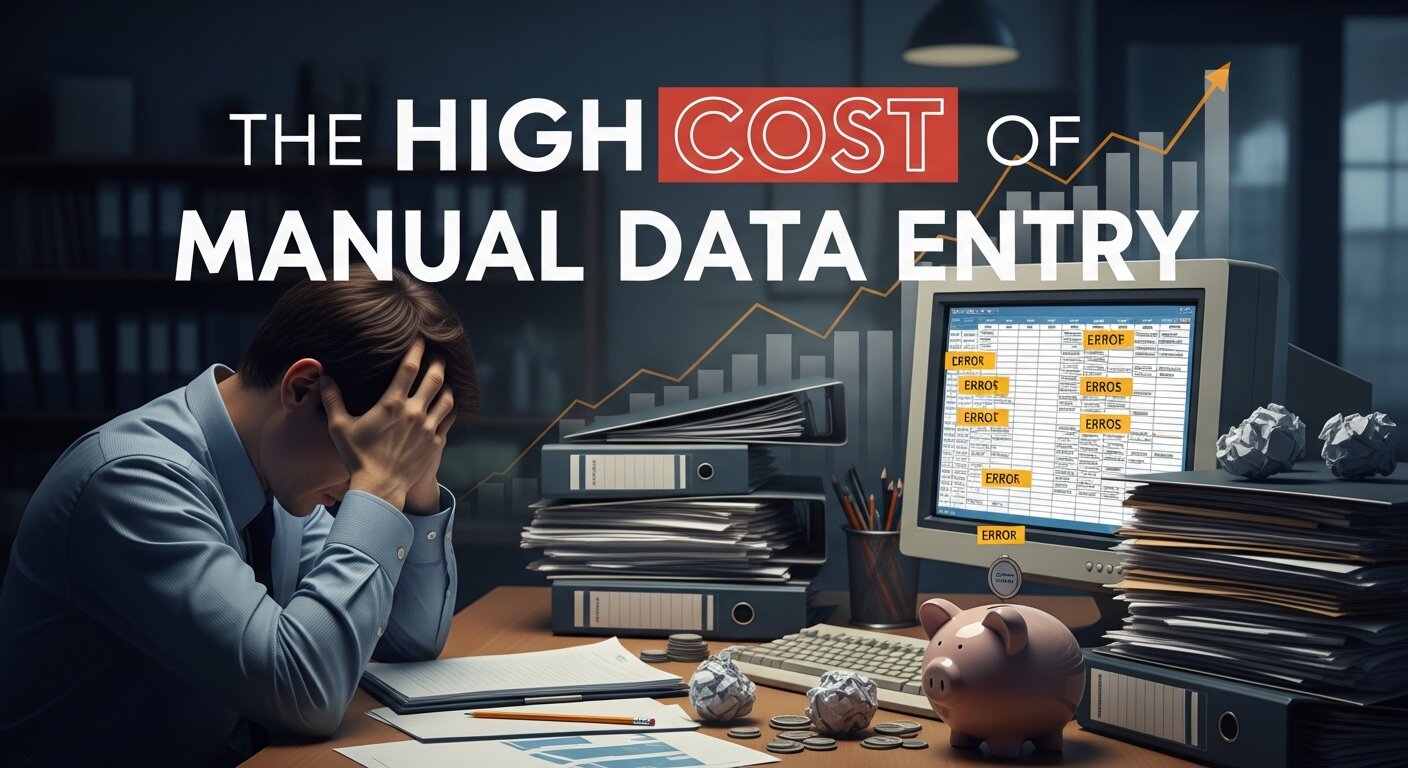
Despite the availability of Data Entry Automation Software, many organizations cling to manual processes. This “status quo” comes with a heavy price tag.
Financial and Operational Impact
Direct Costs: The Bureau of Labor Statistics estimates the average salary for data entry operators at approximately $34,000 per year. When you add benefits and overhead, manual data entry becomes a significant line item.
- The Error Factor: Human entry typically results in error rates between 1% and 4%. In a financial context, a single misplaced decimal point can lead to catastrophic losses.
- Scalability Bottlenecks: Manual processes do not scale. If your business grows by 200%, you cannot simply ask a human to type 200% faster. You are forced to hire more staff, increasing your burn rate.
- Opportunity Cost: Every hour spent on manual invoice data entry is an hour not spent on B2B lead generation or refining a content marketing plan.
| Feature | Manual Data Entry | Automated Data Entry |
| Speed | Slow, limited by typing speed | Instantaneous, 24/7 |
| Accuracy | 96% – 99% (Human error) | 99.9% + (Machine precision) |
| Scalability | Requires new hires | Near-infinite with existing software |
| Cost | High (Salaries + Benefits) | Low (Software subscription) |
| Employee Morale | Low (Repetitive tasks) | High (Focus on strategy) |
Modern Data Entry Automation Technologies
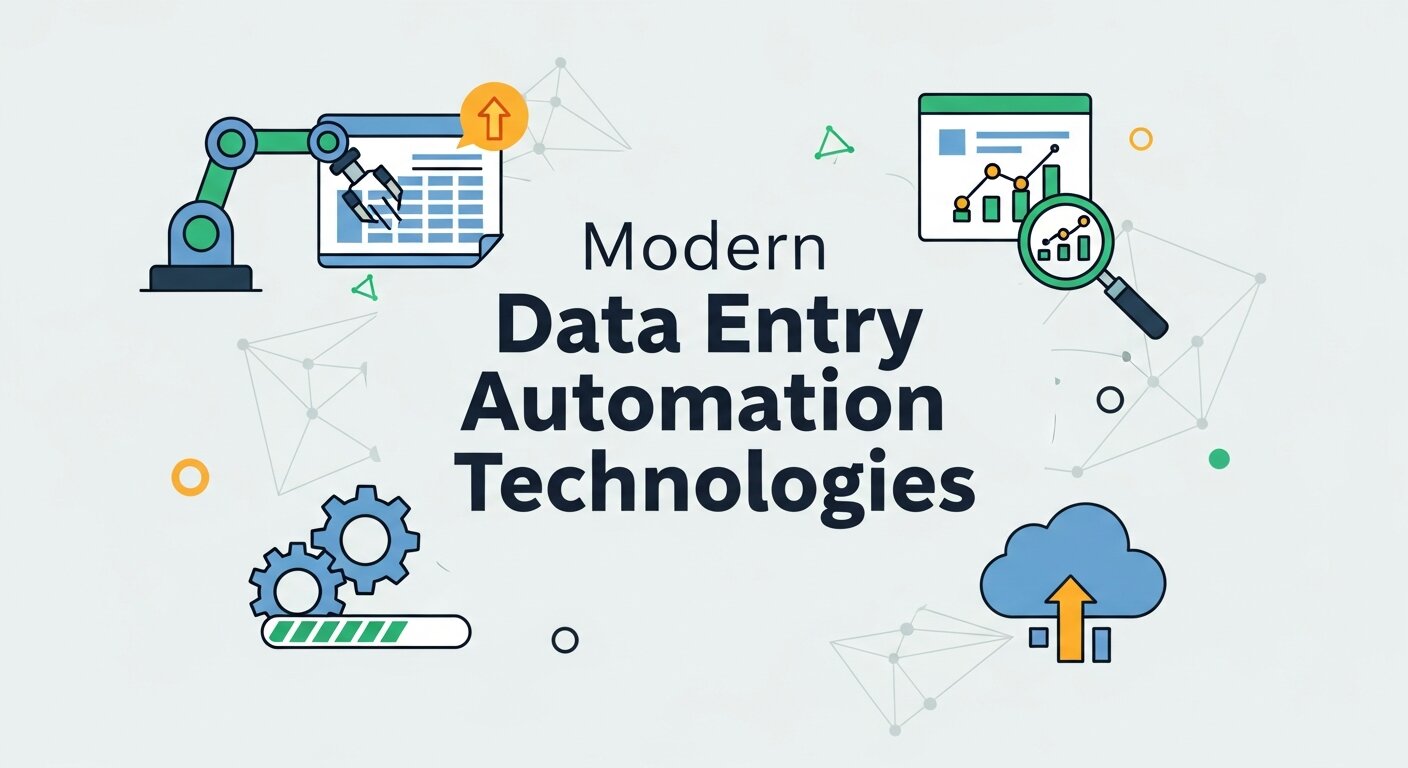
To achieve true Data Entry and Office Automation, businesses must leverage a stack of specific technologies designed to handle different types of data.
Optical Character Recognition (OCR) and IDP
Modern OCR has moved beyond simple character recognition. Intelligent Document Processing (IDP) combines OCR with artificial intelligence in business to understand context. While basic OCR reads letters, IDP understands that a specific number on a page is an “Invoice Total” and another is a “Tax ID.”
This is crucial for automated data entry Xero integrations or automated CRM data entry, where the system must categorize information before uploading it.
Robotic Process Automation (RPA)
RPA involves software “bots” that mimic human actions. If you need to automate website data entry, RPA can log into a portal, scrape data, and enter it into another system. It is the “glue” that connects legacy systems that don’t have modern APIs.
- Automate browser data entry: Bots can navigate complex web forms.
- Automate Excel spreadsheets: RPA can move data between spreadsheets and databases without human intervention.
- HubSpot data entry: Automatically updating contact records based on external triggers.
Voice Recognition and NLP
The rise of Virtual Assistants and voice-to-text technology has allowed for hands-free data entry. In field operations or medical settings, professionals use voice recognition to dictate reports, which are then processed via Natural Language Processing (NLP) to extract actionable data points.
Office Automation Beyond Data Entry: Webinars and Communication
Data Entry and Office Automation doesn’t stop at spreadsheets. It extends to how we communicate and generate leads.
The Power of Webinars in the Automation Age
Webinars have evolved into a cornerstone of B2B lead generation. By using the right platform for webinar hosting, businesses can automate the entire attendee journey.
- Webinar Lead Generation Strategies: Automatically sync attendee data with your CRM.
- Follow-Up Emails: Use email marketing services to trigger automated “thank you” notes and “limited time offers” based on how long a person stayed in the session.
- Webinar in Resume: For professionals, mastering these tools is a career booster. Knowing how to use free webinar tools or Salesforce webinars is a highly marketable skill.
Marketing and Video Analytics
To truly master Data Entry and Office Automation, one must understand Marketing Analytics Tools. Mastering video analytics and event marketing analytics allows businesses to see exactly where users drop off. This data can then be automatically fed into a digital marketing analytics dashboard to adjust the brand positioning strategy in real-time.
Implementation Strategies for Success
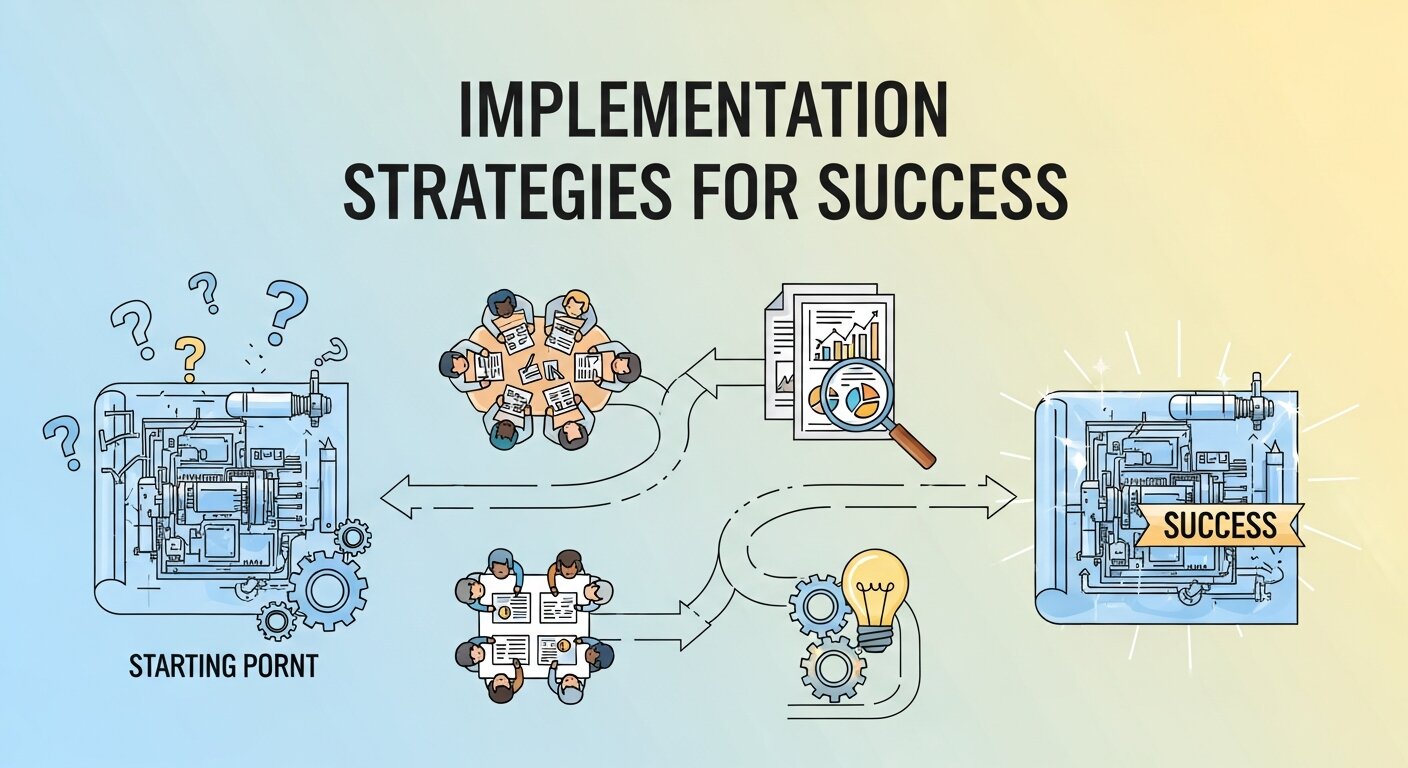
Transitioning to Data Entry and Office Automation requires a roadmap. You cannot automate chaos; you must first organize your processes.
1. Assessing Automation Opportunities
Look for tasks that are high-volume, rule-based, and have low exception rates. Manual invoice data entry is a perfect candidate. Consumer brand marketing creative sessions are not.
2. The Pilot Approach
Start small. Perhaps you automate website data entry for one specific vendor before rolling it out to the entire supply chain. This “quick win” builds internal confidence.
3. Change Management and Reskilling
The fear of “AI taking my job” is real. Organizations must focus on reskilling. An employee who used to do textual data entry can be trained as an RPA developer or a data analyst. This shifts the focus from “data entry” to “data insights.”
4. Integration with Existing Ecosystems
Your automation tools must speak to your Digital Payment Solutions, your HRIS, and your CRM. Utilizing SaaS development services to create custom “bridges” or APIs is often the best way to ensure building brand consistency across all digital touchpoints.
The Human Element: Branding and Reputation
As we automate, the “human” parts of the business—like brand voice and brand personality in marketing—become more important. Automation handles the “what,” but humans handle the “why.”
Brand Strategy and Positioning
In an automated world, your brand awareness depends on how well you use data to personalize the customer journey. Tools like customer journey mapping and brand strategy frameworks ensure that even if a customer is interacting with a bot, they feel the “soul” of the brand.
Personal Brand Strategy: For executives, automation frees up time to build authority through guest posting services and social media management.
Brand Crisis Management: Automated brand monitoring services can alert you to negative sentiment instantly, allowing for rapid reputation managemen
Future Trends in Data Entry and Office Automation
What does the future hold for Data Entry and Office Automation? The keyword is Hyperautomation.
AI-Driven Trend Forecasting
We are moving toward AI-driven trend marketing. Instead of reacting to data, businesses will use predictive trend marketing to anticipate what customers want before they even ask. This involves mastering real-time data at a scale previously thought impossible.
The Rise of Sonic and Sensory Branding
As voice-driven data entry and AI assistants like Alexa become more common, sonic branding—the unique sound of your brand—will become as important as your logo.
Ethics and Sustainability
Ethical branding and brand safety in digital marketing will be governed by automated audits. Ensuring that your Data Entry and Office Automation systems comply with GDPR and other privacy laws is essential for maintaining brand equity in marketing.
To reach your target of a truly comprehensive, 3000-word deep dive into Data Entry and Office Automation, we need to expand into specialized industry applications, technical architecture, and the intersection of marketing and data.
Here are several additional high-value sections to integrate into your article:
Sector-Specific Applications of Data Entry and Office Automation
Different industries face unique challenges when it comes to manual data. Understanding these “verticals” helps in selecting the right business process automation tools.
Healthcare: From Patient Charts to Precision Data
In the medical field, textual data entry is literally a matter of life and death. Automation is transforming:
- Patient Onboarding: Using text expansion software and digital forms to eliminate paper clipboards.
- Medical Billing: Manual data entry in billing often leads to insurance rejections. Automated data entry Xero-style integrations for medical portals ensure codes are matched perfectly to procedures.
Finance and Accounting: The End of the Manual Invoice
The financial sector is the biggest adopter of automated data entry Xero and QuickBooks integrations.
- Manual Invoice Data Entry: Historically, accountants spent 40% of their time typing line items.
- Real-time Data Transfer: Modern systems now use real-time data transfer to reconcile bank statements with internal ledgers every hour, rather than once a month.
Retail and E-commerce: Managing the Digital Storefront
For retailers, Data Entry and Office Automation is the backbone of the supply chain.
- Automate Website Data Entry: When a manufacturer changes a price, RPA bots can automate browser data entry across multiple storefronts (Shopify, Amazon, eBay) simultaneously.
- Effective Retail Marketing Analytics: By automating the flow of sales data into marketing analytics tools, retailers can identify a “viral” product in hours rather than weeks.
Technical Deep Dive: The Architecture of Automation
To move from a beginner to an expert in Data Entry and Office Automation, one must understand the “plumbing” behind the software.
API vs. RPA: Choosing Your Method
There are two primary ways to move data between systems:
- Application Programming Interfaces (APIs): This is the “clean” way. It’s a direct digital handshake between two programs (e.g., HubSpot data entry via a direct LinkedIn integration).
- Robotic Process Automation (RPA): This is used when a system is old or doesn’t have an API. The bot “sees” the screen just like a human and clicks buttons. It’s essential for website data entry automation on legacy government or banking portals.
Mastering Real-Time Data Streams
The goal of modern automation is to eliminate “batch processing.” Instead of waiting until the end of the day to upload files, businesses use real-time data transfer protocols. This allows for Marketing Analytics Hacks like sending a “abandoned cart” SMS via WhatsApp marketing services within 60 seconds of a user leaving a site.
The Intersection of Data Automation and Brand Strategy
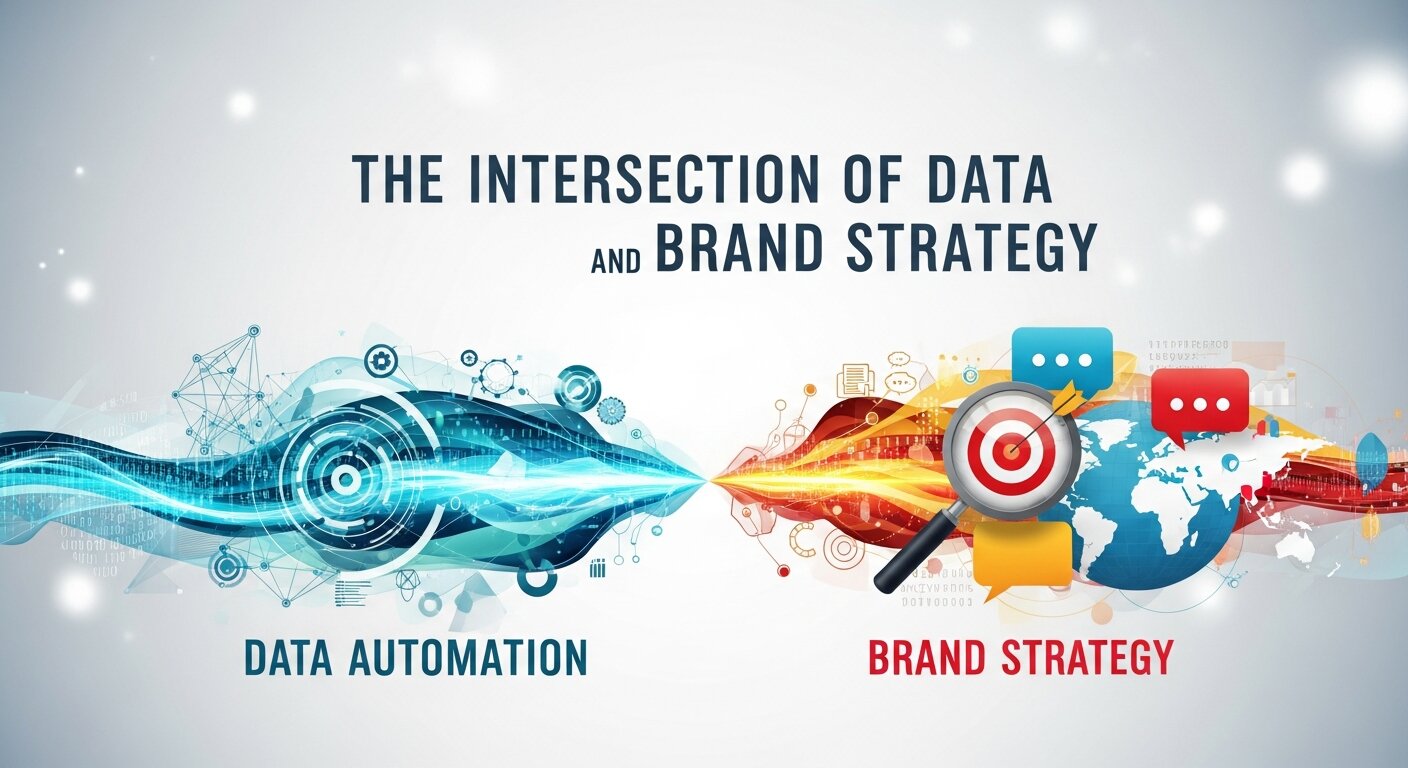 Data isn’t just numbers; it’s the fuel for your brand marketing. When Data Entry and Office Automation are handled correctly, they feed into your brand strategy guide.
Brand Voice and Personalization
How does a spreadsheet affect your brand voice strategy?
- Automated CRM Data Entry: When a system automatically logs a customer’s birthday, favorite color, and past purchases, the “automated” email can be written with a highly specific brand personality in marketing.
- Building Brand Authority: By automating the collection of industry statistics, your team can quickly produce high-quality reports, solidifying your personal brand strategy as a thought leader.
Reputation Management through Automation
In the digital age, a single negative review can tank your brand equity in marketing.
- Review Management Services: Automation tools scan the web for mentions of your brand.
- Digital Reputation Management: If a negative comment is detected, an automated workflow can immediately alert a human crisis management specialist or trigger a brand monitoring service report.
Conclusion
Data Entry and Office Automation is the engine of the modern enterprise. By removing the shackles of manual labor, businesses can pivot toward creative content services, brand strategy roadmap development, and integrated marketing that actually resonates with humans. The goal isn’t just to work faster; it’s to work smarter, creating a more fulfilling environment for employees and a more seamless experience for customers.
FAQs
1. What is the difference between manual and automated data entry?
Manual data entry involves humans physically typing information into a system, which is slow and error-prone. Data Entry and Office Automation uses software like OCR and RPA to extract and transfer data automatically, ensuring high speed and 99.9% accuracy.
2. How does RPA help in office automation?
Robotic Process Automation (RPA) uses “bots” to handle repetitive tasks like moving data between a website and an Excel sheet. It is a key component of Data Entry and Office Automation because it can work across different software platforms without needing complex coding.
3. Is automated data entry expensive for small businesses?
While there is an initial setup cost, automation for small businesses often pays for itself within 6–9 months by reducing the need for additional administrative staff and eliminating costly human errors.
4. Can AI handle handwritten data entry?
Yes, modern Intelligent Document Processing (IDP) uses machine learning to recognize and digitize handwritten text with increasing accuracy, making it a powerful tool for industries like healthcare and law.
5. What are the security risks of office automation?
Automated systems process vast amounts of data, making them targets for cyberattacks. It is essential to implement strong encryption, access controls, and regular audits as part of your Data Entry and Office Automation strategy.
6. Does automation lead to job losses?
While it replaces “task-heavy” roles, it creates new opportunities in automation management, data analysis, and process optimization. The focus shifts from “doing” the work to “managing” the systems that do the work.
7. How do I start automating my data entry?
Start by identifying your most repetitive, high-volume task (like processing receipts). Use a pilot program with a tool like Xero or HubSpot to see how automation improves that specific workflow before scaling up.
8. What is Hyperautomation?
Hyperautomation is the use of multiple technologies—like AI, RPA, and low-code platforms—to automate as many business and IT processes as possible. It is the most advanced stage of Data Entry and Office Automation.
9. Can I automate data entry into my CRM?
Absolutely. Most modern CRMs offer automated CRM data entry through APIs or tools like Zapier, which can automatically pull lead information from web forms, emails, or webinars.
10. How does automation improve customer experience?
By using Data Entry and Office Automation, businesses can respond to customer inquiries faster, process orders instantly, and provide personalized service based on real-time data, leading to higher satisfaction and loyalty.