AI-powered OCR automates data entry, improving speed, accuracy, and efficiency while reducing errors and costs, freeing employees for strategic work.
Data entry is a fundamental task for nearly every business, yet it remains one of the most tedious, time-consuming, and error-prone processes. For decades, organizations have relied on manual methods to transfer information from physical documents, invoices, and forms into digital systems. This approach not only consumes valuable employee hours but also introduces a significant risk of human error, which can lead to costly mistakes in everything from financial reporting to customer management.
The digital age has brought forth powerful solutions to these long-standing challenges. Optical Character Recognition (OCR) and Artificial Intelligence (AI) are at the forefront of this transformation, offering a path to complete data entry automation. By combining these technologies, businesses can create systems that read, understand, and process information from documents with incredible speed and accuracy. This guide explores how you can leverage OCR and AI to automate your data entry workflows, freeing up your team to focus on more strategic, high-value tasks.
Understanding the Building Blocks: OCR and AI
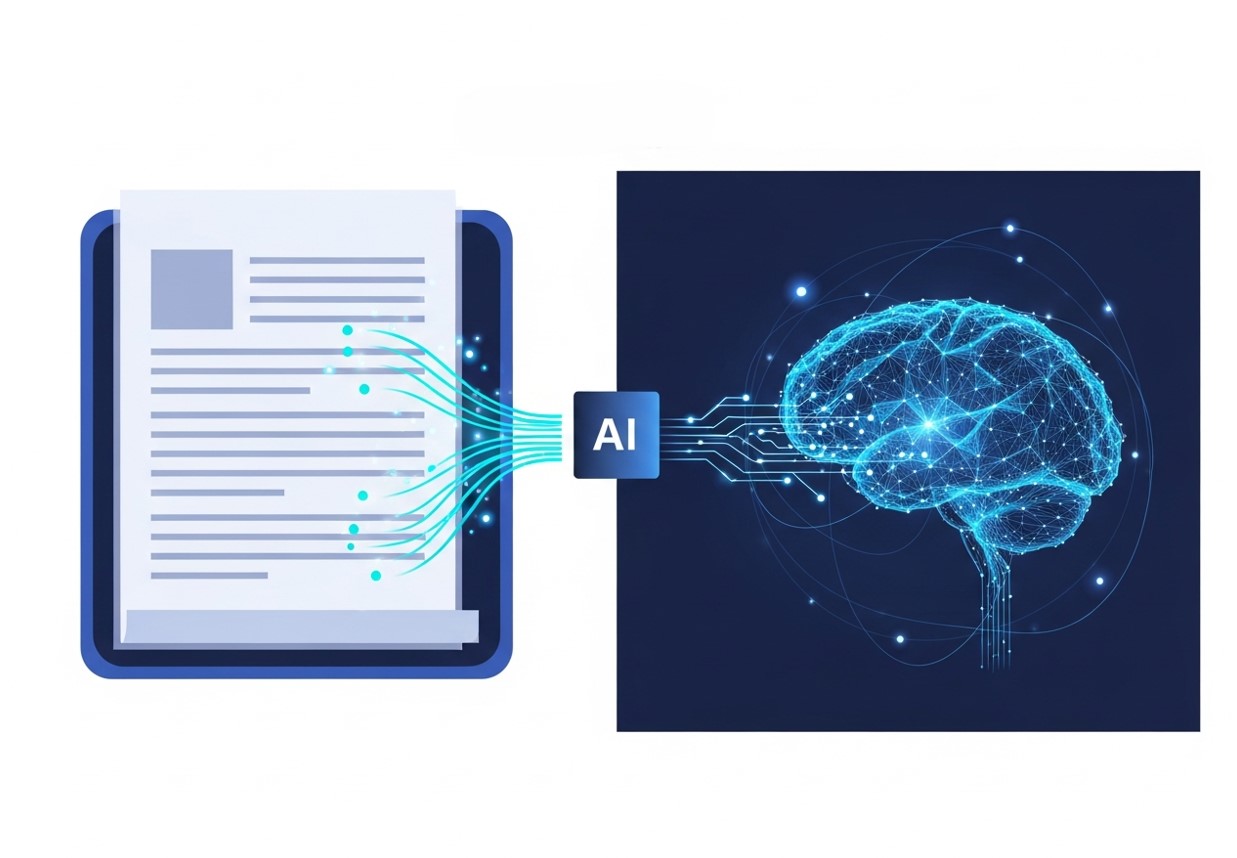
Before automating the process, it’s important to understand the core technologies that make it possible. OCR and AI are distinct but complementary tools that, when used together, create a powerful automation engine.
What is Optical Character Recognition (OCR)?
Optical Character Recognition is a technology that converts different types of documents, such as scanned paper documents, PDF files, or images captured by a digital camera, into editable and searchable data. At its core, OCR software identifies characters, words, and numbers within an image and translates them into machine-readable text.
Think of it as a digital transcriber. When you scan a paper invoice, your computer sees it as a single image file. You can’t copy text from it or search for specific information. OCR technology analyzes that image, recognizes the shapes of the letters and numbers, and converts them into digital text that can be edited, indexed, and stored in a database.
Early OCR systems were effective but had limitations. They often struggled with handwritten text, complex layouts, or low-quality images. However, modern OCR has become far more sophisticated, largely thanks to advancements in artificial intelligence.
The Role of Artificial Intelligence (AI)
Artificial Intelligence enhances OCR by adding a layer of intelligence and context to the data extraction process. While traditional OCR can digitize text, AI helps the system understand what that text means. This is often referred to as Intelligent Document Processing (IDP).
AI algorithms, particularly machine learning and deep learning models, are trained on vast datasets of documents. This training enables them to:
- Improve Accuracy: AI can learn to recognize a wider variety of fonts, handwriting styles, and even decipher text from blurry or damaged documents.
- Understand Context: AI doesn’t just read text; it understands its context. For example, it can identify that “10/12/2024” is a date, “$500.00” is a total amount, and “Invoice #12345” is an invoice number.
- Handle Complex Layouts: AI can process documents with complex structures, like tables, multi-column layouts, and forms with various fields. Learn how to automate browser data entry for similar applications.
- Validate Data: AI models can be programmed with specific business rules to validate the extracted data. For instance, it can check if an invoice total matches the sum of its line items or verify that a VAT number has the correct format.
By combining the text recognition power of OCR with the contextual understanding of AI, businesses can achieve a level of data entry automation that was previously unimaginable. For practical guidance, explore our complete guide to automated data entry.
How to Automate Data Entry with OCR and AI
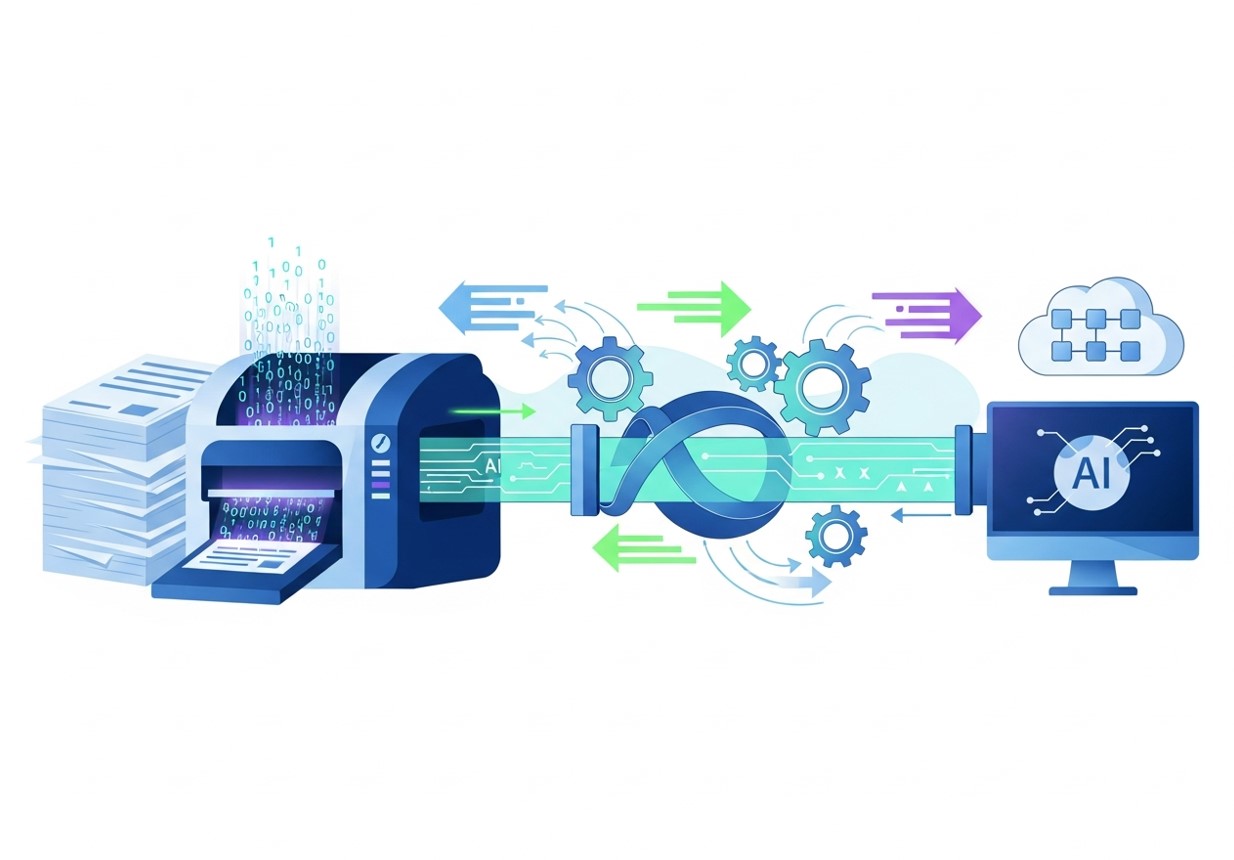
Automating your data entry workflow is a multi-step process. By following a structured approach, you can ensure a smooth and successful implementation that delivers a strong return on investment.
Step 1: Identify and Analyze Your Data Entry Processes
The first step is to identify which data entry tasks are the best candidates for automation. Look for processes that are:
- High-Volume: Tasks that involve processing a large number of similar documents, like invoices, purchase orders, or expense receipts.
- Repetitive: Manual data entry that follows a predictable pattern.
- Rule-Based: Processes governed by clear rules that an AI can be trained to follow.
- Prone to Error: Tasks where manual mistakes can lead to significant problems.
Once you’ve identified potential candidates, analyze the documents involved. What types of documents are they (invoices, forms, contracts)? What information needs to be extracted (dates, names, amounts, item details)? Are the documents structured (like a form) or unstructured (like a contract)? This analysis will help you choose the right automation solution. For tips on evaluating your workflows, check out our data entry and office automation guide.
Step 2: Choose the Right OCR and AI Solution
With a clear understanding of your needs, you can select an appropriate tool. There are three main types of solutions available:
- Out-of-the-Box Software: Many platforms offer pre-built solutions for common data entry tasks like invoice processing or receipt management. These are often easy to set up and are ideal for standard use cases.
- Customizable Platforms: Some vendors provide platforms that allow you to build custom AI models for your specific documents. This approach offers more flexibility and is suitable for unique or complex workflows.
- API-Based Services: For businesses with in-house development teams, OCR and AI APIs from providers like Google Cloud Vision or Amazon Textract can be integrated directly into existing applications.
When evaluating solutions, consider factors like accuracy, ease of use, integration capabilities, scalability, and cost. It’s often a good idea to run a pilot project with a small batch of documents to test the performance of a tool before committing to a full-scale implementation.
For organizations using CRMs like HubSpot, see our complete guide to automating HubSpot data entry
Step 3: Design the Automated Workflow
With a tool selected, the next step is to design the new automated workflow. This typically involves several stages:
- Document Ingestion: How will documents enter the system? This could be through email attachments, a dedicated scanner, a mobile app, or an upload portal.
- OCR and Data Extraction: The software will process the document, using OCR to digitize the text and AI to extract the relevant data fields.
- Data Validation and Review: No system is perfect. The workflow should include a step for validating the extracted data. This can be automated using business rules (e.g., “Invoice total must be greater than zero”). It’s also wise to implement a “human-in-the-loop” review for exceptions or low-confidence extractions, where an employee can quickly verify or correct the data.
- Data Integration: Once validated, the extracted data needs to be sent to the appropriate destination system. This could be an ERP, CRM, accounting software, or a database. The solution you choose should have robust integration capabilities.
- Archiving: Finally, the original document and its extracted data should be archived for compliance and record-keeping purposes.
For a broader perspective on how automation fits into digital transformation, see why digital marketing is the future.
Step 4: Train and Implement the System
Before going live, you need to train the AI model, especially if you are using a customizable platform. This involves feeding the system a set of sample documents and showing it which data to extract. The more high-quality training data you provide, the more accurate the model will become.
Once the model is trained and the workflow is configured, you can begin a phased implementation. Start with a single department or a specific document type to work out any issues before rolling it out across the organization. Provide thorough training to employees who will interact with the new system, particularly those responsible for reviewing exceptions.
Step 5: Monitor, Optimize, and Scale
Automation is not a “set it and forget it” project. After implementation, continuously monitor the system’s performance. Track key metrics like accuracy rates, processing times, and the number of exceptions requiring manual review.
Use this feedback to optimize the system. You may need to retrain the AI model with new document variations or adjust the business rules for validation. As your business grows, you can scale the solution to handle higher volumes and expand it to other departments and data entry tasks.
The Future is Automated
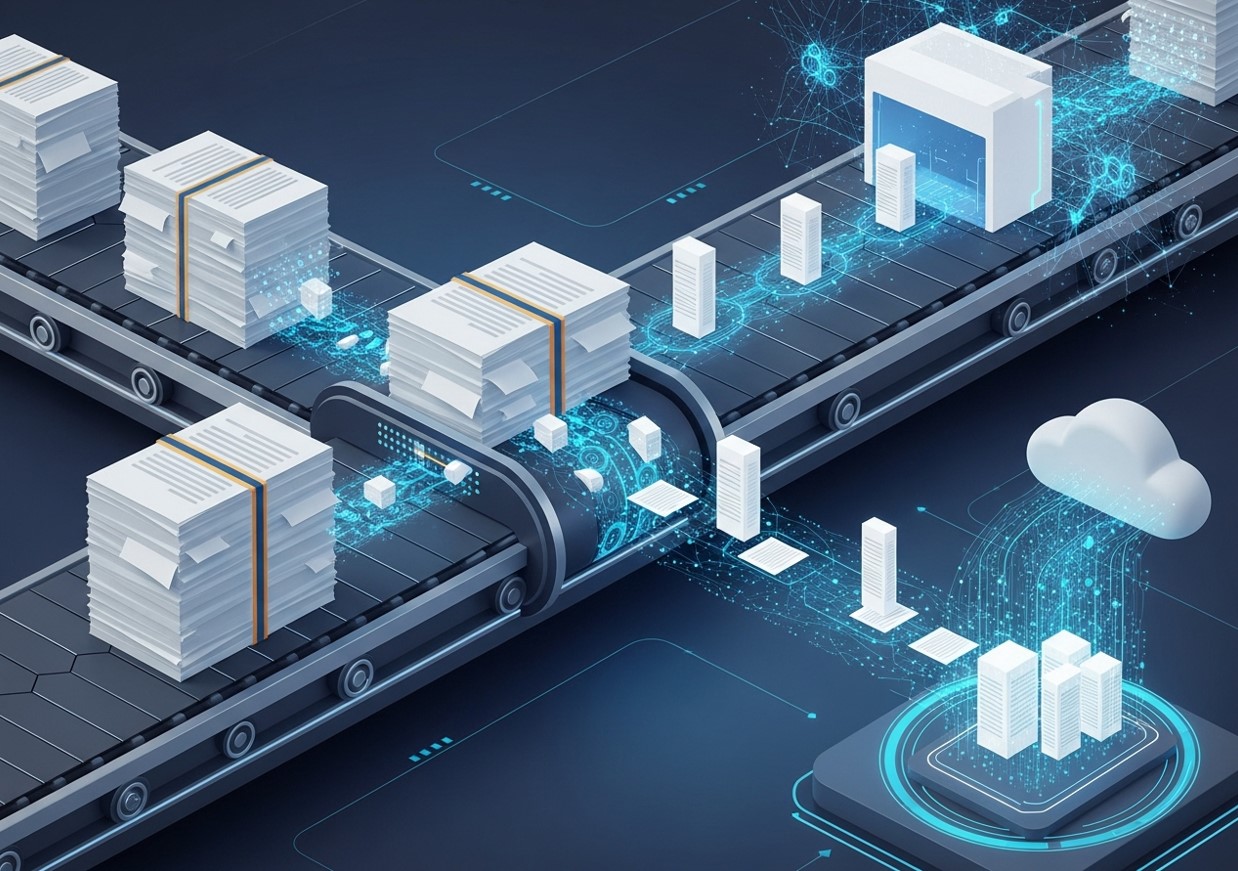
Automating data entry with OCR and AI is no longer a futuristic concept—it’s a practical and accessible strategy for businesses of all sizes. By replacing tedious manual tasks with intelligent, automated workflows, organizations can achieve significant gains in efficiency, accuracy, and employee satisfaction. The journey to full automation requires careful planning and a strategic approach, but the rewards are transformative. By freeing your team from the burden of manual data entry, you empower them to focus on what truly matters: driving innovation and delivering value to your customers.
Frequently Asked Questions (FAQ)
How accurate is data entry automation with OCR and AI?
Modern OCR and AI solutions can achieve accuracy rates of over 99% for structured documents. The accuracy depends on factors like the quality of the scanned document, the complexity of the layout, and how well the AI model is trained. For handwritten or low-quality documents, accuracy may be lower, but “human-in-the-loop” workflows ensure that any errors are caught and corrected by an employee.
Is this technology only for large enterprises?
No. While large enterprises were early adopters, the rise of cloud-based SaaS solutions has made OCR and AI technology affordable and accessible for small and medium-sized businesses (SMBs). Many vendors offer flexible pricing plans based on document volume, allowing smaller companies to benefit from automation without a large upfront investment.
Can OCR and AI handle handwritten documents?
Yes, modern AI-powered OCR, often called Intelligent Character Recognition (ICR), has made significant progress in recognizing handwritten text. While it’s still more challenging than processing typed text, advanced models can accurately extract information from handwritten forms and notes, especially if the handwriting is relatively neat.
What is “human-in-the-loop” automation?
Human-in-the-loop (HITL) is a model that combines AI automation with human intelligence. In the context of data entry, the AI handles the bulk of the processing. However, when it encounters a document or data point it’s not confident about, it flags it for a human to review. This ensures high accuracy while still automating the majority of the work.
What kind of ROI can I expect from automating data entry?
The return on investment (ROI) comes from several areas. The most obvious is cost savings from reduced labor hours spent on manual data entry. Other benefits include increased accuracy (reducing costly errors), faster processing times (leading to quicker payments and improved cash flow), and improved employee morale as staff can focus on more engaging, strategic work.
Is it difficult to integrate OCR/AI tools with my existing software?
Most modern data entry automation platforms are designed with integration in mind. They typically offer pre-built connectors for popular ERP, CRM, and accounting systems (like QuickBooks, SAP, and Salesforce). For custom systems, they usually provide APIs that allow your developers to build a seamless integration.
How secure is my data with these platforms?
Data security is a top priority for reputable OCR and AI vendors. They use industry-standard security measures like data encryption (both in transit and at rest), secure access controls, and regular security audits. When choosing a provider, be sure to inquire about their security protocols and compliance certifications (such as SOC 2 or GDPR).
What’s the difference between OCR and Intelligent Document Processing (IDP)?
OCR is the base technology that converts images into text. Intelligent Document Processing (IDP) is a more advanced solution that builds on OCR by using AI and machine learning to not only extract the text but also classify, understand, and validate the information within it. IDP is what enables true end-to-end automation.
How long does it take to implement a data entry automation solution?
The implementation timeline can vary. For simple, out-of-the-box solutions for standard documents like invoices, you could be up and running in a matter of days or weeks. For more complex, custom projects that require significant model training and integration work, the process could take several months.
Do I need a data scientist to use these tools?
Not necessarily. Many modern IDP platforms are designed to be user-friendly, with intuitive interfaces that allow business users (not just data scientists) to train AI models and configure workflows. While having technical expertise can be helpful for custom integrations, it’s not a prerequisite for getting started with data entry automation.