
The good news? Technology has evolved to offer sophisticated automation solutions that can handle these tasks with remarkable accuracy and speed. This comprehensive guide will walk you through the most effective methods to automate your web-based data entry processes, helping you reclaim valuable time while improving data accuracy.
By the end of this post, you’ll understand various automation tools available, know how to choose the right solution for your needs, and have a clear roadmap for implementing automated data entry in your organization.
Understanding Web-Based Data Entry Automation
Web-based data entry automation refers to using software tools and technologies to automatically input, transfer, or manipulate data across web applications without manual intervention. This process can range from simple form-filling to complex data synchronization between multiple platforms.
Automation eliminates the need for employees to manually copy and paste information, reducing the risk of typos, missed entries, and inconsistent formatting. Modern automation tools can recognize web elements, extract data from various sources, and input information with precision that often exceeds human accuracy.
The scope of automation extends beyond basic data input. Advanced systems can validate information, apply business rules, handle exceptions, and even make decisions based on predefined criteria.
Common Web-Based Data Entry Challenges
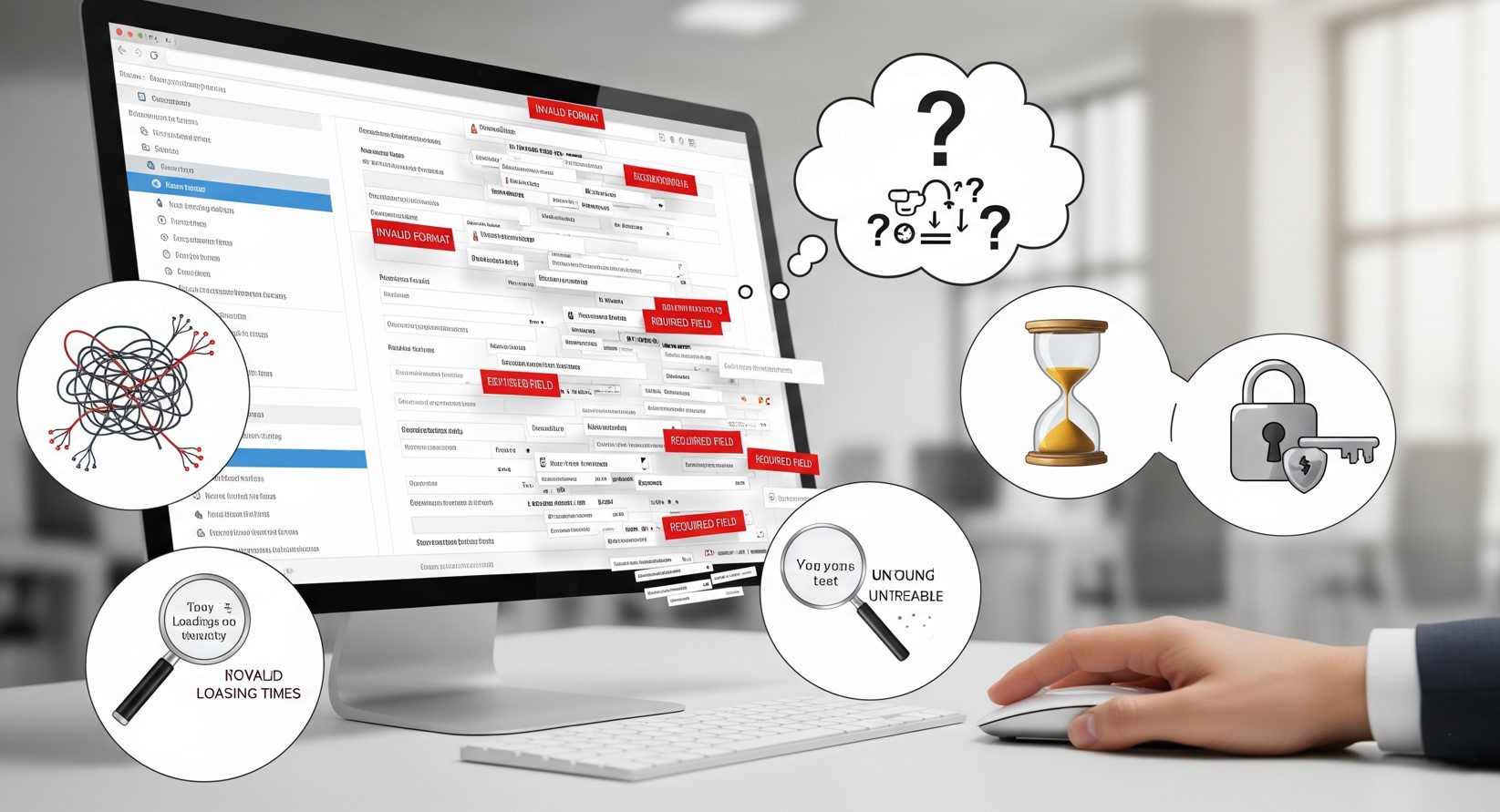
Before exploring automation solutions, it’s essential to understand the typical pain points that drive organizations toward automated approaches.
Time Consumption and Resource Allocation
Manual data entry can consume 30-40% of an employee’s workday, particularly in industries like healthcare, finance, and e-commerce. This significant time investment often prevents staff from focusing on higher-value activities that require human judgment and creativity. Businesses can explore business automation for small businesses to optimize their resources.
Human Error and Data Quality Issues
Research indicates that human error rates in manual data entry can reach 1-4%, depending on the complexity of the task. These errors compound over time, leading to corrupted databases, incorrect reporting, and poor business decisions based on flawed information.
Scalability Limitations
As businesses grow, data entry requirements typically increase exponentially. Hiring additional staff to handle growing volumes becomes expensive and difficult to manage, especially during peak periods or seasonal fluctuations.
Repetitive Strain and Employee Satisfaction
Repetitive data entry tasks can lead to physical strain and job dissatisfaction. Employees often find these tasks monotonous, impacting overall workplace morale and increasing turnover rates. Implementing standardized web development best practices can help streamline data workflows and improve user experience for staff handling these tasks.
Popular Automation Tools and Technologies
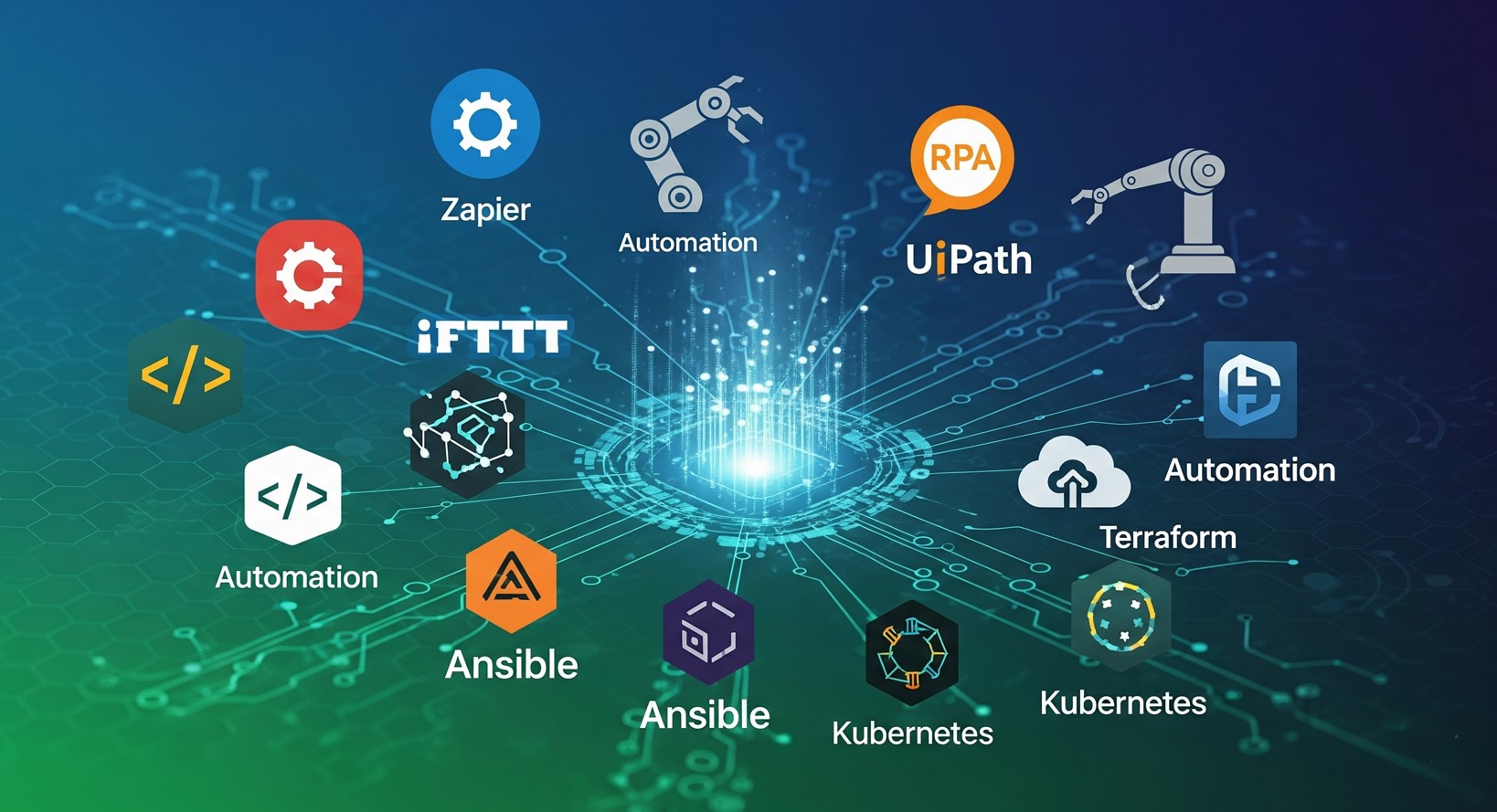
The market offers numerous solutions for automating web-based data entry, each with distinct capabilities and use cases.
Robotic Process Automation (RPA) Platforms
RPA tools like UiPath, Automation Anywhere, and Blue Prism excel at mimicking human interactions with web applications. They can navigate websites, fill forms, extract data from tables, and perform complex workflows across multiple systems. See our guide on how to automate manual data entry for more insights..
RPA solutions work particularly well for rule-based processes where the steps remain consistent. They can handle login procedures, navigate through multiple web pages, and input data according to predefined templates.
Web Scraping and API Integration Tools
Tools such as Scrapy, Beautiful Soup, and Selenium enable automated data extraction from websites and subsequent entry into target systems. When combined with API connections, these solutions can create seamless data pipelines between different platforms.
API integration represents the most efficient approach when both source and destination systems support programmatic access. This method ensures real-time data synchronization and reduces the risk of data inconsistencies.
Browser Automation Extensions
Browser-based solutions like iMacros, Greasemonkey, and custom JavaScript bookmarklets offer lightweight automation for specific web-based tasks. These tools integrate directly with browsers and can automate repetitive actions within familiar web interfaces.
While less powerful than dedicated RPA platforms, browser extensions provide an accessible entry point for organizations beginning their automation journey.
Cloud-Based Integration Platforms
Services like Zapier, Microsoft Power Automate, and Integromat connect web apps and automate data transfer. These platforms require minimal technical expertise, making them perfect for business users. Explore how to automate HubSpot data entry for an example of cloud-based workflow automation.
Cloud-based solutions require minimal technical expertise and can be configured by business users rather than IT professionals. They work exceptionally well for standard applications with pre-built connectors.
Implementation Strategies and Best Practices

Successful data entry automation requires careful planning and execution. Following proven strategies can significantly improve your chances of achieving desired outcomes.
Process Analysis and Documentation
Begin by thoroughly documenting your current data entry processes. Map out each step, identify data sources and destinations, and note any business rules or validation requirements. This documentation serves as the foundation for automation design.
Consider conducting time-and-motion studies to quantify the current effort required and establish baseline metrics for measuring improvement. Understanding process variations and exception handling requirements helps design more robust automation solutions.
Pilot Project Selection
Choose your first automation project carefully. Ideal candidates involve high-volume, rule-based processes with minimal variations. Simple form submissions, data transfers between familiar systems, or routine report generation make excellent starting points.
Avoid complex processes with numerous exceptions or those requiring significant human judgment for your initial projects. Success with simpler automation builds confidence and expertise for tackling more challenging tasks later.
Security and Compliance Considerations
Automated systems must maintain the same security standards as manual processes. Implement secure credential management, audit logging, and access controls to protect sensitive information during automated data handling.
Consider regulatory requirements that may apply to your data processing activities. Industries like healthcare, finance, and legal services often have specific compliance obligations that automation systems must respect.
Testing and Quality Assurance
Develop comprehensive testing procedures to validate automation accuracy and reliability. Create test datasets that include edge cases, unusual data formats, and error conditions to ensure your automation handles various scenarios appropriately.
Implement monitoring systems that can detect when automated processes encounter errors or produce unexpected results. Early detection allows for quick intervention and prevents problems from accumulating.
The Role of Artificial Intelligence in Data Entry Automation
Artificial Intelligence (AI) is transforming the landscape of web-based data entry automation by enabling systems to handle tasks that previously required human judgment. Unlike traditional automation that follows predefined rules, AI-powered tools can interpret unstructured data, recognize patterns, and make decisions based on context.
For example, AI can extract information from scanned documents, emails, or PDFs using Optical Character Recognition (OCR) combined with natural language processing (NLP). This allows businesses to process invoices, receipts, and contracts automatically without manual intervention. Over time, machine learning models can improve accuracy by learning from errors and adapting to new data formats, further reducing human involvement.
AI-driven automation also enhances predictive capabilities. For instance, systems can detect anomalies in datasets, flag potential errors, or suggest corrections before data is entered into core systems. This proactive approach not only improves efficiency but also strengthens data quality across the organization.
Workflow Standardization Before Automation

Before implementing automation, it’s critical to standardize your workflows. Inconsistent processes lead to errors and reduce the effectiveness of automation tools. Standardization involves defining clear steps for each data entry task, specifying required data formats, and establishing validation rules.
For example, if your organization receives customer orders from multiple sources (email, web forms, phone), standardizing how each order is formatted ensures that automation can process them without manual adjustments. Standardization also simplifies training for employees and helps future-proof automation by making it easier to scale or modify workflows.
By documenting workflows and setting clear standards, businesses minimize exceptions and maximize the efficiency and reliability of automated systems.
Data Validation and Error Handling in Automation
Automation is only as effective as the data it processes. Incorporating robust validation mechanisms ensures that erroneous or incomplete data doesn’t corrupt your systems.
Automation platforms can be configured to validate data in real-time, checking for missing fields, incorrect formats, duplicates, or discrepancies against existing records. For example, a system entering addresses can verify postal codes, or a CRM integration can prevent duplicate lead entries.
Error handling is equally important. Automated workflows should include exception management protocols, such as flagging errors for human review, retry mechanisms for failed entries, or notifications for immediate intervention. Proper validation and error handling reduce data inconsistencies, improve business decisions, and maintain trust in your systems.
Cost-Benefit Analysis of Automation
Investing in automation requires a clear understanding of potential costs versus expected benefits. Beyond the upfront cost of software licenses, businesses must consider implementation time, staff training, and maintenance expenses.
The benefits, however, can be substantial: reduced labor costs, faster data processing, fewer errors, improved scalability, and higher employee productivity. Conducting a cost-benefit analysis helps organizations identify the processes with the highest ROI potential.
For instance, automating a repetitive invoice entry task may have a quick payback period by saving dozens of hours per month, while more complex integrations, like multi-system synchronization, may take longer to justify but deliver long-term efficiency and accuracy improvements.
Measuring Success and ROI
Quantifying the benefits of data entry automation helps justify investment and guide future improvements.
Key Performance Indicators
Track metrics such as processing time reduction, error rate improvement, and cost savings per transaction. Compare these measurements against baseline performance to demonstrate tangible benefits.
Monitor employee satisfaction and engagement levels, particularly for staff who previously handled manual data entry. Improved job satisfaction often correlates with reduced turnover and increased productivity in other areas.
Long-term Benefits Assessment
Beyond immediate efficiency gains, consider broader organizational benefits such as improved data quality, faster decision-making, and enhanced customer service capabilities. These indirect benefits often exceed the direct cost savings from reduced manual labor.
Evaluate your organization’s ability to scale operations without proportionally increasing staffing levels. This scalability advantage becomes particularly valuable during growth phases or market expansion.
Getting Started with Your Automation Journey
Implementing data entry automation doesn’t require massive upfront investment or extensive technical expertise. Start with these practical steps to begin your automation journey.
Identify one high-impact, low-complexity process that consumes significant time each week. Document the current process thoroughly and research available tools that could handle this specific workflow. Many modern automation platforms offer free trials or freemium tiers that allow experimentation without financial commitment.
Consider partnering with automation specialists or consultants for your first project if internal expertise is limited. This investment in knowledge transfer can accelerate implementation and improve long-term success rates.
Focus on building internal capabilities gradually rather than attempting to automate everything simultaneously. Each successful project provides valuable learning experiences and builds organizational confidence in automation technologies.
The future of business operations increasingly relies on intelligent automation to handle routine tasks while humans focus on strategic activities that require creativity, empathy, and complex problem-solving. Organizations that embrace data entry automation now position themselves for competitive advantages in efficiency, accuracy, and scalability.
Frequently Asked Questions (FAQs)
Is data entry automation suitable for small businesses?
Absolutely. Small businesses often face limited staffing and budget constraints. Automation allows them to process data efficiently without hiring additional employees, improving accuracy and freeing staff to focus on customer-facing activities.
Can automation handle complex or unstructured data?
Yes. Advanced AI-powered tools, OCR, and NLP can interpret unstructured formats such as PDFs, emails, or scanned documents. These systems can categorize, extract, and input data accurately, even when it is not in a standardized structure.
What are the security risks associated with automated data entry?
Automation platforms can introduce risks if not properly configured. Potential concerns include unauthorized access, data leakage, and compliance violations. Mitigation strategies include secure credential management, encryption, audit logs, and role-based access controls.
How do I choose the right automation tool for my organization?
Evaluate based on your current workflows, the volume and complexity of data, integration needs, scalability, and technical expertise. RPA tools, API integrations, and cloud-based platforms each have unique strengths, so select one that aligns with your specific requirements.
Will automation replace human employees?
Automation primarily eliminates repetitive, low-value tasks, allowing employees to focus on higher-level activities that require critical thinking, creativity, and interpersonal skills. While roles may evolve, human oversight remains crucial for decision-making and exception handling.
How long does it take to implement data entry automation?
Implementation time varies depending on the complexity of workflows and tools chosen. Simple projects can be operational within weeks, while more advanced, integrated solutions may require several months. Starting with small pilot projects is recommended to build experience and confidence.
How can I measure ROI from automation?
Track metrics like processing time reduction, error rate decrease, cost savings per transaction, and employee productivity improvements. Compare these against baseline data to quantify tangible and intangible benefits.