Automated data entry uses AI and OCR to capture and validate data, reducing errors, saving time, and boosting productivity across industries. It streamlines workflows, enhances security, and lets teams focus on strategic work.
Data entry is one of those tasks that’s essential for business operations but is often tedious, repetitive, and prone to human error. For decades, companies have relied on manual data entry, a process that consumes countless hours and significant resources. But as technology advances, a more efficient and accurate alternative has emerged: automated data entry.
This post will explore the world of automated data entry solutions. We’ll cover what they are, how they work, and the significant benefits they can bring to your organization. By the end, you’ll have a clear understanding of how this technology can free up your team to focus on more strategic, high-value work, ultimately driving growth and improving your bottom line.
What is Automated Data Entry?
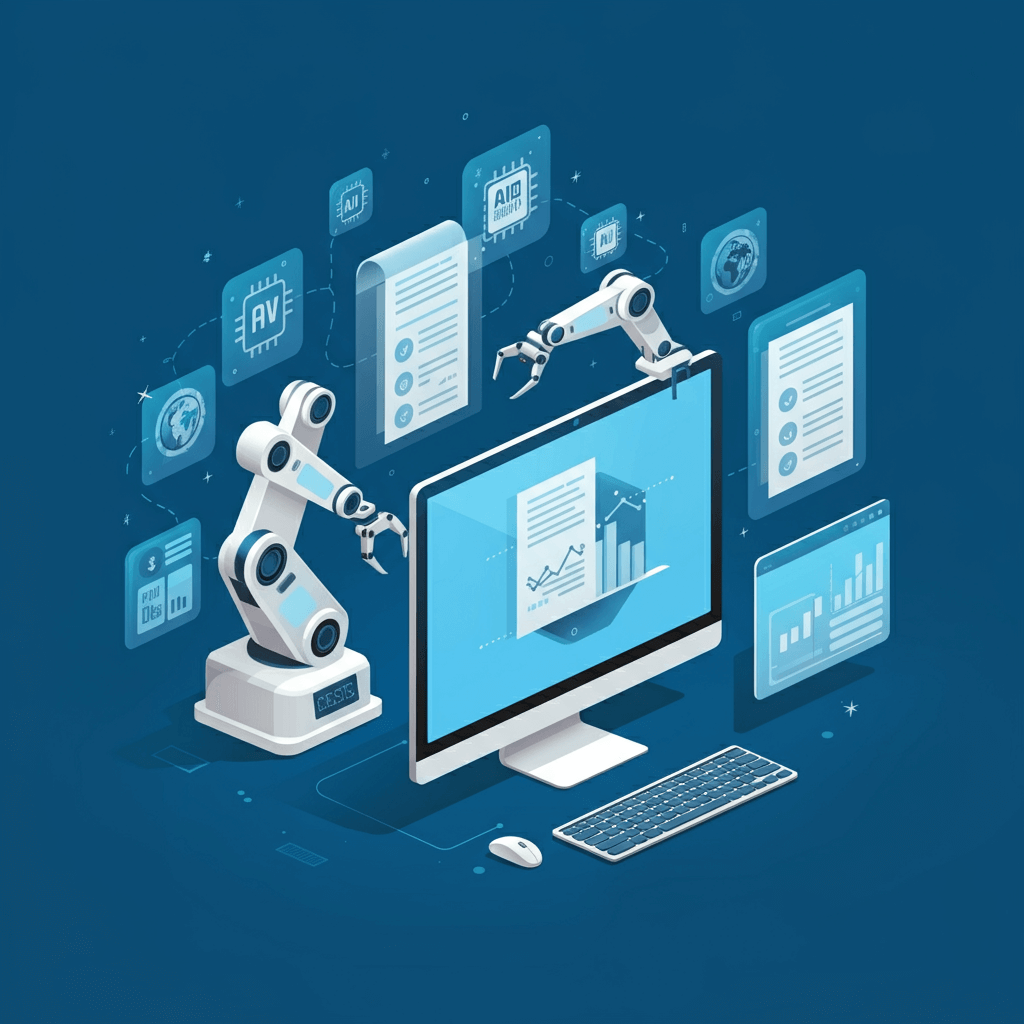
Automated data entry is the process of using software to extract information from various sources—like invoices, receipts, forms, or emails—and input it into a target system, such as a database, CRM, or spreadsheet. This process eliminates the need for manual keying, using technologies like Optical Character Recognition (OCR) and Artificial Intelligence (AI) to read, interpret, and process data automatically.
Think of it as a digital assistant that can read documents just like a human, but much faster and with greater accuracy. The software is trained to identify specific fields (like names, dates, and amounts) and transfer that information to the correct destination without manual intervention.
How Do Automated Data Entry Tools Work?
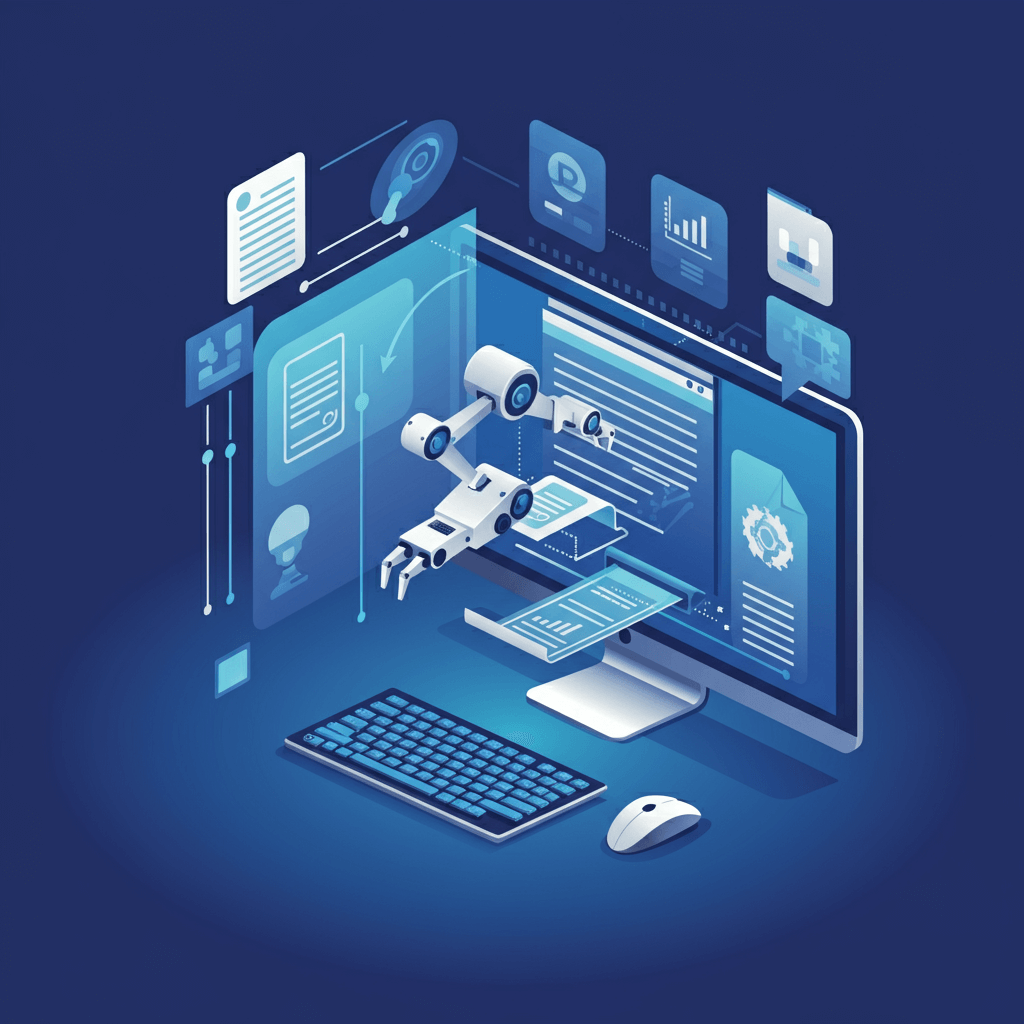
While different tools have unique features, most automated data entry solutions follow a similar workflow. The process typically involves three key stages: data capture, data extraction, and data validation.
Step 1: Data Capture
The first step is getting the data into the system. This can be done in several ways depending on the source format:
- Scanning Paper Documents: Physical documents like invoices or contracts are scanned to create digital images (e.g., PDF, JPEG, TIFF).
- Importing Digital Files: Electronic files, such as PDFs attached to emails or documents stored in cloud services like Dropbox or Google Drive, are directly imported into the software.
- Direct Integration: Some tools can connect directly with other software, like your email inbox or accounting platform, to automatically pull in new documents as they arrive.
For businesses relying on browser-based workflows, see how to automate browser data entry.
Step 2: Data Extraction
Once the document is digitized, the core technology comes into play. Optical Character Recognition (OCR) is the foundational tool that converts the text within the image into machine-readable text. From there, more advanced AI and machine learning (ML) algorithms take over.
These intelligent systems are trained to understand the context and layout of different document types. They can identify key pieces of information, such as:
- Invoice number and date
- Customer name and address
- Line items and total amount
- Purchase order numbers
The AI learns from a vast dataset of documents, allowing it to accurately locate and extract relevant data even when the format varies slightly from one document to the next.
Step 3: Data Validation
To ensure accuracy, the extracted data is then validated. This can involve several checks:
- Rule-Based Validation: The system checks if the data conforms to predefined rules. For example, it can verify that a date is in the correct format or that a total amount matches the sum of its line items.
- Database Cross-Referencing: The software can cross-reference extracted information with existing data in your databases. For instance, it can match a vendor name from an invoice with your list of approved suppliers.
- Human Review: In cases where the software’s confidence is low or there’s an anomaly, the document is flagged for a human to quickly review and confirm the data. This “human-in-the-loop” approach combines the speed of automation with the critical thinking of a person.
After validation, the clean, structured data is exported to its final destination, whether that’s an ERP system, accounting software, or a simple spreadsheet.
Key Benefits of Automated Data Entry
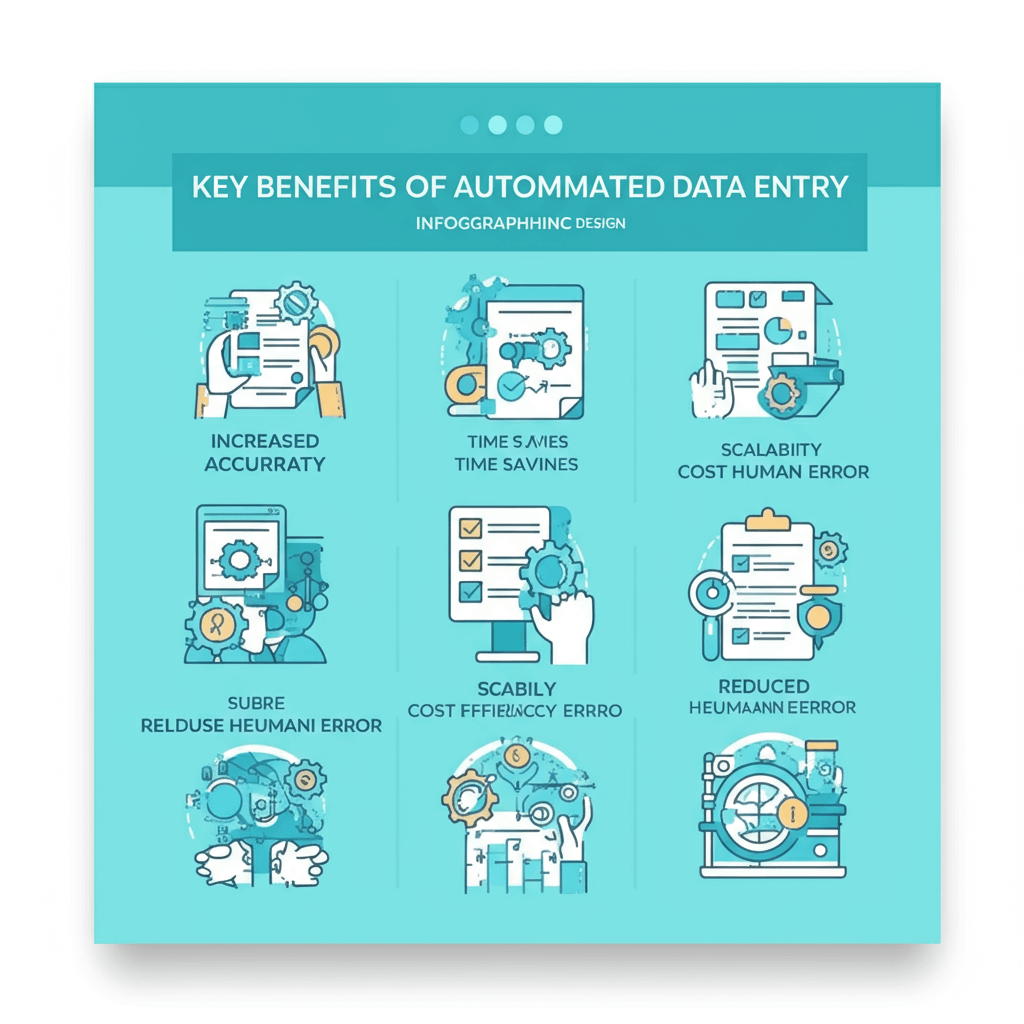
Increased Accuracy and Reduced Errors
Even the most meticulous data entry clerks make mistakes. Manual entry is susceptible to typos, transpositions, and other human errors that can lead to incorrect records, billing issues, and poor business decisions. Automated data entry software boasts accuracy rates of over 99%, significantly reducing the risk of costly errors and ensuring your data is reliable.
Significant Time and Cost Savings
Manual data entry is a time-intensive task. By automating it, you can process documents in a fraction of the time. This frees up your employees from monotonous, low-value work and allows them to focus on more strategic activities like customer service, financial analysis, or business development. This shift not only boosts productivity but also reduces operational costs associated with manual labor.
Automation allows teams to process documents in a fraction of the time. Learn more about saving hours with automation in Python data entry automation: save hours.
Enhanced Productivity and Scalability
With automated data entry, your team can handle a much larger volume of documents without needing to hire additional staff. This makes your operations highly scalable. Whether you’re processing a hundred invoices a month or ten thousand, the system can adapt to your needs, ensuring consistent performance even during peak periods.
Improved Data Security
Handling sensitive paper documents and manual data transfer can create security risks. Automated solutions offer enhanced security features, including access controls, audit trails, and encrypted data storage. This ensures that your confidential information is protected and that you remain compliant with data privacy regulations like GDPR.
Types of Automated Data Entry Solutions
Not all automated data entry tools are created equal. Depending on your business needs, industry, and document volume, different types of automation technologies may be a better fit. Understanding these categories can help you choose the right solution.
OCR-Based Systems
These are the most basic forms of automated data entry, relying primarily on Optical Character Recognition to convert images into text. They’re ideal for structured documents—like forms or invoices—that follow a consistent format. While OCR alone is fast and accurate, it may struggle with handwritten documents or unstructured layouts.
AI-Powered Intelligent Document Processing (IDP)
IDP solutions take automation to the next level by combining OCR with AI, machine learning, and natural language processing. These tools can understand context, identify patterns, and adapt to variations in document structure. They work well with both structured and unstructured data, such as emails, contracts, resumes, and receipts.
Robotic Process Automation (RPA)
RPA tools mimic human actions on a computer, automating repetitive tasks like copying data from one system to another. When used alongside OCR or IDP, RPA becomes a powerful tool for end-to-end automation—capturing data, validating it, and entering it into target systems without human involvement.
Cloud-Based Automation Platforms
These solutions integrate data entry automation with cloud storage, workflow automation, and real-time collaboration. They’re ideal for remote teams and organizations that process documents from multiple locations.
By understanding the capabilities of each solution, you can choose a system that aligns with your operational needs and supports long-term growth.
Common Use Cases Across Industries
Automated data entry is not limited to any single industry. Its versatility makes it invaluable across numerous sectors where documents and data flow continuously. Here are some examples of how different industries rely on automation for efficiency:
Finance and Accounting
Invoice processing, accounts payable, expense management, and purchase order handling benefit greatly from automation. With faster data extraction and validation, financial teams can close books faster and reduce compliance risks.
Healthcare
Hospitals and clinics handle large volumes of patient records, lab results, insurance claims, and referral forms. Automation ensures accuracy while keeping sensitive information secure and compliant with regulations like HIPAA.
Retail and E-commerce
Purchase orders, inventory updates, supplier invoices, product listings, and customer feedback can all be automated. This allows retailers to scale operations during peak seasons without a proportional increase in staff.
Manufacturing
Production reports, shipment documents, inspection records, and equipment logs can be processed automatically, improving operational efficiency and reducing downtime.
Legal and Real Estate
Contracts, agreements, deeds, and billing documents often contain complex layouts. AI-powered data entry tools help extract critical information quickly and accurately, supporting faster client service.
Regardless of the industry, the goal remains the same: reduce manual burden and enhance the speed and accuracy of critical business processes.
Challenges and Considerations When Implementing Automation

While automated data entry brings significant benefits, implementing the system requires thoughtful planning. Businesses need to consider several key factors to ensure a smooth transition.
The first challenge is data quality. Automation relies on clean, well-structured input. Poorly scanned documents, inconsistent formatting, or outdated information can reduce accuracy. Establishing a strong data management framework early on helps mitigate these issues.
Another consideration is integration with existing systems. Your ERP, CRM, or accounting platform must be compatible with the automation tool. Many modern solutions offer APIs and plug-and-play integrations, but legacy systems may require customization.
There’s also the matter of change management. Employees accustomed to manual data entry may resist adopting new processes. Proper training, clear communication, and involving your team early in the implementation process can help ease the transition.
Additionally, businesses must address security concerns. Automated solutions must comply with industry standards and provide safeguards like encryption, role-based access, and secure data transfer. Partnering with reputable vendors ensures confidentiality and compliance.
Finally, companies should start with a pilot project. Testing automation on a small scale allows you to refine workflows before scaling to other departments. This step reduces risk and proves value early in the implementation journey.
The Future of Automated Data Entry
Automated data entry is only scratching the surface of what’s possible with emerging technologies. As AI and machine learning continue to evolve, the capabilities of automated systems will expand dramatically.
In the near future, AI-powered tools will not only extract data but also interpret it—offering recommendations, spotting trends, and predicting outcomes. They’ll act as intelligent advisors rather than simple data processors. Handwritten recognition will improve, making it easier to extract data from documents like notes, forms, and signatures.
Voice recognition technology will also play a larger role. Imagine entering data simply by speaking, with AI transcribing and categorizing it in real time. Additionally, integrations with IoT devices will automate data collection from sensors, machines, and equipment, creating fully autonomous workflows.
Ultimately, automation will shift from processing data to understanding and acting on it, transforming how businesses operate and make decisions. Organizations that embrace this future now will be better positioned to compete and innovate.
AI will evolve to not only extract but also interpret data—offering recommendations, spotting trends, and predicting outcomes. Handwriting recognition and voice-driven data entry will expand automation capabilities. For a practical step-by-step approach, see how to automate data entry in Excel: step-by-step guide.
Faster Access to Business Insights
When data is processed quickly, it’s ready for analysis sooner. Real-time access enables monitoring of KPIs, generating reports, and making faster decisions. This agility mirrors how data analysis improves mobile app performance by providing actionable insights quickly.
Frequently Asked Questions (FAQ)
Ready to Make the Switch?
Automated data entry is no longer a futuristic concept—it’s a practical and accessible solution that can revolutionize how your business handles information. By eliminating manual processes, you can enhance accuracy, reduce costs, and empower your team to focus on what they do best: growing your business.
If you’re still bogged down by paper forms and manual keying, now is the time to explore your options. Researching automated data entry solutions and finding one that fits your specific needs can unlock new levels of efficiency and set your organization on a path to smarter, more scalable growth.
Is automated data entry difficult to set up?
Most modern automated data entry solutions are designed for quick setup, often requiring minimal technical expertise. Cloud-based systems can be deployed in days, not months. However, the complexity depends on your existing infrastructure and the types of documents you process.
Can automated tools handle handwritten documents?
Yes—advanced AI and OCR solutions with handwriting recognition capabilities can process many handwritten documents. While accuracy may vary based on legibility, today’s systems are far more effective than solutions from just a few years ago.
Will automation replace human jobs?
Automation doesn’t eliminate jobs—it transforms them. Instead of spending hours on repetitive tasks, employees can focus on strategic, high-value work such as analysis, customer relationships, and process improvement. Humans remain essential for decision-making, oversight, and exception handling.
How secure are automated data entry solutions?
Reputable tools offer strong security features, including encryption, access controls, audit logs, and compliance with standards like GDPR, HIPAA, and SOC 2. Always choose a vendor that prioritizes data protection and transparency.
What types of documents can be processed automatically?
Automation tools can handle invoices, receipts, purchase orders, contracts, forms, surveys, emails, reports, and many other document types. AI-powered solutions can even process unstructured data, such as notes or mixed-format documents.
How much time can automation actually save?
Depending on your document volume, automation can cut processing time by 50–90%. A task that once took hours can often be completed in minutes. This time savings accumulates significantly as your organization grows.
How do I know if my business is ready for automated data entry?
If your team spends a large amount of time entering, verifying, or transferring data—and errors or delays are common—you’re likely ready. Businesses with growing document volumes stand to benefit the most.