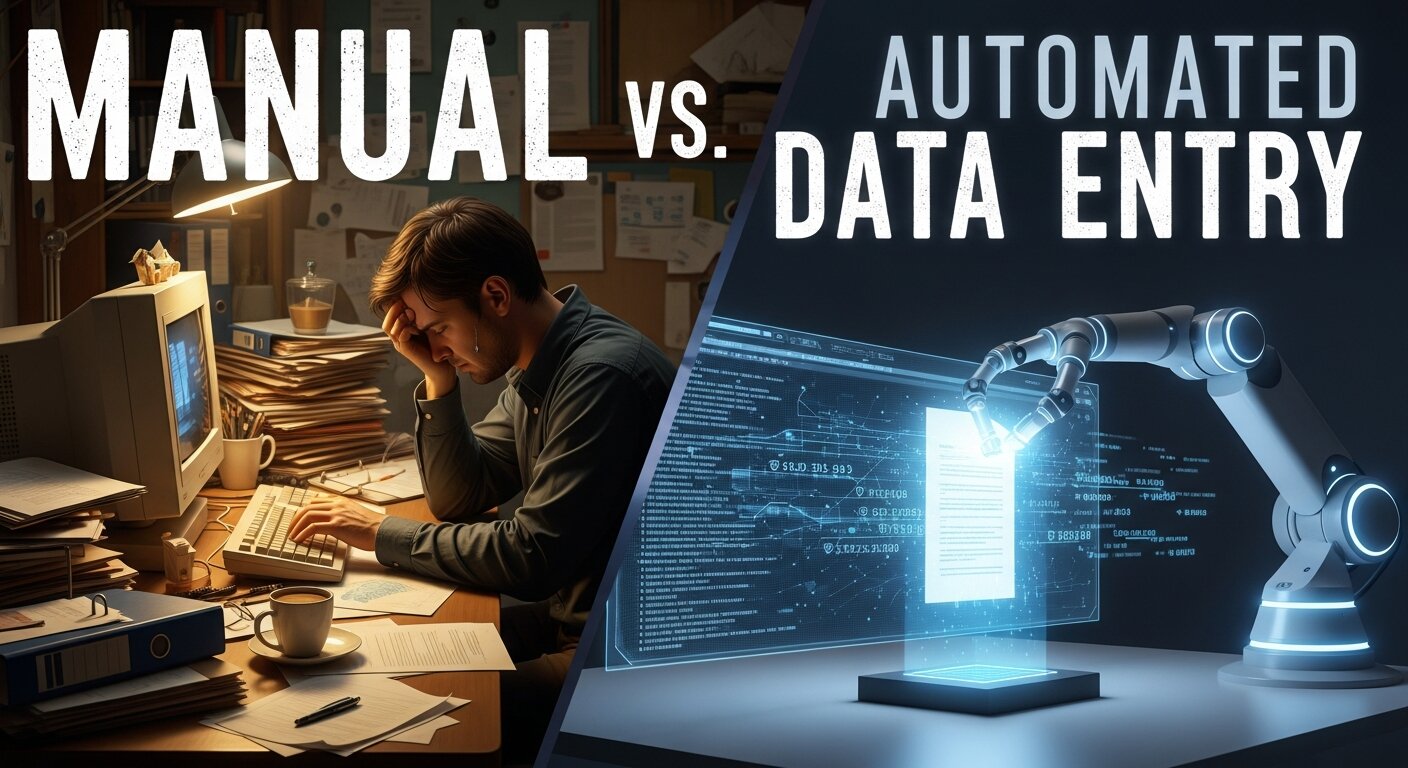
Data drives every decision in modern business, but how you capture that data—whether through Manual vs Automated Data Entry—matters immensely. Choosing the right method for data processing is critical for efficiency, accuracy, and scalability.
This extensive guide analyzes the critical differences between Manual vs Automated Data Entry. We explore the evolution of data processing, the detailed pros and cons of human vs. machine entry, cost analyses, integration with technologies like Robotic Process Automation for Data Entry, and future trends. You will learn how to implement the right strategy—or a hybrid of both—to maximize your organization’s potential.
The Evolution of Data Entry in Modern Business
To understand the current debate surrounding Manual vs Automated Data Entry, we must look at the journey of data management as a cornerstone of business operations. Historically, businesses ran on paper and handwritten records. The process of entering this data into systems—what we now recognize as Data Entry—meant manually copying information into ledgers or early computers.
With the rise of personal computers and the emergence of roles like Data Entry Clerk, companies began digitizing information in earnest. Today, we witness a new revolution marked by Automating Data Entry in Traffic Noise Models, intelligent Spreadsheet Automation, and the deep integration of Artificial Intelligence in data processing. The conversation has quickly advanced from “how quickly can we type?” to “how completely can we automate?” The importance of effective Data Entry and Office Automation cannot be overstated in this environment.
Understanding Manual Data Entry: The Human Touch

Manual Data Entry is the traditional process where human operators input data into computer systems. Whether filling CRM records, entering invoices, or managing Manual Receipt Data Entry, this approach relies on people for context and adaptability.
Key Characteristics
Manual entry depends on human skills for reading, interpreting, and typing:
- Interpretation: Humans can read messy handwriting or unique data—a strength in Textual Data Entry.
- Verification: Human operators spot logical oddities instantly.
- Flexibility: No need for technical setup or programming, ideal for companies asking, “What Does a Data Entry Clerk do?” or those needing Cross-Platform Data Entry.
Advantages of Manual Data Entry
Manual entry has clear advantages in the Manual vs Automated Data Entry landscape:
- High Adaptability to Unstructured Data: For challenging data types—think OCR-challenging images, complex Text Expansion Software outputs, or unusual forms—humans outperform machines.
- Lower Technical Barriers: No complex APIs and Integration Tools required; anyone can start.
- Judgment Calls: Highly beneficial when information requires domain expertise or Improve CRM Data Entry with human context.
- Flexible for Changing Requirements: Ideal for businesses with shifting categories, small data volumes, or those who want Easy Cybersecurity or Artificial Intelligence without major investment.
Limitations of Manual Data Entry

Despite the advantages, there are notable limits:
- Time-Intensive: Processing times are much slower compared to, say, Automated Data Entry AI.
- Human Error: Studies show a 1-4% error rate in Manual vs Automated Data Entry comparisons.
- Scale Challenges: Cost increases linearly with data volume—unlike in Programmable Automation Work models.
- Higher Long-Term Costs: Ongoing salaries and training, especially when scaling to Smart Crowd Data Entry or large teams.
The Rise of Automated Data Entry Solutions
Automated Data Entry employs software that extracts, interprets, and inputs information with minimal human intervention. Key technologies include:
- OCR (Optical Character Recognition): Essential for Automated Paper-Based Data Entry with AI OCR and Automated Data Entry from PDF to Excel.
- ICR (Intelligent Character Recognition): Learns handwriting styles, essential for industries needing Numeric Data Entry and Textual Data Entry.
- RPA (Robotic Process Automation): The backbone of modern automation and Automate Data Entry in Web, used widely for Workflow with Data Entry Automation Software.
- NLP (Natural Language Processing): Interprets and categorizes data, critical for Automate CRM Data Entry and Automate Email Data Entry.
Benefits of Automation
The core benefits when evaluating Manual vs Automated Data Entry include:
- Dramatic Speed Improvements: Tasks like Automate Data Entry from Excel to Website and Automate Data Entry in Google Forms are completed in minutes.
- Enhanced Accuracy: Structured data, when run through Automated Data Entry Form Today or Automated Data Entry AI, can reach 99% accuracy.
- Scalability: Processing thousands of records—be it Mastering Real Time Data Syncing or global Cloud-Based Data Management in E-commerce—without the cost or delays of hiring.
- Cost Efficiency Over Time: Expensive at the outset, but margins drop quickly in high-volume scenarios with Best Practices for Web Form Data Entry and Business Process Automation for Small Businesses.
- Consistency: Machines don’t get fatigued—an advantage noted widely in Automate Manual Data Entry discussions.
Challenges of Automation
It’s not always plug-and-play:
- High Initial Investment: Setting up Automation Data Entry with Artificial Intelligence or Programmable Automation can be costly.
- Technical Expertise: Implementation of Python Data Entry Automation or systems like Excel Macros for Data Entry Automation is not for novices.
- Edge Case Handling: Automate Website Data Entry struggles with inconsistent data Analytics, requiring fallback to human validation.
Comparative Analysis: Manual vs Automated Data Entry
Let’s compare the critical factors:
1. Accuracy and Error Rates
- Manual: Good semantic understanding but prone to “fat finger” mistakes.
- Automated: Exceptional with structured inputs (like Excel How to Automate Data Entry) but can misinterpret low-quality data.
2. Speed and Throughput
- Manual: Limited, averages 10,000-15,000 keystrokes per hour.
- Automated: Can handle thousands to millions of records per hour, powering How Real-Time Data Transfer is Revolutionizing many businesses.
3. Costs and ROI
- Manual: Cheaper for small or temporary projects.
- Automated: Economies of scale favor automation at high volume—perfect for Unlocking Potential With Business Process Automation.
4. Scalability
- Manual: Staffing bottlenecks for rapid growth.
- Automated: Add server capacity or increase license tiers (think API for Real-Time Data Sync).
Hybrid Approaches: The Best of Both Worlds

Many organizations now use a hybrid model, combining Manual vs Automated Data Entry. This “Human-in-the-Loop” approach involves automation for repetitive tasks, with human oversight for complex or ambiguous data—key for How to Build a Fully Automated Data Entry Workflow.
- Example: A system using Mastering Automation in Excel Data Entry or Automated Data Entry AI processes most data automatically. When confidence drops or formats differ, entries are sent for manual correction.
- This model also powers Automate CRM Data Entry and supports Mastering E-Commerce Data Management.
Implementation Considerations and Best Practices
Whether manual or automated, structured implementation is crucial:
For Manual Data Entry Teams
- Ergonomics: Invest in comfortable equipment to prevent fatigue—fundamental in high-volume Textual Data Entry environments.
- Double Entry/Verification: Adopt Best Practices for Web Form Data Entry and Improve CRM Data Entry with dual verification.
- Standardization Guidelines: Unified data formats prevent errors.
- Ongoing Audits: Regularly sample outputs for continuous improvement.
For Automated Systems
- Data Cleansing: Prepare data first (see Wikipedia).
- Start Small: Pilot automation in one area, like Excel Automate Data Entry or Automate Data Entry in a Web Form.
- Monitor & Integration: Use tools that sync with existing CRM Data Management or Cloud-Based Data Management System in E-commerce.
Industry-Specific Applications
Manual vs Automated Data Entry is integral to many industries:
Healthcare
- Patient records often use Manual Receipt Data Entry for initial capture; new data are entered via Automated Data Entry Form Today or voice-input.
- Combines Textual Data Entry (doctors’ notes) with automation for standard forms.
Finance and Accounting
- From Automated Data Entry from PDF to Excel and Robotic Process Automation for Data Entry in invoice processing to Automate Email Data Entry for receipts, automation leads the way—helping with E-commerce Data Security Practices.
E-Commerce
- Massive amounts of product, inventory, and customer data managed with Cloud-Based Data Management in E-commerce and automated API for Real-Time Data Sync.
Marketing and SEO
- Tools like SEMrush, Ahrefs, and Backlinko rely on consistent, automated data entry for competitive analysis and campaign reporting.
Future Trends in Data Entry: What’s Next?
The landscape is evolving rapidly:
AI and Intelligent Automation
- AI Data Entry Automation is closing the gap between human judgment and machine speed, making Building AI and What Is Artificial Intelligence? core to future progress.
- Tools for Automate Paper-Based Data Entry with AI OCR and Voice-Based Data Entry are becoming common, especially for field workers and healthcare.
Blockchain for Data Verification
- Transparent, immutable records—relevant for both large enterprises and small businesses looking to improve Cloud-Based Data Management in E-commerce.
Self-Healing Databases
- Future systems may automatically fix inconsistencies by referencing trusted external sources, minimizing errors in both Manual vs Automated Data Entry.
Making the Right Choice for Your Business
Choosing between manual and automated data entry depends on your business size, budget, and workflow complexity. Manual entry offers flexibility for small-scale tasks, while automation improves speed, accuracy, and scalability for growing operations. Evaluate your data volume, error tolerance, and long-term goals before deciding. A balanced approach—combining human oversight with automation—often delivers the best results, ensuring efficiency without sacrificing quality or control.When deciding between Manual vs Automated Data Entry, consider:
- Volume: Automation is key for high-volume data.
- Complexity: If you handle a lot of Unstructured Data or require Fast and Accurate Copy Typing Techniques, manual may suit you.
- Duration: Permanent operations favor automation; temporary tasks can rely on manual approaches.
- Sensitivity: For high data security, combine automated workflows with human checkpoints.
For many, a hybrid approach is best—using automation where possible, and leveraging human expertise for cases like How to Create a Data Entry Form in Excel or Mastering Real Time Data Syncing.
The Role of SEO and Data Quality

The impact of Manual vs Automated Data Entry on SEO is substantial. Automated Data Entry AI ensures consistent meta tags, schema markup, and data validation—crucial for technical SEO. As highlighted by Backlinko, poor data quality hinders digital growth, underscoring the importance of automated validation.
Conclusion
The debate between Manual vs Automated Data Entry is not about winners—it’s about finding the best fit for your business. Manual entry remains the most flexible for unusual data and judgment-based tasks, while automation is unmatched for speed and scalability. Most modern organizations benefit most from integrated, hybrid solutions that combine the strengths of both methods. As technology evolves, especially with Robotic Process Automation for Data Entry and new AI models, your business will benefit from a flexible, forward-thinking approach.
FAQs
1. What is the biggest cost difference between Manual vs Automated Data Entry?
Manual data entry involves ongoing operational costs (salaries, benefits), scaling linearly. Automated data entry requires higher upfront investment, but scales efficiently, dramatically lowering costs in high-volume scenarios—key for Business Process Automation for Small Businesses.
2. Can automated data entry completely replace humans?
No. While Automated Data Entry AI handles repetitive, structured tasks well, humans are necessary for unstructured data, specialized Manual Receipt Data Entry, judgment calls, and quality assurance.
3. Which method is more accurate in Manual vs Automated Data Entry?
Automation achieves near-100% accuracy for clean, structured data. For handwritten or inconsistent formats—often in Textual Data Entry—humans generally still achieve higher accuracy.
4. How secure is manual data entry?
Manual data entry can be secure with strict protocols but is vulnerable to human error and social engineering. Automated systems must guard against external threats but minimize the risk of internal errors—especially important for industries using Automate CRM Data Entry.
5. What role does OCR play?
OCR (Optical Character Recognition) bridges the gap—essential for Automated Data Entry from PDF to Excel and Automate Paper-Based Data Entry with AI OCR—turning physical documents into digital records for automation.
6. What is a “Human-in-the-Loop” (HITL) system?
A hybrid model automating the majority of data, then routing exceptions to humans—crucial for projects using Cross-Platform Data Entry and automated solutions with manual review.
7. How long does it take to implement Automated Data Entry?
Basic setup (e.g., How to Automate Data Entry in Excel) can be done in days; large-scale Robotic Process Automation may require months for configuration and testing.
8. What industries benefit most from automation?
High-volume, standardized industries—like insurance, logistics, e-commerce, and finance. Retailers use Cloud-Based Data Management and automated systems for product data. Healthcare, finance, and e-commerce depend on scalable Automate CRM Data Entry.
9. Does automating data entry affect SEO?
It improves SEO—automation supports consistent, validated entries for SEO-critical fields, minimizing errors that can hurt your visibility, as emphasized by Backlinko.
10. How do I calculate ROI on switching to automation?
Calculate current labor costs for data entry (wage x hours/month). Compare to monthly licensing and amortized setup of automated solutions. If automation is cheaper (e.g., for Web Data Entry Automation), you have positive ROI.