Python data entry automation saves time, reduces errors, and streamlines repetitive tasks like file conversions, database updates, and web form submissions. Using libraries like pandas, OpenPyXL, Selenium, and SQLAlchemy, businesses can automate workflows, improve accuracy, and free employees for higher-value work. With proper planning, testing, and monitoring, Python automation is reliable, scalable, and suitable for businesses of all sizes.
Why Automate Data Entry with Python?
Python has become the go-to language for data automation due to its versatility and rich ecosystem of libraries. Unlike other programming languages that require extensive setup and complex syntax, Python allows you to build automation scripts quickly and efficiently.
The benefits of Python data entry automation extend far beyond time savings. Automated processes eliminate human error, ensure data consistency, and can run 24/7 without supervision. This reliability is particularly valuable for businesses that handle large volumes of data or need to maintain strict accuracy standards.
Python’s extensive library ecosystem makes it particularly well-suited for data tasks. Libraries like pandas handle data manipulation, openpyxl works with Excel files, and selenium automates web-based data entry. This ecosystem means you rarely need to build solutions from scratch.
Common Data Entry Tasks Perfect for Python Automation
Before diving into implementation, it’s important to identify which data entry tasks will benefit most from automation. Not every data process is a good candidate for automation, but certain patterns emerge as ideal targets.
File Format Conversions
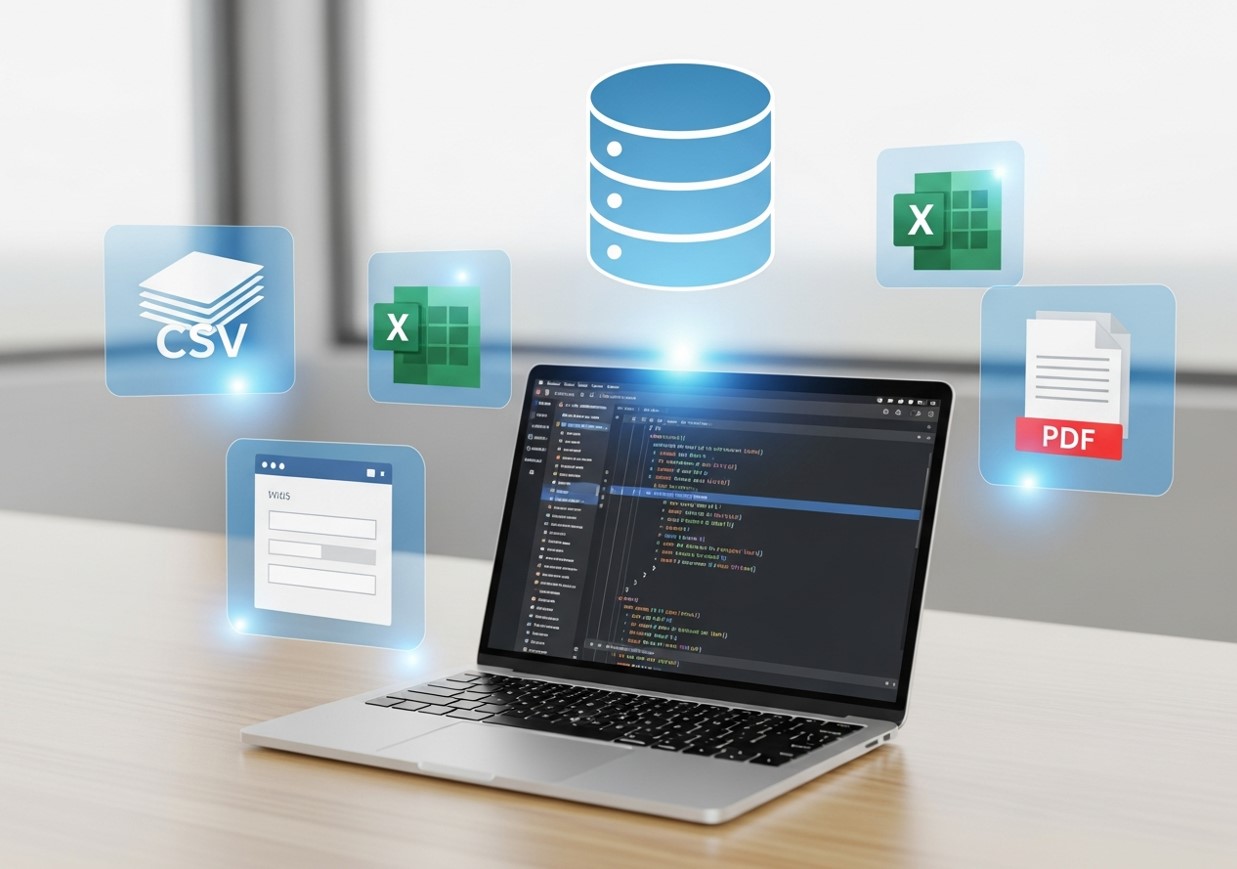
Converting data between different file formats is one of the most practical and high-impact use cases for Python automation. Businesses frequently receive data in formats that don’t align with their internal systems, such as CSV files from vendors, Excel sheets from partners, PDFs containing reports, or exports from legacy software. Python can automate these conversions by reading data from one format, restructuring it as needed, and exporting it into a standardized format that fits your workflow. Beyond simple conversion, Python can apply consistent formatting rules, rename columns, normalize date and currency formats, remove unnecessary fields, and validate data during the process. This ensures that every converted file is clean, accurate, and ready for immediate use without manual intervention.
Database Updates and Synchronization
Manually maintaining consistency across multiple databases is one of the most error-prone data entry tasks in modern organizations. Customer details, inventory records, and financial data often exist in more than one system, and even small discrepancies can lead to reporting errors or operational issues. Python automation can act as a bridge between these systems, routinely comparing records, identifying changes, and updating databases automatically. This synchronization can occur on a schedule or in near real time, ensuring that all platforms reflect the same, up-to-date information. Python scripts can also enforce validation rules during updates, preventing incomplete or incorrect data from being written to critical systems and significantly improving overall data reliability.
Web Form Submission
Many businesses still rely on web-based forms for data entry, especially when dealing with external systems or legacy applications. Python’s web automation capabilities can fill out these forms automatically using data from your existing systems. To see how this works step-by-step, check out how to automate browser data entry.
Data Validation and Cleaning
Despite the growth of APIs, many essential business processes still rely on web-based forms for data entry, particularly when working with third-party platforms, government portals, or older software systems. Entering the same information repeatedly into these forms is both time-consuming and vulnerable to human error. Python’s web automation tools can replicate human interactions with these interfaces by opening browsers, navigating pages, filling in form fields, uploading files, and submitting data automatically. By pulling information directly from internal databases or spreadsheets, Python ensures that data is entered accurately and consistently every time. This approach not only saves time but also allows businesses to automate workflows that would otherwise remain manual due to the lack of direct system integrations.
Essential Python Libraries for Data Entry Automation

Success with Python data entry automation depends largely on choosing the right libraries for your specific needs. Each library serves different purposes and excels in particular scenarios.
Pandas for Data Manipulation
Pandas is the cornerstone of most Python data automation projects. This library provides powerful data structures and tools for reading, manipulating, and writing data in various formats. Pandas can handle everything from simple CSV operations to complex data transformations involving multiple datasets.
The library’s DataFrame structure makes it easy to work with tabular data, while its built-in functions handle common tasks like filtering, grouping, and merging datasets. For most data entry automation projects, pandas will be your primary tool for processing and transforming information.
OpenPyXL for Excel Integration
Many businesses still rely heavily on Excel for data storage and analysis. OpenPyXL allows Python to read from and write to Excel files directly, maintaining formatting and formulas while automating data updates. For detailed tutorials, see how to create Excel automated data entry forms.
Selenium for Web Automation
When your data entry tasks involve web-based systems, Selenium provides the automation capabilities you need. This library can control web browsers programmatically, filling out forms, clicking buttons, and navigating between pages just as a human user would.
Selenium is particularly useful for businesses that need to interact with multiple web-based systems or update cloud applications that don’t offer API access. While web automation can be more complex than file-based operations, it opens up automation possibilities for almost any web-based data entry task.
SQLAlchemy for Database Operations
For businesses with substantial database operations, SQLAlchemy provides a powerful Python interface for working with various database systems. This library abstracts away many of the complexities of database programming while still providing full control over your data operations.
Building Your First Python Data Entry Automation Script

Getting started with Python data entry automation doesn’t require advanced programming skills. Most automation scripts follow similar patterns and can be adapted for different use cases.
Planning Your Automation Project
Before writing code, clearly define what your automation should accomplish. Identify the data sources, specify the transformations needed, and determine the output format. This planning phase will guide your library selection and script structure.
Consider the frequency of your automation needs as well. One-time data migrations require different approaches than daily automated updates. Understanding these requirements upfront will help you build more effective solutions.
Error Handling and Logging
Robust automation scripts include proper error handling and logging capabilities. Data sources can change unexpectedly, files might be missing, or network connections could fail. Your scripts should anticipate these scenarios and respond appropriately.
Implementing comprehensive logging allows you to monitor your automation processes and quickly identify issues when they arise. This monitoring becomes particularly important as you scale up your automation efforts.
Testing and Validation
Never deploy automation scripts without thorough testing. Start with small datasets and verify that your results match expectations. Build in validation checks that compare automated results against known good data when possible.
Consider creating test environments that mirror your production systems but use sample data. This approach allows you to verify your automation logic without risking damage to important business data.
Advanced Python Data Entry Automation Techniques

After mastering the fundamentals of Python automation, you can take your scripts to the next level with advanced techniques that improve efficiency, reliability, and scalability. Parallel processing, API integration, scheduling, and monitoring are all critical. For additional strategies, read AI data entry is revolutionizing CRM automation.
Parallel Processing for Large Datasets
When dealing with substantial amounts of data, parallel processing can significantly reduce execution time. Python’s multiprocessing library allows you to distribute work across multiple CPU cores, making your automation scripts much faster.
This technique is particularly valuable for operations that can be divided into independent tasks, such as processing multiple files or updating separate database tables.
API Integration
Many modern systems offer APIs that provide more reliable alternatives to web scraping or file-based data exchange. Learning to integrate with APIs can make your automation scripts more robust and maintainable.
APIs typically provide structured data access with built-in error handling and rate limiting. While initial setup might be more complex than file-based approaches, API integration often proves more reliable for long-term automation solutions.
Scheduling and Monitoring Automation
Production automation systems need reliable scheduling and monitoring capabilities. Python scripts can be scheduled using system tools like cron on Unix systems or Task Scheduler on Windows. For more complex scenarios, dedicated workflow management tools like Apache Airflow provide sophisticated scheduling and monitoring features.
Proper monitoring includes not just error detection but also performance tracking and data quality validation. These capabilities become essential as your automation systems grow in complexity and importance.
Overcoming Common Python Data Entry Automation Challenges
Even well-planned automation projects encounter obstacles. Understanding common challenges and their solutions can save significant time and frustration.
Handling Data Format Variations
Real-world data rarely conforms to perfect standards. Dates might be formatted differently across systems, text fields could contain unexpected characters, or numeric data might include currency symbols. Building flexible parsing logic that handles these variations is crucial for robust automation.
Regular expressions and pandas’ built-in data cleaning functions can address many formatting inconsistencies automatically. For more complex scenarios, consider building lookup tables or validation rules that standardize data as it’s processed.
Managing System Dependencies
Automation scripts often depend on external systems that might be unavailable or slow to respond. Building retry logic and graceful degradation into your scripts helps maintain reliability even when external dependencies have issues.
Consider implementing circuit breaker patterns that temporarily disable problematic integrations while continuing to process data from reliable sources.
Scaling Automation Solutions
Successful automation projects often grow beyond their original scope. What starts as a simple file conversion might evolve into a comprehensive data integration system. Planning for this growth from the beginning helps avoid architectural limitations later.
Modular script design, proper configuration management, and comprehensive documentation become increasingly important as automation systems grow in complexity.
Transform Your Data Processes with Python Automation
Python data entry automation represents a significant opportunity for businesses looking to improve efficiency and reduce errors in their data processes. The combination of Python’s accessibility and powerful libraries makes automation achievable even for organizations with limited programming resources.
Start small by identifying repetitive data entry tasks that consume significant time or are prone to errors. Build simple automation scripts for these processes and gradually expand your capabilities as you gain experience and confidence.
The investment in learning Python data entry automation pays dividends quickly. Most organizations see immediate time savings and error reductions, while the skills and infrastructure developed for initial projects enable increasingly sophisticated automation solutions over time.
Frequently Asked Questions (FAQ)
Is Python data entry automation suitable for small businesses?
Yes. Small businesses often benefit the most because automation reduces the need for additional administrative staff. Even simple scripts can eliminate hours of repetitive work each week, delivering fast returns with minimal investment.
Do I need advanced programming skills to automate data entry with Python?
No. Many automation tasks rely on straightforward logic and widely used libraries. Basic Python knowledge is usually enough to automate file handling, data cleaning, and simple integrations.
Can Python automation replace employees who handle data entry?
Automation is best viewed as a support tool rather than a replacement. It removes repetitive tasks so employees can focus on higher-value work such as analysis, strategy, and customer engagement.
Is web-based data entry automation reliable?
It can be, but it requires careful implementation. Web interfaces change over time, so scripts must be maintained. When APIs are available, they are generally more stable and should be preferred.
How long does it take to build a Python data entry automation script?
Simple scripts can be created in a few hours. More complex workflows involving multiple systems, validation rules, and logging may take several days to design, test, and deploy properly.
Can Python automation work with existing tools like Excel, CRMs, or ERP systems?
Yes. Python integrates well with Excel, databases, cloud platforms, and many enterprise tools through APIs or connectors. This flexibility makes it ideal for working alongside existing systems.
What are the biggest risks of automating data entry?
The main risks include poor validation, lack of monitoring, and insecure handling of credentials. These risks can be mitigated with proper planning, testing, and security best practices.