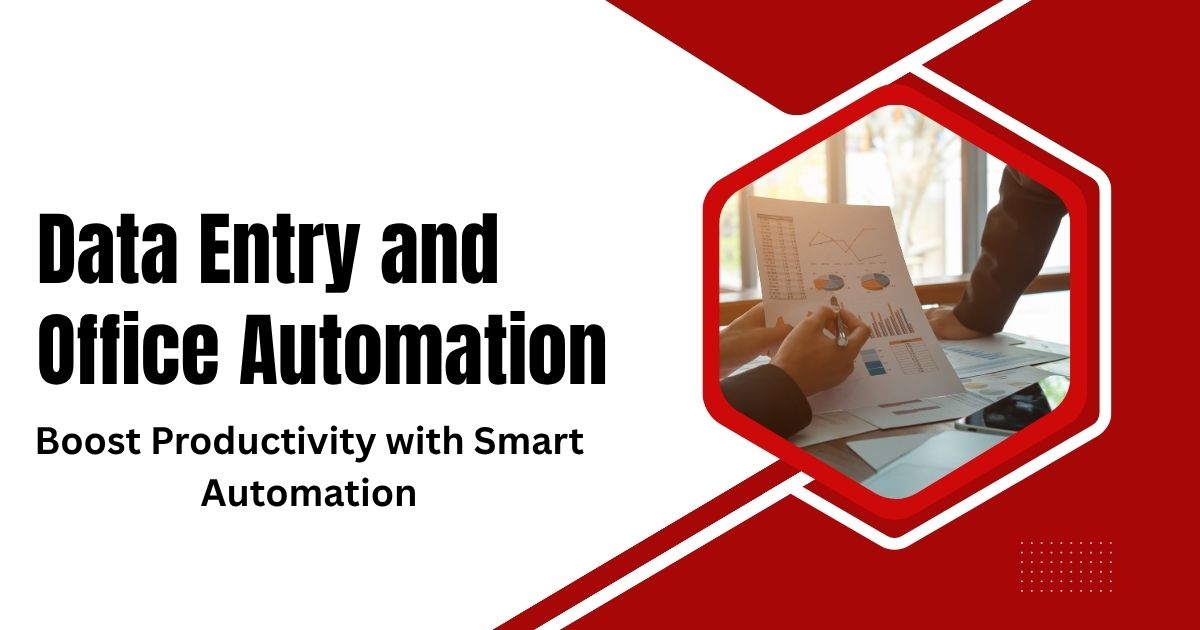
Data entry might seem like a straightforward task, but for businesses handling thousands of records daily, manual processes can quickly become overwhelming. Office automation offers a solution that transforms how organizations manage information, streamline workflows, and boost productivity.
This comprehensive guide explores the intersection of data entry and office automation, helping you understand when to automate, which tools to choose, and how to implement changes that deliver measurable results. Whether you’re managing customer databases, processing invoices, or handling employee records, the right automation strategy can save hours of manual work while improving accuracy.
Modern businesses generate more data than ever before. Sales teams capture leads, customer service logs interactions, and accounting departments process countless transactions. Without proper systems in place, this information can become a bottleneck rather than an asset.
What Is Data Entry and Why Does It Matter?
Data entry involves inputting, updating, and maintaining information in digital systems. This includes everything from transcribing handwritten forms into spreadsheets to updating customer contact details in CRM systems.
Traditional data entry requires employees to manually type information from various sources into databases or software applications. While this approach works for small volumes, it becomes inefficient and error-prone as data volumes grow.
Common data entry tasks include:
- Customer information management
- Invoice processing and billing
- Inventory tracking and updates
- Employee records maintenance
- Survey and form responses
- Financial transaction recording
The challenge lies in balancing speed with accuracy. Manual data entry averages 8,000 to 12,000 keystrokes per hour, but human error rates can reach 1% to 5% depending on the complexity of information being processed.
Understanding Office Automation
Office automation uses technology to perform routine tasks without human intervention. Instead of employees manually copying information between systems, automated tools can extract, process, and input data seamlessly.
This technology encompasses various solutions, from simple form-filling scripts to sophisticated artificial intelligence systems that can interpret handwritten documents or extract data from complex file formats.
Key Components of Office Automation
Document Processing Systems automatically scan, read, and extract information from physical or digital documents. These systems can handle invoices, contracts, forms, and other structured documents.
Database Integration Tools connect different software applications, allowing information to flow automatically between systems without manual intervention.
Workflow Automation Platforms create rule-based processes that trigger specific actions when certain conditions are met, such as sending notifications or updating records.
Robotic Process Automation (RPA) uses software robots to mimic human interactions with computer systems, performing repetitive tasks like data entry, file transfers, and system updates.
Benefits of Automating Data Entry
Improved Accuracy and Consistency
Automated systems eliminate human error from routine data entry tasks. OCR technology can achieve accuracy rates above 95% for printed text, significantly reducing errors compared to manual transcription. Similar precision is seen in augmented reality urban planning and building projects where automated data processing ensures reliable visual outputs.
OCR (Optical Character Recognition) technology can achieve accuracy rates above 95% for printed text, significantly reducing errors compared to manual transcription.
Enhanced Productivity and Speed
Automation handles data processing at speeds impossible for human workers. What might take hours of manual work can be completed in minutes through automated systems.
This speed improvement allows employees to focus on higher-value activities like data analysis, customer service, or strategic planning rather than repetitive data entry tasks.
Automation completes hours of manual work in minutes, freeing employees for high-value tasks. Implementing web data entry automation can save teams substantial weekly hours, as explained in automate web data entry and save hours weekly.
Cost Reduction and Resource Optimization
Reducing manual data entry requirements can lower labor costs and free up staff for more valuable work. Organizations often see return on investment within 6 to 12 months after implementing automation solutions.
Additionally, improved accuracy reduces costs associated with correcting errors, processing returns, or handling customer complaints caused by data mistakes.
Scalability and Growth Support
Manual processes become increasingly difficult to manage as business volume grows. Automated systems can handle increased data volumes without proportional increases in staffing or processing time, helping businesses achieve effective business process automation.
This scalability ensures that data processing capabilities can grow alongside business expansion without becoming a limiting factor.
Common Data Entry Automation Tools and Technologies

Optical Character Recognition (OCR)
OCR technology converts images of text into machine-readable digital text. Modern OCR solutions can handle various document types, languages, and even handwritten text with reasonable accuracy.
Popular OCR tools include Adobe Acrobat, ABBYY FineReader, and cloud-based services like Google Cloud Vision API.
Form Processing Software
Specialized form processing tools can extract information from standardized forms, surveys, and applications. These systems identify form fields automatically and extract relevant data for database entry.
Solutions like FormStack, JotForm, and Microsoft Forms can automatically process submitted information and integrate with various database systems.
Database Integration Platforms
Tools like Zapier, Microsoft Power Automate, and Integromat connect different software applications, allowing automated data transfer between systems without manual intervention.
These platforms use APIs (Application Programming Interfaces) to move information between CRM systems, email platforms, accounting software, and other business applications.
Robotic Process Automation (RPA) Solutions
RPA platforms like UiPath, Automation Anywhere, and Blue Prism create software robots that can perform complex data entry tasks across multiple systems and applications.
These tools are particularly effective for processes that involve multiple steps, decision-making, or interactions with legacy systems that lack modern integration capabilities.
Implementing Data Entry Automation: A Step-by-Step Approach

Assess Current Processes
Begin by documenting existing data entry workflows. Identify which tasks consume the most time, generate the most errors, or create bottlenecks in your operations.
Consider factors like data volume, complexity, frequency, and the number of people involved in each process.
Identify Automation Opportunities
Look for processes that involve:
- High volumes of similar data
- Standardized formats or templates
- Repetitive, rule-based tasks
- Multiple system interactions
- Frequent errors or quality issues
These characteristics indicate good candidates for automation.
Choose the Right Tools
Select automation tools based on your specific needs, technical capabilities, and budget. Consider factors like:
- Integration requirements with existing systems
- Scalability and performance needs
- Security and compliance requirements
- User training and support requirements
- Total cost of ownership
Start with Pilot Projects
Begin with small, low-risk automation projects to build experience and demonstrate value. Choose processes that offer clear benefits and have well-defined requirements.
Successful pilot projects provide learning opportunities and build organizational confidence in automation initiatives.
Monitor and Optimize
Continuously monitor automated processes to ensure they’re performing as expected. Track metrics like processing speed, accuracy rates, error types, and user satisfaction.
Use this data to refine and improve automation rules, handling exceptions, and expanding automation to additional processes.
Best Practices for Successful Implementation

Maintain Data Quality Standards
Establish clear data quality rules and validation procedures for automated systems. Even the best automation tools require proper setup and ongoing monitoring to maintain accuracy.
Implement exception handling processes for cases where automated systems encounter unexpected situations or data formats.
Plan for Change Management
Employees may be concerned about job security or workflow changes when automation is introduced. Communicate clearly about automation goals, expected benefits, and how roles will evolve.
Provide adequate training and support to help staff adapt to new processes and focus on higher-value activities.
Ensure Security and Compliance
Automated systems must maintain the same security and compliance standards as manual processes. This includes data encryption, access controls, audit trails, and regulatory compliance.
Regular security reviews and updates are essential, especially for systems handling sensitive customer or financial information.
Document Processes and Procedures
Maintain comprehensive documentation of automated workflows, including business rules, exception handling procedures, and system configurations.
This documentation is crucial for troubleshooting, system updates, and knowledge transfer as teams evolve.
Looking Ahead: The Future of Data Entry Automation
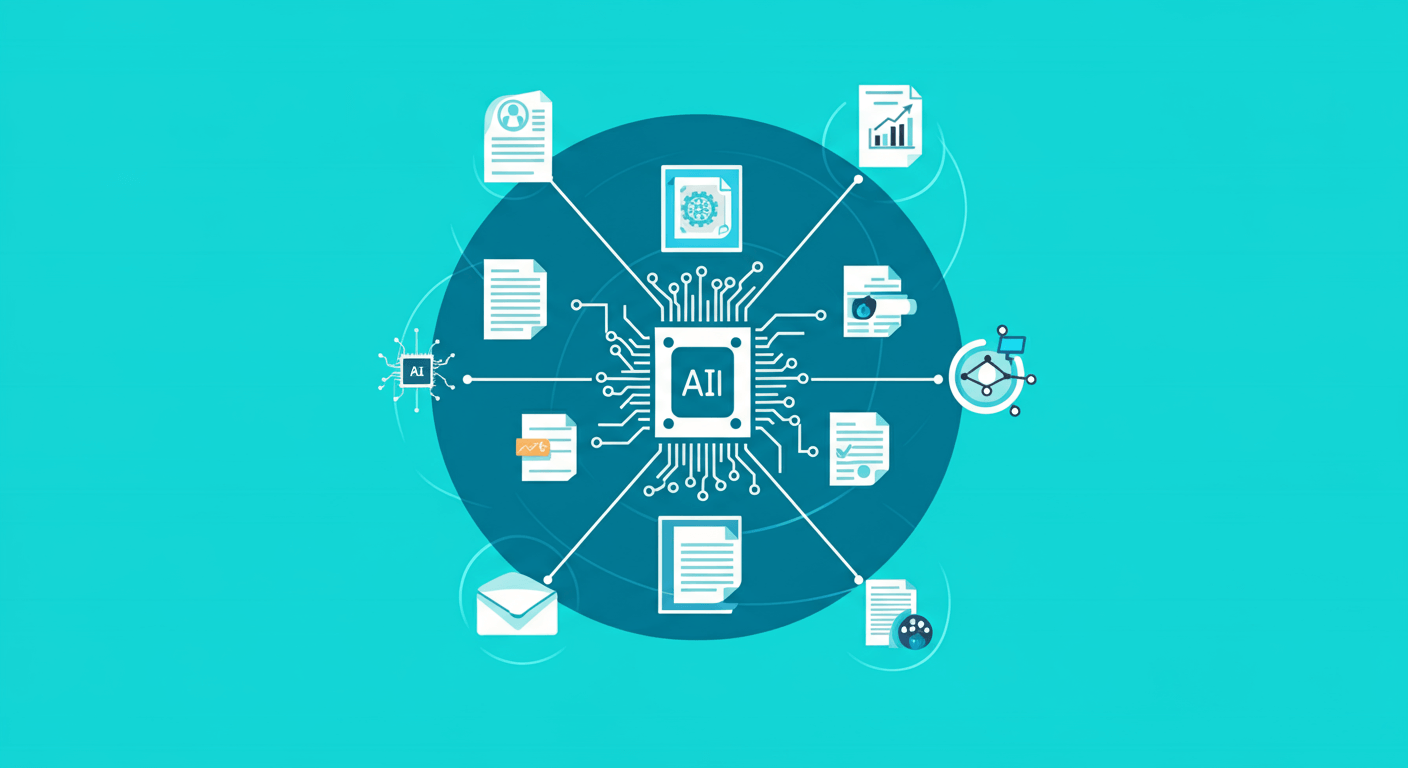
Artificial intelligence and machine learning continue to advance automation capabilities. Modern systems can handle increasingly complex documents, make contextual decisions, and learn from examples to improve performance over time.
Natural language processing enables systems to understand and process unstructured text, while computer vision can interpret complex visual information like charts, diagrams, and handwritten notes.
These technological advances will continue expanding automation possibilities, allowing businesses to automate more complex and nuanced data entry tasks that currently require human judgment.
AI, machine learning, NLP, and computer vision will continue expanding automation possibilities. Organizations can automate complex documents, interpret unstructured data, and enhance decision-making capabilities. These strategies are detailed in AI data entry automation: your complete guide.
Overcoming Challenges in Data Entry Automation
Despite its advantages, implementing automation is not without challenges. One common issue is data quality. Automated systems are only as effective as the data they process. Inconsistent formats, missing fields, or incorrect entries can disrupt workflows and reduce efficiency. To mitigate this, organizations should establish clear data standards and validation rules before automation implementation.
Change management is another critical consideration. Employees may initially view automation as a threat to their roles. Clear communication, training, and demonstrating that automation complements human work rather than replacing it are essential for smooth adoption.
Security and compliance concerns must also be addressed, especially when handling sensitive customer, financial, or employee data. Automated systems must adhere to encryption standards, access controls, audit trails, and applicable regulations to maintain trust and legal compliance.
Best Practices for Scaling Data Entry Automation
Once initial automation projects demonstrate success, scaling across other processes is the next step. Organizations should focus on replicating proven workflows while continuously refining and improving them.
Centralized monitoring and reporting ensure consistency and allow teams to track performance metrics across departments. Continuous improvement cycles, where feedback and data are used to adjust rules, update workflows, and enhance AI models, maintain efficiency and accuracy as business needs evolve.
Training employees to work alongside automated systems is equally important. Staff should be skilled in exception handling, monitoring automation outputs, and making strategic decisions based on insights derived from automated processes. This balance between human oversight and machine execution maximizes the benefits of automation.
Real-World Applications of Data Entry Automation
Data entry automation impacts virtually every industry. In healthcare, patient records, billing, and insurance claims are processed faster and more accurately. In finance, transaction records, account updates, and compliance reports can be automated to reduce risk and increase efficiency. Retail companies automate inventory updates, order processing, and customer relationship management, improving responsiveness and reducing operational errors.
Even government agencies and educational institutions use automation to manage large datasets, streamline reporting, and ensure compliance with regulatory requirements. These examples illustrate that automation is not limited to any single sector—it is a versatile tool that scales across diverse business environments.
Making the Move to Automated Data Entry
The combination of data entry and office automation represents a significant opportunity for businesses to improve efficiency, accuracy, and scalability. Success depends on careful planning, appropriate tool selection, and thoughtful implementation.
Start by evaluating your current data entry processes and identifying the best opportunities for automation. Consider beginning with a pilot project that demonstrates clear value while building organizational experience with automation tools.
Remember that automation is not about replacing people but about enabling them to focus on work that requires human creativity, judgment, and expertise. When implemented thoughtfully, data entry automation becomes a powerful tool for business growth and competitive advantage.
Frequently Asked Questions (FAQ)
Will automation eliminate the need for human staff?
No. Automation is designed to complement human work by handling repetitive, time-consuming tasks. Employees can focus on higher-value activities that require judgment, creativity, and problem-solving.
How do I know which processes to automate first?
Start with tasks that are repetitive, high-volume, rule-based, and prone to errors. These characteristics make the greatest impact when automated.
How much does implementing automation typically cost?
Costs vary depending on the complexity of processes, the tools selected, and integration requirements. While initial investments can be significant, most organizations see ROI within 6–12 months due to efficiency gains and reduced errors.
Is automation suitable for small businesses?
Yes. Many cloud-based automation platforms and RPA tools are scalable and affordable, making automation accessible to small and medium-sized enterprises.
How do I ensure data security in automated workflows?
Use encryption, access controls, secure APIs, and compliance with relevant regulations. Regular audits and monitoring are essential to maintain security standards.
Can automation handle unstructured data like handwritten forms?
Modern AI-powered OCR and NLP technologies can interpret and process unstructured or semi-structured data with increasing accuracy, although manual review may still be necessary in some cases.
How do I measure the success of automation projects?
Track key metrics such as processing speed, error reduction, cost savings, employee productivity, and customer satisfaction. Comparing performance before and after implementation provides a clear ROI picture.
Will automation make my business more scalable?
Absolutely. Automated systems can handle increasing data volumes without proportional increases in staff or resources, supporting growth and operational flexibility.
How can I train my team for automation adoption?
Provide training on using automation tools, monitoring outputs, handling exceptions, and interpreting data insights. Clear communication about the benefits and goals of automation is essential to ensure adoption.
What’s next for the future of data entry automation?
Emerging AI, machine learning, and computer vision technologies will continue to expand automation capabilities, allowing businesses to automate increasingly complex and nuanced tasks with minimal human intervention.