Automation software has become an essential tool for businesses looking to improve productivity, reduce repetitive tasks, and streamline daily operations. As companies manage increasing workloads and changing customer expectations, manual processes can consume valuable time and create unnecessary errors. Automation technology helps organizations simplify these activities, improve consistency, and allow employees to focus on more strategic responsibilities.
Modern automation software supports multiple business functions, including marketing, sales, customer service, content creation, and workflow management. Solutions such as content automation, customer journey automation, and operational automation help businesses coordinate activities more efficiently and deliver better customer experiences. By selecting suitable tools and implementing them strategically, organizations can improve collaboration, manage resources effectively, and establish scalable processes that support long-term business growth.
Understanding Automation Software in Modern Business
Automation software uses technology to perform repetitive tasks, coordinate workflows, and execute predefined actions with limited manual intervention. Businesses can use these solutions to connect different applications, manage information, and standardize everyday activities. Understanding how automation works helps organizations identify suitable opportunities and choose tools that align with their operational requirements.
How Automation Software Works
Automation software follows predefined rules, triggers, schedules, or workflow conditions to complete specific tasks. For example, a system might automatically assign a customer inquiry to the appropriate team, send a confirmation email, or update a record when a transaction is completed.
Some platforms provide simple visual workflow builders, while others support advanced integrations, artificial intelligence, and conditional logic. The right solution depends on task complexity, existing technology, and business objectives. Proper configuration and regular monitoring ensure automated processes remain accurate, reliable, and aligned with changing operational needs.
Why Businesses Need Automation Solutions
Businesses often manage multiple processes simultaneously, from customer communications to inventory updates and financial reporting. Performing every task manually can slow operations, increase administrative costs, and make it difficult to maintain consistent service quality.
Automation helps reduce repetitive work while improving process visibility and accountability. Employees can spend more time solving problems, developing strategies, and supporting customers. For growing organizations, automation also provides a practical way to handle increasing workloads without expanding manual processes at the same rate.
Improving Efficiency Through Operational Automation

Operational automation focuses on simplifying routine business activities and improving coordination across departments. It can support processes such as document management, order processing, reporting, employee onboarding, and task assignment. By reducing unnecessary manual steps, organizations can improve consistency, minimize avoidable delays, and create more predictable workflows.
Automating Repetitive Business Tasks
Repetitive tasks are often strong candidates for automation because they follow consistent rules and require limited human judgment. Examples include generating invoices, updating spreadsheets, scheduling appointments, processing standard requests, and sending internal notifications.
Automating these activities can reduce administrative workloads and help employees concentrate on tasks that require expertise or creativity. Businesses should begin by identifying processes that consume significant time or frequently produce errors. Reviewing the results after implementation helps determine whether automation delivers measurable improvements in efficiency and accuracy.
Streamlining Cross-Department Workflows
Different departments frequently depend on information from one another. Sales teams may require updated inventory information, while finance teams need accurate transaction records and customer service representatives need access to relevant order details.
Workflow automation can connect these activities by transferring information between compatible systems and triggering tasks when specific conditions are met. This reduces repeated data entry and improves coordination. Businesses should establish clear ownership, access permissions, and exception-handling procedures to ensure automated workflows remain transparent and manageable.
Using Content Automation to Improve Marketing Productivity
Content automation helps businesses organize and streamline repetitive content-related activities. It can support editorial planning, publishing schedules, content distribution, performance reporting, and selected content production tasks. When implemented responsibly, content automation allows marketing teams to maintain consistency, manage multiple channels, and spend more time improving content quality and audience relevance.
Automating Content Planning and Publishing
Content planning often involves coordinating topics, deadlines, approvals, and publishing schedules across several platforms. Automation tools can organize editorial calendars, notify team members about upcoming deadlines, and schedule approved content for publication.
These capabilities are especially valuable for businesses managing blogs, email newsletters, and social media accounts simultaneously. Automated reminders and approval workflows reduce the risk of missed deadlines and communication gaps. However, human review remains important to verify accuracy, brand consistency, originality, and suitability before content reaches the intended audience.
Improving Content Distribution and Performance Tracking
Publishing content is only one part of an effective marketing strategy. Businesses must also distribute material through relevant channels and evaluate how audiences respond. Content automation tools can schedule social posts, coordinate email campaigns, and collect performance information from supported platforms.
Centralized reporting helps marketers identify which topics and channels generate meaningful engagement. Automation can reduce reporting effort, but the interpretation of results still requires strategic judgment. Marketing teams should use performance insights to refine content topics, improve distribution decisions, and create resources that address genuine audience needs.
Enhancing Customer Experience With Customer Journey Automation
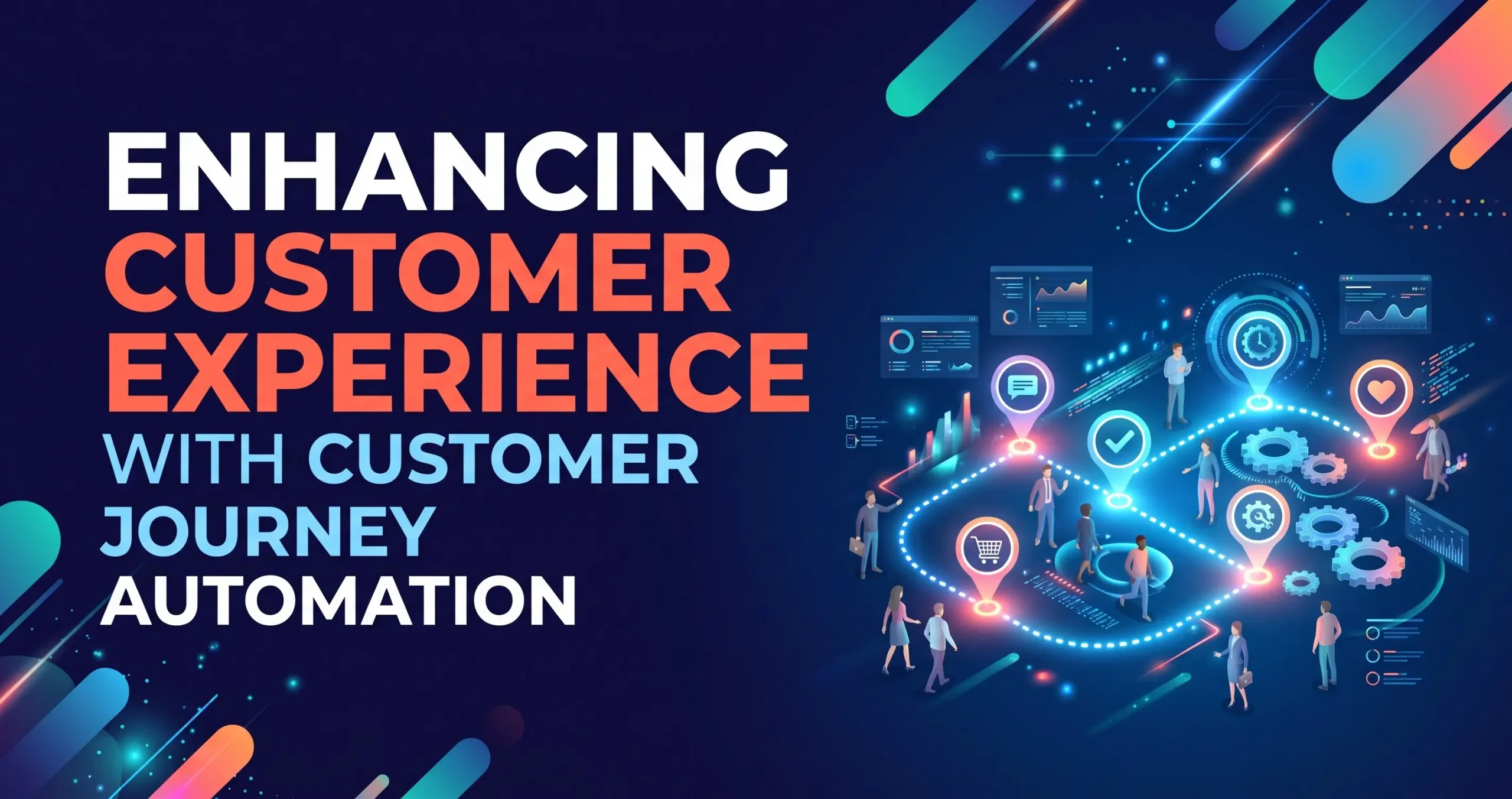
Customer journey automation coordinates communications and actions throughout the customer lifecycle. It helps businesses deliver relevant messages when customers perform particular actions, reach specific stages, or meet defined conditions. By connecting marketing, sales, and customer service activities, organizations can create more consistent experiences while reducing the need for repetitive manual follow-ups.
Personalizing Customer Communications
Personalized communication helps businesses provide information that reflects customer interests, preferences, and previous interactions. Automation platforms can use permitted customer data to segment audiences, send relevant emails, and recommend appropriate resources based on defined conditions.
For example, a prospective customer who downloads an educational guide may receive related information before being introduced to a relevant service. Effective personalization should remain helpful rather than intrusive. Businesses must respect consent, privacy requirements, and communication preferences while ensuring that customer information is accurate and appropriately protected.
Automating Follow-Ups and Customer Support
Customer journey automation can help businesses respond consistently to inquiries, send appointment reminders, and follow up after purchases. Automated acknowledgments provide confirmation that a request has been received, while routing rules can direct complex issues to the appropriate employee.
Customer support automation may also include chatbots that answer common questions or guide users toward useful resources. Human support should remain available for sensitive, unusual, or complicated situations. Combining automated responses with appropriate human assistance helps businesses maintain efficiency without sacrificing service quality or customer trust.
Integrating Automation Software With Existing Business Systems
Integration allows automation software to exchange information with the applications a business already uses. Connecting customer relationship management systems, accounting platforms, email tools, project management software, and inventory applications can reduce isolated workflows. Effective integration improves information consistency and helps employees access relevant data without repeatedly switching between disconnected systems.
Choosing Compatible Automation Tools
Businesses should evaluate whether an automation platform supports their current software, required integrations, security expectations, and future growth plans. Some tools provide native integrations, while others rely on application programming interfaces or third-party integration services.
The best solution is not necessarily the platform with the largest feature set. Organizations should prioritize reliability, ease of use, scalability, and the specific workflows they need to improve. Testing integrations with a small group of users before full deployment can reveal compatibility problems and reduce disruption during implementation.
Maintaining Data Accuracy and Security
Automated workflows often transfer information between systems, making data accuracy and security essential. Incorrect field mappings, duplicate records, or outdated customer details can spread quickly when processes operate without proper controls.
Businesses should establish access permissions, validation rules, monitoring procedures, and clear responsibilities for maintaining data quality. Sensitive information should be handled according to applicable privacy laws and internal security policies. Regular testing and audit logs can help identify unexpected changes and support reliable automation across business operations.
Measuring Automation Performance and Return on Investment
Measuring automation performance helps businesses determine whether a solution improves efficiency and delivers meaningful value. Organizations should establish baseline measurements before implementation and compare them with results after deployment. Evaluating time savings, error rates, operating costs, and customer outcomes provides a more complete understanding of automation’s contribution to business performance.
Identifying Important Automation Metrics
Useful metrics depend on the process being automated. Operational workflows may be evaluated through processing time, task completion rates, error frequency, and administrative costs. Marketing automation may be assessed through engagement, qualified leads, campaign conversions, and publishing efficiency.
Customer service automation can be measured through response times, resolution rates, customer satisfaction, and escalation frequency. Businesses should select metrics that connect directly to their objectives instead of tracking numbers without a clear purpose. Consistent measurement makes it easier to identify successful workflows and areas that require improvement.
Calculating Automation Return on Investment
Automation return on investment compares the value generated by a solution with its implementation and ongoing costs. Expenses may include subscriptions, integration, employee training, maintenance, and process redesign. Benefits may include reduced manual effort, fewer errors, faster processing, and improved customer retention.
A realistic assessment should consider both measurable financial outcomes and operational improvements. Businesses should avoid assuming that every automated task creates immediate savings. Reviewing performance over an appropriate period helps determine whether the solution provides sufficient value and whether additional investment is justified.
Best Practices for Successful Automation Implementation

Successful automation begins with a clear understanding of existing workflows and business priorities. Organizations should select processes that offer meaningful improvement opportunities, establish realistic expectations, and involve the employees who perform the work. A structured implementation approach reduces unnecessary complexity and helps ensure that automation supports business objectives rather than introducing additional administrative burdens.
Starting With High-Impact Processes
Businesses should begin with tasks that are repetitive, well-defined, and relatively easy to measure. Automating appointment reminders, routine notifications, or standardized reporting can provide useful early results without requiring extensive system changes.
Once these workflows operate reliably, organizations can expand into more complex processes. Documenting the original workflow and identifying exceptions before implementation helps prevent automation from reproducing existing inefficiencies. A gradual rollout also gives employees time to learn the system and provide feedback before broader deployment.
Training Employees and Reviewing Workflows
Employees need to understand how automated workflows operate, when human intervention is required, and how to report unexpected results. Practical training can improve adoption and reduce resistance to new systems.
Automation should also be reviewed regularly because business requirements, software integrations, and customer expectations can change. Organizations should test workflows after significant updates, investigate failures, and revise outdated rules. Continuous improvement ensures that automation remains useful, secure, and aligned with changing business priorities.
Conclusion
Automation software helps businesses improve operational efficiency, streamline marketing activities, and deliver more consistent customer experiences. Through operational automation, content automation, and customer journey automation, organizations can reduce repetitive work, coordinate information, and create workflows that support sustainable growth.
Successful implementation requires clear objectives, suitable technology, reliable integrations, employee training, and ongoing performance measurement. Businesses should prioritize meaningful improvements rather than automating every available task. By adopting a structured approach, organizations can use automation software to strengthen productivity, improve decision-making, and build more efficient business operations.
Frequently Asked Questions
1. What Is Automation Software?
Automation software uses technology to perform repetitive tasks, execute predefined actions, and coordinate workflows with limited manual intervention. Businesses use it to improve productivity, reduce errors, and streamline daily operations.
2. What Are the Main Benefits of Automation Software?
The main benefits include time savings, improved process consistency, reduced manual errors, better coordination, and increased operational visibility. The actual benefits depend on the workflow, implementation quality, and business requirements.
3. What Is Content Automation?
Content automation uses software to streamline activities such as editorial scheduling, publishing, content distribution, and performance reporting. Human oversight remains important for accuracy, originality, brand voice, and content quality.
4. How Does Customer Journey Automation Work?
Customer journey automation uses customer actions, preferences, and predefined conditions to trigger relevant communications or tasks. It can support personalized email sequences, follow-ups, customer onboarding, and selected support interactions.
5. What Is Operational Automation?
Operational automation streamlines routine internal processes such as document handling, reporting, order processing, task assignment, and data entry. It helps businesses improve efficiency and reduce unnecessary manual work.
6. Can Small Businesses Benefit From Automation Software?
Yes. Small businesses can automate scheduling, invoicing, email communications, customer follow-ups, and reporting. Starting with a few high-impact processes can improve productivity without requiring a complex technology infrastructure.
7. How Should Businesses Choose Automation Software?
Businesses should evaluate workflow requirements, integrations, usability, scalability, security, pricing, and available support. Testing a solution with a limited workflow can help determine whether it meets practical business needs.
8. Does Automation Software Replace Employees?
Automation software generally supports employees by handling repetitive tasks and standard workflows. Human judgment, creativity, relationship management, and complex decision-making remain important in most business environments.
9. How Can Businesses Measure Automation Success?
Businesses can measure task completion time, error rates, operating costs, conversion rates, customer satisfaction, and employee productivity. The most useful metrics are those directly connected to the goals of the automated process.
10. Is Automation Software Worth the Investment?
Automation software can be worthwhile when the time savings, process improvements, and other benefits justify the implementation and ongoing costs. Businesses should evaluate expected outcomes, monitor actual performance, and adjust their approach as needed.