Programmable automation is the backbone of modern industry, bridging the gap between manual labor and fully autonomous smart factories through sophisticated, reconfigurable logic-driven systems.
This guide explores how programmable automation work cycles function, from PLC logic design to real-time data feedback. We cover essential hardware, B2B implementation strategies, and the evolving role of AI in industrial scaling.
The Evolution of Industrial Logic: Why Programmable Automation?
In the early days of the industrial revolution, automation was “fixed.” A machine was built to do one thing—like stamp a piece of metal—and if the product changed, the machine had to be scrapped or physically rebuilt. Today, the landscape is defined by flexibility.
Understanding how programmable automation work systems operate is no longer just for engineers; it is vital for any stakeholder involved in Business process automation tools or large-scale manufacturing.
Defining the Core Mechanism
At its simplest, programmable automation is a system where the sequence of operations is controlled by a program. This program can be changed, allowing the equipment to handle different product configurations or batches. This flexibility is what distinguishes it from “Hard Automation” (fixed) and “Flexible Automation” (continuous, high-speed adjustment).
The Brains – System Programming and Logic Design
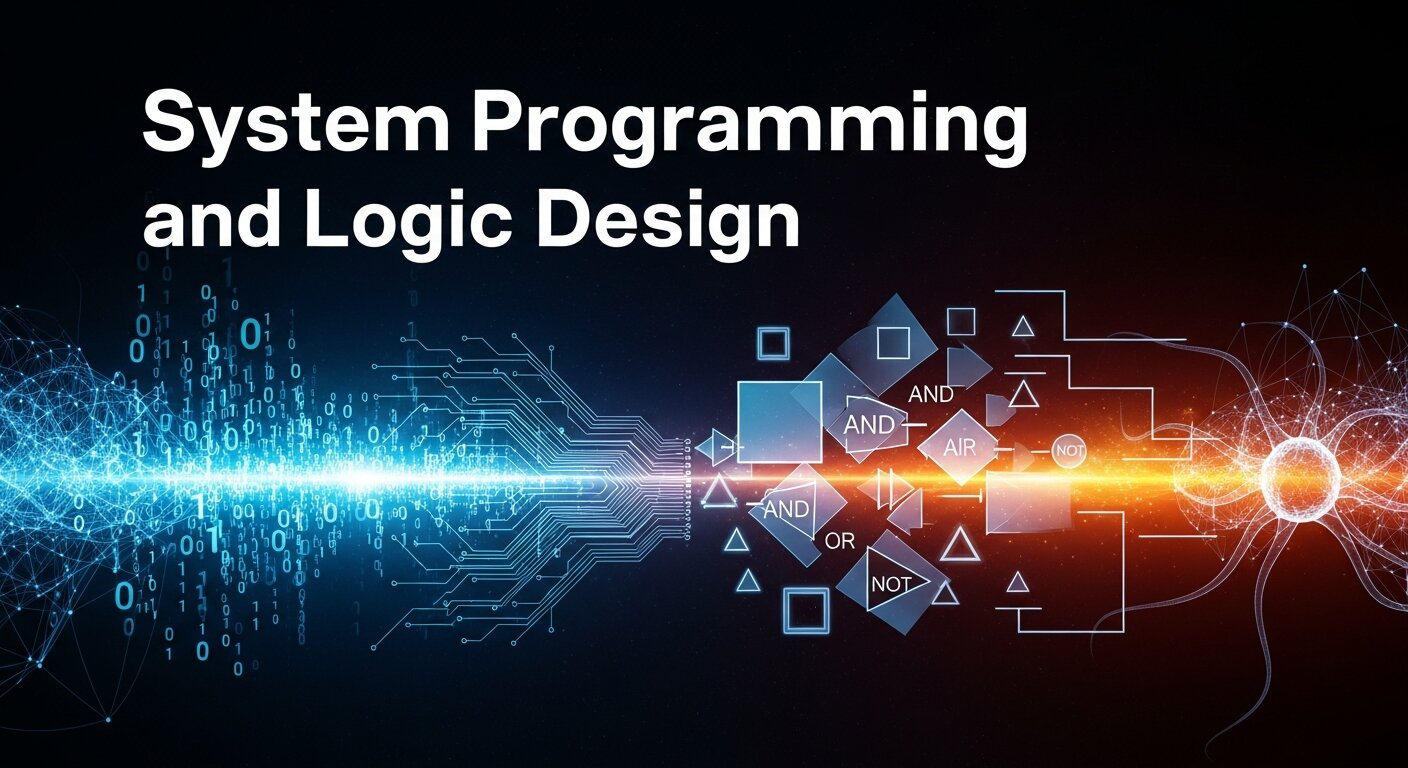
To understand how programmable automation work starts, you have to look at the code. Unlike standard software development for apps, industrial programming focuses on determinism—the guarantee that an action happens at a precise time, every time.
Programming Languages of the Industry
- Ladder Logic (LD): The most common language, designed to look like electrical relay circuits. It’s intuitive for electricians and maintenance staff.
- Structured Text (ST): A high-level language similar to Pascal or C, used for complex mathematical calculations and data handling.
- Function Block Diagrams (FBD): A graphical language where blocks represent functions like timers or counters.
Designing the Logic Sequence
Engineers must map out every “if/then” scenario. For instance, in [Data Entry Automation Software], the logic might be: If field ‘Total’ > 1000, then flag for manual review. In a factory, it’s: If sensor ‘A’ is triggered and ‘E-Stop’ is healthy, then start Motor 1.
The Command Center – The PLC and Real-Time Execution
Once the code is written, it is uploaded to a Programmable Logic Controller (PLC). If you want to know how programmable automation work cycles remain stable in harsh environments, the answer is the PLC.
The Role of the PLC
The PLC acts as the central nervous system. It performs a continuous “scan cycle”:
- Input Scan: Checks the status of all connected sensors.
- Program Scan: Runs the logic against those inputs.
- Output Scan: Sends signals to the hardware to act.
- Housekeeping: Communicates with HMIs or [Marketing analytics tools] for data logging.
Unlike a standard PC, a PLC is built to withstand electromagnetic interference, vibration, and extreme temperatures.
The Senses – Sensor Inputs and Environmental Monitoring
A system is only as good as its data. In the context of programmable automation work, sensors provide the “real-time data transfer” necessary for the PLC to make decisions.
Essential Industrial Sensors
| Sensor Type | Function in Automation | Real-World Application |
| Proximity | Detects metal or objects without contact | Counting cans on a belt |
| Photoelectric | Uses light beams to detect presence | Safety light curtains |
| Thermocouple | Measures heat/temperature | Controlling industrial ovens |
| Load Cells | Measures weight/force | Precise chemical mixing |
By [Mastering real time data] coming from these sensors, businesses can ensure that their [Manual data entry] errors are eliminated, replacing human observation with digital precision.
The Muscles – Actuators and Output Activation
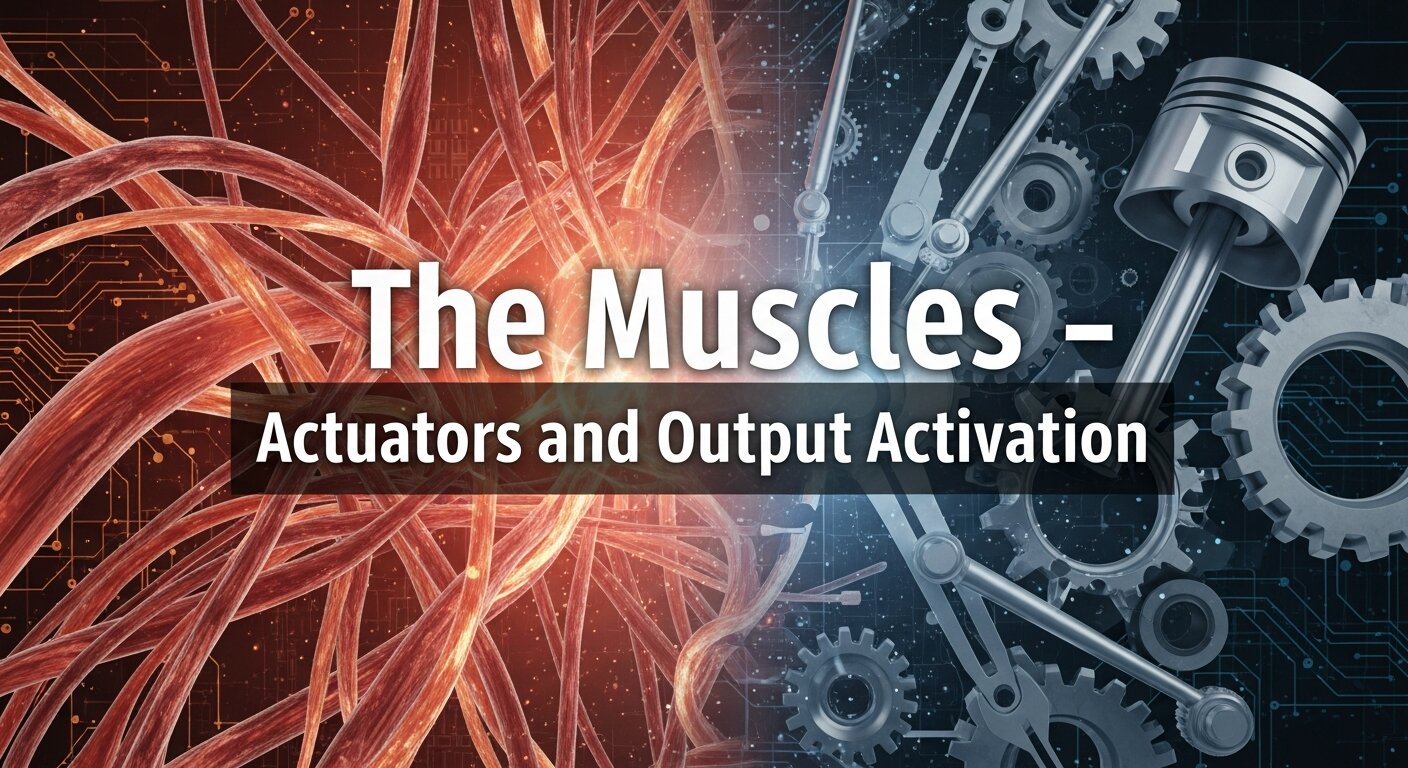
When the PLC decides it’s time to move, it triggers an actuator. This is the physical manifestation of how programmable automation work delivers value.
Common Output Devices
- Electric Motors & Drives: Controlling the speed of conveyors.
- Pneumatic Cylinders: Using air pressure to push or reject items.
- Solenoid Valves: Controlling the flow of liquids in [Automated data entry xero] or chemical processing systems.
- Robotic Arms: Complex multi-axis movement for welding or palletizing.
The Interface – HMI and Human Oversight
Even the most “automatic” system needs a human touch. The Human-Machine Interface (HMI) is where the operator interacts with the machine logic.
Why the HMI is Critical
- Visualizing Trends: Seeing [Marketing Analytics Data] or production rates in real-time.
- Fault Diagnostics: When a machine stops, the HMI tells the operator exactly which sensor failed.
- Parameter Adjustment: Changing a “timer” from 5 seconds to 10 seconds without needing to rewrite the core code.
For many professionals, having experience with these interfaces is a significant career booster, often leading them to include [Webinar in resume] or “Industrial Automation Specialist” in their professional profiles.
Connectivity and Data Feedback (The IIoT Layer)
Modern programmable automation work doesn’t happen in a vacuum. It is increasingly connected to the cloud via the Industrial Internet of Things (IIoT).
From the Factory Floor to the Boardroom
Data from the PLC is no longer just for moving a motor; it’s used for:
- Predictive Maintenance: Analyzing vibration data to predict a bearing failure.
- OEE Tracking: Measuring Overall Equipment Effectiveness to improve [B2B Lead Generation] and production fulfillment.
- Digital Twins: Creating a virtual replica of the system to test changes before they are implemented on the floor.
By [Mastering Video Analytics] and sensor data, companies can create a [Content marketing plan] based on actual production capabilities and real-time inventory levels.
Strategic Implementation: How Businesses Can Adopt Automation
Transitioning to a programmable system requires more than just buying hardware. It requires a [Brand Strategy Road Map].
Step 1: Identify the “Bottleneck”
Don’t automate for the sake of automation. Look for where [Manual data entry] or manual assembly is slowing down your [B2B Lead Generation] or fulfillment.
Step 2: Choose the Right Platform
Whether you are looking to [Automate excel spreadsheets] for your back office or install a 6-axis robot, choosing the right platform (like Siemens, Rockwell, or [Hubspot data entry] integrations) is vital for long-term [Brand Consistency].
Step 3: Integration and Training
Automation fails when the “Human Element” is ignored. Ensure your team understands the [Brand Voice Strategy] behind the change. Use [Webinars for Education] to train staff on new HMIs and safety protocols.
The Intersection of Marketing and Automation
You might wonder how programmable automation work relates to things like [Brand Positioning] or [Inbound Marketing]. The reality is that automation increases Reliability.
When your production is automated, your [Brand Equity] grows because your customers receive the same high-quality product every single time. This consistency is the foundation of [Luxury Brand Marketing] and [Consumer Brand Marketing].
Using Automation Data for Marketing
- Transparency: Share your automated “Clean Room” stats to boost [Brand Perception In Marketing].
- Speed: Use the efficiency of automation to offer “Same Day Shipping,” a powerful [Viral Marketing Strategy].
- Sustainability: Automated systems reduce waste, a key pillar in [Ethical Branding].
Comprehensive Table: Manual vs. Programmable Automation
| Feature | Manual Process | Programmable Automation |
| Consistency | High Variance | High Precision |
| Speed | Limited by Human Fatigue | Continuous (24/7) |
| Initial Cost | Low | High |
| Long-term ROI | Decreases over time | Increases with scale |
| Flexibility | Extremely High (Human Adaptability) | Moderate (Requires Reprogramming) |
| Data Collection | Manual/Prone to Error | Automatic/Real-time |
The Digital Side: Mastering Automation in Excel and Data Entry
While we often think of “programmable automation” as robotic arms, the same logic applies to the digital workspace. For a modern business, mastering automation in excel data entry is just as critical as a PLC on the floor.
Automating Browser and Website Data Entry
Many B2B companies lose hundreds of hours to manual data entry. Programmable logic can be applied to web browsers to:
- Automate website data entry: Using scripts to pull lead data into a CRM.
- Automate browser data entry: Synchronizing inventory levels between an e-commerce storefront and a warehouse PLC.
- Hubspot data entry: Automatically updating customer records based on production milestones.
Financial Automation: Xero and Invoicing
In the accounting department, Manual invoice data entry is a significant bottleneck. By using automated data entry Xero integrations, a business can program logic that says: “If a sensor confirms a pallet has shipped, generate and send an invoice automatically.” This creates a seamless link between the physical work and the financial record.
Advanced Architecture: Communication Busses and IIoT
For programmable automation work to be successful across a large facility, devices must “talk” to one another. This is handled by the Communication Bus.
Common Industrial Protocols
- EtherNet/IP: The gold standard for high-speed data transfer.
- Modbus: A legacy protocol still widely used for its simplicity and reliability.
- PROFINET: Ideal for real-time applications requiring millisecond precision.
By utilizing these protocols, businesses can achieve real time data transfer, allowing a manager in an office to see the exact status of a motor 500 miles away. This is the foundation of the Industrial Internet of Things (IIoT).
The Strategic Marketing of Automation
How does a company’s use of programmable automation affect its Brand Identity? In a world of Luxury Brand Marketing and Ethical Branding, the “How” is just as important as the “What.”
Brand Awareness and Trust
When you promote that your facility uses programmable logic, you are communicating Reliability. Use your [Content marketing plan] to highlight:
- Brand Consistency: “Our robots ensure every stitch is perfect.”
- Brand Resilience Strategies: How automation allows you to stay operational during labor shortages.
- Sustainable Branding: Programmable systems optimize energy use, reducing your carbon footprint—a key factor in Consumer Brand Marketing.
Viral Marketing and Trend Forcasting
In the age of Viral Marketing on Tiktok and Micro Trend Marketing, speed is everything. If a product goes viral, a manual assembly line will fail to meet demand. A programmable system can be “scaled up” or reprogrammed for a new “Micro Trend” in hours, not weeks. This is the heart of Next Gen Trend Marketing Strategies.
Webinar Strategies for Automation Training
As systems become more complex, the “Human Element” requires constant upskilling. This is where Virtual Eventeering and Webinars become essential.
Using Webinars for Internal B2B Growth
- Webinars for Education: Training your operators on new PLC logic updates.
- Successful Webinar Planning: Creating an Unforgettable Online Event to showcase your automated capabilities to potential B2B partners.
- Mastering Video Analytics: Using the data from your training webinars to see which parts of the automation logic your staff finds most confusing.
Including a Webinar in resume or showing mastery of Virtual Assistant tools is now a standard requirement for Automation Project Managers.
Comparison: Programmable vs. Flexible vs. Fixed Automation
To truly understand where programmable automation work fits, we must compare it to its “siblings.”
| Feature | Fixed (Hard) Automation | Programmable Automation | Flexible (Soft) Automation |
| Production Rate | Very High | Medium | Medium to High |
| Flexibility | None | High (for batches) | Continuous |
| Initial Investment | High | High | Very High |
| Example | Transfer lines in automotive | CNC Machines, PLC systems | Multi-purpose Robots |
Conclusion
Understanding how programmable automation work systems function is the first step toward a more efficient, scalable, and profitable business model. By integrating logic-driven controllers with high-fidelity sensors, industries can achieve a level of precision that manual processes simply cannot match. Whether you are automating a physical assembly line or a digital [B2B Lead Generation] funnel, the principles of logic, feedback, and iteration remain the same.
Frequently Asked Questions
1. How does programmable automation work differently from fixed automation?
Fixed automation is designed for one specific task and cannot be changed without significant mechanical overhaul. Programmable automation allows you to change the sequence of operations by simply updating the software logic in the PLC.
2. Is programmable automation expensive for small businesses?
While the initial investment in PLCs and sensors can be higher than manual tools, [Automation for small businesses] has become more accessible through modular hardware and “low-code” programming environments, leading to a faster ROI through reduced labor costs.
3. Can I use programmable automation for data entry?
Yes. Beyond the factory floor, tools that [Automate website data entry] or [Automate browser data entry] use similar logic-based triggers to move data between platforms like [Hubspot data entry] and [Automated data entry xero].
4. What is the most common programming language for these systems?
Ladder Logic remains the industry standard due to its visual nature and similarity to traditional electrical schematics, making it easy for maintenance teams to troubleshoot.
5. How does automation improve brand safety?
[Brand Safety In Digital Marketing] and physical production both rely on consistency. Automation ensures that products meet exact specifications every time, preventing faulty goods from reaching the market and damaging your reputation.
6. Can programmable automation be integrated with AI?
Absolutely. Modern systems are moving toward “Adaptive Automation,” where [Artificial intelligence in business] analyzes sensor data to make real-time adjustments to the program logic without human intervention.
7. How do I start automating my manual invoice data entry?
You can use [Data Entry Automation Software] that utilizes OCR (Optical Character Recognition) and programmable logic to “read” invoices and automatically input the data into accounting software like Xero.
8. What is the role of a Virtual Assistant in this process?
A [Virtual Assistant] can manage the “Digital Automation” side, such as setting up [Follow-Up Emails] or managing [Webinar Sales Funnel] triggers that respond when a customer interacts with your site.
9. Does automation lead to job losses?
While it changes the nature of work, it often replaces “Dull, Dirty, and Dangerous” tasks. This allows the workforce to move into higher-value roles like [Digital Marketing Expert Role] or Automation Technician.
10. How can I measure the success of my automation?
Focus on [Marketing Analytics Tools] and production KPIs like Cycle Time, Error Rate, and the impact on your [Customer Journey Mapping].