
Web data entry automation saves time and reduces errors by automatically extracting, processing, and inputting data from websites. Tools like Selenium, UiPath, and Octoparse help handle large volumes accurately, keeping data up-to-date and freeing teams for strategic work.
Spending hours copying and pasting information between websites and spreadsheets? You’re not alone. Web data entry consumes valuable time that could be better spent on strategic tasks that grow your business.
Manual data entry isn’t just tedious—it’s error-prone and expensive. Studies show that businesses lose up to 12% of their revenue due to poor data quality, much of which stems from human error during manual entry processes.
The good news? You can automate web data entry using the right tools and techniques. This guide will show you practical methods to streamline your data collection, reduce errors, and free up time for more important work.
Understanding Web Data Entry Automation

Web data entry automation involves using software tools to extract, process, and input data from websites without manual intervention. Instead of manually copying information from web pages into databases or spreadsheets, automation tools handle these tasks programmatically.
This process typically involves three key components:
Data Extraction: Software identifies and pulls specific information from web pages, such as product prices, contact details, or inventory levels.
Data Processing: The extracted information gets cleaned, formatted, and validated according to your requirements.
Data Input: The processed data automatically populates your target system, whether that’s a CRM, spreadsheet, or database.
Automation can handle various data types, from simple text and numbers to complex structured information like product catalogs or customer records.
Benefits of Automating Web Data Entry
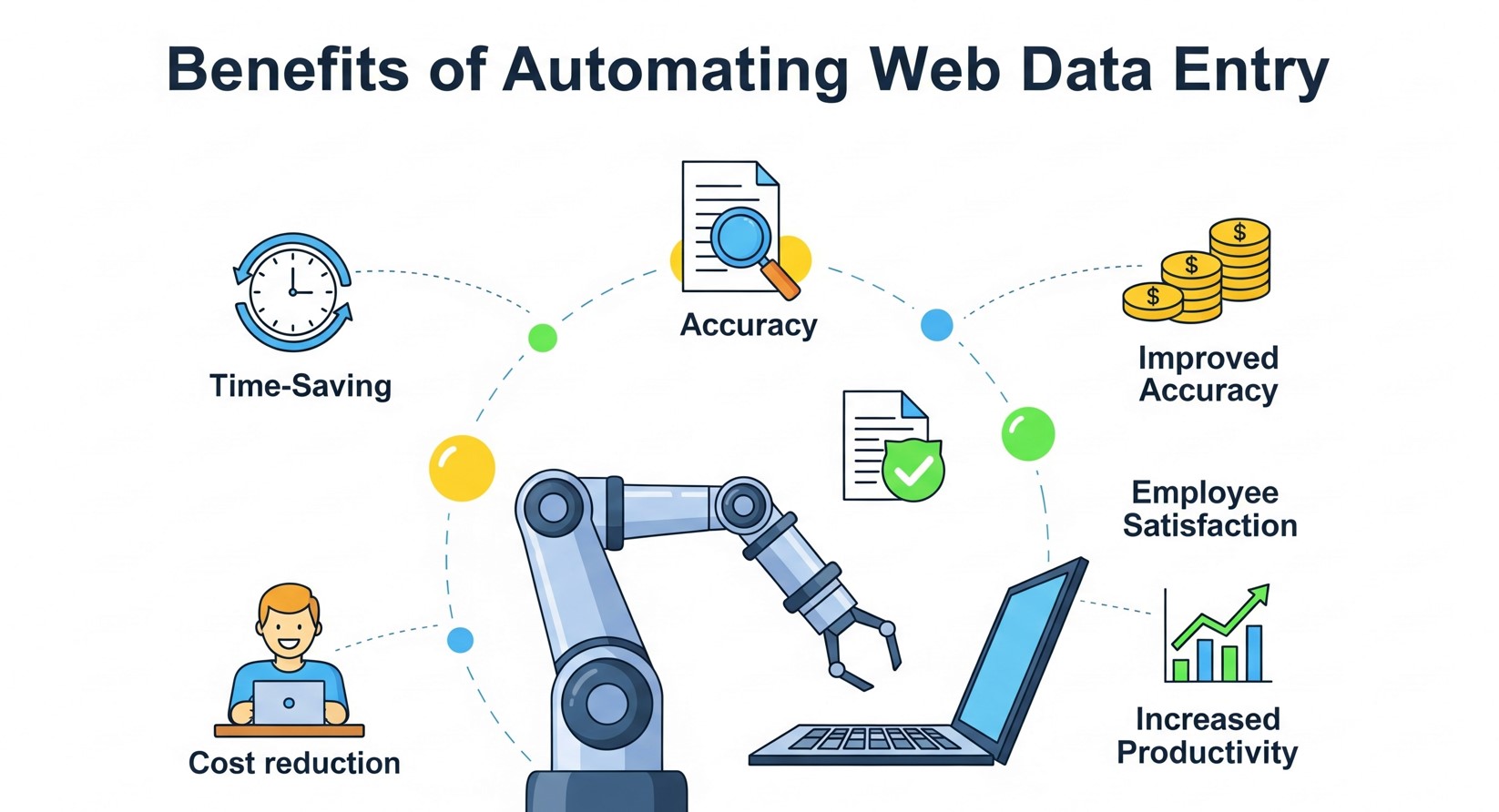
Increased Accuracy and Consistency
Human error is inevitable when manually entering data. Typos, missed fields, and formatting inconsistencies create problems downstream. Automated systems eliminate these issues by following consistent rules and validation checks.
Significant Time Savings
Tasks that once took hours can be completed in minutes. Instead of manually visiting dozens of websites to collect pricing information, automation tools can gather this data in seconds.
Scalability
Manual data entry doesn’t scale well. As your business grows, the volume of required data entry grows too. Automation handles increased workloads without additional staffing costs.
Real-Time Data Updates
Automated systems can run continuously, ensuring your data stays current. This is particularly valuable for time-sensitive information like stock prices, inventory levels, or competitor pricing.
Cost Reduction
While automation tools require initial investment, they quickly pay for themselves through reduced labor costs and improved efficiency. The ROI often becomes apparent within weeks of implementation.
Popular Tools for Web Data Entry Automation
Web Scraping Tools
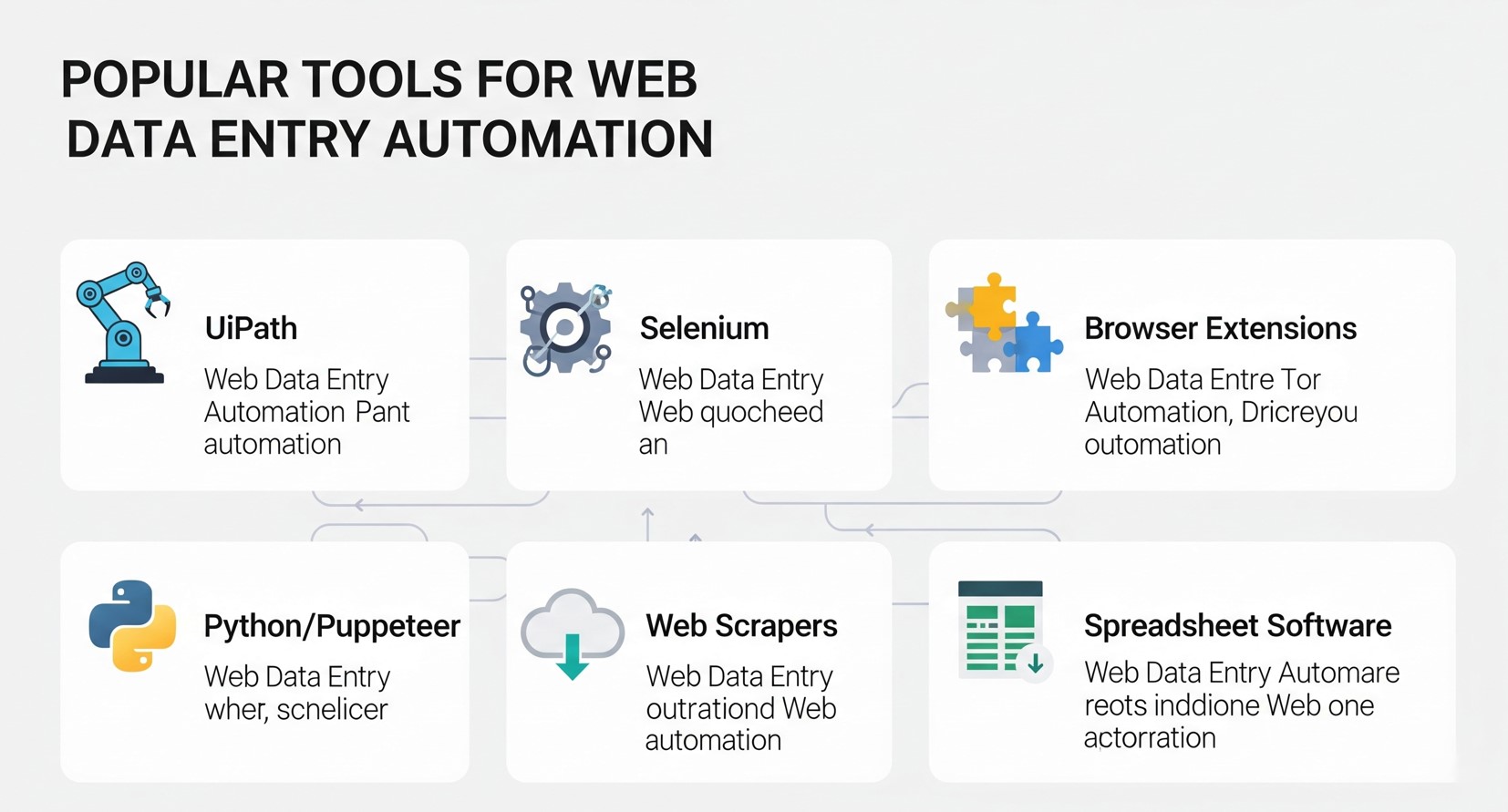
Beautiful Soup and Scrapy provide developer-level control, while no-code platforms like UiPath or Microsoft Power Automate allow non-programmers to create automated workflows. For simpler web-based tasks, refer to how to automate data entry in a web forms to speed up repetitive form submissions.
Octoparse offers a user-friendly visual interface for non-programmers. You can create scraping tasks by clicking on webpage elements, making it accessible to business users without coding experience.
ParseHub provides both free and paid plans for extracting data from dynamic websites that use JavaScript. It’s particularly useful for sites with interactive elements or infinite scroll features.
Browser Automation Tools
Selenium automates web browsers and can interact with websites exactly as a human would. It’s excellent for sites that require login credentials or complex navigation paths.
Puppeteer controls headless Chrome browsers and excels at scraping single-page applications and JavaScript-heavy websites.
No-Code Automation Platforms
Zapier, Microsoft Power Automate, and UiPath offer RPA capabilities. These platforms are especially useful when integrating data workflows into existing business tools, similar to how AR field service applications streamline operations in real time.
Microsoft Power Automate integrates well with Office 365 and other Microsoft products, making it suitable for businesses already using Microsoft ecosystems.
UiPath offers robotic process automation (RPA) capabilities that can handle complex workflows involving multiple applications and systems.
Step-by-Step Implementation Guide
Define Your Data Requirements
Start by clearly identifying what information you need to collect and where it will be used. Create a detailed specification that includes:
- Source websites and specific pages
- Exact data fields required
- Desired output format
- Update frequency requirements
- Data validation rules
Choose the Right Tool
Select automation tools based on your technical expertise, budget, and specific requirements. Consider factors like:
- Website complexity (static vs. dynamic content)
- Volume of data to be processed
- Required update frequency
- Integration needs with existing systems
- Available budget and resources
Set Up Data Extraction
Configure your chosen tool to identify and extract the required information. This typically involves:
- Mapping webpage elements to data fields
- Setting up extraction rules and filters
- Implementing error handling for missing or changed content
- Testing extraction accuracy with sample data
Implement Data Processing
Clean and format extracted data to meet your requirements:
- Remove unnecessary characters or formatting
- Standardize data formats (dates, phone numbers, etc.)
- Validate data against business rules
- Handle duplicate or conflicting information
Automate Data Input
Set up automated transfer of processed data to your target systems:
- Configure database connections or API integrations
- Map processed data fields to destination fields
- Implement data validation checks
- Set up error logging and notification systems
Monitor and Maintain
Establish ongoing monitoring to ensure continued reliability:
- Set up alerts for extraction failures
- Regularly review data quality metrics
- Update extraction rules when websites change
- Monitor system performance and optimization opportunities
Best Practices for Successful Automation
Respect Website Terms of Service
Always review and comply with website terms of service and robots.txt files. Some sites explicitly prohibit automated data collection, and violating these terms could result in legal issues or IP blocking.
Implement Rate Limiting
Avoid overwhelming target websites with rapid-fire requests. Implement delays between requests to mimic human browsing patterns and prevent your IP address from being blocked.
Handle Dynamic Content
Modern websites often load content dynamically using JavaScript. Ensure your automation tools can wait for content to load or use browser automation tools that render pages completely.
Plan for Website Changes
Websites frequently update their layouts and structure. Build flexibility into your automation scripts and establish monitoring to detect when changes break your data extraction.
Maintain Data Security
Implement appropriate security measures for collected data, especially if it contains sensitive information. Use secure connections, encrypt stored data, and limit access to authorized personnel only.
Start Small and Scale Gradually
Begin with simple, low-risk automation projects to gain experience and confidence. Once you’ve mastered basic implementations, gradually tackle more complex scenarios.
Common Challenges and Solutions
Challenge: Websites Blocking Automated Requests
Solution: Use rotating IP addresses, implement random delays between requests, and mimic human browsing patterns. Consider using residential proxy services for persistent blocking issues.
Challenge: Handling JavaScript-Heavy Websites
Solution: Use browser automation tools like Selenium or Puppeteer that can execute JavaScript and wait for dynamic content to load.
Challenge: Maintaining Accuracy When Websites Change
Solution: Implement robust error handling and monitoring systems. Set up alerts when extraction patterns fail and maintain backup extraction methods when possible.
Challenge: Processing Large Volumes of Data
Solution: Implement parallel processing and optimize your code for performance. Consider cloud-based solutions that can scale automatically based on workload.
Legal and Ethical Considerations
Web scraping exists in a legal gray area that varies by jurisdiction and specific use case. Generally, scraping publicly available information for legitimate business purposes is acceptable, but you should:
- Avoid scraping copyrighted content for commercial use
- Respect rate limits and don’t overload target servers
- Check for API alternatives before scraping
- Consult legal counsel for high-risk or large-scale projects
- Consider the ethical implications of your data collection
Measuring Success and ROI
Track key metrics to evaluate your automation success:
Time Savings: Measure hours saved compared to manual processes
Accuracy Improvements: Compare error rates before and after automation
Cost Reduction: Calculate labor cost savings minus tool and maintenance costs
Data Freshness: Monitor how current your automated data remains compared to manual updates
Process Reliability: Track uptime and successful completion rates
Future Trends in Web Data Entry Automation
The field of automation is evolving rapidly, and businesses must stay ahead of emerging trends. Some key developments include:
- AI-Powered Data Intelligence: Beyond extraction, AI is increasingly capable of analyzing patterns and providing actionable insights from collected data.
- Low-Code and No-Code Platforms: Automation platforms are becoming more accessible to non-technical users, allowing teams to build sophisticated workflows without programming expertise.
- Cloud-Based Automation: Cloud solutions offer scalability, collaboration, and easier maintenance compared to traditional on-premise systems.
- Integration With IoT and APIs: Automated workflows increasingly pull data from connected devices, apps, and APIs to deliver comprehensive real-time insights.
Businesses that invest in these emerging capabilities can not only streamline operations but also gain strategic advantages by converting raw data into knowledge faster than competitors.
Ensuring Data Quality in Automated Systems

Automation speeds up processes, but the value of data depends on its quality. Implementing checks at every step of your workflow is essential. Data validation rules, duplicate detection, and error logging ensure that incorrect or incomplete information doesn’t enter your system.
For example, if your automation collects email addresses, validation rules can immediately flag improperly formatted addresses. Similarly, numeric data can be cross-checked against expected ranges to detect anomalies. Periodic audits of automated data flows also help identify recurring issues and improve extraction logic.
Maintaining high-quality data is particularly critical for industries like finance or healthcare, where decisions based on inaccurate data can have significant consequences. Automation, when combined with robust data quality practices, provides both speed and reliability.
Advanced Automation Techniques for Complex Data
Once basic automation is in place, AI-powered tools and machine learning can handle complex data types like PDFs, images, or scanned documents. For Excel-specific solutions, explore how to automate Excel data entry effortlessly to maximize efficiency in your spreadsheet workflows.
Machine learning algorithms can also classify, sort, and prioritize data based on patterns, helping businesses filter valuable information from noise. This becomes particularly useful when processing large volumes of semi-structured data from multiple sources. By integrating AI-driven automation with your existing workflow, you can achieve not only efficiency but also insights that were previously difficult to uncover manually.
Automation workflows can also include predictive tasks, such as forecasting inventory needs or identifying market trends based on real-time data collected from competitors or industry websites. Combining web data entry automation with predictive analytics transforms your data into a strategic asset, giving your business a competitive edge.
Taking Your First Steps Toward Automation
Web data entry automation transforms how businesses handle repetitive data collection tasks. The technology has matured to the point where both technical and non-technical users can implement effective solutions.
Start by identifying your most time-consuming manual tasks. Choose simple, low-risk projects for your initial automation efforts. As you gain confidence, you can tackle more complex scenarios. For a broader perspective on using automation as a productivity tool, check out automate data entry is your secret productivity weapon.
Remember that successful automation requires ongoing attention and maintenance. Websites change, requirements evolve, and systems need updates. But the investment in time and resources pays dividends through increased productivity and improved data quality.
The question isn’t whether you should automate web data entry—it’s which processes to automate first and how quickly you can get started.
Frequently Asked Questions (FAQ)
Is web data entry automation suitable for small businesses?
Yes, small businesses can benefit greatly from automation. Even simple tasks like automating order tracking, lead capture, or price monitoring can save hours each week, reduce errors, and allow teams to focus on growth activities.
Do I need programming skills to automate web data entry?
Not necessarily. While tools like Python-based Beautiful Soup or Scrapy require programming knowledge, many platforms like Octoparse, UiPath, and Microsoft Power Automate offer visual interfaces and no-code options suitable for non-technical users.
How do I ensure compliance when scraping data from websites?
Always review the website’s terms of service and robots.txt file. Avoid scraping copyrighted material or sensitive personal data without permission. For high-risk projects, consult legal counsel to ensure compliance with local laws and regulations.
Can automation handle unstructured or complex data?
Yes. Advanced automation tools with AI and OCR capabilities can extract data from PDFs, images, and semi-structured sources. Machine learning can further classify and prioritize this data, making it usable for business processes.
What are the common challenges when implementing automation?
Challenges include websites changing their layout, dynamic content loaded via JavaScript, IP blocking due to high-frequency requests, and maintaining data quality. Solutions involve robust error handling, monitoring, and using browser automation tools like Selenium or Puppeteer.
How do I measure the ROI of automation?
Track time saved, reduction in errors, cost savings from reduced manual labor, data freshness, and process reliability. Over time, these metrics show how automation contributes to efficiency and profitability.