Automation infrastructure is becoming an essential component of modern business operations, helping organizations reduce operational expenses, eliminate repetitive tasks, and improve productivity. As businesses manage increasing workloads and complex digital processes, relying entirely on manual work can create delays, increase labor costs, and introduce avoidable errors. A well-designed automation infrastructure connects software, systems, data, and automated processes to complete routine activities more efficiently.
Businesses can use automation to streamline operations across marketing, customer service, information technology, and administrative departments. Solutions such as Social Media Automation, Workflow Automation, and Brand Automation help organizations maintain consistency while reducing the time employees spend on repetitive responsibilities. Instead of expanding teams to manage every additional task, businesses can automate suitable processes and allocate human resources to more strategic activities. Understanding how automation infrastructure works can help organizations control costs, improve operational efficiency, and support sustainable business growth.
Understanding Automation Infrastructure
Automation infrastructure refers to the combination of technologies, platforms, integrations, systems, and processes that enable tasks to run automatically with limited manual intervention. It may include cloud services, APIs, scheduling tools, workflow engines, monitoring systems, and centralized data platforms. Together, these components allow businesses to coordinate repetitive activities, reduce operational friction, and maintain consistent performance across different departments.
Key Components of Automation Infrastructure
An effective automation infrastructure typically combines software applications, integration tools, data storage, processing resources, and monitoring capabilities. Applications perform specific tasks, while integrations allow different systems to exchange information. Scheduling and workflow tools coordinate when activities occur, and monitoring systems help identify errors or interruptions. These components create a connected environment where routine operations can run more reliably.
Why Businesses Need Automation
Businesses often spend significant time on repetitive activities such as transferring information, generating reports, sending notifications, and updating records. Manual processes can become increasingly expensive as transaction volumes grow. Automation provides a way to handle these activities more consistently, allowing employees to focus on problem-solving, customer relationships, planning, and other responsibilities that require human judgment.
How Automation Infrastructure Reduces Operational Costs

Automation infrastructure can reduce operating expenses by decreasing repetitive labor, minimizing errors, and improving the use of existing resources. Instead of assigning employees to complete every routine activity manually, businesses can configure systems to perform suitable tasks automatically. The greatest savings typically come from combining multiple improvements rather than relying on a single automation tool.
Reducing Labor Costs and Repetitive Work
Employees frequently spend working hours performing tasks that follow predictable rules. Automating activities such as invoice processing, data entry, appointment reminders, and routine reporting reduces the amount of manual effort required. This does not necessarily mean eliminating jobs; businesses can redirect employee time toward more valuable responsibilities while managing growing workloads without proportionally increasing staffing costs.
Minimizing Errors and Rework
Manual processes can introduce mistakes through incorrect data entry, missed deadlines, duplicate records, and inconsistent procedures. Correcting these errors consumes additional time and money. Automation can reduce these risks by applying predefined rules, validating information, and executing standardized processes. However, automated systems still require testing, oversight, and maintenance to prevent technical errors from affecting business operations.
Improving Resource Utilization
Automation infrastructure helps businesses use computing resources, employee time, and operational capacity more efficiently. Cloud-based systems can scale according to demand, while automated scheduling can prevent unnecessary resource consumption during quieter periods. By monitoring system usage and identifying inefficient processes, organizations can reduce waste and avoid paying for capacity that provides little operational value.
Using Workflow Automation to Improve Productivity
Workflow Automation connects a sequence of business activities so that tasks move between systems or employees according to predefined conditions. For example, a new customer inquiry might automatically create a record, notify a sales representative, and trigger a follow-up reminder. This reduces manual coordination, improves process visibility, and helps businesses complete recurring activities with fewer delays.
Automating Repetitive Business Processes
Businesses can automate approval requests, document routing, customer onboarding, employee notifications, and routine reporting. Once the workflow is configured, the system can execute predictable steps whenever specific conditions are met. Employees intervene when exceptions require judgment or approval. This arrangement reduces administrative workload while allowing teams to maintain control over important business decisions.
Eliminating Process Bottlenecks
Manual workflows often become delayed when employees overlook requests, wait for information, or repeat the same data entry across several applications. Automated notifications, conditional routing, and integrated systems help information reach the appropriate person or application at the right time. Businesses should review workflow performance regularly to identify unnecessary steps and ensure that automation actually improves completion times.
Reducing Marketing Expenses With Social Media Automation

Social Media Automation enables businesses to schedule posts, organize publishing calendars, monitor selected interactions, and generate performance reports using digital tools. These capabilities reduce the administrative effort involved in maintaining multiple social media channels. When implemented strategically, social media automation helps marketing teams maintain consistent publishing schedules and spend more time creating valuable content and engaging with their audiences.
Automating Social Media Scheduling
Marketing teams can prepare content in advance and schedule publication across supported platforms. A centralized calendar makes it easier to coordinate campaigns, avoid overlapping posts, and maintain a consistent publishing frequency. Automated scheduling also reduces the need for employees to publish every post manually, although teams should still review content and adapt their approach when timely events require a response.
Improving Marketing Performance Tracking
Automation tools can collect engagement metrics, organize campaign results, and generate recurring reports. This reduces the time spent gathering information from multiple social platforms. Marketers can use the resulting insights to evaluate content performance, identify effective publishing patterns, and allocate budgets more efficiently. Human review remains important because automated reports cannot always explain why audiences respond differently to particular messages.
Strengthening Brand Consistency Through Brand Automation
Brand Automation uses digital systems and predefined rules to maintain consistent branding across marketing materials, customer communications, and business channels. It can include reusable templates, approved content libraries, automated email sequences, and centralized brand assets. By standardizing recurring activities, businesses can reduce duplicated work, minimize inconsistent messaging, and simplify collaboration between marketing teams and external partners.
Standardizing Brand Assets and Communications
Businesses can maintain approved logos, colors, fonts, templates, and messaging guidelines in centralized systems. Employees can access current resources without repeatedly requesting files or recreating designs from scratch. Automated templates can also help teams produce consistent presentations, promotional materials, and customer communications while reducing the time required for routine production tasks.
Automating Customer Communication
Automated email sequences and customer notifications can deliver relevant information when specific events occur, such as account registration, order confirmation, or subscription renewal. These messages help maintain consistent communication without requiring employees to send every message individually. Businesses should ensure that communications remain accurate, relevant, appropriately personalized, and compliant with applicable privacy and marketing requirements.
Integrating Systems to Eliminate Manual Data Entry
Disconnected applications often force employees to copy information between spreadsheets, customer relationship management platforms, accounting software, and other business systems. Automation infrastructure can connect these applications through APIs, integration platforms, and data synchronization processes. This reduces duplicate work, improves information consistency, and helps employees access the information they need without repeatedly switching between systems.
Connecting Business Applications
System integrations allow information created in one application to trigger actions in another. For example, an approved sales order could automatically update inventory records and notify the finance department. These connections reduce repetitive data entry and improve coordination between teams. Businesses should establish appropriate permissions, error handling, and data validation to prevent incorrect information from spreading across connected applications.
Improving Data Accuracy and Accessibility
Centralized data flows can reduce inconsistencies caused by multiple employees maintaining separate records. Automated validation checks can identify missing fields, incorrect formats, and duplicate entries before information reaches downstream systems. Clear ownership of important data and regular integration monitoring are still necessary to ensure that automated processes remain dependable as business requirements change.
Scaling Business Operations Without Proportionally Increasing Costs
Automation infrastructure allows organizations to handle higher transaction volumes without increasing manual effort at the same rate. Once an automated process is configured, it can often manage additional tasks with relatively little extra coordination. This makes automation particularly useful for businesses experiencing growth, seasonal demand, or increasing digital workloads that would otherwise require substantial additional administrative resources.
Supporting Business Growth
As businesses acquire more customers, they often face additional demands involving orders, reporting, customer support, and internal coordination. Automated processes can manage many routine activities while employees concentrate on complex situations and strategic priorities. Organizations should evaluate whether their automation systems can handle higher volumes before expanding operations to avoid performance problems and unexpected infrastructure expenses.
Controlling Infrastructure and Maintenance Costs
Automation can introduce expenses involving software subscriptions, implementation, integrations, cloud resources, monitoring, and maintenance. Businesses should compare these costs with the time saved, errors avoided, and additional capacity created. Choosing tools that match actual requirements and removing unused integrations can help organizations maintain a positive return on investment rather than accumulating unnecessary technology expenses.
Measuring the Return on Automation Investment
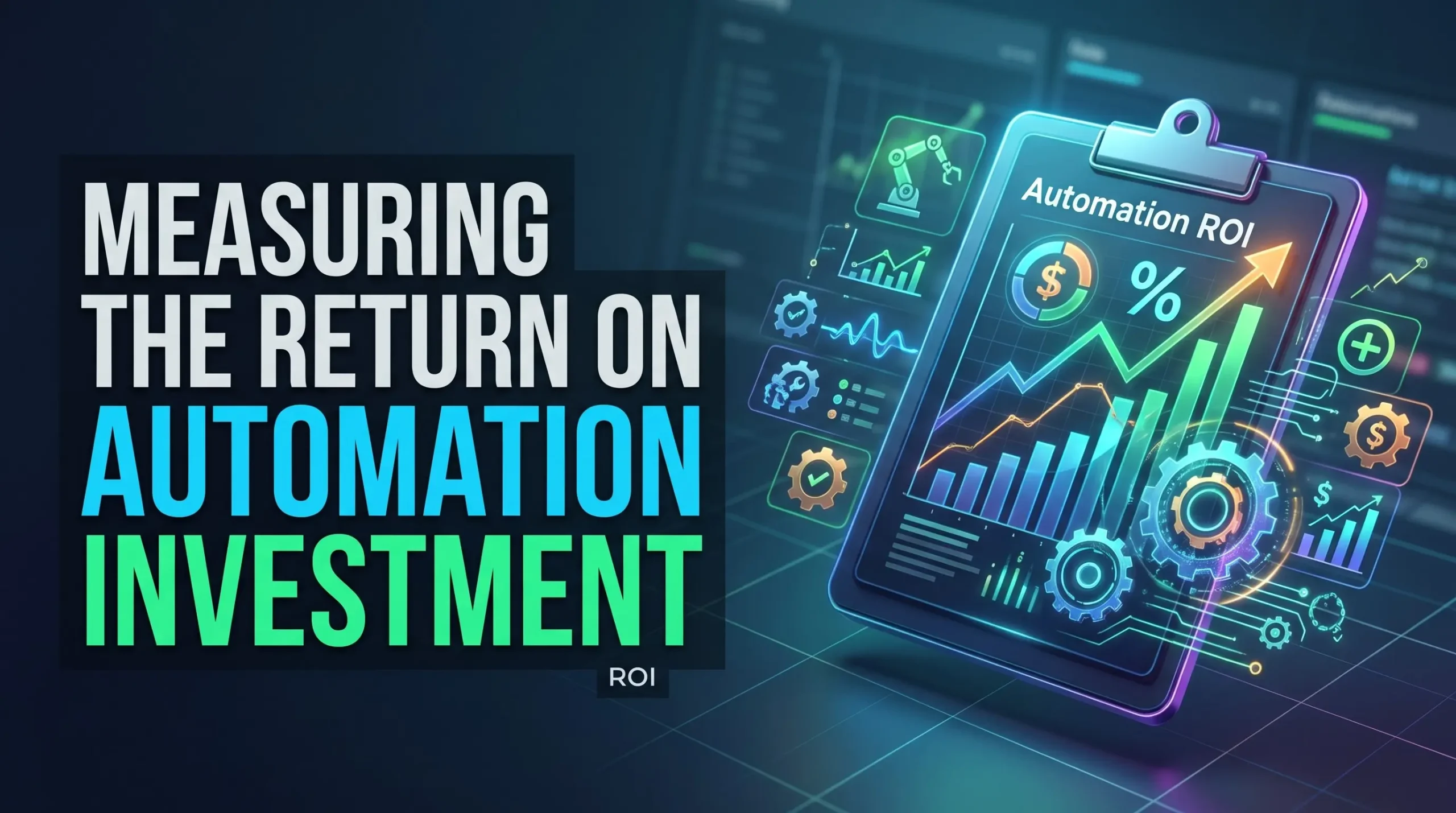
Measuring automation performance helps businesses determine whether their systems are delivering meaningful financial and operational benefits. Organizations should establish a baseline before implementation and compare results after deployment. Evaluating time savings alone is insufficient because successful automation should also consider implementation costs, reliability, error rates, maintenance requirements, and the effect on customer and employee experiences.
Tracking Relevant Performance Metrics
Useful metrics include processing time, cost per transaction, manual hours saved, error frequency, workflow completion rates, and system availability. For marketing automation, businesses may also examine publishing efficiency, campaign costs, and engagement performance. Comparing these measurements over time helps decision-makers identify which automated processes deliver the greatest value and which require further improvement.
Calculating Automation ROI
Automation return on investment can be estimated by comparing the financial benefits with the total cost of implementation and operation. Benefits may include reduced labor expenditure, fewer errors, lower processing costs, and additional productive capacity. Businesses should avoid counting the same benefit twice and should distinguish actual cash savings from time savings that have not yet reduced expenses.
Best Practices for Implementing Automation Infrastructure
Successful automation begins with clear business objectives rather than purchasing tools without a defined purpose. Organizations should identify repetitive tasks, assess their complexity, and prioritize processes with measurable benefits. A phased implementation approach helps businesses test systems, resolve problems, and build employee confidence before expanding automation across more departments.
Start With High-Impact Processes
Businesses should begin with processes that are repetitive, rule-based, time-consuming, and relatively easy to measure. Automating these activities can demonstrate value while limiting implementation complexity. Once the initial workflows operate reliably, organizations can expand into more complex processes that require additional integrations, exception handling, and cross-department coordination.
Maintain Security and Human Oversight
Automated systems may access customer records, financial information, business applications, and other sensitive resources. Organizations should apply access controls, secure integrations, regular updates, and appropriate monitoring. Human oversight is especially important for decisions involving significant financial consequences, sensitive customer situations, or unusual exceptions that automated rules may not handle correctly.
Conclusion
Automation infrastructure helps businesses reduce costs and manual work by connecting systems, standardizing processes, minimizing repetitive tasks, and improving resource utilization. Workflow Automation can streamline internal operations, Social Media Automation can reduce marketing administration, and Brand Automation can maintain consistent communications across business channels.
However, automation delivers the strongest results when it addresses clearly defined problems and is supported by reliable integrations, security controls, and regular performance measurement. Businesses should evaluate implementation and maintenance costs alongside productivity improvements to ensure that automation creates genuine value. With careful planning and continuous optimization, organizations can improve operational efficiency, support business growth, and allow employees to focus on work that requires creativity, expertise, and human judgment.
Frequently Asked Questions
1. What is automation infrastructure?
Automation infrastructure is the combination of technologies, software, integrations, and processes that enable business tasks to run automatically with limited manual intervention. It helps organizations improve efficiency, reduce repetitive work, and standardize operations.
2. How does automation infrastructure reduce business costs?
It reduces costs by minimizing repetitive labor, decreasing manual errors, improving resource utilization, and accelerating routine processes. Businesses must also account for software, implementation, maintenance, and monitoring expenses when evaluating overall savings.
3. What is Workflow Automation?
Workflow Automation uses software to coordinate tasks according to predefined rules and conditions. It can automate approvals, notifications, data transfers, reporting, and other recurring processes, reducing manual coordination and delays.
4. How does Social Media Automation help businesses?
Social Media Automation helps businesses schedule posts, organize content calendars, monitor selected activities, and collect performance reports. It reduces administrative work while allowing marketing teams to focus on content quality and audience relationships.
5. What is Brand Automation?
Brand Automation uses templates, approved assets, predefined guidelines, and automated communication processes to maintain consistent branding. It reduces repetitive production work and helps businesses deliver a more uniform brand experience.
6. Can automation infrastructure reduce employee workload?
Yes. Automation can handle repetitive activities such as data entry, scheduling, reporting, and notifications. Employees can then focus on complex tasks, customer support, strategic planning, and responsibilities requiring human judgment.
7. Is automation infrastructure suitable for small businesses?
Yes. Small businesses can begin with affordable scheduling, accounting, customer relationship management, and workflow tools. Starting with a few high-impact processes allows them to evaluate benefits before investing in more advanced systems.
8. What are the main challenges of implementing automation infrastructure?
Common challenges include integration complexity, implementation expenses, data security risks, employee training, and ongoing maintenance. Businesses can address these challenges through careful planning, gradual deployment, testing, and regular monitoring.
9. How can businesses measure automation success?
Businesses can track processing time, manual hours saved, cost per transaction, error rates, workflow completion rates, and system availability. Comparing these metrics with pre-automation performance helps determine whether the investment delivers meaningful value.
10. What should businesses automate first?
Businesses should prioritize repetitive, rule-based tasks that consume significant time and have measurable outcomes. Examples include invoice processing, appointment reminders, report generation, social media scheduling, and routine data synchronization.