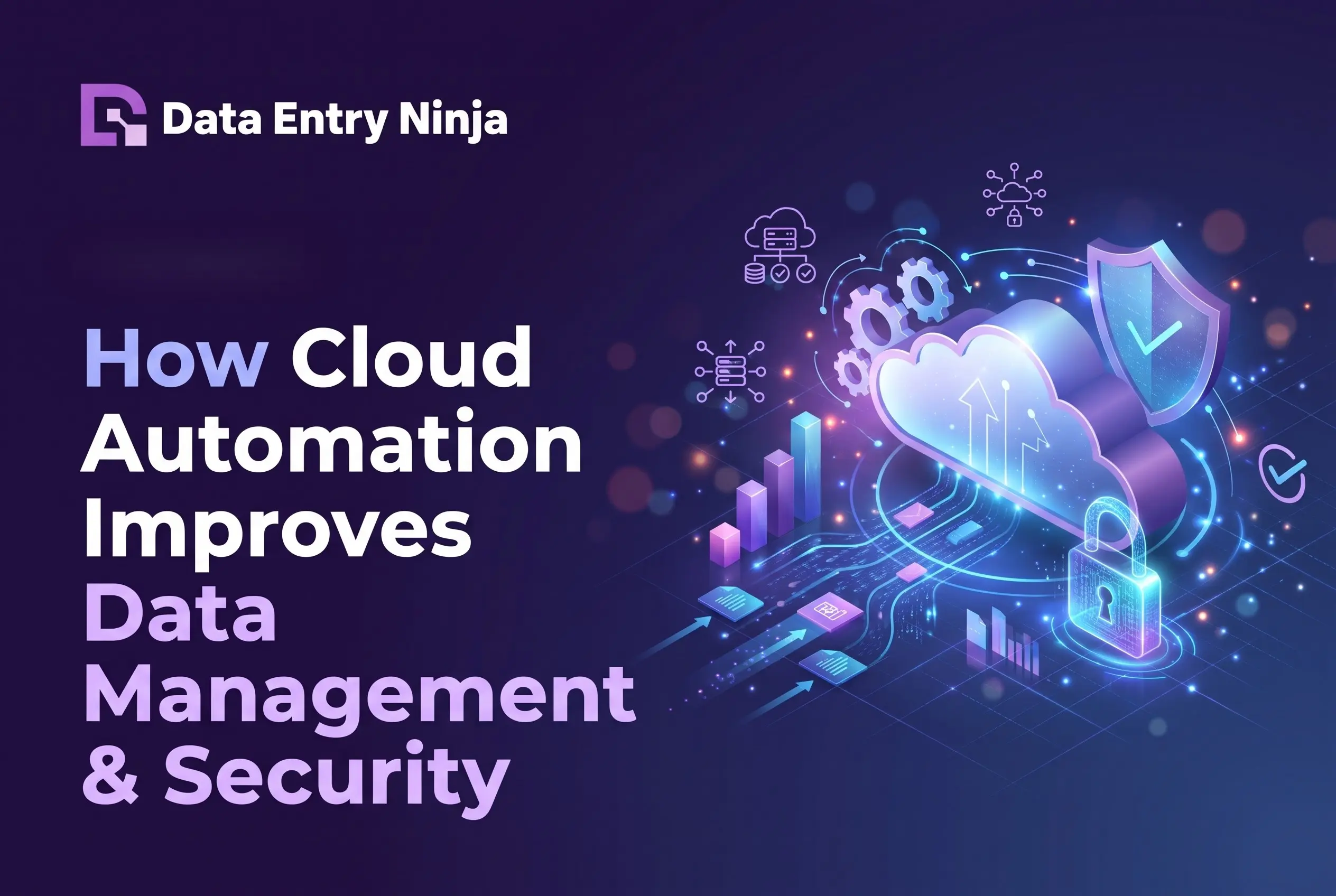
Managing business data securely and efficiently has become increasingly important in today’s digital environment. Businesses generate large amounts of information through websites, applications, customer interactions, financial transactions, and internal operations. Handling this information manually can create operational challenges, increase security risks, and reduce productivity. Cloud Automation provides modern solutions that help organizations simplify data management, automate repetitive tasks, and strengthen information security through cloud-based technologies.
By combining cloud computing with automated processes, businesses can improve data storage, backup management, access control, and system monitoring. These capabilities reduce human errors and help organizations maintain better control over their digital resources. Cloud-based systems also support Workflow Automation, allowing teams to manage information and business activities more efficiently. Additionally, technologies supporting Automated Brand Creation and Brand Automation can help organizations maintain consistent digital assets and streamline marketing operations. Understanding how cloud automation works can help businesses build more secure, scalable, and efficient digital environments.
Understanding the Role of Cloud Automation in Data Management
Cloud automation refers to using software, scripts, and cloud-based tools to perform infrastructure and data management activities with minimal manual intervention. It helps organizations manage digital resources, control workloads, and maintain consistent processes across cloud environments. By automating routine operations, businesses can improve efficiency while reducing administrative complexity.
Simplifying Cloud Data Storage
Cloud storage allows businesses to store and access information through internet-connected infrastructure. Automation makes storage management more efficient by organizing files, managing storage capacity, and applying predefined data policies.
Businesses can configure automated processes to move older information into lower-cost storage tiers or maintain separate storage environments for different data categories. This helps organizations control storage expenses while keeping important information accessible.
Improving Data Organization and Accessibility
Organized data helps employees find information quickly and perform their responsibilities more effectively. Cloud automation can classify files, synchronize information, and maintain consistent data structures across supported systems.
These capabilities reduce manual data handling and improve collaboration between departments. Employees can access authorized information from different locations without depending on complicated manual transfer processes.
Strengthening Data Security Through Cloud Automation
 Data security is a major concern for businesses that store customer information, financial records, and confidential documents online. Cloud automation helps organizations implement consistent security policies, monitor activities, and respond to potential threats. Automated security processes can reduce human error and improve the overall protection of digital resources.
Automating Security Monitoring
Continuous security monitoring helps businesses identify unusual activities and potential vulnerabilities. Automated monitoring tools can analyze system events, detect suspicious login attempts, and generate alerts when predefined security conditions occur.
These alerts allow IT teams to investigate potential problems more quickly. Automated monitoring also helps organizations maintain visibility across cloud infrastructure without depending entirely on manual system checks.
Implementing Automated Access Controls
Access management determines who can view, modify, or manage business information. Cloud automation allows administrators to apply predefined access permissions based on employee roles and responsibilities.
For example, finance employees may receive access to financial records, while marketing teams can manage approved marketing resources. Automated permission management reduces unnecessary access and supports stronger information security.
Using Workflow Automation to Improve Business Operations
Workflow Automation helps businesses perform repetitive activities through predefined digital processes. When integrated with cloud platforms, it allows organizations to connect applications, transfer information, and coordinate tasks across departments. This reduces manual workloads and creates more consistent business operations.
Automating Repetitive Data Processing
Many businesses regularly process invoices, customer information, reports, and internal documents. Handling these activities manually can consume valuable time and increase the possibility of errors.
Cloud-based automation tools can process incoming information, update databases, and trigger predefined actions. For example, an automated system can transfer customer information from an online form into a customer relationship management platform.
Improving Team Collaboration
Cloud automation supports collaboration by keeping information synchronized across connected applications. Employees can access updated documents, receive automatic notifications, and track task progress through centralized platforms.
This reduces communication delays and helps teams coordinate responsibilities more effectively. Consistent workflows also make it easier for managers to monitor operational activities and identify process improvements.
Improving Data Backup and Disaster Recovery
Data loss can create serious problems for businesses, especially when important information becomes unavailable because of hardware failures, cyberattacks, accidental deletion, or system disruptions. Cloud automation helps organizations maintain backup schedules and prepare recovery processes. These capabilities support business continuity and reduce the operational impact of unexpected incidents.
Scheduling Automated Data Backups
Automated backup systems can create copies of important business information according to predefined schedules. Businesses can configure backups to run daily, weekly, or at other appropriate intervals depending on their operational requirements.
Regular backups reduce dependence on manual processes and help ensure that important information is preserved. Organizations should also verify backup integrity and maintain appropriate access controls.
Supporting Faster Data Recovery
Disaster recovery involves restoring business systems and information after an unexpected disruption. Cloud automation can coordinate recovery procedures, restore selected data, and help bring important applications back online.
Businesses should establish recovery objectives that define acceptable recovery time and data loss. Regular testing is essential because automated recovery procedures must work correctly when an actual incident occurs.
The Role of Automated Brand Creation in Digital Business Management

Automated Brand Creation uses digital tools and automation technologies to simplify certain activities involved in developing and managing brand assets. Businesses can use cloud-based platforms to organize visual resources, generate marketing materials, and maintain consistent brand information. These capabilities help marketing teams reduce repetitive design and administrative tasks.
Streamlining Brand Asset Development
Creating and managing brand assets often involves multiple departments and approval processes. Cloud-based design platforms allow teams to access shared templates, approved logos, color palettes, and marketing resources.
Automation can help generate variations of promotional materials using predefined brand guidelines. This reduces repetitive production work and helps teams maintain consistency across different marketing channels.
Organizing Digital Brand Resources
Businesses need a centralized system for managing brand guidelines, images, documents, and promotional materials. Cloud-based digital asset management platforms can organize these resources and control who can access or update them.
Automated tagging, file categorization, and approval notifications make asset management more efficient. These processes also reduce the risk of employees using outdated or unapproved brand materials.
How Brand Automation Supports Marketing Consistency
Brand Automation involves using digital tools and predefined processes to maintain consistent brand communication across different platforms. It can support content distribution, campaign scheduling, customer communication, and marketing asset management. Cloud-based automation makes these activities easier to coordinate while helping businesses maintain a recognizable brand identity.
Maintaining Consistent Brand Communication
Customers interact with businesses through websites, social media, emails, advertisements, and other digital channels. Maintaining consistent messaging across these platforms can become challenging without organized systems.
Brand automation allows marketing teams to use approved templates, communication guidelines, and scheduled publishing processes. This helps businesses maintain consistent messaging while reducing repetitive administrative tasks.
Improving Marketing Campaign Management
Cloud-based marketing automation platforms can coordinate campaign schedules, manage audience segments, and trigger communication based on customer activities.
For example, a business can automatically send welcome emails when new customers subscribe to its newsletter. Marketing teams can also monitor campaign performance through centralized dashboards and adjust their strategies based on available data.
Enhancing Data Privacy and Regulatory Compliance
Businesses must handle customer and organizational information responsibly. Data privacy requirements and industry regulations often require organizations to implement appropriate security controls, maintain records, and manage information access. Cloud automation can support these responsibilities through consistent policies and automated monitoring.
Managing Sensitive Business Information
Sensitive information may include customer details, financial records, employee information, and confidential business documents. Automated data classification can help organizations identify information that requires additional protection.
Businesses can apply encryption, access restrictions, and retention policies based on data sensitivity. These controls reduce unnecessary exposure and improve the management of confidential information.
Supporting Compliance Monitoring
Compliance monitoring helps businesses evaluate whether their data management practices follow applicable requirements. Cloud platforms can generate activity logs, monitor access permissions, and maintain records of important system changes.
These capabilities make it easier for administrators to review security activities and prepare documentation. However, automation does not guarantee compliance. Organizations must understand relevant regulations and regularly evaluate their security policies.
Reducing Human Errors Through Automated Data Management
 Manual data management often involves repetitive activities such as entering information, transferring files, updating records, and preparing reports. Even experienced employees can make mistakes when performing these tasks repeatedly. Cloud automation reduces manual intervention and supports more consistent information management across business systems.
Improving Data Accuracy
Automated data processing can apply predefined rules when collecting, transferring, and updating information. This helps maintain consistent formats and reduces common data entry mistakes.
For example, an automated system can validate required customer information before saving a new record. Businesses can also configure duplicate detection processes to identify repeated entries and maintain cleaner databases.
Maintaining Consistent Business Records
Accurate records are important for financial reporting, customer service, marketing, and operational planning. Cloud automation can synchronize supported applications and update connected records when information changes.
This reduces the risk of outdated information appearing across different systems. Regular data validation and human review remain important to ensure that automated processes produce reliable results.
Choosing the Right Cloud Automation Tools
Selecting suitable cloud automation tools requires understanding business requirements, existing technology, security expectations, and available resources. Different platforms offer different automation capabilities, integration options, and pricing structures. Businesses should evaluate these factors carefully before implementing new systems.
Evaluating Features and Integration Capabilities
Organizations should identify which activities need automation before selecting a platform. Some businesses may prioritize automated backups, while others may need workflow management, cloud security monitoring, or application integration.
The selected platform should work effectively with existing business systems. Integration compatibility helps avoid disconnected processes and unnecessary operational complexity.
Considering Security and Scalability
Security should remain a priority when choosing cloud automation software. Businesses should examine encryption capabilities, access management, authentication options, monitoring features, and data protection policies.
Scalability is equally important because business requirements may increase over time. Flexible solutions allow organizations to expand storage, users, and automated processes without completely replacing their existing infrastructure.
The Future of Cloud Automation in Data Management and Security
Cloud automation continues to evolve through artificial intelligence, machine learning, advanced analytics, and intelligent security systems. These developments are creating opportunities for businesses to manage increasingly complex digital environments. Organizations that adopt suitable technologies can improve operational efficiency while preparing for future security and data management requirements.
Adopting AI-Powered Cloud Automation
Artificial intelligence can help analyze system activities, identify unusual patterns, and support automated responses to certain security events. AI-powered cloud platforms can also assist with workload optimization and resource management.
These technologies may help IT teams identify potential issues before they significantly affect business operations. However, organizations should establish appropriate human oversight and carefully evaluate automated security decisions.
Building More Secure and Scalable Digital Environments
As businesses expand, their data volumes, applications, and security requirements also increase. Cloud automation helps organizations manage these changes through standardized processes and scalable infrastructure.
Automated monitoring, backup management, access controls, and workflow systems can support more reliable operations. Combining these capabilities with regular security assessments helps businesses build stronger digital environments for long-term growth.
Conclusion
Cloud automation has become an important technology for businesses that want to improve data management, strengthen security, and simplify daily operations. By automating storage management, security monitoring, data backups, and access controls, organizations can reduce manual workloads and maintain better control over their digital resources.
Furthermore, Workflow Automation improves operational efficiency, while Automated Brand Creation and Brand Automation help marketing teams manage digital assets and maintain consistent brand communication. However, successful implementation requires selecting suitable platforms, maintaining strong security policies, and regularly reviewing automated processes.
Frequently Asked Questions (FAQs)
1. What is cloud automation?
Cloud automation is the use of software, scripts, and digital tools to perform cloud-related activities automatically. It helps businesses manage storage, applications, infrastructure, security monitoring, and data processing with less manual intervention.
2. How does cloud automation improve data security?
Cloud automation improves data security through automated monitoring, access controls, backup management, encryption policies, and suspicious activity alerts. These processes help organizations identify potential threats and maintain consistent security practices.
3. What is workflow automation in cloud computing?
Workflow Automation uses cloud-based systems to perform repetitive business tasks automatically. It can manage document processing, data transfers, employee notifications, customer information updates, and approval processes.
4. How does cloud automation reduce human errors?
Cloud automation reduces manual data entry and repetitive administrative activities. Predefined rules, automated validation, and synchronized records help maintain data accuracy and reduce common processing mistakes.
5. What is automated brand creation?
Automated Brand Creation uses digital tools and predefined templates to simplify the development of brand assets, marketing materials, and visual resources. It helps businesses maintain consistent branding while reducing repetitive production tasks.
6. What is brand automation?
Brand Automation involves using technology to streamline brand-related activities such as content scheduling, campaign management, asset organization, and customer communication. It helps maintain consistent brand messaging across different channels.
7. Can cloud automation help with disaster recovery?
Yes. Cloud automation can schedule data backups, coordinate recovery processes, and restore selected information after system disruptions. Regular recovery testing helps businesses confirm that their disaster recovery procedures work correctly.
8. Is cloud automation suitable for small businesses?
Yes. Small businesses can use cloud automation for accounting workflows, data backups, file management, customer communication, and security monitoring. Scalable cloud services allow businesses to start with basic features and expand when needed.
9. What should businesses consider before implementing cloud automation?
Businesses should evaluate security requirements, integration compatibility, pricing, scalability, automation capabilities, and regulatory obligations. They should also identify which processes need automation and establish appropriate monitoring procedures.
10. What is the future of cloud automation?
The future of cloud automation will involve greater use of artificial intelligence, predictive analytics, intelligent security monitoring, and automated infrastructure management. These developments will help businesses manage data more efficiently and respond to operational challenges.