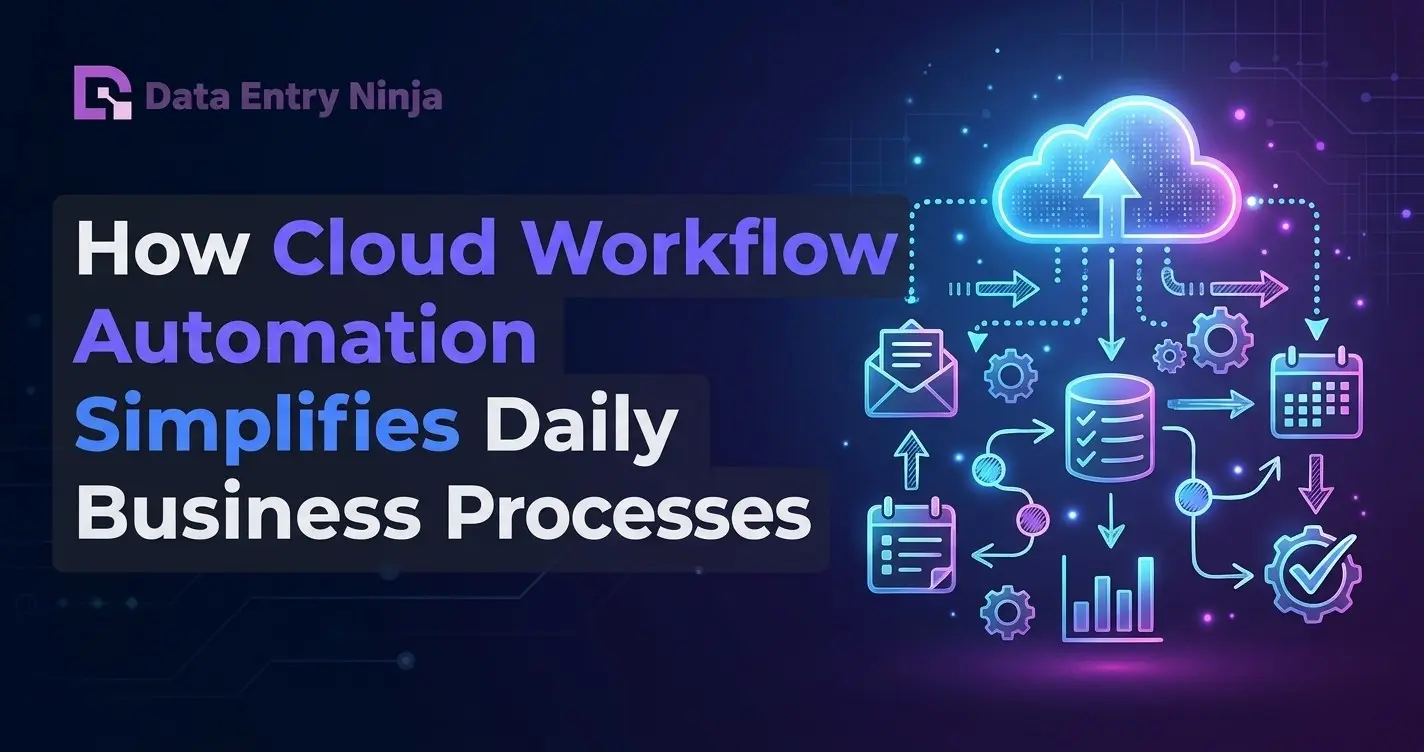
Cloud workflow automation has become an essential part of modern business operations as organizations look for better ways to manage daily tasks, improve productivity, and reduce operational challenges. Businesses often handle multiple activities simultaneously, including customer communication, data management, employee coordination, document processing, and project tracking. Managing these responsibilities manually can consume valuable time, increase operational costs, and create unnecessary errors. Cloud-based automation provides a more efficient way to organize these activities through connected digital systems.
With cloud workflow automation, businesses can automate repetitive processes, connect different applications, and manage operations through centralized platforms. Employees can spend less time completing routine administrative work and focus more on important business activities. It also supports Workflow optimization, Enterprise automation, and AI Task automation, helping organizations build more flexible and productive working environments. Understanding how this technology simplifies everyday business processes can help companies improve efficiency and prepare for long-term digital growth.
Understanding Cloud Workflow Automation
Cloud workflow automation refers to using cloud-based software and digital technologies to automate business tasks, processes, and communication between different systems. Instead of depending on manual instructions, employees can create automated workflows that perform specific activities based on predefined rules, triggers, and conditions. These systems operate through internet-connected platforms, allowing authorized users to access business processes from different locations.
For example, when a customer submits an online inquiry, an automated workflow can record the information, notify the appropriate employee, and send an acknowledgment email. This process reduces manual involvement and ensures that important requests receive attention without unnecessary delays.
How Cloud-Based Automation Works
Cloud automation platforms connect applications, databases, and business tools through integrations and predefined workflow rules. When a specific event occurs, such as receiving a new order or submitting a form, the system automatically performs the assigned actions. These actions may include transferring information, generating notifications, updating records, or assigning responsibilities.
Businesses can customize these workflows according to their operational requirements. As a result, employees can manage multiple activities through connected systems instead of switching between separate applications throughout the working day.
How Cloud Workflow Automation Simplifies Daily Business Processes
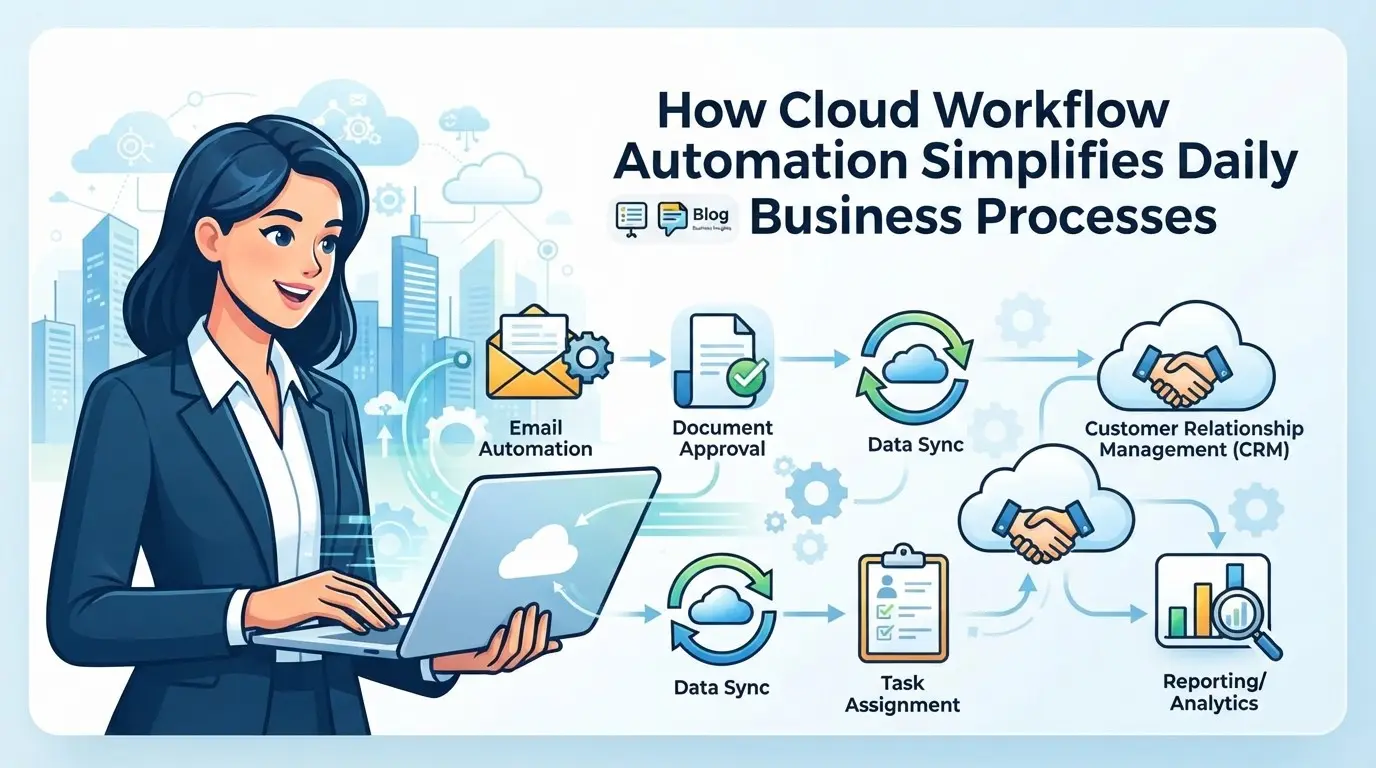 Daily business operations involve numerous repetitive activities that require coordination between employees, departments, customers, and digital platforms. Cloud-based automation simplifies these responsibilities by connecting different processes and reducing unnecessary manual involvement. Companies can establish consistent workflows that help employees complete tasks faster while maintaining better operational control.
Automation also improves communication between departments because information can move automatically between connected systems. When employees receive accurate updates at the right time, they can make decisions more efficiently and avoid delays caused by missing information.
Automating Repetitive Administrative Tasks
Administrative responsibilities often include scheduling meetings, organizing documents, updating spreadsheets, sending reminders, and processing internal requests. Although these activities are necessary, completing them manually every day can reduce employee productivity. Cloud automation helps businesses handle repetitive administrative responsibilities through predefined instructions and automated triggers.
For instance, an employee can submit a leave request through an online platform, and the system can automatically forward it to the appropriate manager. After approval, the employee’s records can be updated without requiring additional manual data entry. This approach reduces administrative pressure and allows teams to concentrate on higher-value responsibilities.
Improving Document Management
Businesses regularly create, receive, review, and share documents across different departments. Managing these documents manually can create confusion, particularly when employees work with multiple versions of the same file. Cloud workflow automation helps organize document-related activities by connecting storage platforms, approval systems, and communication tools.
Automated document workflows can notify employees when files require review, transfer approved documents to appropriate folders, and maintain organized records. This makes information easier to access while reducing the possibility of misplaced documents and unnecessary communication delays.
Improving Workflow Optimization Across Departments
Efficient business operations depend on how effectively different departments communicate and coordinate their responsibilities. Workflow optimization focuses on improving the structure of business processes by removing unnecessary steps, reducing delays, and ensuring that tasks move smoothly between employees. Cloud automation supports this objective by creating connected workflows that improve operational consistency.
Instead of managing separate activities through disconnected systems, organizations can establish centralized processes that provide better visibility into ongoing work. This makes it easier for managers to identify bottlenecks, understand employee responsibilities, and improve the overall performance of business operations.
Streamlining Communication Between Teams
Communication problems can slow down business activities when employees depend on manual updates, individual emails, or disconnected messaging platforms. Cloud automation helps address these challenges by delivering notifications and sharing relevant information automatically. Employees can receive updates whenever a task changes status, a document receives approval, or a project reaches an important milestone.
These automated communication processes reduce the need for repeated follow-ups and help departments stay informed. They also create a more organized working environment where employees understand their responsibilities and can respond to important developments without unnecessary delays.
Managing Tasks and Approvals Efficiently
Many business activities require approval from managers, supervisors, or department leaders before moving forward. Manual approval processes can become time-consuming when requests remain in email inboxes or depend on individual follow-ups. Cloud automation simplifies this process by automatically assigning requests to the appropriate decision-makers.
Managers can review requests through connected platforms, approve or reject submissions, and trigger the next stage of a workflow. This improves accountability and helps organizations maintain consistent approval procedures while reducing administrative delays.
The Role of Enterprise Automation in Business Operations
Large organizations often manage complex operations involving multiple departments, employees, locations, and technology platforms. Enterprise automation helps these organizations coordinate large-scale business activities through integrated systems and standardized processes. Cloud-based solutions make this approach more flexible because employees can access approved workflows without depending entirely on physical office infrastructure.
Enterprise automation also supports operational consistency by reducing differences in how individual teams complete similar tasks. Organizations can establish common procedures for managing customer requests, employee onboarding, financial documentation, and internal reporting. These standardized processes make it easier to monitor performance and maintain operational quality across different departments.
Connecting Multiple Business Applications
Modern organizations frequently use separate applications for customer relationship management, accounting, project management, communication, and human resources. When these applications operate independently, employees may need to enter the same information repeatedly, increasing workload and the possibility of errors.
Cloud workflow automation connects compatible applications through integrations and automated data transfers. For example, when a sales team records a new customer, the information can automatically become available to relevant departments through connected systems. This reduces duplicate work and helps employees access consistent information when performing their responsibilities.
Supporting Business Scalability
As organizations grow, their operational requirements become more complicated. A process that works effectively for a small team may become difficult to manage when the company handles more customers, employees, and transactions. Cloud automation allows businesses to expand existing workflows and introduce additional processes without increasing manual responsibilities at the same rate.
Companies can adjust automation rules, integrate additional applications, and create new workflows according to changing requirements. This flexibility helps organizations manage increasing workloads while maintaining operational consistency and improving resource utilization.
How AI Task Automation Enhances Daily Productivity
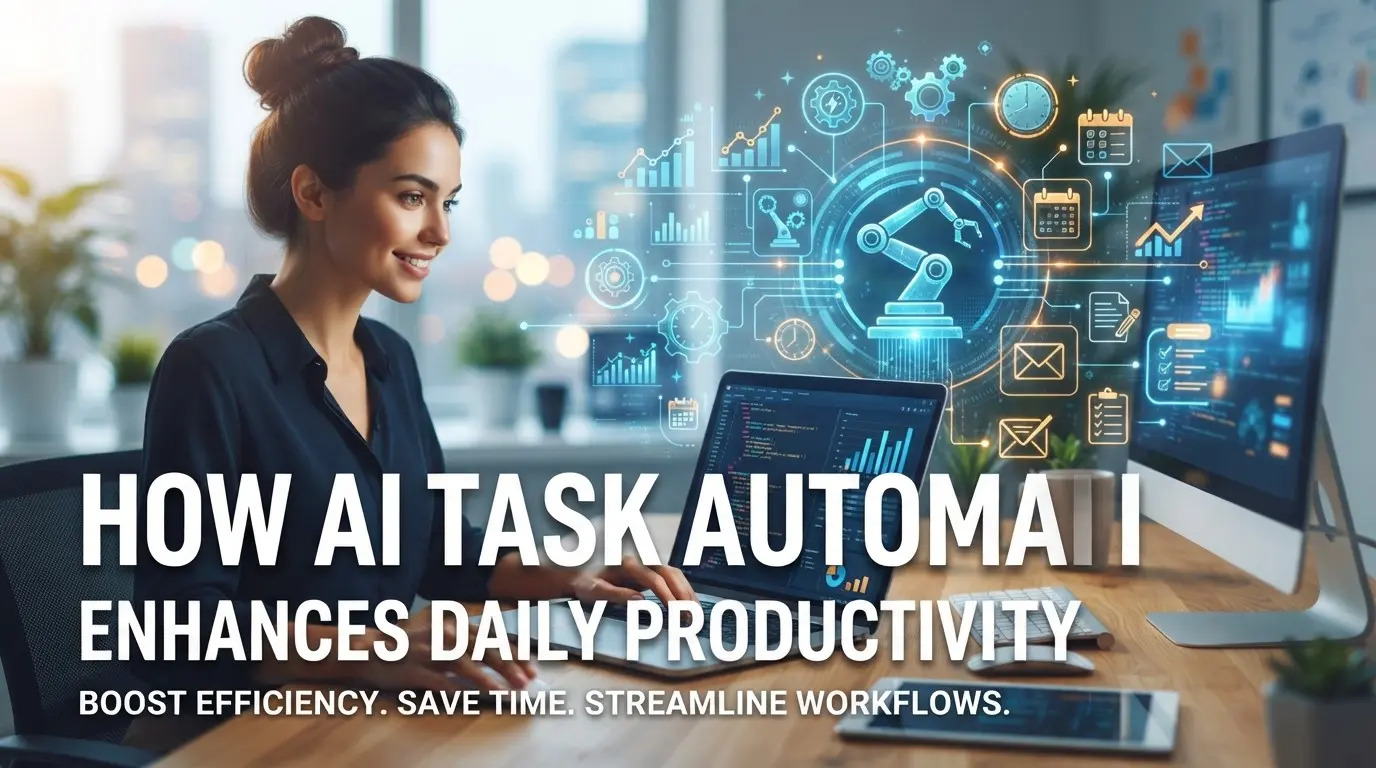 Artificial intelligence is creating new opportunities for businesses to improve automated processes and manage complex activities more efficiently. AI Task automation combines artificial intelligence with workflow systems to support activities that require information analysis, content processing, pattern recognition, and decision support. Unlike traditional automation, which generally follows fixed instructions, AI-powered systems can process certain types of unstructured information and adapt their responses based on available data.
Businesses can use AI-enabled automation to classify customer inquiries, summarize documents, extract information from submitted forms, and support customer service operations. These capabilities help employees reduce repetitive work while improving the speed of information processing. However, important decisions still require appropriate human supervision, particularly when they involve financial, legal, or sensitive business information.
Automating Customer Support Activities
Customer support teams regularly receive questions about products, services, payments, orders, and technical problems. Responding to every inquiry manually can become challenging when customer communication increases. AI-powered automation can classify incoming messages, identify common questions, and provide responses based on approved business information.
When a request requires additional assistance, the system can direct it to the appropriate support representative. This creates a more organized customer service process while allowing employees to concentrate on complex issues that require human judgment and personalized communication.
Improving Data Processing and Analysis
Businesses collect information from customer interactions, transactions, marketing activities, and internal operations. Reviewing large amounts of information manually can require significant time and effort. AI-supported automation can help extract relevant details, organize records, and identify patterns that may support business decisions.
For example, an automated system can process customer feedback and organize common concerns into meaningful categories. Managers can use these insights to understand customer expectations and identify areas where products, services, or internal processes may need improvement.
Reducing Operational Costs and Human Errors
Manual business processes often require additional employee time, repeated data entry, and unnecessary administrative coordination. These activities can increase operational expenses, especially when organizations handle large volumes of transactions or customer requests. Cloud workflow automation reduces some of these costs by allowing digital systems to complete repetitive tasks more consistently.
Automation also helps reduce common human errors associated with copying information, transferring documents, and entering records manually. Although automated systems can still experience technical problems or incorrect configurations, properly designed workflows improve process consistency and make errors easier to identify through monitoring and audit records.
Improving Resource Allocation
Employees are more productive when they can spend their working hours on activities that require communication, creativity, analysis, and professional judgment. Cloud automation reduces the time spent on repetitive administrative responsibilities, allowing businesses to use their available resources more effectively.
Managers can identify activities suitable for automation and reorganize responsibilities around higher-value work. This approach supports better workforce utilization without necessarily increasing the number of employees required to manage growing operational demands.
Maintaining Consistent Business Processes
Inconsistent procedures can create operational problems when different employees complete the same activity using different methods. Cloud automation helps establish standardized workflows that define how information moves, which actions are required, and who is responsible for each stage.
These predefined procedures improve consistency across departments and make it easier for managers to evaluate operational performance. Organizations can also update workflow rules when policies or business requirements change, ensuring that automated processes remain aligned with current operational expectations.
Strengthening Business Security and Data Management
 Business information is one of the most valuable resources for modern organizations. Customer records, financial documents, employee information, and operational reports must be managed carefully to prevent unauthorized access and information loss. Cloud workflow automation can support better data management by centralizing information handling and establishing controlled processes for accessing and sharing business records.
Many cloud platforms provide security features such as encryption, access permissions, authentication, and activity monitoring. Organizations should configure these features according to their security requirements and regularly review user permissions to maintain appropriate protection.
Managing Access and Permissions
Not every employee needs access to every business document or system. Cloud-based workflow platforms allow organizations to assign permissions according to employee responsibilities and departmental requirements. This helps restrict sensitive information to authorized individuals and reduces unnecessary access.
Businesses should regularly review user accounts, remove access when employees leave, and apply stronger authentication methods where appropriate. These practices help maintain better control over organizational information while supporting secure collaboration.
Supporting Data Backup and Recovery
Unexpected technical problems, accidental deletions, and system failures can interrupt business operations. Cloud platforms may provide automated backup and recovery capabilities that help organizations protect important information. However, businesses should verify backup frequency, retention policies, recovery procedures, and service-provider responsibilities rather than assuming every platform provides complete protection.
A reliable data recovery strategy helps organizations restore essential records and resume operations more effectively after unexpected disruptions.
Challenges Businesses Should Consider Before Implementing Automation
Although cloud automation provides significant operational advantages, successful implementation requires proper planning. Businesses must understand their existing processes, identify suitable automation opportunities, and select platforms that support their technical requirements. Automating an inefficient process without improving its structure may simply make existing problems happen faster.
Organizations should also consider integration compatibility, subscription expenses, employee training, data protection, and ongoing maintenance. These factors influence whether an automation project delivers meaningful long-term value.
Choosing the Right Automation Platform
Different cloud platforms provide different automation capabilities, integrations, security controls, and pricing structures. Businesses should compare available solutions according to their operational requirements rather than selecting software based only on popularity or promotional features.
A suitable platform should integrate with existing applications, support required workflows, and provide sufficient flexibility for future growth. Companies should also examine customer support, documentation, system reliability, and data management policies before making a final decision.
Training Employees and Monitoring Performance
Employees need to understand how automated workflows operate and how their responsibilities may change after implementation. Proper training helps teams use new systems confidently, recognize workflow problems, and report technical issues when necessary.
Managers should monitor workflow performance through measurable indicators such as processing time, error frequency, completion rates, and operational costs. Regular evaluation helps organizations identify improvement opportunities and ensure that automation continues to support business objectives.
Future of Cloud Workflow Automation
Cloud workflow automation is expected to become increasingly important as businesses adopt more connected technologies and intelligent digital systems. Improvements in artificial intelligence, cloud computing, application integration, and real-time data processing are creating opportunities for organizations to automate more complex activities.
Future automation platforms may offer better predictive capabilities, more intelligent task assignment, and improved coordination between different business applications. Organizations will also continue exploring ways to combine traditional workflow systems with AI-powered tools to improve productivity and operational flexibility.
Businesses that invest in scalable automation strategies can prepare their operations for changing customer expectations and increasing competition. However, long-term success will depend on combining technology with effective management, employee involvement, and responsible data practices.
Conclusion
Cloud workflow automation simplifies daily business processes by reducing repetitive tasks, connecting business applications, improving communication, and supporting more organized operations. From administrative activities and document management to customer support and enterprise-level processes, automation helps organizations use their resources more effectively.
By adopting Workflow optimization, Enterprise automation, and AI Task automation, businesses can create more efficient working environments and improve their ability to manage growing operational demands. Successful implementation requires selecting suitable platforms, training employees, maintaining security, and regularly evaluating workflow performance. With a well-planned strategy, cloud automation can become an important foundation for sustainable business productivity and long-term growth.
Frequently Asked Questions (FAQs)
1. What Is Cloud Workflow Automation?
Cloud workflow automation is the use of cloud-based software to automate repetitive business tasks and coordinate processes between different applications. It allows organizations to manage activities such as document approvals, customer communication, data transfers, and task assignments with less manual involvement.
2. How Does Cloud Workflow Automation Improve Business Productivity?
Cloud workflow automation improves productivity by reducing repetitive responsibilities and allowing employees to focus on important business activities. Automated notifications, task assignments, document processing, and application integrations help teams complete work faster while reducing unnecessary administrative effort.
3. What Are the Main Benefits of Cloud Workflow Automation?
The main benefits include improved operational efficiency, reduced manual workload, better communication, fewer data-entry errors, and more consistent business processes. It also helps organizations manage growing workloads and coordinate activities across different departments.
4. Is Cloud Workflow Automation Suitable for Small Businesses?
Yes, small businesses can use cloud automation to manage customer inquiries, invoices, appointment scheduling, marketing activities, and internal communication. Many platforms offer flexible pricing and simple integrations, making automation accessible to organizations with limited technical resources.
5. How Does Cloud Workflow Automation Support Remote Teams?
Cloud workflow automation allows remote employees to access shared processes, receive task notifications, and collaborate through connected applications. This improves communication between distributed teams and helps managers monitor project progress without requiring employees to work from the same physical location.
6. What Is the Difference Between Workflow Automation and Enterprise Automation?
Workflow automation generally focuses on automating specific tasks or connected processes within an organization. Enterprise automation has a broader scope because it coordinates complex activities across multiple departments, applications, and organizational systems to improve overall operational efficiency.
7. Can Artificial Intelligence Improve Cloud Workflow Automation?
Yes, artificial intelligence can improve cloud automation by supporting information classification, document analysis, customer inquiry processing, and intelligent task assignment. AI-powered capabilities help businesses handle certain complex activities that traditional rule-based automation may not manage effectively.
8. Is Cloud Workflow Automation Secure?
Cloud workflow automation can be secure when organizations use reliable platforms and configure appropriate security controls. Encryption, authentication, access permissions, regular monitoring, and proper backup procedures help protect business information against unauthorized access and potential data loss.
9. How Can Businesses Choose the Right Cloud Automation Software?
Businesses should evaluate software according to integration capabilities, workflow requirements, security features, scalability, pricing, and ease of use. Testing a platform through a trial or small pilot project can help organizations understand whether it meets their operational needs.
10. What Is the Future of Cloud Workflow Automation?
The future of cloud workflow automation will involve deeper artificial intelligence integration, intelligent data processing, predictive capabilities, and improved application connectivity. These developments will help businesses manage complex processes, improve decision-making, and build more adaptable digital operations.