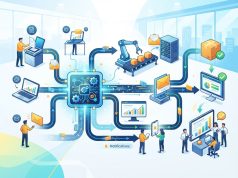

Enterprise automation is transforming how modern organizations manage repetitive tasks, workflows, customer interactions, data processing, and operational processes. As businesses grow, manually managing every activity can consume significant time and resources. Automation allows organizations to connect technologies, processes, and teams so that routine work can be completed with less manual intervention.
Business productivity is not simply about completing more tasks. It also involves using resources efficiently, reducing unnecessary delays, improving accuracy, and allowing employees to focus on activities that require creativity, judgment, and strategic thinking. Enterprise automation can contribute to these objectives by streamlining repetitive processes across different departments.
What Is Enterprise Automation?
Enterprise automation refers to the use of software, artificial intelligence, workflows, integrations, and other technologies to automate business processes across an organization. Unlike small-scale automation that focuses on an individual task, enterprise automation can connect multiple departments and systems.
How Enterprise Automation Works
Enterprise automation begins by identifying repetitive or rule-based processes that consume employee time. Businesses can then use automation platforms to create workflows that trigger actions based on predefined conditions or real-time events.
For example, when a new customer completes a registration form, an automated workflow could update the customer database, notify the appropriate team, send a confirmation message, and create a follow-up task. More advanced systems can use AI to analyze information and make recommendations before triggering the next workflow step.
Enterprise Automation vs. Basic Task Automation
Basic task automation typically focuses on a single repetitive activity. Enterprise automation takes a broader approach by connecting multiple processes, applications, departments, and data sources.
This broader structure allows businesses to automate complete workflows rather than isolated tasks. As a result, organizations can reduce manual handoffs and create more consistent processes across departments.
How Enterprise Automation Improves Business Productivity

Enterprise automation can affect productivity in several ways. By reducing repetitive work and improving process consistency, automation allows employees to dedicate more time to higher-value responsibilities.
Reducing Repetitive Work
Employees often spend considerable time performing repetitive activities such as data entry, document processing, email notifications, reporting, scheduling, and record updates.
Automating these tasks can reduce the amount of manual effort required. Employees can then focus on activities that require problem-solving, communication, creativity, and strategic decision-making.
Improving Workflow Speed
Manual processes can create delays when one employee has to complete a task before another team can continue. Automated workflows can move information between systems or departments immediately after predefined conditions are met.
For example, an automated approval workflow can notify the next responsible person as soon as a document is submitted. This reduces unnecessary waiting time and helps processes move forward more quickly.
Reducing Human Errors
Manual data handling can introduce errors, especially when employees repeatedly enter or transfer information between systems.
Automation can standardize many routine processes and reduce the risk of common data-entry mistakes. While automation does not eliminate all errors, consistent workflows can improve operational reliability when systems are properly configured and monitored.
The Role of AI Task Automation
AI Task automation takes enterprise automation beyond simple rule-based workflows. AI-powered systems can process information, identify patterns, generate content, classify requests, summarize documents, and support decision-making.
Automating Knowledge-Based Tasks
Traditional automation works particularly well when rules are predictable. AI can extend automation into tasks that involve unstructured information.
For example, an AI system can classify customer inquiries, summarize documents, extract information from emails, or categorize support requests before sending them to the appropriate department. This can reduce the amount of manual processing required for large volumes of information.
Supporting Intelligent Workflows
AI can also help organizations create workflows that respond to changing information. Instead of following only fixed rules, intelligent systems can use available data to determine the appropriate next step.
For example, an AI-powered customer service workflow may identify the topic and urgency of an inquiry before routing it to a specific team. Human oversight remains important, particularly for sensitive, complex, or high-impact decisions.
Enterprise Automation in Marketing

Marketing departments manage many repetitive activities, including campaign scheduling, customer segmentation, lead management, reporting, email communication, and content distribution.
Automation can connect these activities and help marketing teams manage larger audiences efficiently.
Supporting Personalized Marketing
Personalized marketing uses customer information and behavioral signals to deliver more relevant experiences. Enterprise automation can help marketers manage personalization at scale.
For example, an automated marketing platform can segment customers based on their interactions, interests, previous purchases, or engagement patterns. It can then trigger relevant email campaigns, recommendations, or follow-up messages.
Automation allows marketers to maintain personalized communication without manually managing every customer interaction.
Automating Lead Management
Marketing and sales teams often receive leads from multiple channels. Manually reviewing and assigning every lead can slow down response times.
Automation can capture new leads, update customer relationship management systems, assign leads to appropriate sales representatives, and trigger follow-up communication. This creates a more consistent lead-management process while reducing administrative work.
Enterprise Automation and Omnichannel Marketing
Modern customers may interact with businesses through websites, mobile applications, social media, email, messaging platforms, and physical locations. Managing these interactions consistently can be challenging without connected systems.
Creating Connected Customer Experiences
Omnichannel marketing focuses on providing connected experiences across different customer touchpoints. Enterprise automation can help synchronize customer information and marketing activities across multiple channels.
For example, a customer who interacts with an email campaign may later visit the company’s website or engage through social media. Automation can help record these interactions and coordinate subsequent communication.
Improving Campaign Coordination
Marketing teams can use automation to coordinate campaign activities across different channels. A single customer action can trigger different responses depending on the communication strategy.
For example, completing a purchase could automatically stop promotional emails for the purchased product while triggering onboarding or customer-support communications. This reduces unnecessary communication and creates a more coordinated customer journey.
Enterprise Automation Across Business Departments
Enterprise automation is not limited to marketing. Different departments can use automation to improve their own workflows while connecting processes across the organization.
Finance and Accounting
Finance teams can automate invoice processing, payment reminders, expense approvals, financial reporting, and reconciliation workflows.
Automated processes can help finance departments handle routine transactions more efficiently while creating consistent records for review and reporting.
Human Resources
HR departments can automate employee onboarding, document collection, leave requests, interview scheduling, employee notifications, and other administrative activities.
Automation can reduce administrative workloads and allow HR professionals to spend more time on employee development, workforce planning, and organizational initiatives.
Customer Service
Customer service teams can use automation to categorize inquiries, provide initial responses, route tickets, schedule follow-ups, and identify recurring issues.
AI-powered systems can also assist service representatives by summarizing previous interactions and providing relevant information during customer conversations.
IT Operations
IT departments can automate system monitoring, alerts, software deployment, access requests, routine maintenance, and incident workflows.
Automation can help IT teams respond to routine events more consistently and focus their attention on complex technical problems.
Enterprise Automation and Employee Productivity
Automation does not necessarily mean replacing employees. In many business environments, its primary role is to reduce repetitive administrative work and support employees in completing their responsibilities more efficiently.
Giving Employees More Time for Strategic Work
When employees spend less time on repetitive tasks, they can focus more on activities that require human judgment and creativity.
Marketing professionals can spend more time developing strategies. Sales teams can focus on customer relationships. HR professionals can concentrate on employee development. Managers can devote more time to planning and decision-making.
Supporting Collaboration
Automated workflows can also improve collaboration by making information available to the right people at the right stage of a process.
Notifications, approvals, task assignments, and status updates can be triggered automatically, reducing the need for repeated manual communication.
Measuring the Productivity Impact of Enterprise Automation
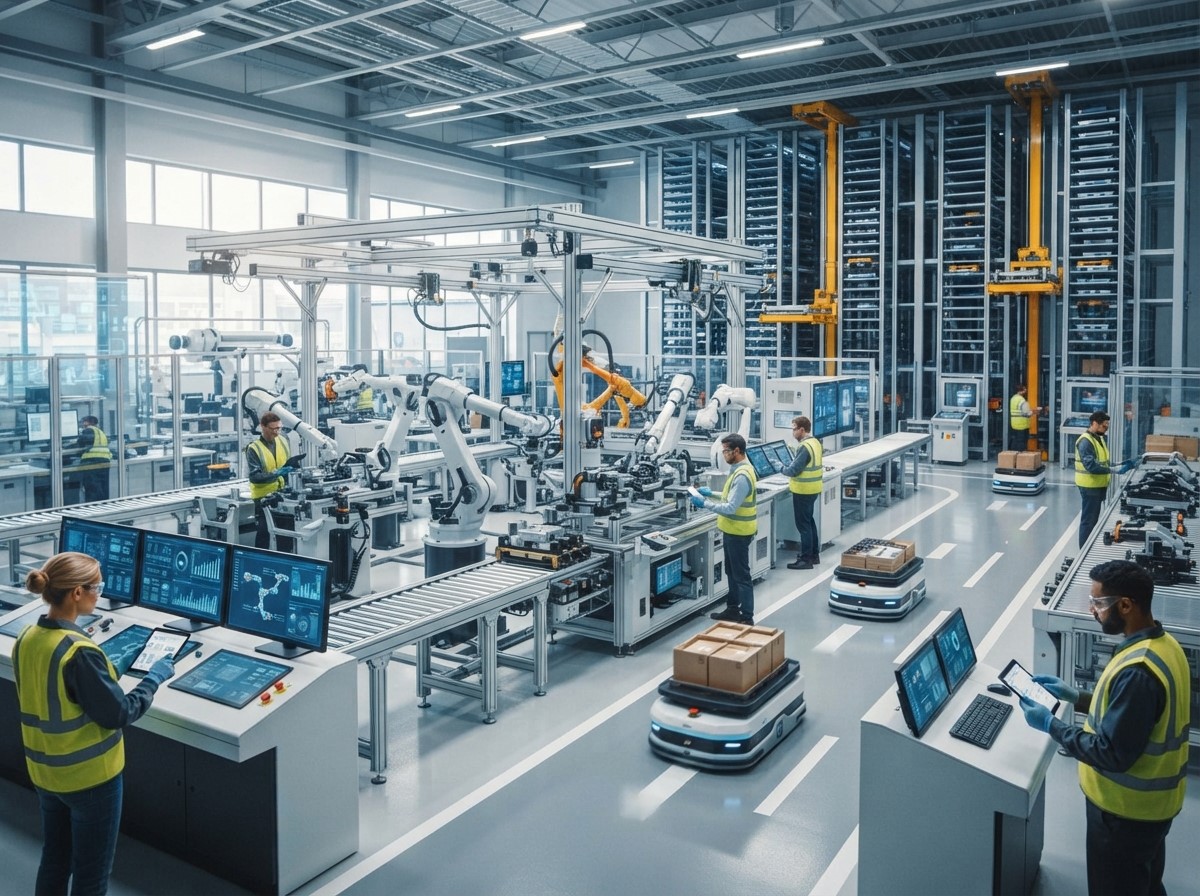
Automation should be evaluated using measurable business outcomes. Simply automating a process does not guarantee that productivity will improve.
Key Performance Indicators
Businesses can evaluate automation using metrics such as process completion time, processing volume, error rates, employee time saved, customer response time, conversion rates, and operational costs.
The appropriate metrics depend on the specific process being automated.
Comparing Before and After Performance
Organizations should establish a baseline before implementing major automation initiatives. This allows teams to compare performance after automation is introduced.
For example, a business can measure how long it previously took to process customer requests and compare that figure with the time required after automation.
This provides a clearer view of whether the automation is delivering meaningful operational improvements.
Challenges of Enterprise Automation
Although automation offers many potential benefits, implementing it across a large organization can create challenges.
Integration Complexity
Large organizations often use multiple software systems that were developed at different times. Connecting these platforms can require careful planning, APIs, data integration, and technical resources.
Employee Adoption
Employees may need training to understand new automated workflows and technologies. Clear communication and practical training can help teams understand how automation changes their responsibilities.
Data Quality
Automation depends heavily on accurate and consistent data. Poor-quality data can cause automated workflows to produce incorrect results or make inappropriate decisions.
Organizations should therefore establish data-quality processes before expanding automation.
Security and Governance
Automated systems can interact with sensitive business and customer information. Organizations need appropriate access controls, monitoring, security practices, and governance procedures.
AI-based automation also requires attention to data privacy, model reliability, and human oversight.
How to Build an Effective Enterprise Automation Strategy
A successful automation strategy should begin with business objectives rather than technology alone.
Identify High-Value Processes
Businesses should identify processes that are repetitive, time-consuming, high-volume, or prone to manual errors.
Prioritizing these processes can help organizations demonstrate measurable benefits before expanding automation across additional areas.
Start With Clear Objectives
Each automation project should have a clear objective. The goal might be to reduce processing time, improve customer response speed, reduce errors, or increase employee productivity. Clear objectives make it easier to measure results.
Integrate Automation With Existing Systems
Automation works best when it fits into the organization’s existing technology environment. Businesses should evaluate how new automation tools will connect with CRM platforms, enterprise resource planning systems, communication tools, databases, and other applications.
Monitor and Improve Automated Processes
Automation should not be treated as a one-time implementation. Organizations should monitor workflows regularly and improve them as business requirements change.
Performance data can reveal bottlenecks, errors, unnecessary steps, or opportunities for further optimization.
The Future of Enterprise Automation
The future of enterprise automation is increasingly connected with artificial intelligence, intelligent workflows, predictive analytics, and autonomous business processes.
AI systems are becoming capable of processing natural language, analyzing large datasets, assisting employees, and supporting complex workflows. This may allow businesses to automate more knowledge-based activities while maintaining human oversight for important decisions.
Conclusion
Enterprise automation can play an important role in improving business productivity by reducing repetitive work, accelerating workflows, improving consistency, and allowing employees to focus on higher-value activities.
Its impact extends across marketing, sales, finance, HR, customer service, and IT operations. In marketing, automation can support Personalized marketing and Omnichannel marketing, while AI Task automation can help organizations handle increasingly complex knowledge-based processes.
Frequently Asked Questions
1. What is Enterprise Automation?
Enterprise automation is the use of software, workflows, AI, integrations, and other technologies to automate business processes across multiple departments and systems.
2. How does Enterprise Automation improve productivity?
It can reduce repetitive manual work, accelerate workflows, reduce certain types of human error, and allow employees to spend more time on strategic and creative responsibilities.
3. What is AI Task automation?
AI Task automation uses artificial intelligence to automate tasks that may involve information processing, classification, content generation, summarization, recommendations, or other knowledge-based activities.
4. Can Enterprise Automation support Personalized marketing?
Yes. Automation can analyze customer information and behavioral signals to segment audiences and trigger relevant messages, recommendations, and follow-up communications.
5. How does Enterprise Automation support Omnichannel marketing?
It can connect customer interactions across websites, email, social media, mobile applications, and other channels, helping businesses coordinate communication and maintain more consistent customer experiences.
6. Which business departments can use Enterprise Automation?
Marketing, sales, finance, human resources, customer service, IT, operations, procurement, and other departments can use automation to streamline suitable business processes.
7. Does Enterprise Automation replace employees?
Automation can reduce the need for employees to perform certain repetitive tasks, but it can also support employees by handling routine work and allowing them to focus on activities requiring human judgment, creativity, and communication.
8. What are the main challenges of Enterprise Automation?
Common challenges include system integration, data quality, employee adoption, cybersecurity, governance, implementation costs, and maintaining automated workflows over time.
9. How can businesses measure automation success?
Businesses can measure factors such as processing time, error rates, employee time saved, response time, operational costs, workflow volume, customer experience metrics, and other objectives relevant to the automated process.
10. What is the future of Enterprise Automation?
Enterprise automation is increasingly incorporating artificial intelligence, predictive analytics, intelligent workflows, and more adaptive systems that can support complex business processes while maintaining appropriate human oversight.