In today’s fast-paced digital workplace, skilled data registration is the spine of successful project management. ClickUp provides a strong data registration capacity that can capture and systematically use vital information.
This comprehensive guide explores the essential techniques for mastering ClickUp data entry. From utilizing custom fields and forms to leveraging AI-driven automation and integrations, you will learn how to transform manual data entry into a high-speed, error-free engine that powers your business intelligence and team collaboration.
ClickUp Data Entry Management: A New Era of Productivity
Whether you are a seasoned project manager or a startup founder just starting, understanding the nuances of computer registration in this versatile platform can dramatically improve your workflow efficiency. ClickUp data entry is not just about typing information into a box; it is about building a structured digital ecosystem.
When you master the art of inputting, organizing, and retrieving data, you move away from chaotic spreadsheets and toward a “single source of truth.” Let’s dive into the world of click data posts and find out how it can revolutionize your business processes.
Why Efficient Data Entry Matters in ClickUp
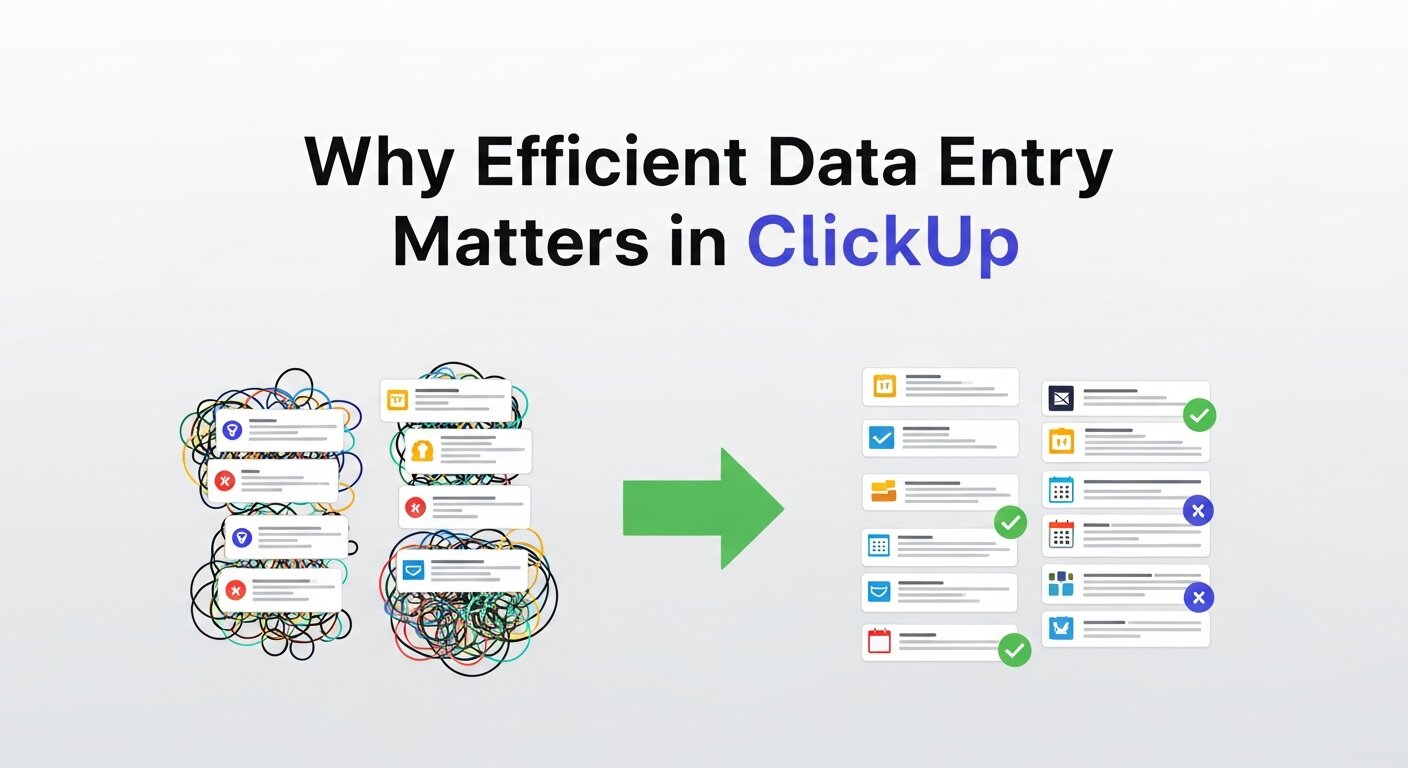
Data entry might seem like a mundane task, but it forms the foundation of any successful project management system. In ClickUp, properly structured data entry processes deliver several key benefits:
Enhanced Decision-Making
When data is recorded continuously and accurately, teams can produce meaningful reports and analyses. This leads to better decisions based on reliable information instead of estimates. ClickUp reporting features are only as good as the input they receive, which makes quality ClickUp data entry a condition for effective leadership.
Improved Team Collaboration
Well-organized data entry systems ensure that everyone on your team has access to the same accurate information. This transparency eliminates confusion and creates a single source of truth. Standardized protocols ensure that a virtual assistant in one time zone can seamlessly pick up where a project lead in another left off.
Reduced Errors and Duplications
Ad-hoc data entry often leads to inconsistencies and duplications. By establishing clear ClickUp data entry procedures, you minimize these issues, saving countless hours spent on data cleaning. According to SEMrush, data accuracy is a primary driver of operational ROI in digital marketing.
Time Savings
Perhaps the most immediate benefit of optimized ClickUp data entry is significant time savings. When team members know exactly how to enter data efficiently, tasks that once took hours can be completed in minutes, freeing up time for strategic work like B2B lead generation or creative content services.
Essential ClickUp Features for Efficient Data Entry
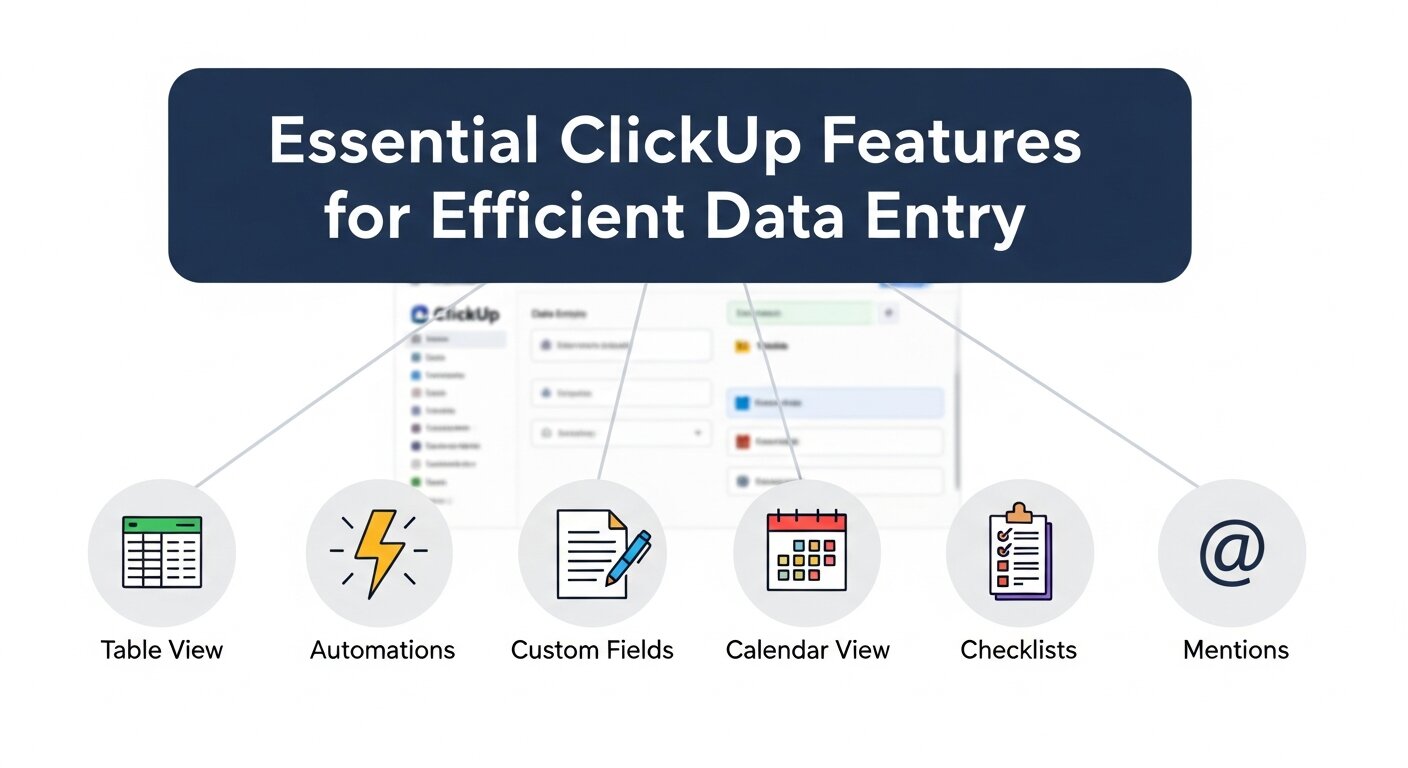
To move beyond manual data entry, you must understand the core architecture of ClickUp. The platform offers a variety of tools designed to make information capture intuitive.
Custom Fields: The Foundation of Organized Data
Custom fields allow you to structure your data according to your specific needs. Rather than forcing your information into predetermined categories, ClickUp lets you create fields that make sense for your particular workflow.
| Field Type | Best Use Case | Benefit |
| Text Fields | General descriptions, webinar lead generation strategies | Flexibility for qualitative data |
| Number Fields | Budgeting, marketing analytics data, ROI | Allows for mathematical calculations |
| Drop-down Menus | Lead status, brand personality in marketing | Ensures consistency and filtering |
| Date Fields | Deadlines, content marketing plan schedules | Enables calendar views and reminders |
| Formula Fields | Calculating profit margins, SEO success metrics | Automates complex data relationships |
Forms: Streamlining Data Collection
ClickUp Forms provide a user-friendly interface for data collection. Instead of team members manually creating tasks, they can fill out a form that automatically populates the necessary fields. This is perfect for automated CRM data entry or gathering feedback after a virtual event.
Templates: Consistency at Scale
Why reinvent the wheel? ClickUp templates allow you to create standardized formats for common scenarios. Whether you are running a viral marketing campaign or managing luxury brand marketing, templates ensure that every task contains the required custom fields and checklists from the start.
Advanced Data Entry Techniques in ClickUp
Once you’ve mastered the basics, it is time to look at mastering real time data through advanced techniques.
Bulk Actions for Mass Data Entry
When you need to update similar information across dozens of tasks, ClickUp’s Multitask Toolbar is your best friend. Instead of clicking into every task, you can select them all and change statuses, assignees, or custom fields in one go. For those moving from legacy systems, the bulk CSV import feature allows for real time data transfer of thousands of rows into ClickUp with ease.
Automations for Error-Free Workflows
Data entry automation software is no longer a luxury; it’s a necessity. ClickUp’s native automation engine can:
- Change a task’s status when a form is submitted.
- Apply a content marketing plan template when a new task is created in a specific folder.
- Calculate values in formula fields to assist in measuring SEO success.
Research by leading productivity experts suggests that business process automation tools can reduce manual errors by up to 65%.
Utilizing ClickUp API for Custom Integrations
For organizations with specialized needs, the ClickUp API provides a powerful way to bridge the gap between platforms. This is essential for automated data entry Xero or connecting your HubSpot data entry directly to your production team’s ClickUp workspace.
Best Practices for High-Quality Data Management
To maintain a healthy workspace, you must move beyond the “how-to” and focus on the “how-best.”
1. Create a Data Entry Style Guide
A style guide is a living document that outlines naming conventions and formatting. For example, if you are managing personal reputation management clients, your style guide should specify if client names are “Last, First” or “First Last.” Consistency is the key to building brand authority.
2. Implement Regular Data Audits
Data decays over time. Schedule quarterly audits to identify “ghost tasks” or incomplete custom fields. High-authority sources like Backlinko often emphasize that clean data is the precursor to successful digital marketing analytics.
3. Training and “Data Champions”
Invest in comprehensive training. Show your team how ClickUp data entry impacts the bottom line. Appoint “data champions” who are experts in mastering automation in excel data entry and ClickUp to help others troubleshoot issues.
Integrating ClickUp with Your Marketing Ecosystem
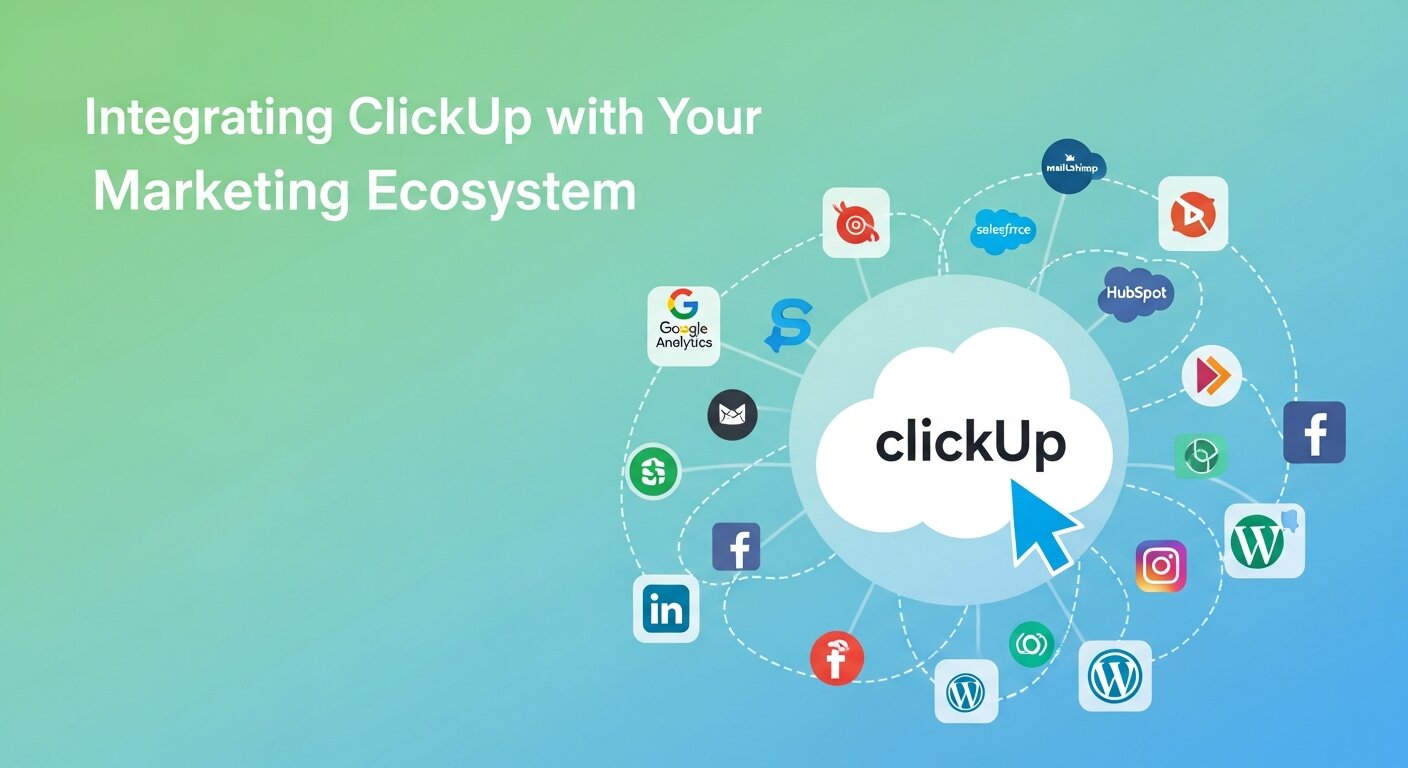
Your ClickUp data entry shouldn’t exist in a vacuum. It should be the heart of your digital strategy.
CRM and ClickUp Harmony
By using tools like Zapier or Make, you can ensure automated CRM data entry flows seamlessly. When a lead is moved in your CRM, a corresponding project task is updated in ClickUp, ensuring your B2B lead generation pipeline is always up to date.
Marketing Analytics Integration
Integrating marketing analytics tools with ClickUp allows you to track viral content marketing performance directly against your task deadlines. This creates a feedback loop where data entry informs your brand positioning strategy.
Webinar and Event Management
If you are involved in virtual eventeering and webinars, ClickUp can track everything from webinar lead generation strategies to follow-up emails. You can even use ClickUp to manage your webinar in resume details, ensuring your career milestones are as organized as your projects.
Measuring Success: KPIs for Data Entry
How do you know if your ClickUp data entry system is working? Track these Key Performance Indicators:
- Data Completeness Score: The percentage of tasks that have all “required” custom fields filled out.
- Processing Speed: The time elapsed from receiving information (e.g., a form submission) to task completion.
- Error Rate: Frequency of “data cleaning” required during monthly audits.
- Automation Percentage: The ratio of automated task updates versus manual updates.
The Future of Data Entry: AI and Beyond
As we move toward artificial intelligence in business, the nature of ClickUp data entry is shifting. We are moving away from manual data entry and toward “data curation.” AI-driven trend forecasting and predictive trend marketing will soon allow ClickUp to suggest data entries before you even type them.
By mastering these tools now, you are not just organizing a list; you are building a resilient, scalable brand strategy framework that can weather any market change.
ClickUp for Event Management and Webinars
The world of virtual eventeering and webinars requires meticulous data handling. From the moment someone registers to the final follow-up emails, every data point counts.
Webinar Lead Generation Strategies
To maximize B2B lead generation through events, your ClickUp data entry should follow this flow:
- Registration Phase: Use a ClickUp Form embedded on your landing page. This ensures attendee data (Name, Email, Industry) is captured as a new task immediately.
- Engagement Phase: During the live event, use a virtual assistant to update tasks in real-time based on attendee questions or poll responses. This is the heart of mastering real time data.
- Post-Event Phase: Use automation to move “Attended” leads to a “High Priority” status, triggering a task for the sales team to send Salesforce webinars invitations or personalized offers.
Monetization and ROI
If you are looking at a complete guide to webinar monetization, your data entry must include financial tracking.
- Virtual Event Cost Breakdown: Create a list to track every expense, from live webinar software fees to speaker honorariums.
- Revenue Tracking: Enter ticket sales or sponsorship revenue into number fields to calculate your event marketing analytics in real-time.
The Psychology of Data: Improving Team Adoption
A system is only as good as the people using it. To avoid the “trash in, trash out” syndrome, you must understand the psychology of trend marketing and team behavior.
Reducing Cognitive Load
Manual data entry is exhausting. When team members are overwhelmed, they skip fields.
- Progressive Disclosure: Don’t show every custom field at once. Use ClickUp’s “Hide always” or “Hide if empty” settings to keep the interface clean.
- Text Expansion Software: Encourage the use of text expansion software. This allows team members to type a short snippet (e.g.,
;branding) that expands into a full paragraph of standard brand voice strategy guidelines.
Gamification of Data Quality
Introduce brand equity KPIs for your internal team. Reward the team member with the highest “Data Completeness” score each month. When the team sees that accurate ClickUp data entry leads to fewer meetings and clearer directions, adoption will soar.
Integrating Reputation and Brand Management

In the age of digital reputation management, data entry is your first line of defense.
Crisis Management and Monitoring
- Brand Monitoring Services: Use ClickUp to log every mention of your brand. Use a dropdown for “Sentiment” (Positive, Neutral, Negative).
- Negative Content Management: If a crisis occurs, your crisis management services team can use a pre-built ClickUp template to track every response, ensuring no comment goes unaddressed.
- Wikipedia Page Management: For long-term personal reputation management, use ClickUp to track citation sources and edit histories, ensuring your digital footprint remains accurate and professional.
Comparison Table: Manual vs. Automated ClickUp Data Entry
| Feature | Manual Data Entry | Automated ClickUp Data Entry |
| Speed | Slow, prone to fatigue | Instantaneous (Real-time) |
| Accuracy | High human error risk | High (Based on logic rules) |
| Scalability | Limited by headcount | Virtually unlimited |
| Cost | High (Labor hours) | Low (Software subscription) |
| Consistency | Variable | Absolute |
| Best For | One-off, nuanced tasks | Automated crm data entry, HubSpot data entry |
Conclusion
Mastering ClickUp data entry is the ultimate investment in your organization’s future. By moving from manual, fragmented processes to an automated, structured system, you unlock the full potential of your team’s productivity. Start implementing these strategies today to build a data-driven culture that fosters better decision-making, seamless collaboration, and long-term brand resilience.
Frequently Asked Questions
1. What is the fastest way to perform ClickUp data entry for large datasets?
The fastest method is using the CSV Import tool. This allows you to map columns from an Excel or Google Sheet to ClickUp Custom Fields, ensuring real time data transfer without manual typing.
2. Can I automate data entry from my website to ClickUp?
Yes. By using ClickUp Forms or integrating with website data entry automation tools like Zapier, you can capture lead information and have it automatically populate as tasks in your workspace.
3. How do Custom Fields improve ClickUp data entry?
Custom Fields provide structure. Instead of burying information in comments, fields like “Dropdown,” “Money,” and “Date” ensure that data is searchable, filterable, and ready for marketing analytics hacks.
4. Is it possible to use ClickUp for B2B lead generation tracking?
Absolutely. By creating a specific “Leads” List and using ClickUp data entry best practices, you can track the entire customer journey from initial contact to closed-won status.
5. How does ClickUp handle duplicate data entries?
While ClickUp doesn’t have a built-in “de-dupe” button for all lists, you can use the Multitask Toolbar to find and merge duplicate tasks, or use third-party business process automation tools to flag duplicates.
6. Can I use ClickUp to manage my content marketing plan?
Yes. ClickUp is an excellent tool for content marketing plans. You can use Custom Fields to track keywords, target personas, and publication dates, making digital marketing success stories easier to achieve.
7. How can I ensure my team follows the data entry protocols?
The best way is to use “Required Fields” in your task settings and provide a ClickUp data entry style guide. Regular audits and training sessions also help maintain high standards.
8. Is ClickUp suitable for managing luxury brand marketing?
Yes. The platform’s ability to handle high-level brand strategy consulting and detailed brand awareness campaigns makes it a favorite for agencies managing high-end clients.
9. Can I integrate my manual invoice data entry with ClickUp?
You can use automated data entry Xero or QuickBooks integrations to sync your financial data with ClickUp tasks, reducing the need for repetitive manual data entry.
10. What role does AI play in ClickUp data entry?
ClickUp AI can summarize long task descriptions, generate subtasks, and even help write email marketing analytics reports, significantly reducing the manual burden on your team.