Why Build AI Without Coding

Traditionally, building AI required deep technical knowledge—from understanding programming languages like Python to creating complex algorithms for machine learning models. However, this level of expertise can limit AI adoption, especially for businesses without dedicated technical teams.
No-code AI platforms aim to bridge this gap, empowering individuals and organizations to build, train, and deploy AI solutions with simple drag-and-drop interfaces or pre-built templates. Whether you’re a small business owner or a corporate manager, these tools democratize AI, making it accessible to anyone with an idea.
Key benefits of no-code AI development:
- Time efficiency: Quickly prototype and implement AI without weeks of development effort.
- Reduced costs: Eliminate the need to hire specialized developers or data scientists.
- Ease of use: Intuitive interfaces allow non-technical users to create AI systems effortlessly.
- Versatility: Apply AI in areas like customer service, marketing, operations, and more.
For businesses that already rely on structured workflows, platforms that streamline workflow with data entry automation software pair perfectly with AI to increase efficiency.
How No-Code AI is Redefining Innovation
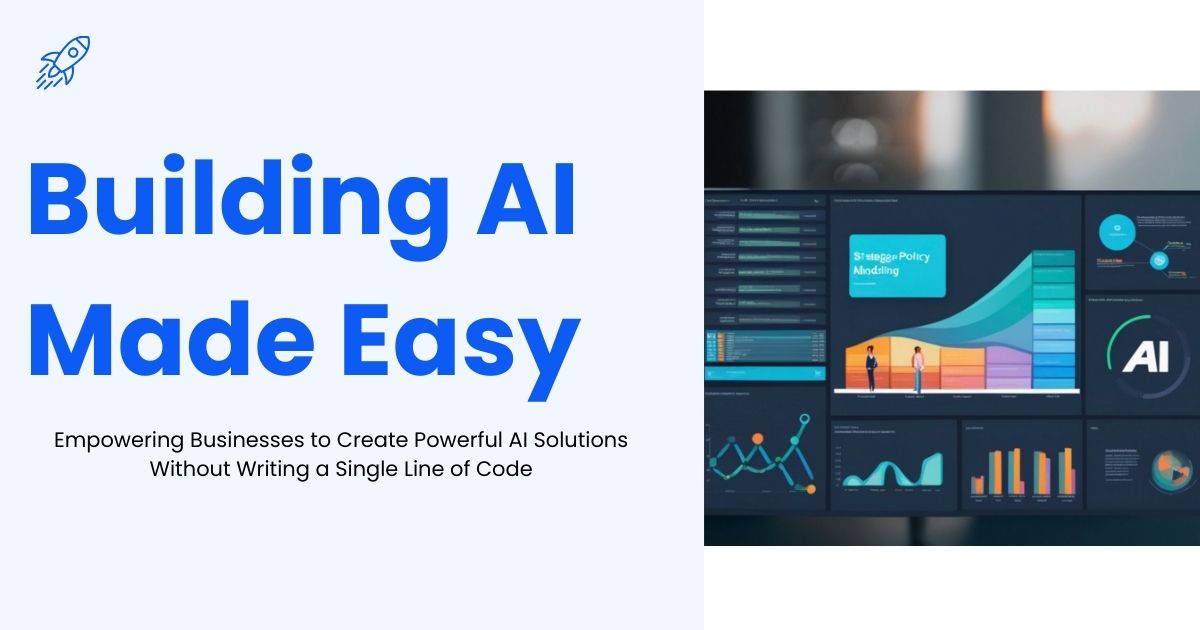
Building AI Made Easy is more than a trend—it’s a revolution in how businesses approach technology. Companies no longer need large technical teams or months of development to harness the power of artificial intelligence. From automating routine tasks to predicting customer behavior, no-code AI platforms are enabling organizations to act faster and smarter.
For example, retail companies can leverage AI to anticipate customer needs and personalize recommendations, while healthcare providers can use predictive analytics to optimize patient care. With these tools, even small teams can implement AI-driven solutions that previously required specialized expertise, demonstrating that building AI made easy is not just a concept—it’s a practical reality for modern businesses.
Tools to Build AI Without Coding

For businesses and innovators looking to build AI made easy, no-code and low-code platforms have transformed the way AI solutions are created. These tools provide intuitive interfaces, pre-built AI models, and automated workflows that eliminate the need for deep technical knowledge. They allow users to focus on problem-solving, creativity, and strategy rather than coding or infrastructure management.
Here’s a closer look at some of the best no-code and low-code AI tools that simplify the development process while delivering powerful capabilities:
IBM Watson
Why use it
IBM Watson is a cloud-based AI platform that empowers businesses of all sizes to harness artificial intelligence for practical applications. Whether you want to create intelligent chatbots, analyze customer sentiment, or automate business processes, Watson’s no-code interface simplifies the process. By providing pre-built models and drag-and-drop tools, it allows organizations to focus on strategy and problem-solving rather than coding, making building AI made easy even for teams without technical expertise.
Key features
- Pre-built NLP models for analyzing customer sentiment.
- Tools for building AI-powered chatbots without writing code.
- Scalable cloud infrastructure for enterprise-grade AI solutions.
Great for
Businesses focused on improving customer interactions or analyzing vast amounts of unstructured data.
Google AutoML
Why use it
Google AutoML is designed for users who want to create custom machine learning models without needing coding skills. Its intuitive, highly visual interface allows users to upload data, define objectives, and train AI models with minimal effort. AutoML leverages Google’s powerful machine learning infrastructure, making it possible to build AI made easy while creating solutions that can classify text, recognize images, or predict outcomes based on patterns in your data.
Build custom models for text, images, or predictions with a visual interface. Ideal for teams wanting to automate website data entry.
Key features
- Drag-and-drop interface for model creation.
- Pre-trained models to simplify the process.
- Full integration with Google Cloud services.
Great for
Organizations new to AI that need quick solutions for image recognition, text classification, or predictive analytics.
Amazon SageMaker Canvas
Why use it
Amazon SageMaker Canvas brings the power of machine learning to users without programming experience. With a visual, guided interface, businesses can build, train, and deploy models efficiently. It handles all the complexities of data preparation, model training, and infrastructure management. By reducing the technical barriers, SageMaker Canvas makes building AI made easy for companies aiming to integrate machine learning into daily operations.
Key features
- Eliminates the complexities of infrastructure management.
- Access to AWS’s vast ecosystem for integration.
- Built for scalability, making it ideal for growing businesses.
Great for
Organizations seeking an end-to-end AI development platform that handles everything from dataset preparation to deployment.
Airtable
Why use it
Although Airtable is primarily a flexible database and project management tool, its integration with machine learning APIs enables businesses to automate workflows and data processes. Users can design custom dashboards, organize projects, and apply AI-powered features—all without coding. Airtable makes it possible to build AI made easy by bridging the gap between operational data and intelligent automation.
Key features
- Highly customizable databases that can integrate with AI functionalities like NLP or image recognition.
- Drag-and-drop interface for designing workflows.
- Built-in collaboration tools for team projects.
Great for
Teams managing projects requiring automation and efficient organization.
Runway ML
Why use it
Runway ML is a creative AI platform tailored for designers, marketers, and content creators. It allows users to generate visuals, audio, and even text-to-speech applications using AI, all without writing code. With its library of pre-trained models and real-time collaboration tools, Runway ML transforms the creative process, making building AI made easy for teams that want to enhance their artistic or marketing outputs.
Key features
- Generative AI capabilities for creating artistic content.
- Extensive AI model library for various tasks.
- Real-time collaboration for teams.
Great for
Creative professionals looking to leverage AI to create visual or audio content.
Lobe
Why use it
Owned by Microsoft, Lobe is a no-code platform designed to simplify the development and deployment of machine learning models. Users can upload datasets, and Lobe automatically trains, evaluates, and configures the model for deployment. This makes building AI made easy for individuals or small teams looking to implement practical AI applications like image recognition or object detection without technical barriers.
Key features
- Automated training with real-time feedback.
- Tools for image classification, object detection, and more.
- On-device model deployment for enhanced speed.
Great for
Individuals or businesses focusing on building AI for image recognition or simple predictive tasks.
Where to Start
Getting started with no-code AI is straightforward, even for first-timers. Follow these steps to build your AI project:
Define your goal
The first step in building AI is to clearly identify the problem you want to solve. AI can be applied to countless areas, from automating customer service interactions with chatbots to predicting future sales trends using historical data. Take the time to define your objectives carefully: What decisions or processes do you want AI to improve? What outcomes are most important for your business? A clearly defined goal provides direction for the rest of the project and ensures that your AI solution delivers tangible results. By starting with a focused problem, you make building AI made easy and more impactful.
Collect your data
Data is the foundation of any AI project. The quality, relevance, and structure of your data directly impact the model’s accuracy and performance. Depending on your goal, this could include customer support transcripts, marketing data, sales figures, or operational metrics. Take time to clean your data, remove inconsistencies, and organize it so that it can be effectively used for training your AI model. Many no-code platforms include tools to assist with data preparation, which can save time and minimize errors.
Choose the right tool
Use the platforms mentioned above to select the one that aligns with your needs. For example:
- Use IBM Watson for customer-facing chatbots.
- Choose Google AutoML for automating visual or text classification tasks.
- Try Airtable for setting up customized automation workflows.
Train your AI model
Once your data is ready and the platform is chosen, it’s time to train your AI model. Upload your datasets, define inputs and outputs, and select the type of model to use. No-code platforms typically provide guided workflows and real-time feedback, making the process intuitive. By testing different configurations and iterating on the model, you can improve accuracy and reliability without any programming.
Test and deploy
Before full-scale deployment, validate your AI model using sample or real-world data. Testing ensures that it performs as expected and identifies areas for improvement. Once satisfied with its accuracy and functionality, deploy the model within your organization or share it with users. Many platforms simplify deployment, allowing your AI solution to integrate seamlessly into existing workflows.
Monitor and optimize AI models require ongoing monitoring to remain effective. Track performance metrics, analyze outputs, and refine the model as new data becomes available. Continuous optimization ensures that your AI solution remains accurate, relevant, and responsive to evolving business needs. Regular monitoring also helps identify opportunities to expand the AI’s capabilities over time.
Harness AI Without the Complexity

The emergence of AI tools without code marks a new range in technology, which allows all sizes of businesses to take advantage of AI without technical obstacles. With platforms such as IBM Watson, Automal and Lobe, any person can bring an AI solution to life with minimal effort and maximum effect.
The rise of no-code AI tools allows businesses of all sizes to leverage artificial intelligence without technical obstacles. Integrating AI with ERP system automation or other workflow optimization solutions can increase productivity and accuracy dramatically.
Building AI is not just for developers of technical service. It is a vision for innovation for everyone, a problem to solve or a process for automatic.
Are you ready to unlock AI’s power for your business? Start using these devices today to see how AI can increase operations, customer experience and decision.
Conclusion: Unlock AI for Everyone

The era of “AI only for developers” is over. Building AI made easy is transforming how organizations innovate, streamline operations, and engage with customers. With intuitive tools and pre-built AI functionalities, businesses can bring ideas to life faster and with greater impact.
Whether you aim to automate workflows, enhance marketing efforts, or create intelligent customer solutions, no-code AI platforms make it possible for anyone to harness the power of AI—no programming required. Start exploring these tools today and experience the advantages of AI first-hand. You can also see how the power of digital and data-driven marketing complements AI adoption.
Frequently Asked Questions (FAQ)
What does “building AI made easy” mean?
Building AI Made Easy refers to using no-code or low-code platforms to develop AI solutions without programming skills. These platforms allow anyone, from business managers to creative professionals, to implement AI quickly and efficiently.
Can I build AI without technical knowledge?
Yes! No-code AI platforms like IBM Watson, Google AutoML, and Lobe let you build AI made easy by providing drag-and-drop interfaces, pre-trained models, and automated training processes.
What types of AI can I build without coding?
You can create chatbots, predictive analytics models, image and video recognition systems, automation workflows, and even generative creative content—all without writing code.
Is no-code AI suitable for large enterprises?
Absolutely. Platforms such as Amazon SageMaker Canvas are designed to scale, making it possible for large organizations to implement complex AI systems efficiently while still keeping the process simple.
How do I ensure the AI I build works effectively?
Monitor performance regularly, validate models with real-world data, and refine them over time. Even with no-code AI, continuous optimization ensures your solutions remain accurate and valuable.
What are the main benefits of building AI made easy?
Benefits include faster implementation, reduced development costs, easier experimentation, and the ability to leverage AI capabilities without specialized teams. This empowers businesses to innovate without barriers.
How long does it take to start building AI made easy?
With no-code platforms, you can start building AI made easy within hours. Most tools offer guided workflows and pre-trained models, allowing you to quickly upload data, train models, and test solutions without delays.
Do I need to understand machine learning to build AI made easy?
Not at all. One of the main advantages of building AI made easy is that no-code platforms handle the complex machine learning algorithms for you, so you can focus on solving business problems rather than coding or math.
Can I integrate AI solutions I build with existing business tools?
Yes. Many no-code AI platforms support integrations with CRM, marketing, and productivity software, making building AI made easy a seamless part of your existing workflow.
Are the AI solutions I build without coding reliable?
Absolutely, if implemented correctly. Building AI made easy does not compromise quality—these platforms use proven algorithms and scalable infrastructure, allowing you to deploy models confidently for customer service, analytics, and automation.