AI OCR uses machine learning to convert paper documents, images, and handwritten text into accurate, structured digital data. By helping businesses Automate Paper-Based Data Entry, it increases speed, reduces human errors, and significantly lowers operational costs. With scalable cloud solutions and intelligent automation capabilities, AI OCR streamlines workflows and transforms how organizations manage documents across industries.
What Is AI OCR and How Does It Work?
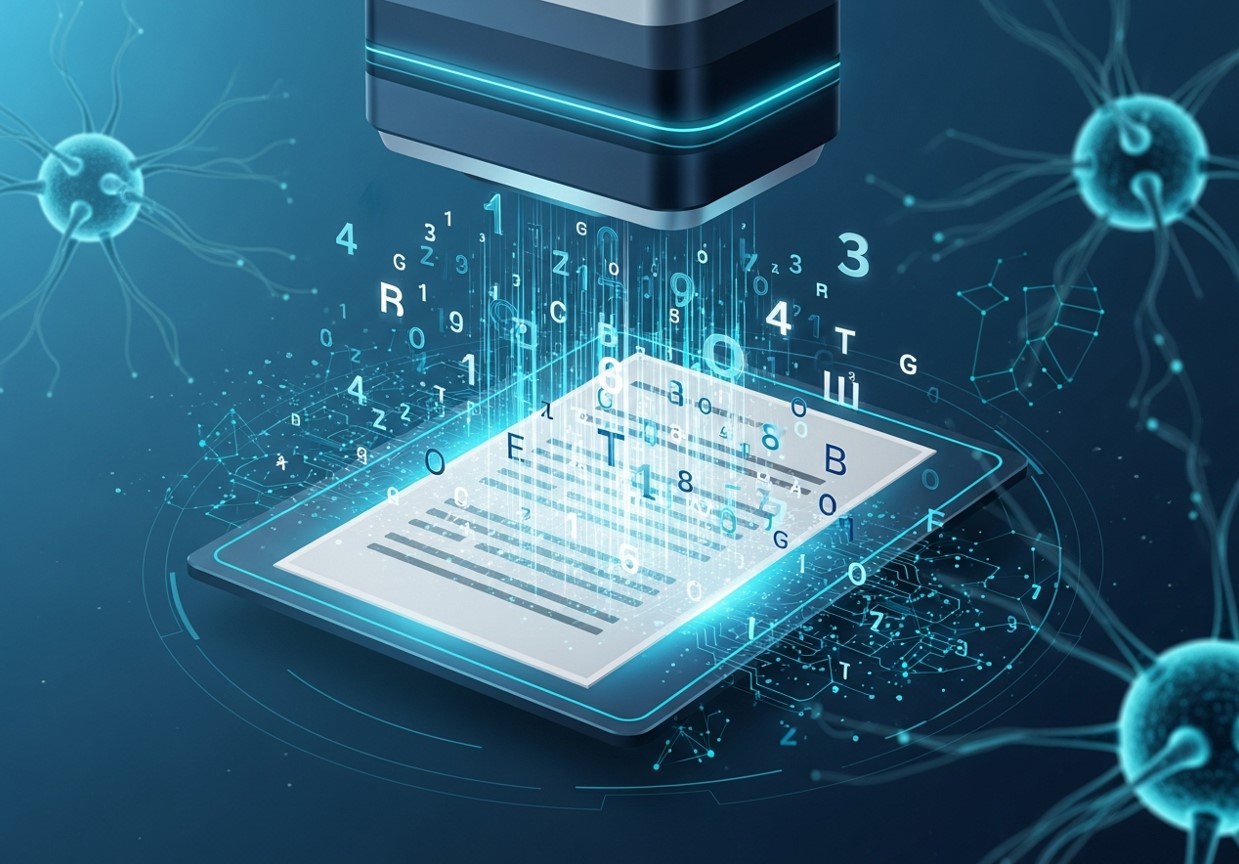
Optical Character Recognition (OCR) is a technology that converts different types of documents, such as scanned paper documents, PDF files, or images captured by a digital camera, into editable and searchable data. Traditional OCR systems work by identifying characters based on pre-defined patterns and fonts. While effective for standardized, high-quality documents, they often struggle with variations in handwriting, complex layouts, or low-quality images.
AI OCR takes this a step further by integrating artificial intelligence (AI) and machine learning (ML) algorithms. Instead of just matching characters to a template, AI OCR learns to recognize text in a way that mimics human cognition. It can understand context, decipher messy handwriting, and interpret data from unstructured formats like tables, invoices, and receipts.
The process involves several key stages:
- Image Pre-processing: The system first cleans up the digital image of the document. This can include deskewing (straightening the image), removing noise (unwanted specks), and enhancing contrast to make the text clearer.
- Text Detection: The AI identifies where the text is located on the page, distinguishing it from images, lines, and other non-text elements.
- Character Recognition: Using trained neural networks, the system analyzes the shapes of individual characters and predicts what they are. This is where AI excels, as it can recognize a vast range of fonts and handwriting styles.
- Data Extraction and Structuring: After recognizing the text, the AI identifies and extracts specific pieces of information. For example, on an invoice, it can pinpoint the invoice number, date, total amount, and line items, then organize this data into a structured format like a spreadsheet or JSON file.
- Validation and Learning: Many AI OCR systems include a “human-in-the-loop” feature. If the AI is uncertain about a character or field, it can flag the item for a human operator to review. This feedback is then used to retrain the model, making it smarter and more accurate over time. You can also see how mastering your digital marketing strategy benefits from clean, structured data.
The Key Benefits of AI OCR for Data Entry
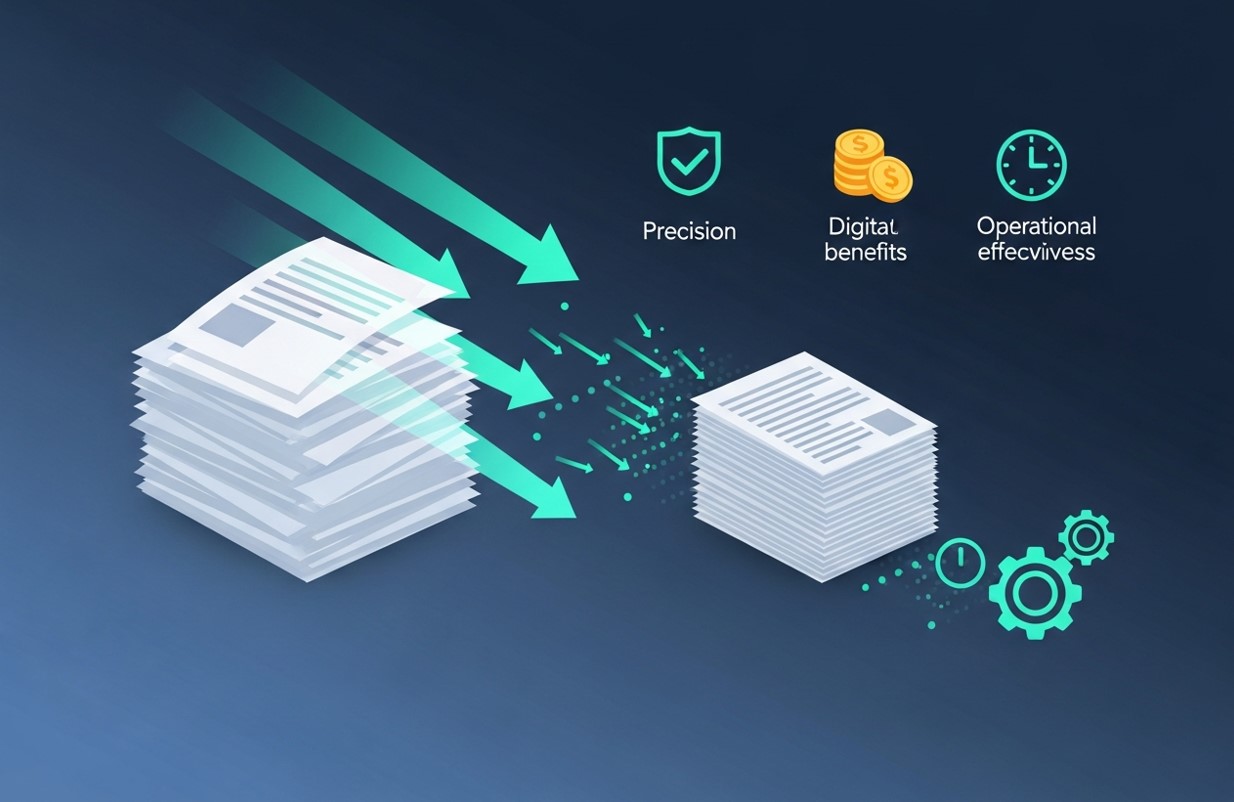
Integrating AI OCR to automate paper-based data entry offers a host of compelling advantages that can fundamentally improve business operations.
Increased Speed and Efficiency
The most immediate benefit of AI OCR is the dramatic increase in speed. A task that might take a human employee several minutes—like entering data from a single invoice—can be completed by an AI OCR system in seconds. This allows businesses to process thousands of documents per day, eliminating backlogs and accelerating workflows. For departments like accounts payable, this means faster invoice processing, leading to better supplier relationships and the ability to capture early payment discounts. If you want to explore further automation strategies, check out Tired of Manual Data Entry? Let’s Automate It.
Enhanced Accuracy and Reduced Errors
Human error is an unavoidable part of manual data entry. Whether from fatigue, distraction, or simple typos, these mistakes can lead to significant problems, from incorrect financial records to compliance issues. AI OCR systems achieve accuracy rates of over 99% in many cases. By minimizing human intervention, the technology ensures that the data entered into your systems is consistent, reliable, and free from common input errors.
Significant Cost Savings
Labor is one of the biggest expenses associated with manual data entry. By automating this process, businesses can reduce the number of hours employees spend on repetitive tasks. Over time, the savings on labor costs, combined with the reduction of costly errors, deliver a strong return on investment. For CRM-specific data handling, our guide on AI data entry is revolutionizing CRM automation offers actionable insights.
Improved Data Accessibility and Searchability
Paper documents are difficult to search and manage. AI OCR converts these static documents into fully searchable digital text. Once digitized, employees can instantly find the information they need with a simple keyword search, streamlining audits and supporting better-informed decision-making. For managing large datasets, you can explore web data entry automation: your complete guide.
Greater Scalability
As a business grows, so does the volume of paperwork. Managing this increase with manual processes requires hiring more staff, which adds to operational costs and complexity. AI OCR solutions are highly scalable. They can handle fluctuating volumes of documents without a corresponding increase in resources. Whether you need to process a hundred documents one day or ten thousand the next, the system can adapt to meet demand, providing a flexible and future-proof solution.
Real-World Applications of AI OCR
AI OCR technology is versatile and can be applied across numerous industries and business functions.
- Finance and Accounting: Automating the processing of invoices, purchase orders, and expense reports is one of the most common uses. It speeds up payment cycles and improves financial reporting accuracy.
- Healthcare: Hospitals and clinics use AI OCR to digitize patient records, insurance claims, and lab results, ensuring that critical medical information is accurate and readily accessible.
- Logistics and Supply Chain: The technology automates the entry of data from bills of lading, packing slips, and customs forms, improving visibility and efficiency throughout the supply chain.
- Human Resources: HR departments use it to quickly process job applications, resumes, and employee onboarding forms, streamlining the recruitment and hiring process.
- Legal: Law firms can digitize and index vast archives of contracts, case files, and legal correspondence, making document review and discovery far more efficient.
Embrace the Future of Data Management
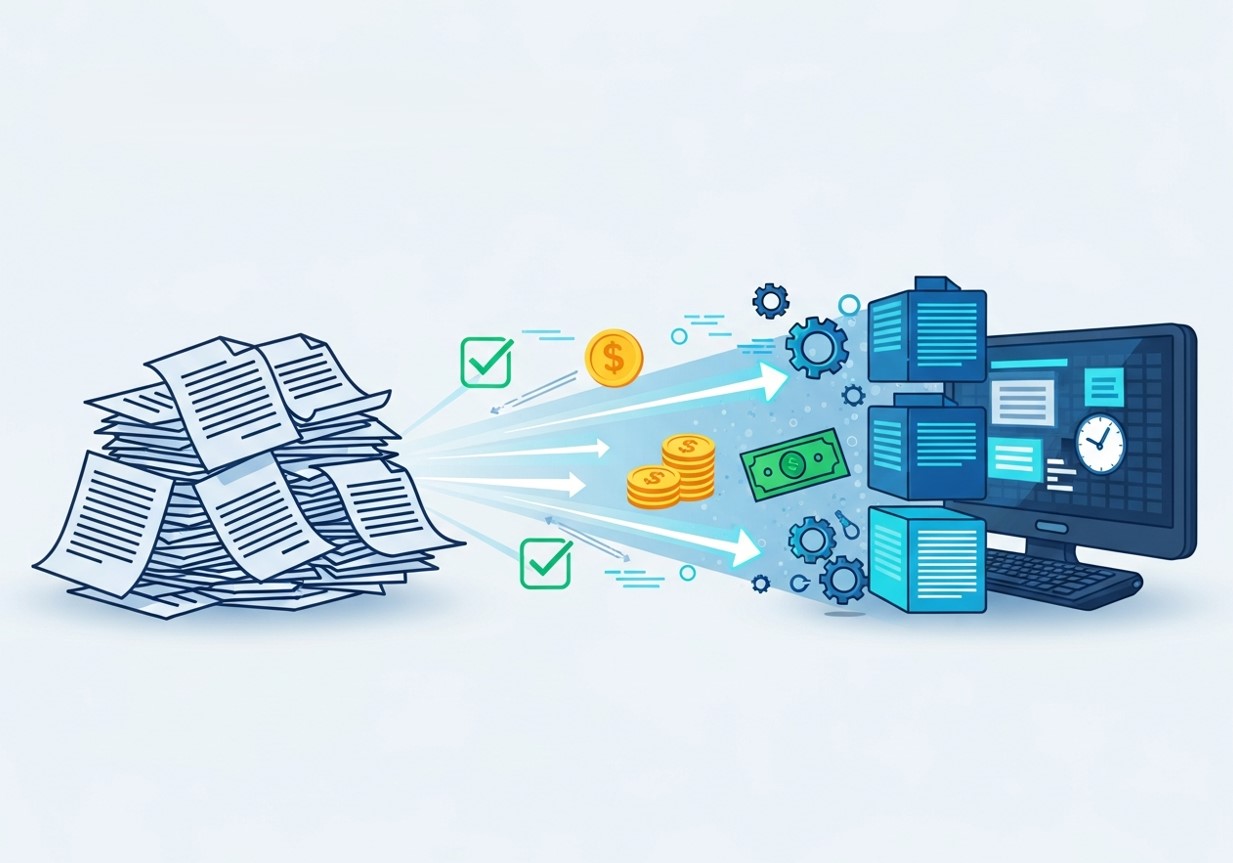
The transition from manual, paper-based processes to automated, digital workflows is no longer an option—it’s a necessity for any business looking to stay competitive. AI OCR stands at the forefront of this transformation, offering a robust and accessible solution to one of the most persistent challenges in business operations.
By automating paper-based data entry, you can unlock significant gains in efficiency, accuracy, and scalability. Your team will be empowered to focus on strategic work that drives growth, while your organization benefits from lower costs and more reliable data. If your business is still buried in paperwork, now is the time to explore what AI OCR can do for you.
Future Trends in AI OCR and Intelligent Document Automation
The future of AI OCR is moving toward fully autonomous document processing. As machine learning models grow more sophisticated, they will be capable of understanding documents with human-level intuition. This includes identifying intent, interpreting ambiguous content, and automatically making decisions based on extracted information.
AI OCR will also become more tightly integrated with conversational AI tools. Imagine a system where employees can simply ask a voice assistant to find a specific invoice, contract clause, or patient record, and the tool instantly retrieves it from the AI-indexed documents.
Another emerging trend is multimodal AI, where systems analyze not just text but also images, diagrams, signatures, and even seals within documents. This will make automation possible in industries that previously relied heavily on manual processing due to visual complexity—such as construction, insurance claims, and legal documentation.
Cloud-based AI OCR will continue to grow, offering faster processing speeds, lower costs, and easier scalability. As businesses adopt more hybrid or fully remote operations, cloud OCR ensures that employees can access, process, and share documents from anywhere.
Ultimately, AI OCR is evolving toward becoming a central component of intelligent automation, integrating seamlessly with robotics process automation (RPA), analytics tools, and AI-driven decision engines. This shift promises a future where document management becomes entirely automated, accurate, and instant.
Frequently Asked Questions (FAQ)
Is AI OCR difficult to implement?
Modern AI OCR platforms are often cloud-based and designed for easy integration. Many offer user-friendly interfaces and pre-built integrations with popular business software like ERPs and CRMs. If your goal is to Automate Paper-Based Data Entry, most solutions can be deployed quickly without needing a full team of AI specialists. While some customization may be required, getting started is typically straightforward.
How does AI OCR handle handwriting?
Advanced AI OCR systems are trained on massive datasets of handwritten text, enabling them to recognize diverse writing styles with high accuracy. This makes it possible to Automate Paper-Based Data Entry even when dealing with handwritten forms, surveys, or notes. Although extremely messy handwriting can still pose challenges, the technology continues to improve rapidly.
What is the difference between OCR and AI OCR?
Traditional OCR relies on basic pattern-matching to recognize characters from specific fonts and structured layouts. AI OCR, on the other hand, uses machine learning to understand context and process unstructured documents. This makes AI OCR far more effective when businesses want to Automate Paper-Based Data Entry across varied document types, including invoices, contracts, and handwritten records.
Can AI OCR extract data from tables?
Yes. AI-powered systems can detect tabular structures within documents, even when lines are faint or missing. They accurately identify rows and columns and export the information into structured formats like CSV or Excel files. This capability is especially valuable when organizations need to Automate Paper-Based Data Entry from financial statements, reports, or spreadsheets.
How secure is my data with an AI OCR provider?
Reputable AI OCR vendors prioritize data security by using encryption for data in transit and at rest, and complying with standards like SOC 2 and GDPR. When choosing a provider to Automate Paper-Based Data Entry, always review their security certifications and data protection policies to ensure compliance with your industry requirements.
What kind of return on investment (ROI) can I expect?
The ROI from AI OCR comes from reduced labor costs, fewer manual errors, faster processing times, and improved productivity. Businesses that Automate Paper-Based Data Entry often see measurable efficiency gains and cost savings within the first year of implementation.
Does AI OCR require special hardware?
No. Most AI OCR solutions are software-based and compatible with standard office scanners or even smartphone cameras. Companies can Automate Paper-Based Data Entry without investing in specialized hardware, making adoption cost-effective.
How does the system learn and improve?
AI OCR systems improve through machine learning and continuous feedback. Many platforms use a human-in-the-loop verification process where uncertain data is flagged for review. This feedback helps retrain the model, increasing accuracy over time and making it even more efficient to Automate Paper-Based Data Entry.
Can AI OCR handle documents in multiple languages?
Yes, many leading AI OCR platforms support multiple languages. Trained on multilingual datasets, they can process documents from global operations, helping international businesses Automate Paper-Based Data Entry across regions and language barriers.
Will AI OCR replace data entry jobs?
AI OCR automates repetitive tasks but does not eliminate the need for human oversight. Instead, it helps organizations Automate Paper-Based Data Entry while allowing employees to focus on higher-value activities like validation, exception handling, and analysis. The technology enhances human productivity rather than replacing it entirely.
Can AI OCR integrate with existing business software?
Yes. Most AI OCR platforms integrate seamlessly with ERP, CRM, accounting, and document management systems. This integration enables companies to Automate Paper-Based Data Entry without overhauling their existing workflows.
How does AI OCR handle poor-quality scans or images?
Advanced AI OCR solutions use image pre-processing techniques such as noise reduction, deskewing, and contrast enhancement. These features improve recognition accuracy and make it easier to Automate Paper-Based Data Entry even from low-resolution or poorly scanned documents.
Is AI OCR suitable for small businesses?
Absolutely. Cloud-based AI OCR tools are scalable and affordable, making them ideal for small and medium-sized businesses. Even with moderate document volumes, companies can Automate Paper-Based Data Entry to save time and reduce errors.
Can AI OCR process handwritten forms and surveys?
Yes. Modern AI OCR systems can recognize printed and cursive handwriting styles. This capability allows organizations to Automate Paper-Based Data Entry from forms, surveys, and questionnaires, significantly reducing manual transcription efforts.
How fast can AI OCR process documents?
Processing speed depends on document complexity and platform capabilities. Simple documents can be processed in seconds, while larger multi-page files may take slightly longer. Regardless, AI OCR enables businesses to Automate Paper-Based Data Entry at speeds that far exceed manual data entry methods