Picture sending the right message to the right person at exactly the right time—without lifting a finger. That’s the promise of email automation, and it’s one that modern marketers are increasingly cashing in on.
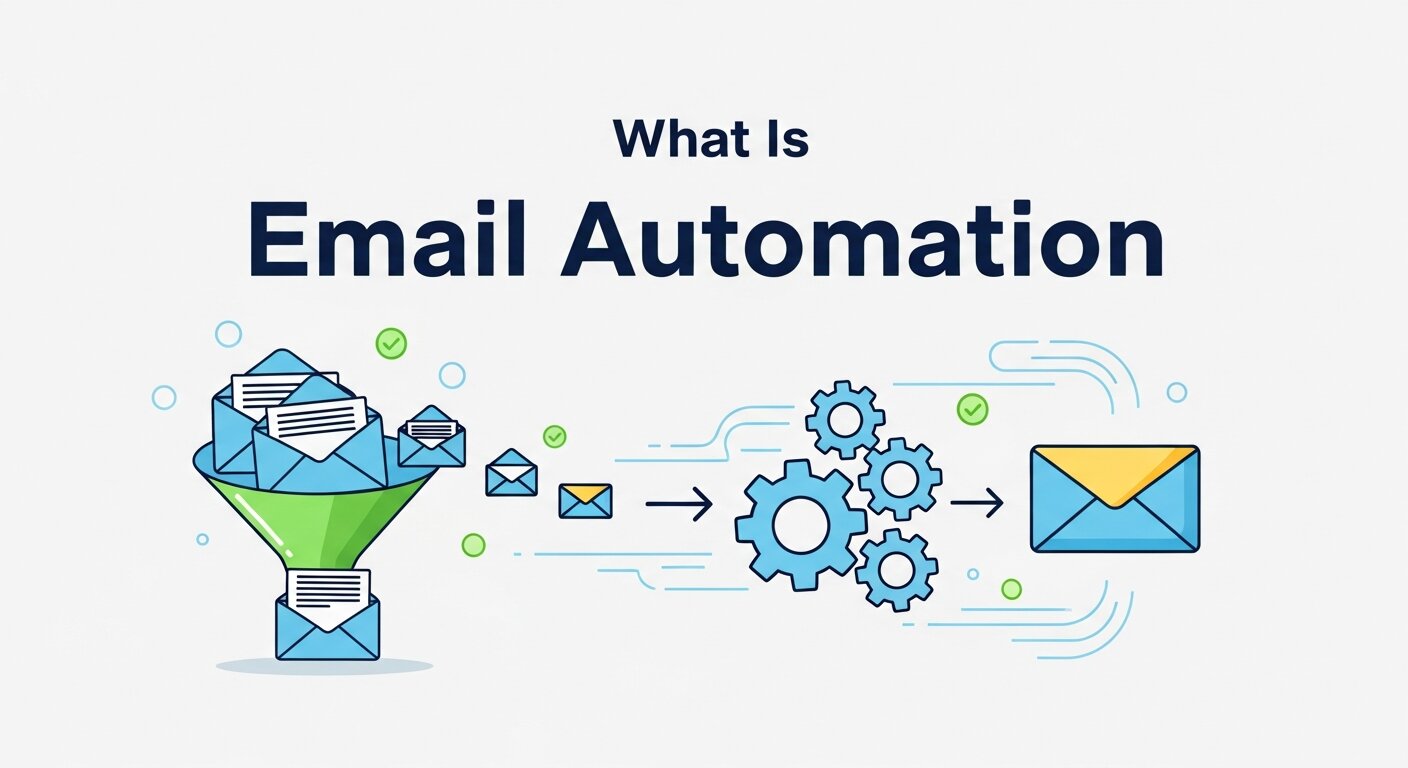
Email automation refers to the use of software to send pre-written emails to subscribers or customers based on specific triggers, schedules, or behaviors. Rather than manually drafting and dispatching every message, you set up a workflow once, and the system handles the rest. A new subscriber joins your list? They get a welcome email. A customer abandons their cart? A reminder lands in their inbox. Someone hasn’t opened your emails in 90 days? A re-engagement sequence kicks off automatically.
This isn’t just a convenience tool. For businesses trying to scale their communications without scaling their headcount, email automation is a genuine competitive advantage. According to Salesforce, automated emails generate 320% more revenue than non-automated emails—and that gap is only widening as consumer expectations for personalized, timely communication continue to rise.
Whether you’re just getting started or looking to sharpen an existing strategy, this guide covers everything you need to know: what email automation actually is, the tangible benefits it delivers, real-world examples of it in action, and the best practices that separate good campaigns from great ones.
What Does Email Automation Actually Mean?
At its core, email automation is about replacing manual effort with intelligent, rules-based systems. Instead of a marketer sitting down to hit “send” on each campaign, an automation platform monitors user behavior and sends messages based on conditions you define in advance.
These conditions are called triggers. Common triggers include:
- A user signing up for a newsletter
- A customer making their first purchase
- A lead downloading a resource from your website
- A subscriber reaching a milestone (like a one-year anniversary)
- A user abandoning a checkout process
Once a trigger fires, the email platform sends a pre-built message—or a series of messages—designed specifically for that moment. This is what separates email automation from standard email marketing: the timing is dynamic, not fixed.
What’s the Difference Between Email Marketing and Email Automation?
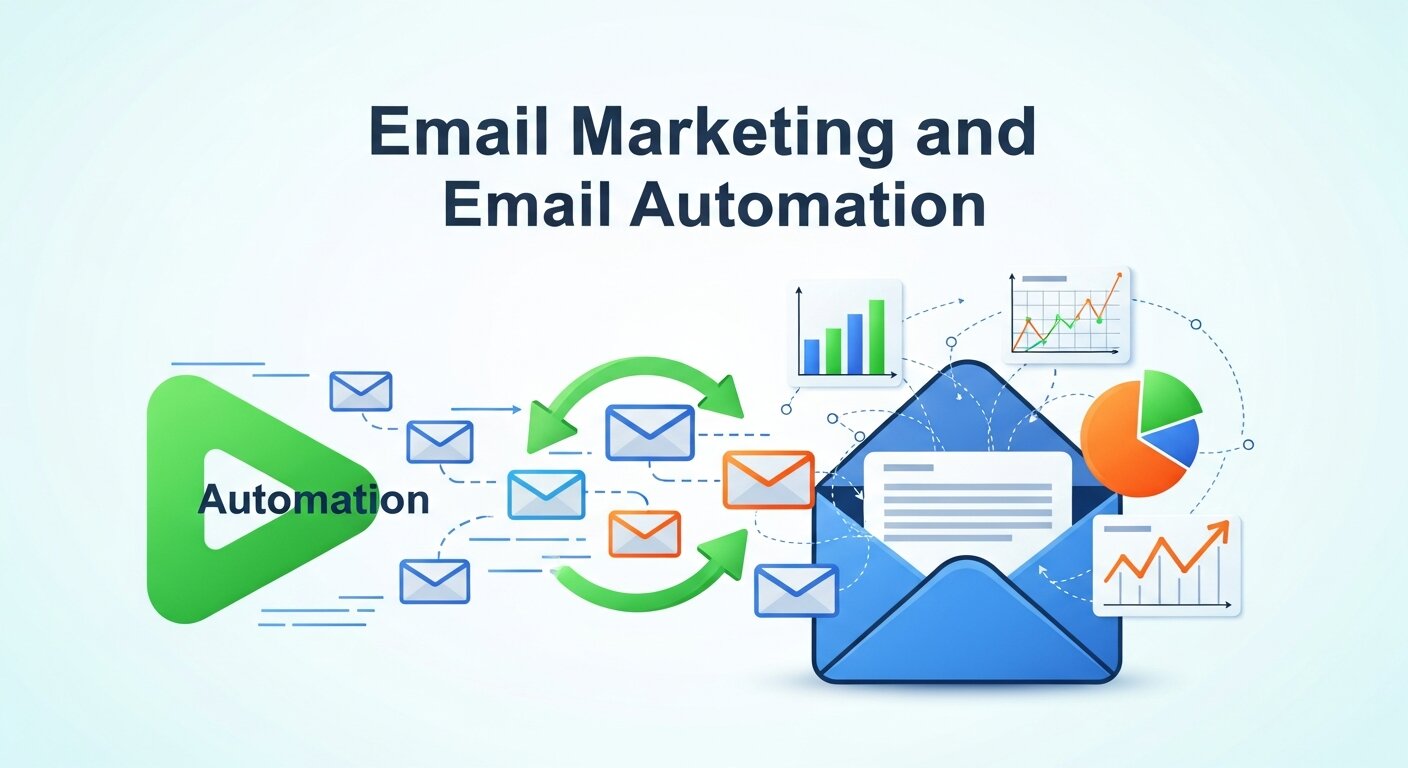
Email marketing is the broader discipline of communicating with your audience via email. Email automation is a subset of that—specifically, the part where technology takes over the sending process.
A standard email blast (think a weekly newsletter or a promotional campaign) goes out to a list at a scheduled time, regardless of where each recipient is in their journey with your brand. Automated emails, by contrast, are triggered by individual behavior. They’re more personal, more timely, and—as a result—typically more effective.
The Key Benefits of Email Automation
It Saves Time Without Sacrificing Quality
The most obvious win is time. Once an automated sequence is live, it runs continuously in the background. A welcome series that would take a marketing team hours to manually manage each week becomes a set-and-refine asset that works around the clock.
This frees teams to focus on strategy and creative work rather than operational execution. For smaller businesses or lean marketing teams, this capacity gain can be transformative.
It Drives Higher Engagement and Revenue
Emails sent at the right moment—when a user is actively engaged with your brand—perform significantly better than generic broadcasts. Welcome emails, for instance, have an average open rate of around 50%, compared to the industry average of roughly 20–25% for standard campaigns (Mailchimp, 2023).
Behavioral triggers mean your messaging is contextually relevant. A customer who just browsed your product page is far more likely to convert when they receive a follow-up email within the hour than if they receive a generic weekly digest days later.
It Enables Personalization at Scale
Personalization used to mean inserting a first name into a subject line. Today, it means sending entirely different email sequences based on what a user has purchased, clicked on, or expressed interest in.
Email automation makes this kind of segmented, personalized communication scalable. You can build separate journeys for new customers, repeat buyers, high-value leads, and lapsed subscribers—all running simultaneously, all tailored to each group’s specific context.
It Supports Consistent Automated Brand Tracking
One underappreciated benefit of email automation is the data it generates. Every automated campaign produces a stream of behavioral signals—open rates, click-through rates, conversion events, and unsubscribes—that feed directly into automated brand tracking.
Over time, this creates a feedback loop. You can see which messages resonate, which fall flat, and how engagement shifts across different audience segments. This visibility helps brands refine their positioning, messaging, and product communication in ways that manual campaigns simply can’t match.
Real-World Examples of Email Automation
Welcome Sequences
When someone joins your list, they’re at peak interest. A welcome sequence capitalizes on that moment. The best brands for automation—including Spotify, Airbnb, and Duolingo—use multi-email welcome flows that introduce the brand, highlight key features or products, and set expectations for future communications.
A typical welcome sequence might run over three to five days:
- Email 1: Thank the subscriber and introduce the brand
- Email 2: Highlight the most popular products or features
- Email 3: Share social proof (reviews, case studies, or user stats)
- Email 4: Offer a discount or exclusive benefit for first-time buyers
Abandoned Cart Emails
This is one of the highest-ROI applications of email automation in e-commerce. When a shopper adds items to their cart but doesn’t complete the purchase, an automated email—or series of emails—reminds them of what they left behind.
According to Klaviyo, abandoned cart emails recover an average of 5–11% of otherwise lost revenue. The most effective versions include the specific products left behind, a clear call to action, and sometimes a limited-time incentive.
Post-Purchase Sequences
The sale isn’t the end of the customer journey—it’s the beginning of the retention phase. Post-purchase automation can include order confirmation emails, shipping updates, and—once the product has been delivered—a follow-up requesting a review or offering complementary products.
Done well, this sequence turns one-time buyers into repeat customers. Done poorly (or not at all), brands leave a significant amount of lifetime value on the table.
Re-Engagement Campaigns
Every email list naturally decays over time. Subscribers lose interest, change jobs, or simply move on. A re-engagement campaign targets inactive subscribers with a specific sequence designed to win back their attention—or cleanly remove them from your list if they don’t respond.
These emails tend to work best when they’re direct and human in tone. A simple “We’ve missed you—here’s what you’ve been missing” with a compelling reason to re-engage outperforms more polished but impersonal messaging.
Lead Nurturing Sequences
B2B companies rely heavily on lead nurturing automation to move prospects through a sales funnel. When a potential customer downloads a whitepaper, attends a webinar, or requests a product demo, an automated sequence delivers relevant content that educates and builds trust over time.
This kind of automation bridges the gap between marketing and sales, ensuring leads receive consistent communication without requiring manual follow-up at every stage.
Best Practices for Email Automation
Map Your Customer Journey Before You Build
The most common mistake in email automation is jumping into the platform before understanding the journey you’re trying to support. Start by mapping out the key stages your customers move through—from first awareness to loyal advocacy—and identify the moments where a well-timed email could make a meaningful difference.
From there, prioritize. Don’t try to automate everything at once. Start with the highest-impact sequences (welcome emails and abandoned cart are usually the place to begin), get them performing well, then expand.
Segment Your Audience Thoughtfully
A single automated sequence rarely serves everyone equally well. The more precisely you can segment your audience—by behavior, demographics, purchase history, or engagement level—the more relevant your emails will be.
Most major email automation platforms allow for dynamic segmentation that updates in real time. A subscriber who makes their first purchase automatically moves from a “prospect” segment to a “customer” segment, triggering the appropriate post-purchase sequence without any manual intervention.
Write for the Trigger, Not the Tool
Every automated email should feel like it was written specifically for the moment it’s delivered. An abandoned cart email should acknowledge exactly what the customer left behind. A birthday email should feel personal. A re-engagement email should reference the gap in communication directly.
The temptation with automation is to write generic copy that “works for everyone.” Resist it. Generic copy feels generic to the reader, and it undermines the very personalization advantage that automation is supposed to deliver.
Test, Measure, and Iterate
Email automation is never truly finished. Subject lines, send times, email length, CTA placement—all of these variables affect performance, and the only way to know what works for your audience is to test systematically.
Run A/B tests on individual elements rather than multiple variables at once. Track not just open and click rates, but downstream metrics like conversion rate and revenue per email. Use this data as part of your automated brand tracking strategy to build a clear picture of what’s driving results over time.
Don’t Over-Automate
More automation isn’t always better. Sending too many automated emails—or automating touchpoints that warrant a genuinely human response—can erode trust and drive unsubscribes.
Build in natural pauses between sequences. Cap how many automated emails a subscriber can receive within a given time period. And for high-stakes interactions—like enterprise sales inquiries or customer complaints—make sure a real human is in the loop.
Start Automating Smarter, Not Harder
Email automation works best when it’s built around the customer, not the calendar. The brands seeing the strongest results aren’t necessarily the ones with the most complex workflows—they’re the ones that have taken the time to understand their audience, map their journey, and deliver messages that genuinely matter at the moments they matter most.
Start small, measure everything, and refine continuously. The infrastructure you build today will compound in value over time, turning your email list from a passive asset into one of the most reliable growth levers in your marketing stack.