Email Marketing Automation has become one of the most effective ways for businesses to communicate with customers, nurture leads, and increase sales without managing every email manually. Instead of sending the same message to everyone, automation allows brands to deliver relevant emails based on customer behavior, interests, preferences, and purchasing activity.
From welcome emails and abandoned cart reminders to personalized product recommendations and re-engagement campaigns, automated email workflows can keep customers connected throughout their journey. When properly planned, email automation saves time, improves customer engagement, and helps businesses generate better returns from their marketing investment.
Modern businesses can also combine automation with personalization, customer data, analytics, and artificial intelligence to create more effective campaigns. This makes automated email marketing an important part of a scalable digital marketing strategy.
What Is Email Marketing Automation?
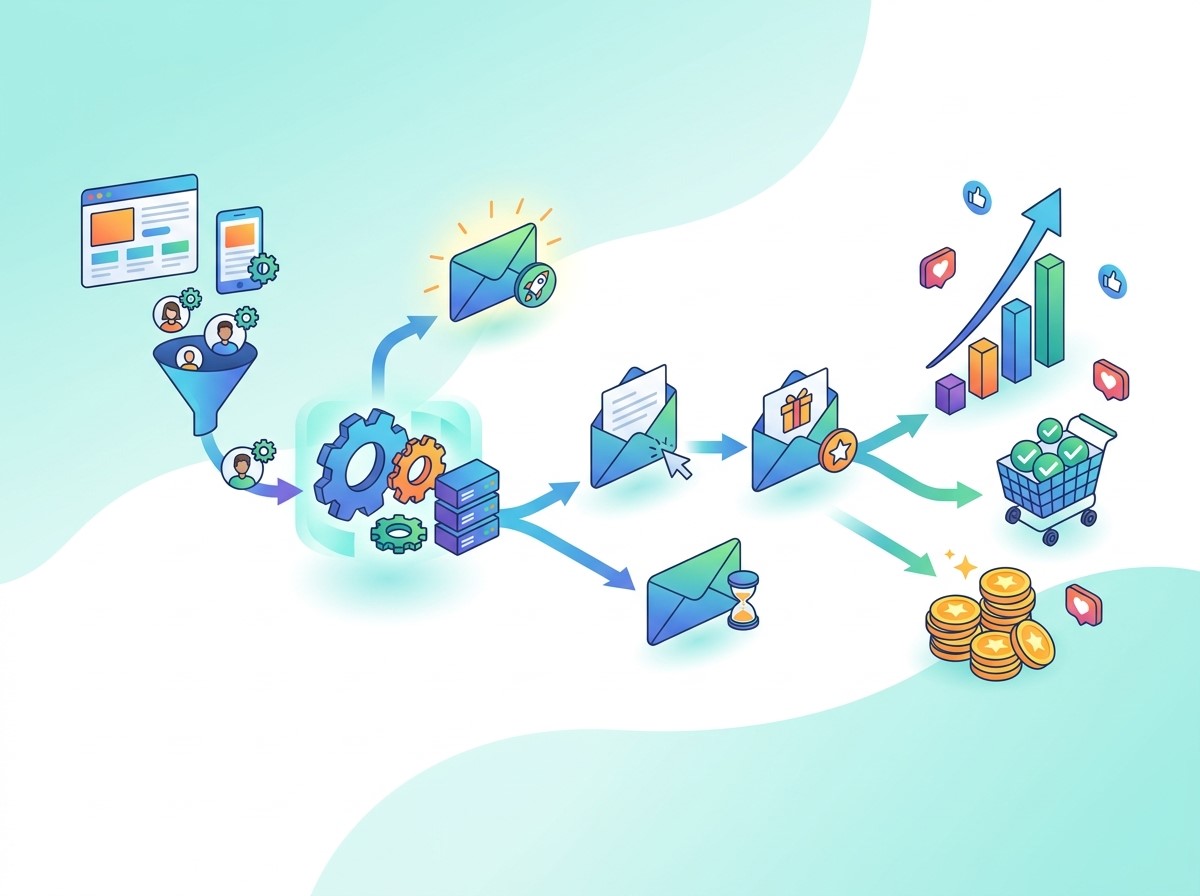
Email marketing automation is the process of using software to automatically send targeted emails when specific conditions or customer actions occur. These actions can include signing up for a newsletter, downloading a resource, purchasing a product, abandoning a shopping cart, or becoming inactive.
Rather than manually creating and sending every email, marketers build automated workflows in advance. The system then delivers the appropriate message at the right stage of the customer journey.
For example, when someone subscribes to a website, an automated workflow can immediately send a welcome email. A few days later, the system may send educational content, followed by a product recommendation or promotional offer. This approach creates a more consistent communication process while allowing marketing teams to focus on strategy and creative work.
Why Email Automation Matters for Business Growth
Saves Time and Marketing Resources
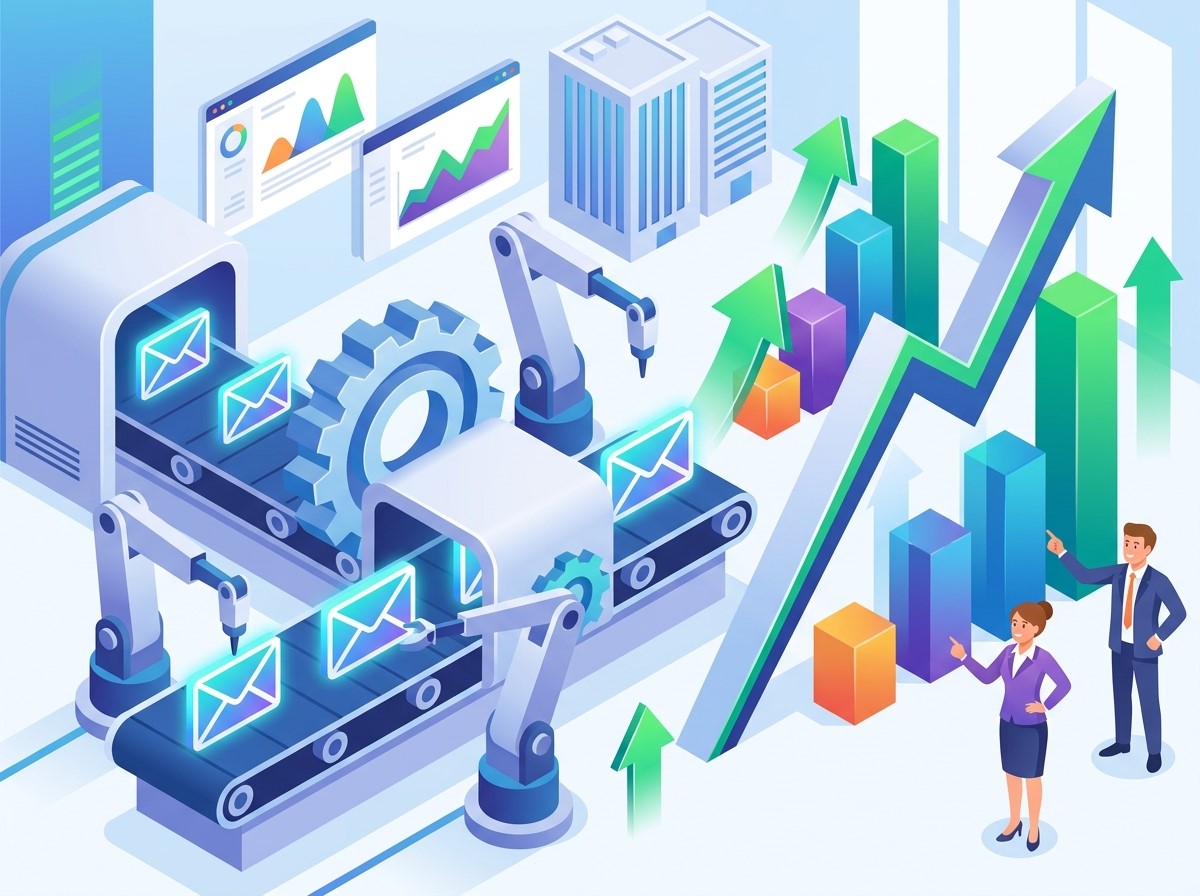
Manually managing large email campaigns can consume significant time. Automation allows businesses to create workflows that continue running after they are configured.
A single automated sequence can communicate with thousands of subscribers without requiring marketers to send individual messages. This improves productivity and allows teams to spend more time on campaign planning, customer research, and optimization.
Improves Customer Engagement
Customers are more likely to engage with emails that match their needs and interests. Automated campaigns can use customer actions to determine what message should be delivered next.
For example, someone who repeatedly views a specific product category can receive related recommendations instead of a generic promotional email. This relevance can increase opens, clicks, and conversions.
Supports Higher Sales
Automation can guide potential customers through different stages of the buying journey. Educational emails can build awareness, promotional emails can encourage consideration, and targeted offers can help convert interested customers. Businesses can also use automated follow-ups after purchases to recommend complementary products or encourage repeat orders.
Increases Marketing ROI
Because automated campaigns require less manual effort after setup, they can deliver results efficiently over time. Businesses can measure revenue, conversions, clicks, and customer engagement to identify which workflows are producing the strongest returns. This makes it easier to allocate marketing resources toward campaigns that generate measurable business value.
Essential Email Automation Strategies
Create a Strong Welcome Series
The welcome series is often the first automated interaction between a brand and a new subscriber. It should introduce the business, explain its value, and establish expectations for future communication.
The first email can thank the subscriber for joining. Additional emails can introduce products, educational resources, customer benefits, or special offers. A well-designed welcome sequence helps turn new subscribers into engaged prospects rather than leaving them inactive after registration.
Use Abandoned Cart Emails
Shopping cart abandonment is a major challenge for ecommerce businesses. Automated abandoned cart emails can remind customers about products they considered but did not purchase.
The first reminder can simply highlight the unfinished purchase. A later message may answer common concerns, reinforce product benefits, or provide an incentive when appropriate. Timing is important. Sending reminders too late can reduce their effectiveness, while excessive reminders may frustrate customers.
Build Lead-Nurturing Campaigns
Not every lead is ready to purchase immediately. Lead-nurturing automation allows businesses to maintain communication until prospects become more prepared to make a buying decision.
A nurturing sequence can provide educational information, case studies, product explanations, customer stories, and relevant offers. Each message should provide value while gradually moving the prospect toward conversion.
Send Personalized Recommendations
Personalization can make automated emails more relevant. Businesses can use information such as previous purchases, browsing behavior, product preferences, and engagement history to create targeted recommendations.
For example, an ecommerce store can recommend accessories related to a customer’s previous purchase. A SaaS company can send educational resources based on the features a user has explored. Personalization should feel useful rather than intrusive.
Develop Re-Engagement Campaigns
Some subscribers gradually stop opening or clicking emails. Instead of immediately removing them from a database, businesses can create re-engagement campaigns.
These emails can acknowledge the subscriber’s inactivity and provide a reason to return. The campaign may include useful content, personalized recommendations, or an option to update communication preferences. If a subscriber remains inactive after several attempts, businesses should consider reducing email frequency or removing inactive contacts to maintain list quality.
Using Data to Improve Automated Campaigns
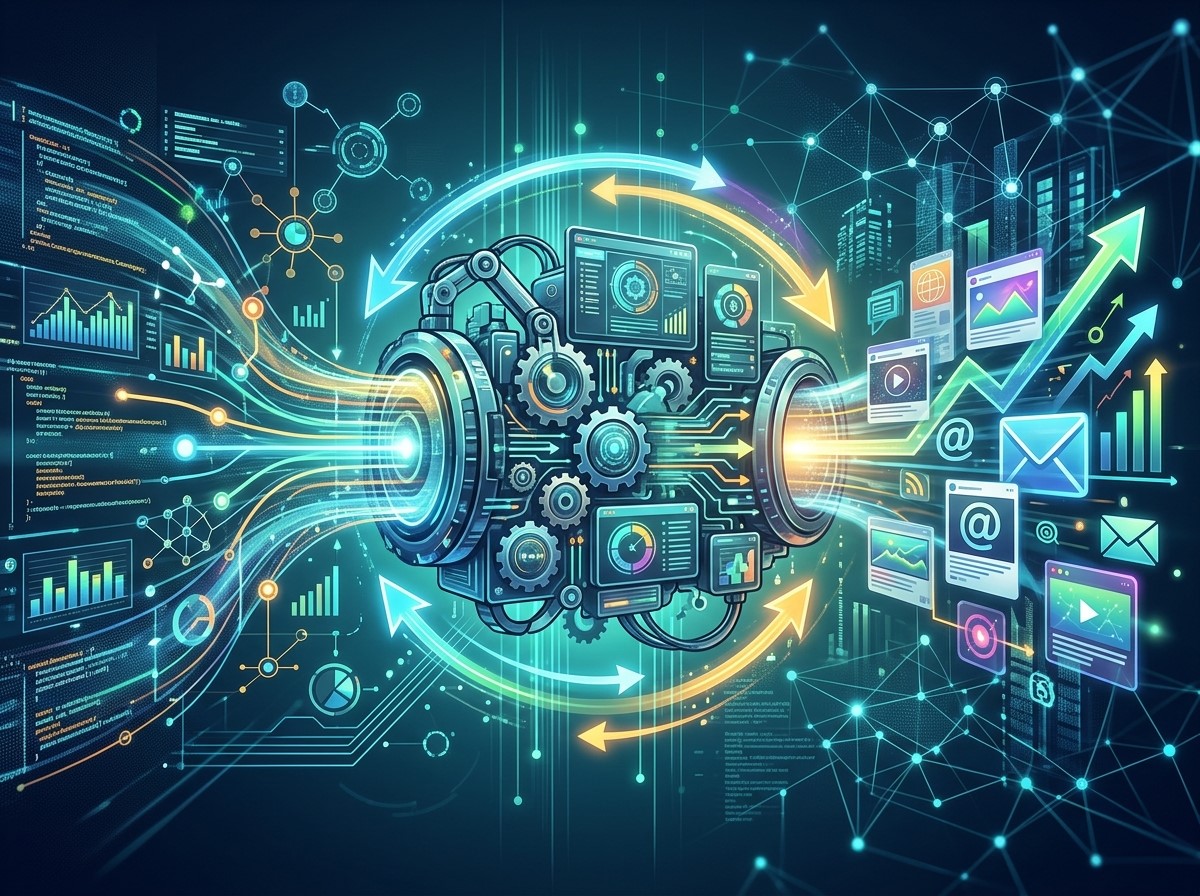
Successful automation depends heavily on accurate customer data. Businesses should organize subscriber information and track meaningful behaviors to understand what customers want.
Useful data can include purchase history, email engagement, website activity, demographics, customer lifecycle stage, and preferences.
The goal is not to collect as much information as possible. Instead, businesses should focus on data that can improve customer experiences and marketing decisions. Analytics can then reveal which emails generate the highest engagement and which stages of a workflow need improvement.
Combining Automation With Modern Marketing Approaches
Integrate AI Into Email Marketing
Artificial intelligence can support many areas of automated email marketing. AI-powered tools can help marketers analyze customer behavior, identify patterns, generate content ideas, personalize messages, and predict potential customer actions.
An effective AI Brand Strategy can also help ensure that automated communication remains aligned with the brand’s voice, positioning, and customer expectations. AI should support human decision-making rather than completely replace strategic oversight.
Use Intelligent Automation
Intelligent Automation combines automation technology with data analysis and AI-driven decision-making. In email marketing, this can help businesses create more responsive customer journeys.
For example, a system can evaluate engagement behavior and adjust future communications accordingly. Highly engaged subscribers may receive more advanced offers, while less engaged users may receive educational or re-engagement content. This creates a more adaptive marketing process.
Connect Email With Content Automation
Content Automation can help marketing teams maintain a consistent supply of relevant email material. Blog posts, guides, product updates, and other content can be incorporated into automated campaigns.
For example, a business can automatically send a weekly educational newsletter featuring recently published resources. This reduces repetitive work while keeping subscribers connected with the brand. However, automated content should still be reviewed to maintain quality, accuracy, and consistency.
How to Build an Effective Email Automation Workflow
Define the Campaign Goal
Every workflow should have a clear objective. The goal could be generating leads, increasing product sales, onboarding customers, improving retention, or recovering abandoned carts.
A clear goal makes it easier to determine what messages should be included and which metrics should be tracked.
Segment Your Audience
Avoid treating every subscriber the same. Divide your audience into meaningful segments based on characteristics or behaviors.
Segments may include new subscribers, existing customers, high-value customers, inactive users, repeat purchasers, or leads who have shown interest in specific products. Better segmentation usually creates more relevant communication.
Plan the Customer Journey
Map out what customers should receive at each stage. Consider the trigger, message, waiting period, next action, and final outcome.
A simple workflow might begin with a signup, followed by a welcome email, educational content, product information, and a promotional message.
Test and Optimize
Automation should not be considered a one-time setup. Businesses should continuously test subject lines, content, calls to action, timing, and audience segments.
A/B testing can help identify which variations generate better engagement and conversions.
Metrics to Track
Measuring the right metrics is essential for improving performance. Open rate can provide insight into how effectively subject lines attract attention, while click-through rate shows whether recipients are engaging with email content.
Conversion rate measures how many recipients complete the desired action. Businesses should also track unsubscribe rates, bounce rates, revenue generated, and return on investment. Instead of focusing on one metric, evaluate the complete customer journey. A campaign with fewer clicks may still be valuable if it generates significantly more sales.
Common Mistakes to Avoid
One common mistake is sending too many automated emails. Automation should improve communication, not overwhelm subscribers. Another problem is excessive personalization. Using customer data in a way that feels unexpected or invasive can reduce trust.
Businesses should also avoid creating complicated workflows without clear goals. More automation does not automatically mean better results. Finally, failing to monitor campaigns can allow outdated offers, broken links, incorrect information, or poor-performing workflows to continue running.
Best Practices for Better Results
Effective email automation requires a balance between technology, strategy, and customer experience. Keep messages relevant and concise. Use clear calls to action and make emails easy to read on mobile devices. Maintain consistent branding across automated communications.
Review workflows regularly and update them as customer behavior, products, offers, and business objectives change. Most importantly, use automation to make customer communication more helpful—not simply more frequent.
How to Improve Email Automation With Customer Segmentation
Customer segmentation can make automated campaigns more relevant and effective. Instead of sending identical messages to every subscriber, businesses can divide audiences according to purchase history, interests, engagement level, location, or position in the customer journey.
For example, new subscribers may receive educational emails, while returning customers can receive product recommendations or loyalty-focused offers. Highly engaged users can also be targeted with premium products, while inactive subscribers may receive re-engagement campaigns.
Segmentation helps businesses deliver the right message to the right audience. It can improve engagement, reduce unnecessary emails, and create a more personalized customer experience. When combined with behavioral data and automation, segmentation can also help businesses identify valuable customers and create targeted campaigns that support long-term revenue growth.
How to Maintain Trust in Automated Email Campaigns
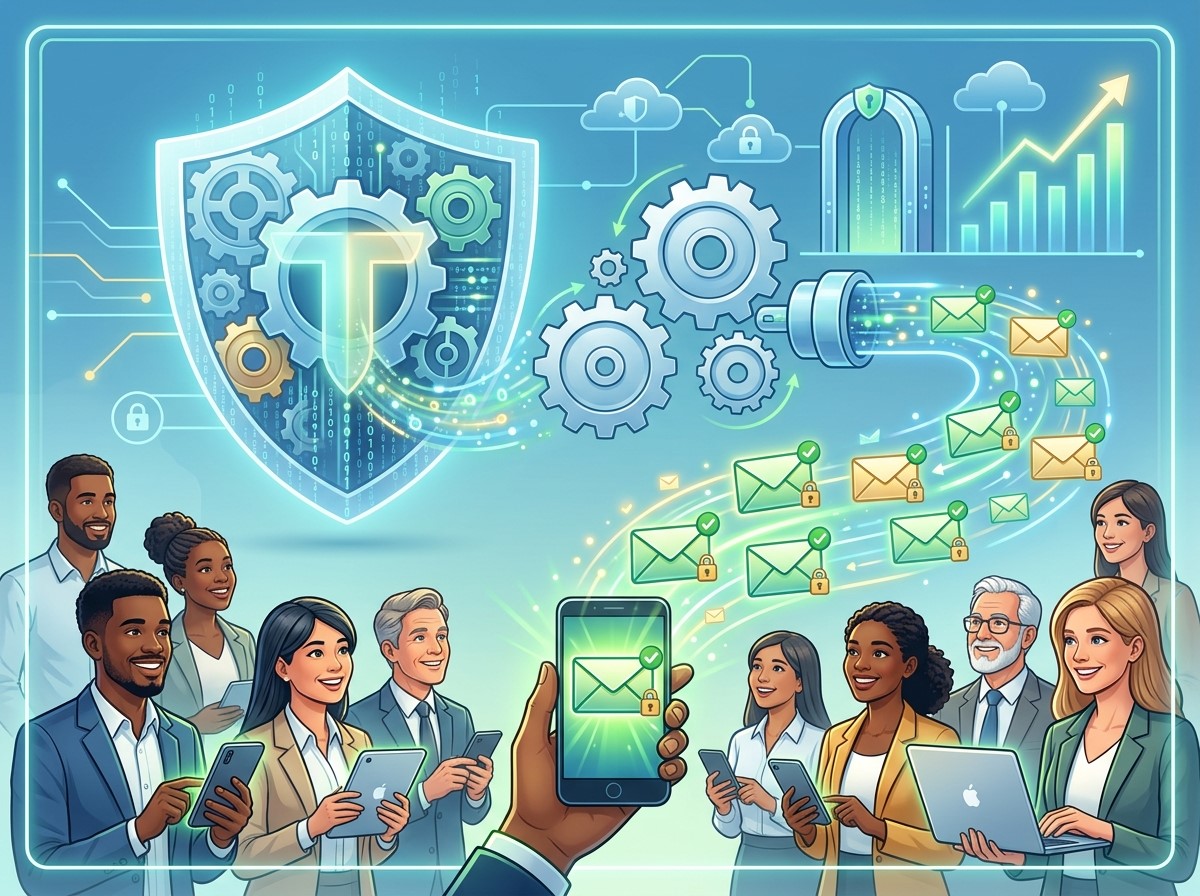
Successful email automation is not only about increasing sales. Businesses must also maintain customer trust by providing useful, transparent, and respectful communication. Automated emails should clearly identify the sender and provide an easy way for subscribers to manage their preferences or unsubscribe.
Businesses should avoid sending excessive promotional messages simply because an automation system makes it easy. Every email should have a clear purpose and provide value to the recipient. Personalization should also be used responsibly without making customers feel that their private behavior is being monitored excessively.
Regularly reviewing email lists, removing invalid addresses, updating outdated content, and monitoring subscriber feedback can help maintain a healthy communication strategy. By prioritizing relevance, transparency, and customer preferences, businesses can build stronger relationships while achieving better long-term results from email automation.
Conclusion
Email automation can transform how businesses attract, nurture, convert, and retain customers. By combining segmentation, personalization, behavioral triggers, analytics, and strategic workflows, businesses can create communication experiences that are both efficient and relevant.
The strongest results come from treating automation as a long-term marketing system rather than simply a tool for sending scheduled emails. When supported by AI, intelligent workflows, quality content, and continuous optimization, automated email campaigns can improve engagement, increase sales, and deliver stronger ROI.
Frequently Asked Questions
1. What is Email Marketing Automation?
Email Marketing Automation uses software to automatically send targeted emails based on customer actions, preferences, or predefined triggers.
2. How does email automation increase sales?
It delivers relevant messages at important stages of the customer journey, such as product consideration, cart abandonment, and post-purchase follow-up.
3. Is email marketing automation suitable for small businesses?
Yes. Small businesses can use automation to save time, nurture leads, maintain customer relationships, and run campaigns without requiring a large marketing team.
4. What emails can be automated?
Common examples include welcome emails, abandoned cart reminders, lead-nurturing sequences, product recommendations, onboarding emails, promotional campaigns, and re-engagement messages.
5. Can automation personalize emails?
Yes. Automation platforms can use customer data and behavior to personalize content, recommendations, offers, timing, and messaging.
6. How does AI support automated email marketing?
AI can assist with customer analysis, content ideas, personalization, audience segmentation, predictive insights, and campaign optimization.
7. What is Intelligent Automation in marketing?
Intelligent Automation combines automated workflows with technologies such as AI and data analysis to make marketing processes more adaptive and efficient.
8. How often should automated emails be sent?
There is no universal frequency. The ideal schedule depends on the audience, campaign purpose, industry, and customer expectations. Relevance is more important than volume.
9. Which metrics should businesses monitor?
Businesses should monitor open rates, click-through rates, conversion rates, unsubscribe rates, bounce rates, revenue, customer engagement, and overall ROI.
10. How can businesses improve email automation results?
Businesses can improve results through audience segmentation, personalization, A/B testing, relevant content, behavioral triggers, mobile optimization, and regular workflow analysis.