
Manual data processing is a silent productivity killer in modern enterprise. By leveraging Robotic Process Automation for Data Entry, organizations can finally liberate their workforce from repetitive keystrokes, drastically reducing errors while accelerating operational speed and efficiency.
This comprehensive guide explores the transformative power of Robotic Process Automation for Data Entry. We examine how software bots replace manual workflows, integrate with legacy systems, and utilize AI for intelligent document processing. You will learn about key benefits like 99% accuracy and 24/7 availability, explore industry-specific use cases, and receive a step-by-step roadmap for implementation. Finally, we address common challenges and answer frequently asked questions to help you navigate your automation journey.
The Persistent Challenge of Manual Data Entry
Despite the digital revolution, an alarming amount of business relies on manual intervention. Employees spend countless hours moving information from spreadsheets to CRMs, or from invoices to ERP systems. This reliance on manual data entry is not just tedious; it is expensive and dangerous.
Human error is inevitable. A simple transposition of numbers in a financial report or a typo in a customer address can lead to compliance violations, lost revenue, and damaged reputation. Furthermore, the slow pace of human processing creates bottlenecks. In a world demanding real time data, waiting days for a team to process weekly reports is no longer acceptable.
This is where Robotic Process Automation for Data Entry becomes essential. It bridges the gap between disparate systems that do not talk to each other, acting as a universal connector that never sleeps and rarely makes a mistake.
Understanding Robotic Process Automation for Data Entry
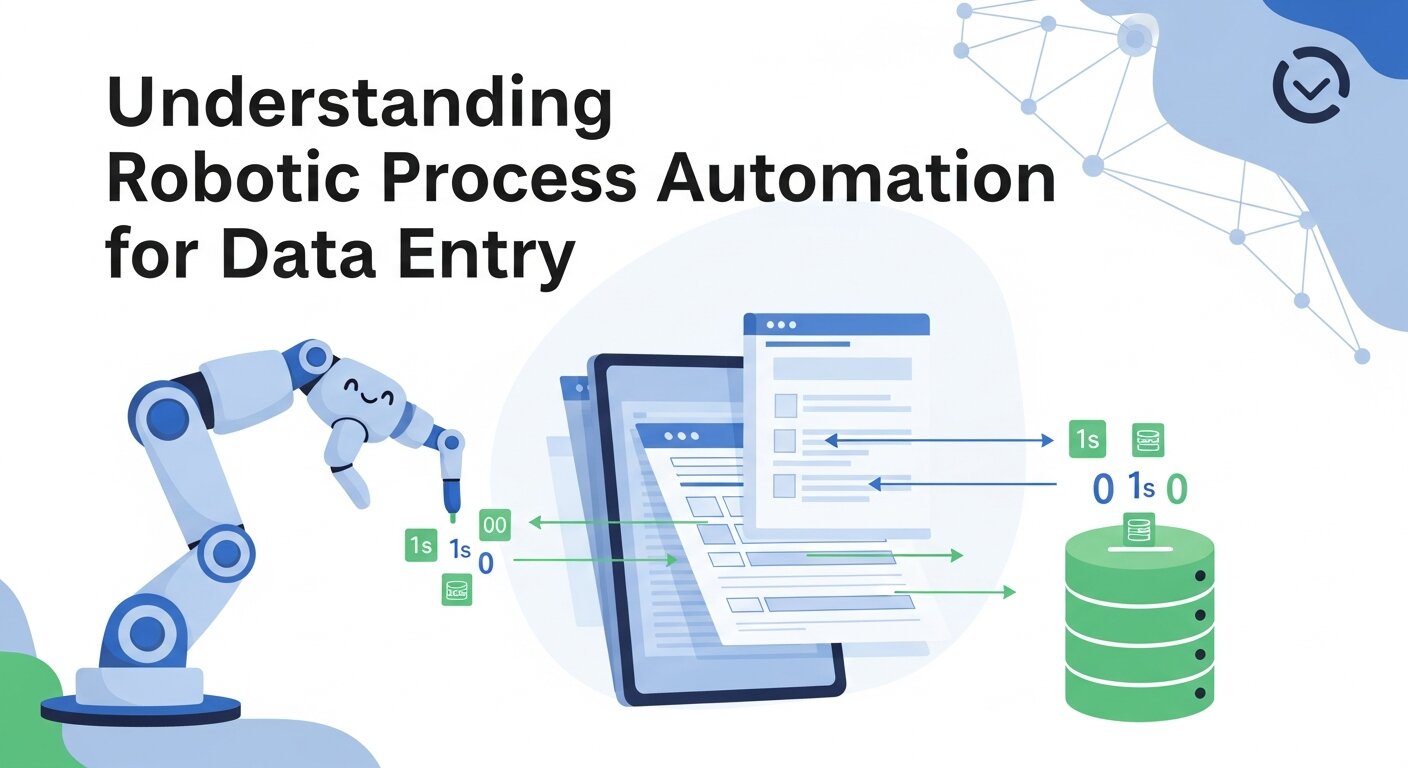
Robotic Process Automation for Data Entry refers to the use of specialized software bots to handle high-volume, repeatable tasks that previously required humans. unlike physical robots on an assembly line, these are digital workers.
These bots mimic human interaction with user interfaces. They can log in to applications, copy text, paste data, reformat strings, and save files. Because they interact with the presentation layer of software, they do not require complex backend coding or expensive API integrations.
How It Works
Robotic Process Automation for Data Entry operates using a few core technologies:
- Rule-Based Logic: Bots follow strict “if-then” procedures. If a cell in Excel contains “Pending,” the bot knows exactly which field to update in the CRM.
- Screen Scraping and OCR: Bots can “see” the screen. Optical Character Recognition (OCR) allows them to read text from PDFs or images, converting textual data entry tasks into digital streams.
- System Agnosticism: Whether you need to automate browser data entry or automate excel spreadsheets, the bot functions across all environments.
The Business Case: Why Adopt RPA?
The return on investment for Robotic Process Automation for Data Entry is often realized within months. The benefits extend beyond simple cost-cutting.
1. Unmatched Accuracy and Compliance
Humans get tired; bots do not. A bot will not skip a row in a spreadsheet because it is distracted. By deploying Robotic Process Automation for Data Entry, businesses achieve near-perfect data integrity. This is crucial for sectors with strict regulatory requirements, where marketing analytics data or financial records must be audit-ready.
2. Speed and Scalability
A human might process 50 invoices a day. A bot can process 500 in an hour. During peak seasons, you can scale Robotic Process Automation for Data Entry up instantly without hiring temporary staff. This ability to handle spikes in volume ensures business continuity.
3. Employee Satisfaction
Nobody enjoys mind-numbing repetition. By using data entry automation software, you allow your staff to focus on high-value tasks like strategy, customer service, and creative problem-solving.
4. Cost Reduction
While there is an upfront cost to implement Robotic Process Automation for Data Entry, the long-term savings are massive. You reduce the overhead associated with manual data entry teams, including hiring, training, and benefits.
Core Applications and Use Cases
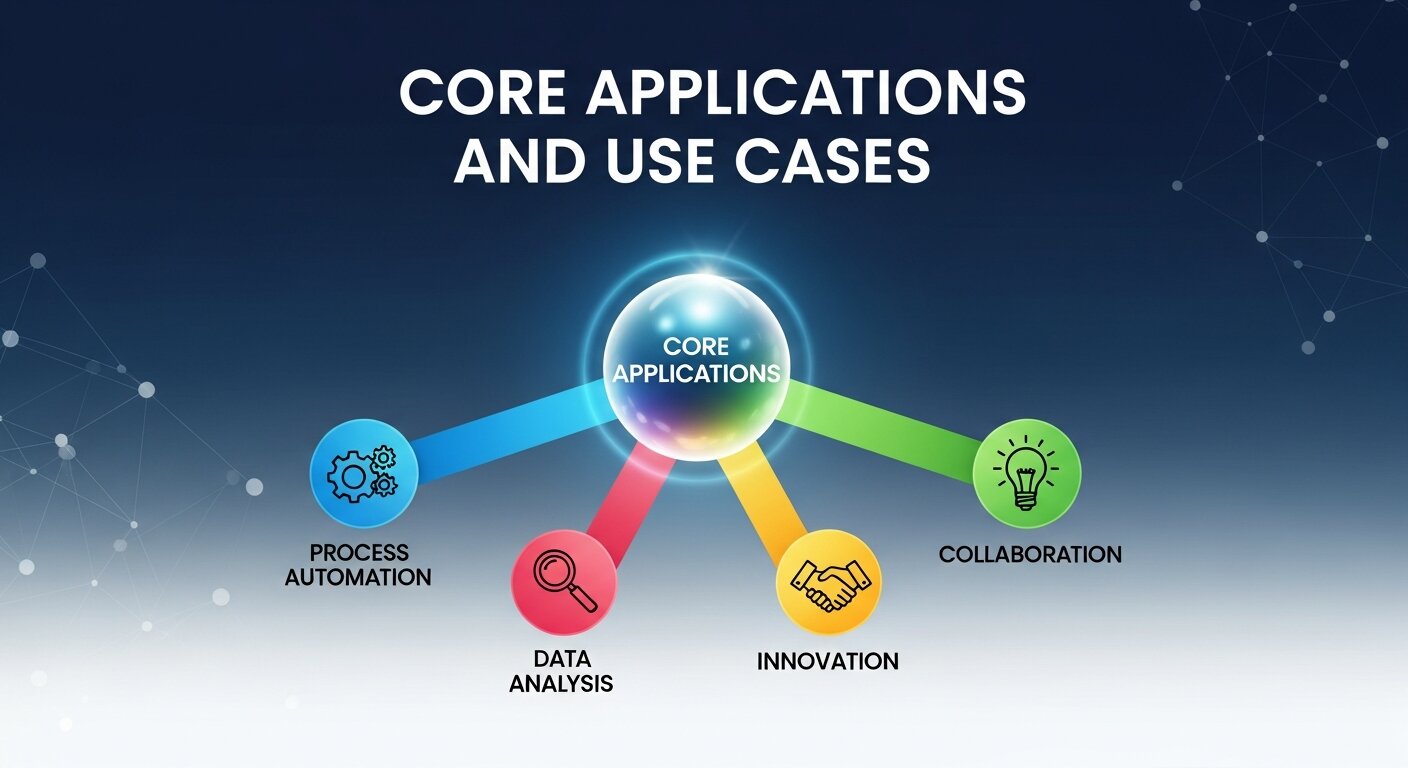
Robotic Process Automation for Data Entry is versatile. Here is how different departments utilize this technology.
Finance and Accounting
This is the most common starting point.
- Invoice Processing: Bots extract data from emailed PDFs and enter it into the accounting software. This eliminates manual invoice data entry.
- Reconciliation: Automatically cross-referencing bank statements with internal ledgers.
- Expense Management: Validating employee expense claims against policy rules.
Sales and Marketing
Marketing teams deal with vast amounts of lead data.
- CRM Updates: Automated crm data entry ensures that when a prospect fills out a form, their details are instantly populated in Salesforce or HubSpot.
- Lead Generation: Bots can scrape public directories to populate lists for B2B Lead Generation.
- Campaign Analytics: Consolidating marketing analytics data from Facebook, Google Ads, and email platforms into a single dashboard.
Human Resources
HR departments are paper-heavy.
- Onboarding: entering new hire details into payroll, IT, and benefits systems simultaneously.
- Resume Screening: Parsing huge volumes of applications to filter candidates based on keywords (e.g., checking for specific skills or experience like “webinar in resume”).
- Payroll: Robotic Process Automation for Data Entry ensures hours worked are accurately transferred to payroll systems.
Supply Chain and Logistics
- Inventory Management: Updating stock levels across e-commerce platforms.
- Shipping Manifests: Automating the creation of shipping labels and tracking documentation.
- Vendor Management: Streamlining the entry of new supplier details.
Implementing Robotic Process Automation for Data Entry
Successful implementation requires a strategic approach. You cannot simply install software and hope for the best.
Step 1: Process Discovery and Assessment
Not every process is suitable for automation. You need to audit your workflows. Ideal candidates for Robotic Process Automation for Data Entry are:
- High volume and repetitive.
- Rule-based with few exceptions.
- Dependent on structured digital data.
- Prone to human error.
Step 2: Selecting the Right Tools
There are many business process automation tools available.
- Enterprise RPA: Platforms like UiPath, Blue Prism, and Automation Anywhere offer robust, scalable solutions for large corporations.
- Mid-Market Solutions: Tools specifically designed to automate website data entry or specific accounting tasks.
- Excel Automation: For smaller tasks, mastering automation in excel data entry using macros or Power Query might be sufficient.
Step 3: Designing the Workflow
Map out the process step-by-step. Where does the data come from? Where does it go? What happens if the data is missing? Documenting these rules is critical for configuring Robotic Process Automation for Data Entry.
Step 4: Development and Testing
Configure the bots. Before going live, run them in a test environment. Feed them various data scenarios, including “dirty” data, to ensure they handle errors gracefully without crashing.
Step 5: Deployment and Monitoring
Launch your Robotic Process Automation for Data Entry solution. However, the work is not done. You must monitor performance. If a target website changes its layout, the bot may need adjustment.
Advanced RPA: Intelligent Automation
Traditional RPA follows rules. Advanced RPA uses Artificial intelligence in business to make decisions. This is often called Intelligent Process Automation (IPA).
Handling Unstructured Data
Standard Robotic Process Automation for Data Entry needs structured data (spreadsheets, databases). Intelligent automation uses Natural Language Processing (NLP) to understand unstructured text, such as emails or chat logs. This allows for automated data entry xero integration even from messy email threads.
Cognitive Document Processing
Using machine learning, bots can “learn” to recognize different document formats. If a vendor changes their invoice layout, an intelligent bot can adapt without needing reprogramming. This is vital for complex manual invoice data entry automation.
Integrating RPA with Other Technologies
Robotic Process Automation for Data Entry does not exist in a vacuum. It works best when part of a larger ecosystem.
- RPA and API: While RPA works on the UI, combining it with APIs allows for faster data transfer where available.
- RPA and Analytics: Bots generate logs. Analyzing these logs provides insights into process bottlenecks, contributing to better marketing analytics data and operational intelligence.
- RPA and SaaS: Modern bots integrate seamlessly with platforms like HubSpot, Salesforce, and Xero. Hubspot data entry becomes automatic, freeing sales teams to sell rather than type.
Best Practices for Maximizing ROI
To get the most out of Robotic Process Automation for Data Entry, follow these guidelines:
- Start Small: Do not try to automate your entire operation overnight. Start with a simple, high-impact process like automated data entry xero invoices.
- Involve IT Early: While business units can drive RPA, IT must ensure security and compliance.
- Manage Change: Employees may fear Robotic Process Automation for Data Entry will take their jobs. Communicate that the goal is to remove drudgery, not people. Upskill them to manage the bots.
- Standardize Before Automating: If a process is broken or inefficient, automating it just makes it break faster. Optimize the workflow first.
- Focus on Data Quality: Garbage in, garbage out. Ensure your source data is as clean as possible to maximize the success of Robotic Process Automation for Data Entry.
Common Challenges and How to Overcome Them
1. Fragility of Bots
If you automate website data entry and the website updates its HTML structure, the bot may fail.
- Solution: Use robust selectors and invest in AI-driven tools that can self-heal or adapt to UI changes.
2. Security Concerns
Bots often need access to sensitive credentials.
- Solution: Use enterprise-grade vaults to store passwords. Ensure bots have the minimum required privileges.
3. Scaling Issues
Many companies struggle to move past the pilot phase.
- Solution: Establish a Center of Excellence (CoE) to govern Robotic Process Automation for Data Entry across the organization.
The Future of Data Entry

The era of manual data entry is ending. As Artificial intelligence in business matures, Robotic Process Automation for Data Entry will become invisible. We are moving toward “Hyperautomation,” where AI identifies automation opportunities and configures the bots itself.
We will see a shift from simple textual data entry to full process autonomy. Bots will not just enter the order; they will predict inventory needs based on real time data and place supplier orders automatically.
Conclusion
Robotic Process Automation for Data Entry is more than a technological upgrade; it is a strategic imperative. By adopting these tools, businesses can eliminate the cost and risk associated with manual data entry. Whether you are looking to automate excel spreadsheets, streamline Hubspot data entry, or revolutionize your financial reporting, RPA provides the solution.
The organizations that succeed in the next decade will be those that embrace automation today. Start your journey with Robotic Process Automation for Data Entry and unlock the full potential of your workforce.
Frequently Asked Questions
1. What exactly is Robotic Process Automation for Data Entry?
Robotic Process Automation for Data Entry uses software robots to mimic human actions on a computer. These bots open applications, read data, and type it into other systems. It is designed to handle repetitive, high-volume tasks that were previously done manually, increasing speed and accuracy.
2. Will RPA replace my employees?
RPA is designed to replace tasks, not necessarily jobs. It takes over the mundane, repetitive work like manual invoice data entry, allowing employees to focus on higher-value activities like customer service, strategy, and creative problem solving. It often leads to higher job satisfaction.
3. How is RPA different from traditional automation?
Traditional automation often requires complex coding and integration via APIs (Application Programming Interfaces). Robotic Process Automation for Data Entry works at the user interface level, just like a human. This makes it faster to deploy and easier to integrate with legacy systems that lack modern APIs.
4. Can RPA handle handwritten documents?
Standard RPA struggles with handwriting. However, when combined with Intelligent Document Processing (IDP) and advanced OCR (Optical Character Recognition), Robotic Process Automation for Data Entry systems can interpret handwritten text with increasing accuracy, though it often requires a “human-in-the-loop” for verification.
5. Is Robotic Process Automation for Data Entry expensive?
The cost varies based on the provider and scale. While enterprise platforms like UiPath or Blue Prism have licensing fees, the ROI is usually high due to labor savings and error reduction. For smaller businesses, there are cost-effective data entry automation software options and cloud-based tools.
6. What processes are best suited for RPA?
The best candidates for Robotic Process Automation for Data Entry are processes that are rule-based, repetitive, high-volume, and rely on structured data. Examples include payroll processing, claims processing, order entry, and data migration between systems.
7. How long does it take to implement RPA?
A simple bot to automate excel spreadsheets or basic data transfer can be built in a few days. Complex enterprise-wide Robotic Process Automation for Data Entry implementations involving multiple departments and security reviews may take several months to fully deploy and test.
8. Is RPA secure?
Yes, if managed correctly. Enterprise RPA platforms include robust security features like encryption, access logs, and role-based access control. However, because bots need access to systems, credential management is critical to maintaining security in Robotic Process Automation for Data Entry.
9. Can I use RPA for small business operations?
Absolutely. Automation for small businesses is a growing trend. Tools like Microsoft Power Automate or Zapier allow small businesses to implement Robotic Process Automation for Data Entry to connect apps like Gmail, QuickBooks, and Slack without needing a massive IT budget.
10. What happens if the software I am automating changes?
This is a common challenge. If you automate website data entry and the website layout changes, the bot might break. You will need to update the bot’s configuration. Advanced RPA tools are beginning to use AI to “self-heal” and adapt to minor changes in the user interface automatically.