
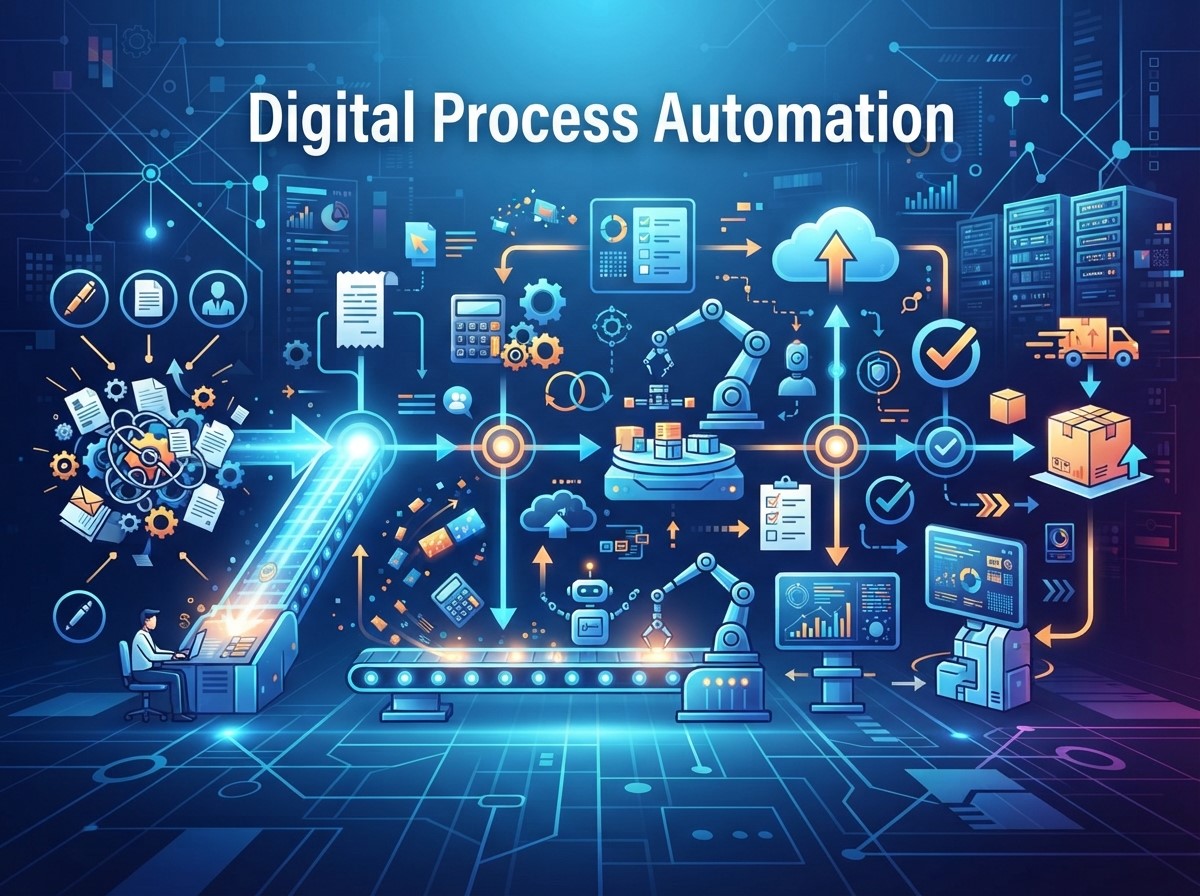
Modern businesses manage a growing number of tasks, systems, customer interactions, and internal processes every day. When these activities depend heavily on manual work, workflows can become slow, inconsistent, and difficult to manage. Digital process automation helps businesses organize and automate repetitive workflows so teams can complete tasks more efficiently while maintaining better process visibility.
Digital process automation connects people, applications, data, and business rules within structured workflows. Instead of requiring employees to manually move information between systems or repeatedly perform routine actions, automated processes can trigger the next step based on predefined conditions.
What Is Digital Process Automation?
Digital process automation is the use of digital technologies to automate, coordinate, and manage business processes. It replaces or reduces manual steps by connecting applications, data, people, and workflow rules.
Unlike simple task automation, digital process automation can manage a series of related activities. For example, when a customer submits a form, an automated workflow can capture the information, update a CRM, notify a sales representative, send a confirmation email, and schedule a follow-up.
How Digital Process Automation Works
An automated workflow generally begins with a trigger. The trigger could be a form submission, purchase, customer request, scheduled event, or change in a database.
The system then follows predefined rules to perform specific actions. Depending on the workflow, it may transfer data, send notifications, update records, assign tasks, or request human approval before continuing.
Automation vs Manual Workflow Management
Manual workflows require employees to remember and complete individual steps. This can create delays, especially when multiple departments or systems are involved.
Automation creates a structured sequence where routine steps happen automatically. Employees can then focus on activities that require judgment, communication, problem-solving, or specialized expertise.
Key Benefits of Digital Process Automation
Digital process automation can improve workflow management by making routine processes more structured, consistent, and measurable. Instead of relying on employees to manually coordinate every step, businesses can establish automated sequences that move work forward based on predefined rules.
This can help reduce repetitive workloads while improving visibility across important business processes.
Increased Operational Efficiency
Automation can reduce the amount of time employees spend on repetitive activities such as data entry, record updates, notifications, and routine approvals.
When these tasks are handled automatically, employees can dedicate more time to strategic or customer-focused responsibilities.
Fewer Manual Errors
Repeated manual data entry can lead to mistakes such as incorrect information, duplicate records, or missed steps.
Automated workflows can apply consistent rules and transfer information between connected systems. While automation does not eliminate every possible error, it can reduce errors associated with repetitive manual processes.
Better Workflow Visibility
Digital workflows can provide information about where tasks are completed, delayed, or waiting for approval.
This visibility helps managers identify bottlenecks and understand how processes are performing. Businesses can use this information to refine workflows and improve operational coordination.
How Automation Improves Workflow Management

Effective workflow management requires clear processes, appropriate task assignments, and timely communication. Digital process automation can coordinate these elements so that work moves through predefined stages with less manual intervention.
Automating Repetitive Tasks
Many business processes contain repetitive activities that follow predictable rules. Examples include sending confirmations, updating customer records, generating notifications, and assigning routine tasks.
Automating these activities can reduce administrative workloads and help employees avoid spending time on low-value repetitive work.
Connecting Business Systems
Businesses often use multiple applications for sales, marketing, customer support, finance, and operations. When these systems operate separately, employees may need to transfer information manually.
Automation can connect relevant systems so information moves between them according to defined workflows. This can reduce duplicated work and improve process continuity.
Managing Approvals
Approval processes can become slow when requests are handled through scattered emails or manual follow-ups.
Automated workflows can route requests to the appropriate person, notify them when action is required, record decisions, and move approved requests to the next stage.
Digital Process Automation and Omnichannel Marketing
Modern customers interact with businesses through websites, email, social media, messaging platforms, mobile applications, and other channels. Omnichannel marketing aims to create a coordinated experience across these touchpoints.
Digital process automation can help marketing teams connect these channels and automate actions based on customer interactions.
Coordinating Customer Data
When customers interact across multiple channels, relevant information may exist in different systems. Automation can help synchronize selected customer information across marketing platforms and CRM systems.
This can provide teams with a more connected view of customer interactions and reduce repetitive data management.
Triggering Cross-Channel Actions
A customer interaction on one channel can trigger an appropriate action on another channel. For example, a website interaction may trigger an email follow-up or update a customer profile.
These automated connections can help businesses coordinate marketing activities without requiring employees to manually manage every interaction.
Customer Journey Automation and Workflow Management
Customers often move through multiple stages before becoming long-term customers. Customer journey automation helps businesses manage these stages by triggering relevant actions based on customer behavior, lifecycle stage, or predefined conditions.
Automating Lead Follow-Ups
When a potential customer submits a form, downloads content, or requests information, an automated workflow can assign the lead, send a confirmation, and schedule follow-up activities.
This can reduce the possibility of missed leads and help sales teams respond more consistently.
Supporting Customer Onboarding
After a customer makes a purchase or signs up for a service, automated workflows can initiate onboarding steps.
These may include welcome emails, account setup instructions, product education, reminders, or support information. Automating these activities can create a more organized onboarding experience.
Re-Engaging Inactive Customers
Automation can identify certain inactive customer behaviors and trigger appropriate re-engagement workflows.
For example, customers who have not interacted with a service or campaign for a defined period may receive relevant educational content or an appropriate reminder.
Email Marketing Automation for Better Workflows
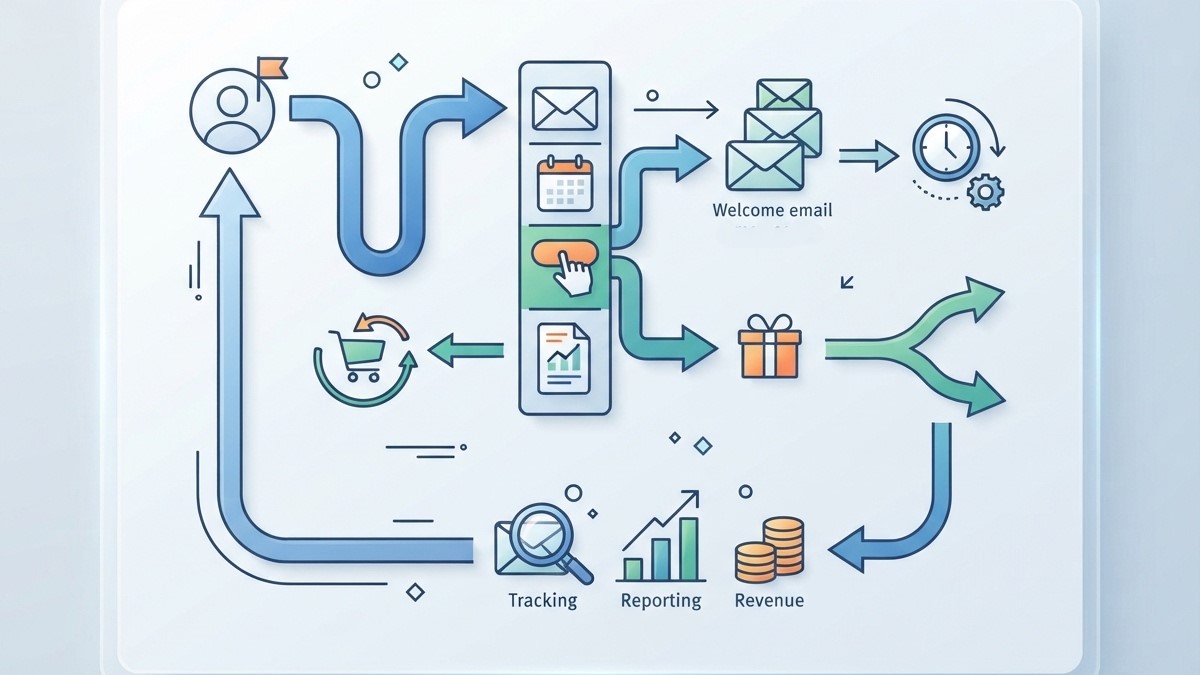
Email remains an important communication channel for many businesses. Email marketing automation allows companies to create workflows that send messages based on customer actions, timing, or lifecycle stages.
Trigger-Based Email Campaigns
Automated emails can be triggered by events such as registration, purchase, download, subscription, or inactivity.
Instead of manually sending each message, marketers can establish rules that determine when and why a particular communication should be delivered.
Personalized Email Sequences
Automation can organize subscribers into relevant groups and deliver different messages based on their interests or behavior.
For example, a new subscriber may receive an educational sequence, while an existing customer may receive onboarding or product-related communications.
Measuring Email Workflow Performance
Automated email systems can provide information about opens, clicks, conversions, unsubscribes, and other campaign interactions.
Marketers can use these insights to review workflow performance and identify areas that may require adjustment.
Improving Workflow Collaboration
Automation does not only affect customer-facing processes. It can also improve collaboration between internal teams by making responsibilities and process stages clearer.
Automated Task Assignment
When a workflow reaches a specific stage, the system can assign a task to the appropriate employee or department.
This reduces the need for managers to manually distribute routine tasks and can make responsibilities more visible.
Automated Notifications
Notifications can alert employees when a task requires attention, a deadline approaches, or a workflow reaches a new stage.
Relevant notifications can improve coordination while reducing the need for repeated manual follow-ups.
Centralized Process Information
When workflow information is stored within connected systems, employees can access relevant records and status information more easily.
This can reduce communication gaps and make it easier to understand what has already been completed and what remains outstanding.
Using Automation to Reduce Workflow Bottlenecks
Bottlenecks occur when one stage of a process slows down the entire workflow. They may result from manual approvals, missing information, overloaded employees, or disconnected systems.
Digital process automation can help identify and address these problems by making workflow stages more visible.
Identifying Delayed Processes
Businesses can analyze workflow data to determine where tasks regularly remain incomplete or require excessive time.
Identifying repeated delays can help teams investigate the underlying cause instead of simply adding more manual effort.
Creating Automated Escalations
If a task remains incomplete for a predefined period, an automated workflow can notify the responsible employee or escalate the task to another person.
This can help prevent routine requests from remaining unnoticed for extended periods.
Best Practices for Digital Process Automation
Successful automation requires careful planning. Businesses should not automate processes simply because technology makes automation possible. Instead, they should first understand the existing workflow and determine where automation can provide meaningful value.
Start With High-Value Processes
Businesses can begin with repetitive, time-consuming, and well-defined workflows. Examples may include lead management, customer notifications, approvals, data synchronization, and routine reporting.
Starting with manageable processes can make implementation easier and provide useful lessons for future automation projects.
Map the Existing Workflow
Before automating a process, teams should document the current steps, responsibilities, systems, decision points, and common bottlenecks.
This helps identify unnecessary steps that should be removed before automation is introduced.
Monitor Automated Processes
Automation should be reviewed continuously. Businesses should monitor workflow completion, errors, delays, customer responses, and other relevant performance indicators.
Regular monitoring helps teams identify problems and adjust workflows as business requirements change.
Common Challenges of Digital Process Automation
Although automation can improve workflow management, implementation can introduce challenges. Businesses may encounter integration problems, poor data quality, employee resistance, security concerns, or poorly designed processes.
Automating an inefficient process without improving its underlying structure may simply make the inefficient process happen faster.
Businesses should also consider human oversight. Some decisions require context, empathy, creativity, or professional judgment and should not be completely automated.
Proper permissions, data governance, monitoring, and clear escalation procedures can help organizations manage these challenges.
How to Build a More Efficient Automated Workflow

A successful workflow should begin with a clear business objective. Teams should define what the process needs to achieve, identify the steps involved, and determine which activities can be automated safely. The workflow should then connect relevant systems and establish appropriate triggers, conditions, notifications, and approvals.
After implementation, businesses should evaluate the results using relevant performance data. Feedback from employees and customers can also reveal problems that technical metrics may not show. Over time, continuous optimization can help businesses create workflows that are more efficient, reliable, and aligned with changing business needs.
Frequently Asked Questions
1. What is digital process automation?
Digital process automation uses digital technologies to automate and coordinate business workflows. It connects tasks, applications, data, and people so processes can move through predefined stages with less manual intervention.
2. How does digital process automation improve workflow management?
It can reduce repetitive tasks, improve process visibility, connect business systems, automate notifications and approvals, and help organizations identify workflow bottlenecks.
3. What is the difference between automation and digital process automation?
Basic automation may handle an individual repetitive task, while digital process automation generally focuses on coordinating multiple steps, systems, and activities within a broader business process.
4. Can digital process automation support Omnichannel marketing?
Yes. It can connect customer information and marketing workflows across different channels, helping businesses coordinate interactions and trigger appropriate actions based on customer behavior.
5. What is Customer journey automation?
Customer journey automation uses predefined workflows to manage relevant customer interactions throughout different lifecycle stages, such as lead nurturing, onboarding, follow-ups, and re-engagement.
6. How does Email marketing automation work?
Email marketing automation sends messages automatically based on predefined triggers, schedules, customer actions, or lifecycle stages. It can support welcome sequences, follow-ups, onboarding, and other recurring communications.
7. Can automation reduce human errors?
Automation can reduce errors associated with repetitive manual tasks, such as repeated data entry or missed routine steps. However, automated systems still require proper configuration, monitoring, and accurate input data.
8. Is digital process automation suitable for small businesses?
Yes. Small businesses can automate selected repetitive workflows such as lead management, customer notifications, email sequences, appointment reminders, and administrative tasks. The appropriate starting point depends on the business process and available technology.
9. What are common digital process automation challenges?
Common challenges include system integration, poor data quality, security requirements, unclear process design, employee adoption, and insufficient monitoring. Careful planning can help address these issues.
10. How can businesses start with digital process automation?
Businesses can begin by mapping existing workflows, identifying repetitive high-value tasks, selecting appropriate automation technologies, connecting relevant systems, and monitoring workflow performance after implementation.
Conclusion
Digital process automation can transform workflow management by connecting business systems, reducing repetitive work, and creating more structured processes. Instead of relying entirely on manual coordination, organizations can use automated workflows to move information and tasks through predefined stages.
Its value extends across marketing and customer operations. Omnichannel marketing can benefit from connected workflows, while Customer journey automation can coordinate interactions across different lifecycle stages. Email marketing automation can also streamline recurring communications and trigger relevant messages based on customer actions.