
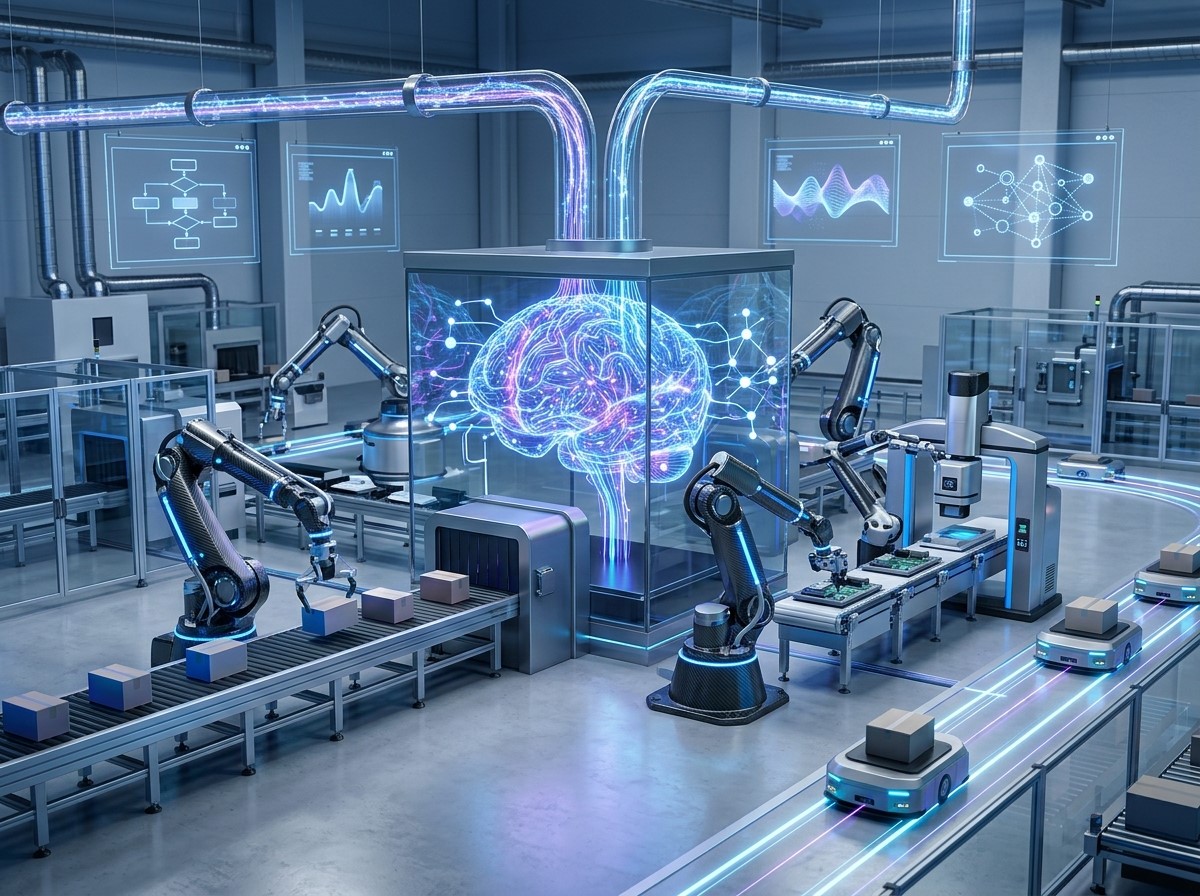
Modern businesses manage a growing number of repetitive tasks, customer interactions, data processes, and operational workflows every day. Managing these activities manually can consume valuable time and create inconsistencies. Intelligent process automation helps businesses combine automation technologies with data, rules, and intelligent decision-making to create more efficient workflows.
Unlike basic automation that follows predefined instructions, intelligent automation can incorporate technologies such as artificial intelligence, machine learning, natural language processing, and data analysis. This allows businesses to automate more complex processes while adapting workflows according to changing information and business requirements.
What Is Intelligent Process Automation?
Intelligent process automation combines traditional business process automation with intelligent technologies that can analyze information, recognize patterns, and support decisions. The objective is to automate workflows that may otherwise require significant manual effort.
Traditional automation generally follows fixed rules. Intelligent automation can go further by processing unstructured information, identifying patterns, and responding to changing circumstances based on predefined objectives and available data.
For example, a business could use intelligent automation to process customer inquiries, categorize requests, route information to the appropriate department, and trigger follow-up actions. The specific capabilities depend on the technologies and systems involved.
Why Intelligent Process Automation Matters for Business Workflows

Reducing Repetitive Manual Work
Many business processes involve repetitive activities such as entering data, sending notifications, updating records, processing requests, and generating routine reports. Employees spending substantial time on these tasks may have less time for higher-value activities.
Intelligent process automation can handle suitable repetitive tasks according to defined workflows. This can reduce manual workload and create more consistent processes.
Automation does not necessarily mean eliminating human involvement. Instead, businesses can design workflows where automated systems manage routine activities while employees handle exceptions, complex decisions, and tasks requiring human judgment.
Improving Workflow Consistency
Manual processes can vary depending on who performs a task and how the task is interpreted. This may create inconsistencies across departments or customer interactions.
Automated workflows can apply predefined rules and processes consistently. When the same conditions produce the same automated actions, businesses can create more predictable operational workflows.
Consistency can be especially valuable in customer-facing processes, where customers expect similar levels of service across different channels and interactions.
How Intelligent Process Automation Creates Smarter Workflows
Connecting Multiple Business Systems
Modern businesses often use multiple software platforms for customer management, marketing, sales, accounting, communication, analytics, and operations. When these systems operate independently, employees may need to transfer information manually.
Intelligent process automation can connect relevant systems through integrations and workflow automation. Information can move between platforms based on defined triggers and conditions.
For example, a new customer inquiry could automatically enter a CRM system, trigger a notification, assign a sales representative, and initiate a relevant communication sequence. This creates a connected workflow instead of several isolated manual tasks.
Using Data to Trigger Actions
Intelligent workflows can use available data to determine what should happen next. Instead of simply completing a fixed sequence, an automated system can respond to specific conditions.
For example, different customer actions may trigger different communication workflows. A customer who downloads a resource may receive educational content, while a customer who requests a product demonstration may be routed directly to a sales team. Data-driven triggers allow automation to become more responsive to customer and business needs.
Intelligent Process Automation in Marketing
Supporting Omnichannel Marketing
Omnichannel marketing requires businesses to coordinate customer interactions across multiple channels such as websites, email, social media, messaging platforms, and other digital touchpoints.
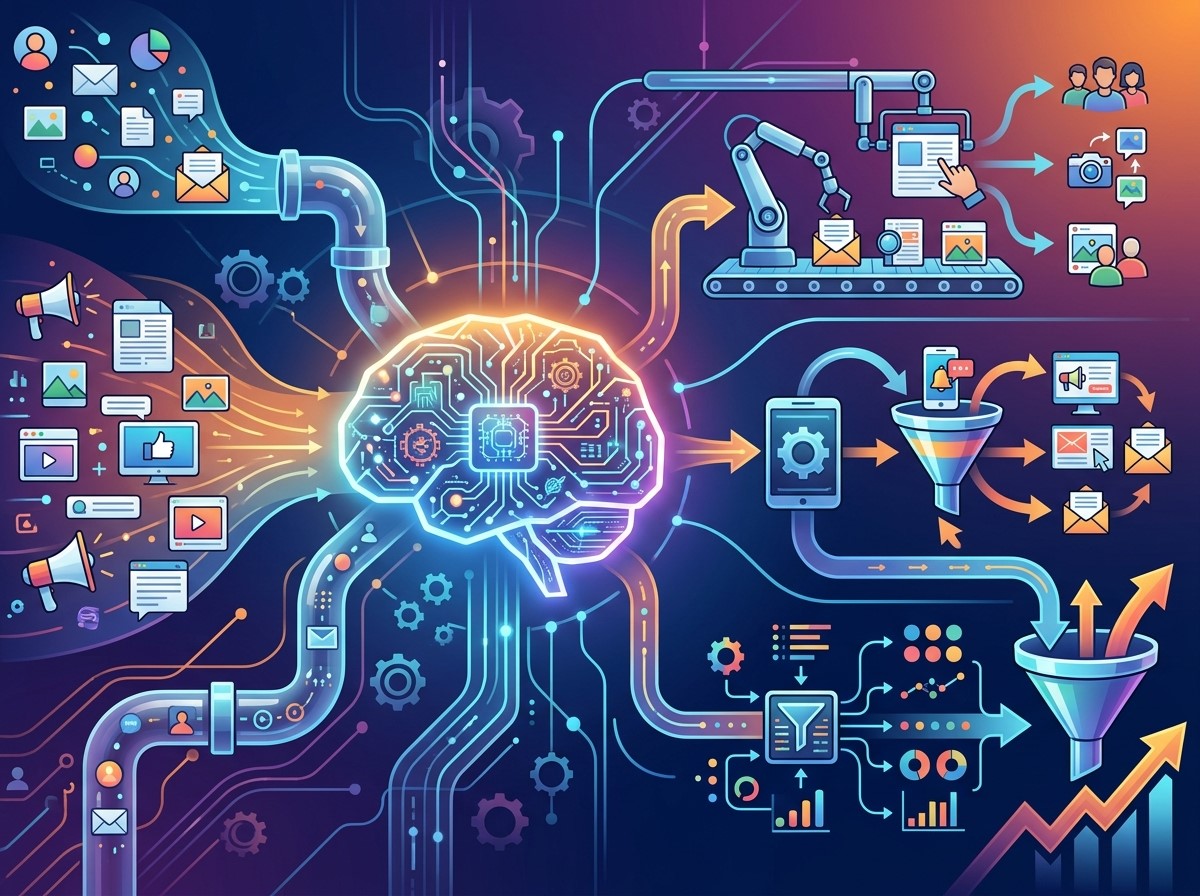
Intelligent process automation can help connect these channels by coordinating workflows and customer information. When a customer interacts with one channel, the relevant information can help inform subsequent actions across other channels.
For example, a customer who engages with a campaign through social media may later receive relevant website content or email communication based on appropriate marketing rules and consent. The objective is to create a more connected customer experience rather than treating every channel as a separate communication environment.
Enabling Personalized Marketing
Personalized marketing focuses on delivering relevant messages based on customer characteristics, interests, behavior, or previous interactions.
Intelligent automation can help businesses manage personalization at scale. Instead of manually creating individual communication paths, automated systems can use customer information to determine which content or message should be delivered.
For example, an ecommerce business can create automated workflows based on browsing activity, product interests, previous purchases, or customer preferences. Appropriate personalization can make communications more relevant while reducing manual campaign management.
Supporting Customer Journey Automation
Automating Different Customer Journey Stages
Customers may move through several stages before making a purchase or becoming long-term users. They may first discover a brand, research a solution, compare options, make an inquiry, complete a purchase, and later require support.
Customer journey automation can help businesses connect these stages through automated workflows. Customer actions can trigger relevant messages, notifications, assignments, or follow-up processes.
For example, a new lead may enter an automated nurturing sequence. If the lead demonstrates stronger purchase intent, the system can notify a sales representative or move the customer into another workflow.
Creating More Timely Interactions
Timing can influence the relevance of customer communication. Manual processes may create delays because employees need to identify an action and respond individually.
Automation can trigger appropriate actions immediately or according to a defined schedule. This can help businesses respond to customer activity more consistently.
Timely communication can be useful for lead follow-ups, abandoned cart messages, appointment reminders, onboarding communication, and customer support workflows.
Using Intelligent Automation for Customer Service
Customer service teams often handle repetitive questions and requests. Intelligent process automation can support customer service by categorizing inquiries, routing requests, generating notifications, and assisting with common responses.
Chatbots and automated support systems can handle suitable routine questions, while more complex cases can be transferred to human representatives.
Automation can also help organize customer information before an employee takes over. This may give the representative relevant context and reduce the need for customers to repeat information.
The best approach depends on the type of service and the complexity of customer requests. Human support remains important for situations requiring empathy, judgment, or complex problem-solving.
Improving Internal Business Operations

Intelligent process automation is not limited to marketing and customer service. Internal departments can also benefit from connected workflows.
Finance teams may automate invoice processing and approval workflows. Human resources teams may automate employee onboarding tasks and document collection. Sales teams can automate lead assignments, follow-ups, and CRM updates.
By connecting different departments through structured workflows, businesses can reduce unnecessary manual coordination and improve operational visibility.
Using Intelligent Automation for Data Management
Improving Data Accuracy
Manual data entry can create errors, particularly when employees need to transfer information between multiple systems. Automated data flows can reduce the need for repeated manual entry.
When information is transferred automatically between connected platforms, businesses can establish more consistent data processes. Validation rules can also be applied to identify incomplete or inappropriate information.
Automation does not eliminate all data quality issues, so businesses still need appropriate governance, validation, and monitoring processes.
Creating Better Business Insights
Automated workflows can collect and organize relevant information from different business activities. This can help organizations build a more complete view of operations and customer behavior.
When reliable data is available, businesses can use analytics to identify patterns, measure workflow performance, and find opportunities for improvement.
Intelligent Process Automation and Business Scalability
Managing Higher Workloads
Business growth often means more customers, transactions, inquiries, and internal activities. If every new task requires proportional manual effort, operational complexity can increase quickly.
Automation can help businesses manage higher volumes by handling suitable repetitive processes at scale. This can allow teams to focus on exceptions and strategic activities rather than manually processing every routine task.
Scalability depends on the quality of the automation architecture. Poorly designed workflows can create new problems, so businesses should plan automation carefully.
Supporting Continuous Process Improvement
Automation should not be considered a one-time implementation. Business processes change as customer expectations, technology, regulations, and organizational requirements evolve.
Businesses should monitor automated workflows and review their performance regularly. Data and employee feedback can reveal bottlenecks, unnecessary steps, or opportunities for further optimization.
Continuous improvement helps ensure that automation remains aligned with actual business needs.
How to Implement Intelligent Process Automation
Identifying Suitable Processes
Not every business process needs intelligent automation. Organizations should first identify repetitive, rule-based, high-volume, or time-consuming activities that may benefit from automation.
Processes involving frequent manual data entry, repetitive communication, approvals, notifications, and system updates may be suitable candidates.
The objective should be to solve a specific operational problem rather than implementing automation simply because the technology is available.
Designing the Workflow
After identifying a suitable process, businesses should map the existing workflow and determine where automation can provide value. The workflow should define triggers, conditions, actions, exceptions, and human intervention points.
Clear workflow design can reduce unexpected behavior and make the automated system easier to monitor and maintain. Testing should occur before full deployment to identify errors and ensure that automated actions produce the intended results.
Security and Responsible Automation
Intelligent automation often involves customer and business data, making security an important consideration. Organizations should control system access, protect sensitive information, and ensure that data is processed according to relevant requirements.
Businesses should also maintain human oversight for workflows involving sensitive decisions or complex customer situations. Automation should support business operations without creating unnecessary risks. Regular monitoring, access reviews, system updates, and workflow audits can help maintain reliable automated processes.
Measuring the Performance of Intelligent Workflows
Businesses need appropriate metrics to understand whether automation is achieving its intended purpose. Depending on the process, organizations may evaluate processing time, error rates, response times, completion rates, customer engagement, or operational costs.
The most useful measurement depends on the original business objective. If automation was introduced to reduce response time, response performance should be monitored. If the goal was to reduce manual data entry, process efficiency and accuracy may be more relevant. Measurement creates a foundation for ongoing improvement.
Conclusion
Intelligent process automation can transform traditional business workflows by combining automation with data, integrations, and intelligent technologies. Instead of relying entirely on repetitive manual processes, businesses can create connected workflows that respond to customer activity and operational requirements.
From Omnichannel marketing and Personalized marketing to Customer journey automation, intelligent automation can support more coordinated and responsive business processes. It can also improve internal operations, customer service, data management, and scalability.
Frequently Asked Questions
1. What is intelligent process automation?
Intelligent process automation combines traditional workflow automation with technologies such as artificial intelligence, machine learning, data processing, and natural language processing to automate more complex business processes.
2. How does intelligent process automation improve workflows?
It can reduce repetitive manual work, connect business systems, automate data-driven actions, improve consistency, and help employees focus on tasks that require human judgment.
3. What is the difference between automation and intelligent automation?
Traditional automation generally follows predefined rules and workflows. Intelligent automation can incorporate data analysis, pattern recognition, and AI-based capabilities to handle more complex processes and changing information.
4. Can intelligent process automation support marketing?
Yes. It can support marketing workflows such as customer segmentation, campaign triggers, lead management, communication sequences, and coordinated customer interactions across multiple channels.
5. How does it support Omnichannel marketing?
Intelligent automation can connect customer information and workflows across channels. This allows businesses to coordinate relevant actions across websites, email, social media, messaging, and other customer touchpoints.
6. How does intelligent automation support Personalized marketing?
It can use appropriate customer data and behavioral signals to trigger different messages or workflows. This allows businesses to deliver more relevant communications without manually managing every customer interaction.
7. What is Customer journey automation?
Customer journey automation uses automated workflows to manage relevant interactions across different stages of the customer journey. Customer actions can trigger communications, follow-ups, notifications, or other predefined processes.
8. Can intelligent process automation reduce business costs?
It can reduce the amount of manual effort required for suitable repetitive processes and potentially improve operational efficiency. Actual cost savings depend on the process, implementation, technology, and ongoing management.
9. Is human involvement still necessary with intelligent automation?
Yes. Human involvement can remain important for complex decisions, exceptions, sensitive customer situations, creative work, and processes that require judgment or contextual understanding.
10. How can businesses start implementing intelligent process automation?
Businesses can begin by identifying repetitive, high-volume, or time-consuming processes where automation could provide measurable value. The process can then be mapped, redesigned, tested, implemented, monitored, and continuously improved.