Nobody likes doing the exact same task over and over again. Entering data into a spreadsheet, sending the same welcome email to new clients, and updating inventory numbers all take valuable hours out of your week. These repetitive chores drain your energy and leave little room for creative, high-level thinking.
This is exactly where modern technology steps in to help. By shifting routine tasks from human workers to computer programs, businesses and individuals can reclaim their schedules. Understanding what is software automation can completely change how you approach your daily workload, freeing you up to focus on the projects that actually matter.
Throughout this guide, we will explore the core concepts behind this technology. You will learn how different systems work, discover the various types of automation available, and see how the right tools can streamline everything from enterprise marketing to your own living room.
The Core Concept: Defining the Basics
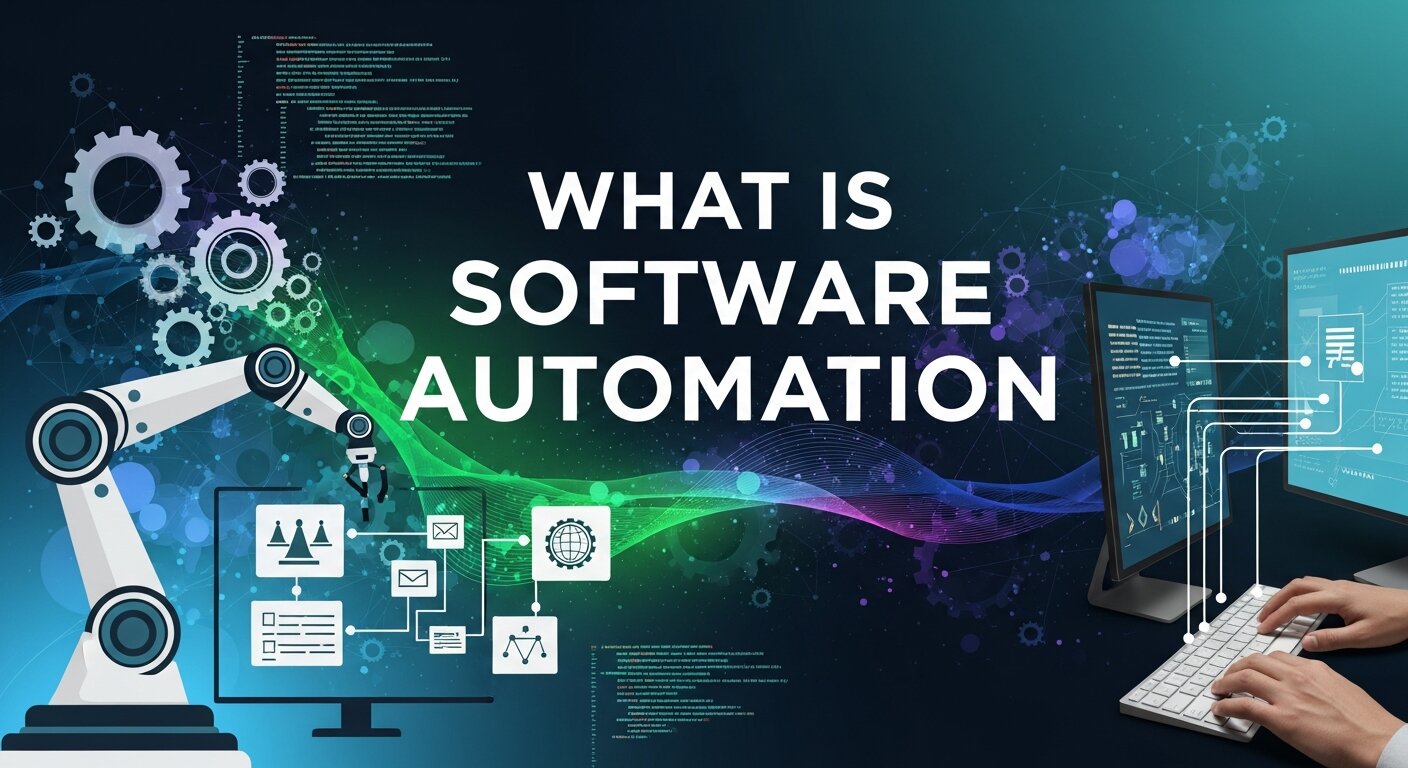
At its most fundamental level, software automation is the use of applications to perform tasks with minimal human intervention. You set up a specific rule or trigger, and the software executes the action automatically.
Think about an email out-of-office reply. You tell your email client that you will be away from your desk for three days. You write a single message. Whenever someone emails you during that specific timeframe, the software automatically sends your pre-written reply. This is a very basic form of automation.
On a larger scale, businesses use complex algorithms to handle payroll, manage supply chains, and test new computer code. The goal remains exactly the same: let the machine do the heavy lifting. By programming software to follow specific instructions, you eliminate human error and dramatically speed up the entire process.
How These Systems Actually Work
Software automation relies on a sequence of commands, triggers, and actions. The complexity of these sequences varies depending on the specific software you are using.
Rule-Based Logic
Most traditional automation operates on simple “if-then” logic. If a customer fills out a contact form on your website, then the software adds their email address to your newsletter database. These systems require explicit instructions. They do exactly what you tell them to do, nothing more and nothing less.
Artificial Intelligence and Machine Learning
Modern systems often incorporate artificial intelligence. Instead of relying purely on rigid rules, AI-driven automation can learn from data patterns. A smart system might analyze thousands of customer interactions to predict the best time to send a promotional email. These advanced programs adapt over time, becoming more efficient as they process more information.
Different Types of Automation
There is no single way to automate a process. Different industries rely on different methodologies to optimize their workflows.
Business Process Automation (BPA)
BPA focuses on streamlining entire organizational workflows. A company might use BPA to handle employee onboarding. When a new hire signs their contract, the system automatically creates their company email account, sends them a digital welcome packet, and schedules their orientation meetings. This ensures a smooth, consistent experience for every single new employee.
Robotic Process Automation (RPA)
RPA uses software “bots” to mimic human actions on a computer screen. If an employee normally clicks through three different applications to copy and paste billing data, an RPA bot can be programmed to do those exact same clicks in a fraction of a second. This is highly effective for legacy systems that lack modern integration capabilities.
Marketing and Branding Workflows
Marketing teams rely heavily on automated branding solutions to maintain a consistent voice across multiple channels. When you publish a new blog post, automation software can instantly share a link to your Facebook, LinkedIn, and Twitter accounts. It can also segment your audience, ensuring that specific groups of customers receive tailored advertising campaigns based on their previous purchasing behavior.
Exploring Automation in Everyday Life
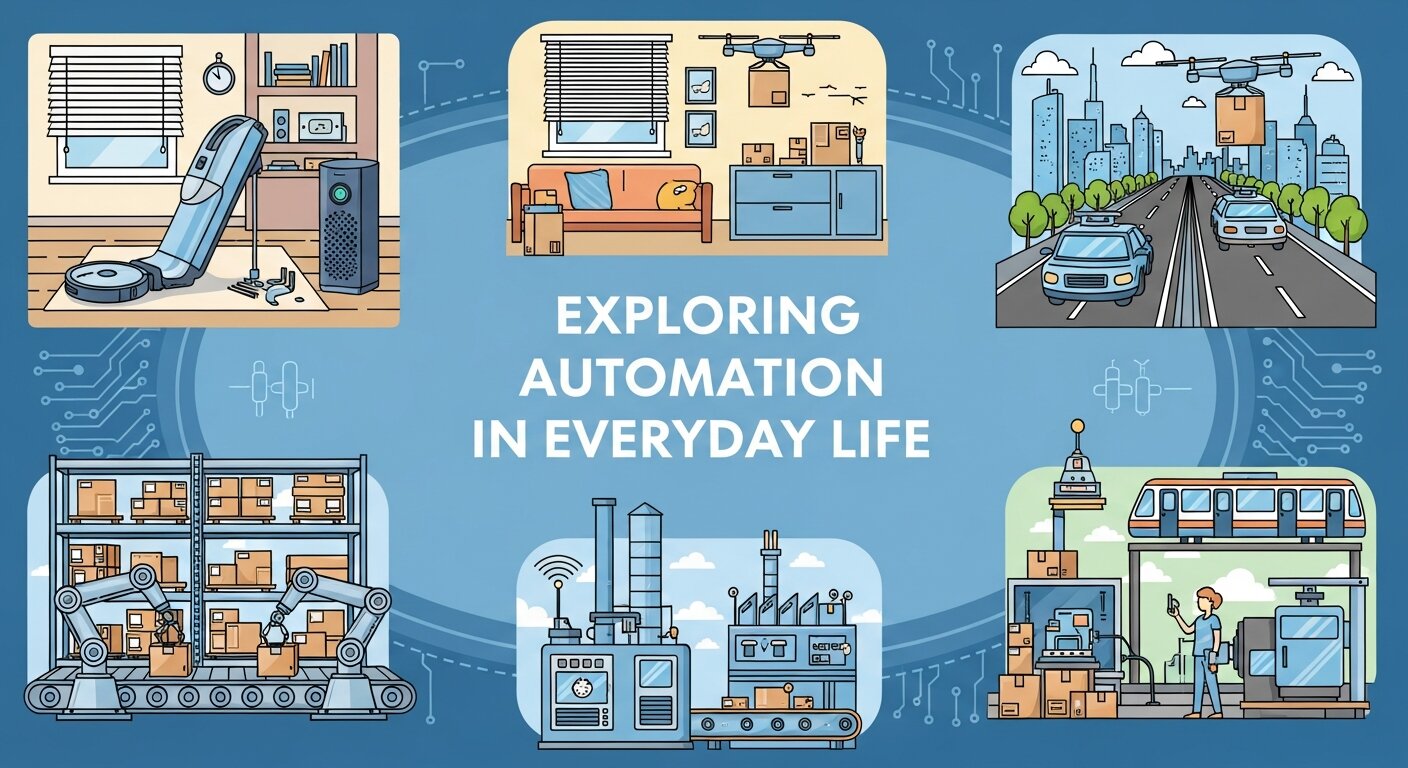
You do not need to run a massive corporation to benefit from these technologies. Automation has heavily influenced the consumer market.
The Rise of Smart Living
Many people experience software automation through smart home devices. You can program your thermostat to lower the temperature when you leave for work and warm the house up right before you return. When looking at home automation brands, companies like Google Nest, Philips Hue, and Amazon Ring stand out. They allow users to connect lights, security cameras, and appliances to a single automated network.
Industry Leaders to Watch
Finding the right platform depends entirely on your specific needs. The best brands for automation offer scalable solutions. Zapier and Make are incredible tools for connecting different web applications without writing any code. For large enterprises, platforms like UiPath and Automation Anywhere provide robust RPA capabilities. Evaluating these options helps you find the perfect fit for your unique situation.
The Core Benefits of Streamlining Your Workflow
Implementing automation requires an initial investment of time and resources. However, the long-term benefits easily justify that upfront effort.
Massive Time Savings
A computer processes information much faster than a human ever could. A data entry task that takes an employee four hours might take an automated script three seconds. This gives you back massive portions of your day.
Reduction in Costly Errors
Humans get tired, distracted, and bored. We accidentally hit the wrong key on a keyboard or forget to attach a file to an email. Software does not suffer from fatigue. As long as the initial rules are programmed correctly, the software will perform the task flawlessly every single time.
Better Resource Allocation
When your team spends less time on administrative busywork, they can focus on strategy, creative problem-solving, and building client relationships. You maximize the true potential of your workforce.
AI-Powered Workflow Optimization
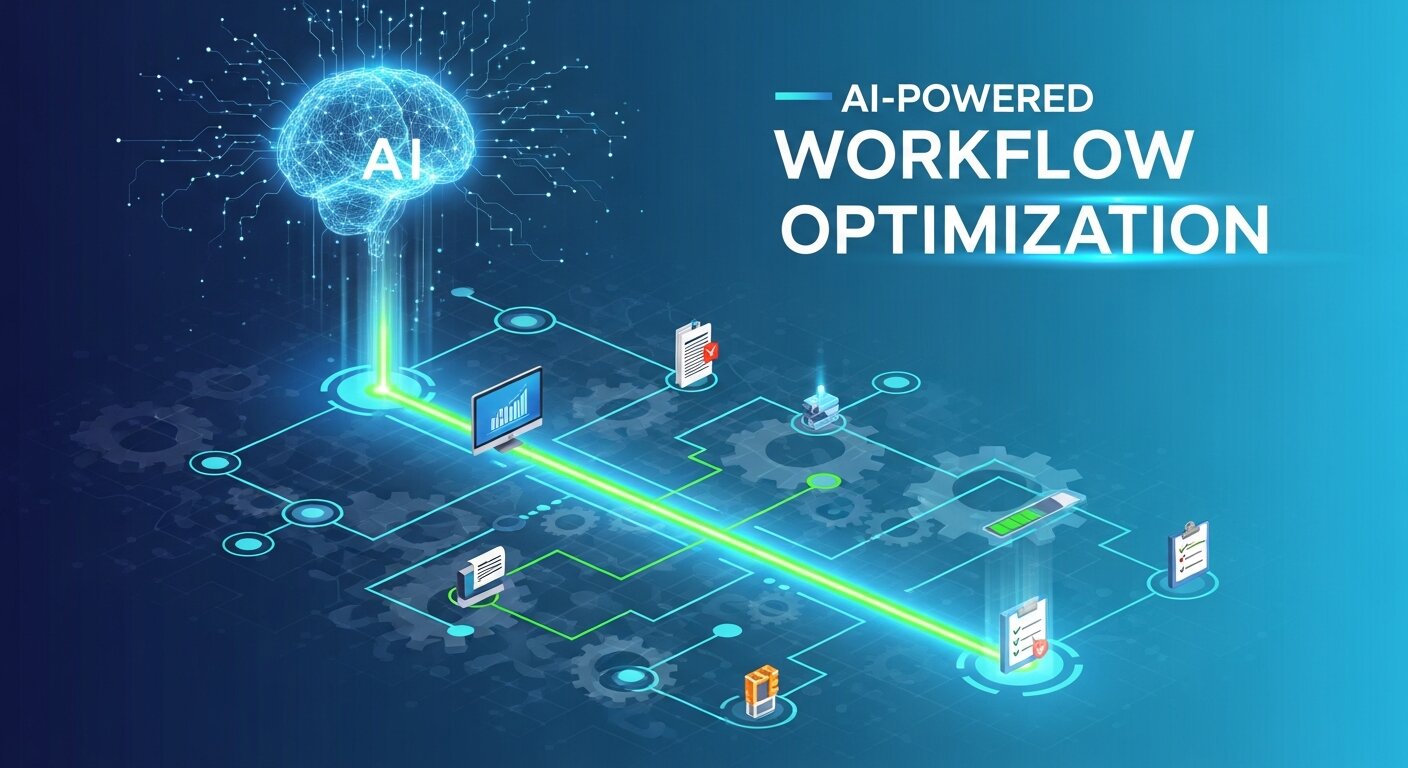
Artificial intelligence is transforming how automation platforms operate across industries. Traditional automation follows fixed instructions, but AI-powered systems can analyze behavior, recognize patterns, and make intelligent recommendations automatically. Businesses now use AI to prioritize customer support tickets, detect fraud in financial transactions, and forecast inventory demand without constant human supervision. These systems improve over time by learning from new data, which allows organizations to become more efficient as operations scale. AI-driven workflow optimization also helps reduce bottlenecks in communication and project management. By combining machine learning with automation, companies gain faster decision-making capabilities and a more adaptive operational structure that responds quickly to changing customer needs and market conditions.
Cloud-Based Automation Platforms
Cloud computing has made automation more accessible than ever before. Instead of installing expensive software on local servers, businesses can now use cloud-based automation platforms from any device with an internet connection. These platforms allow teams to automate tasks like file sharing, CRM updates, customer support workflows, and accounting processes in real time. Cloud automation also improves collaboration because employees in different locations can access the same systems simultaneously. Automatic updates ensure users always have the latest features and security protections without needing manual installations. Small businesses especially benefit because cloud solutions reduce infrastructure costs while still offering enterprise-level functionality. As remote work continues growing worldwide, cloud-based automation will remain essential for modern digital operations.
Automation in Customer Support Services
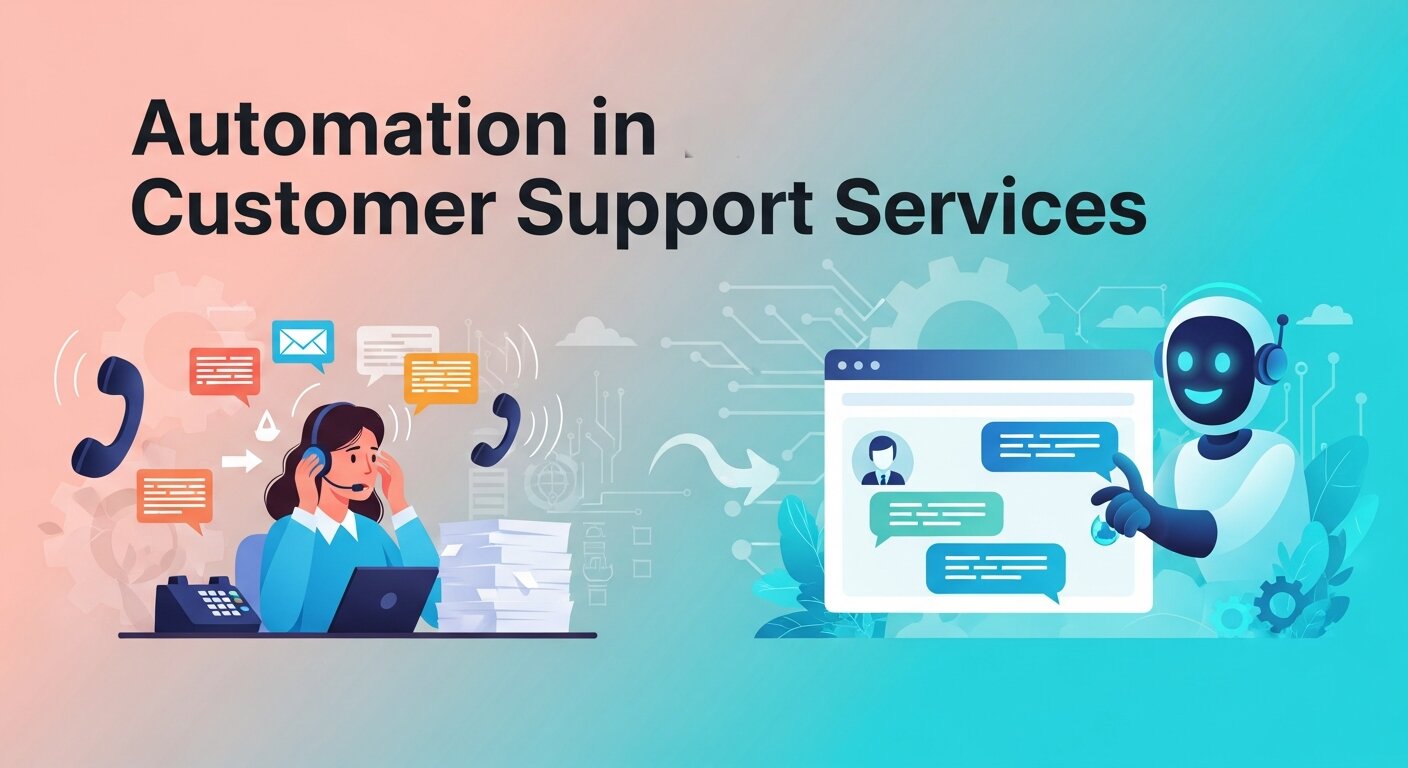
Customer service departments are increasingly relying on automation to improve response times and customer satisfaction. Automated chatbots can answer common questions instantly, helping businesses provide 24/7 support without overwhelming human agents. Ticketing systems automatically assign requests to the appropriate departments based on keywords and urgency levels. Email automation tools send order confirmations, appointment reminders, and follow-up messages without manual effort. These systems allow support teams to focus on complex customer issues that require empathy and critical thinking. Automation also improves consistency by ensuring every customer receives accurate information and timely communication. Businesses that integrate automated customer service workflows often experience reduced operational costs, faster issue resolution, and higher customer retention rates over time.
Cybersecurity and Automated Protection
As digital threats continue to increase, automation plays a major role in protecting sensitive information and business systems. Automated cybersecurity tools constantly scan networks for suspicious activity, malware, and unauthorized access attempts. Instead of waiting for manual reviews, these systems respond instantly by blocking harmful traffic, isolating infected devices, or alerting security teams. Automated backups also protect valuable company data from accidental deletion or ransomware attacks. Many businesses use automation to enforce password policies, software updates, and compliance standards across all employee devices. This proactive approach reduces vulnerabilities and minimizes the risk of human error. By automating security processes, organizations create a stronger defense system while reducing the workload placed on IT departments and cybersecurity professionals.
Automation for Remote Work Productivity
Remote work environments rely heavily on automation to maintain productivity and communication between distributed teams. Scheduling software automatically organizes meetings across different time zones, while project management tools send deadline reminders and progress notifications to employees. Cloud storage systems sync files instantly so team members always work with the latest version of documents. Automated communication tools also help managers track task completion and team performance without constant manual check-ins. These systems reduce confusion, improve accountability, and streamline daily operations for remote organizations. As more companies adopt hybrid work models, automation becomes essential for keeping teams connected and efficient. Businesses that embrace these technologies create smoother workflows and reduce operational delays caused by miscommunication or repetitive administrative tasks.
Data Analytics and Automated Reporting
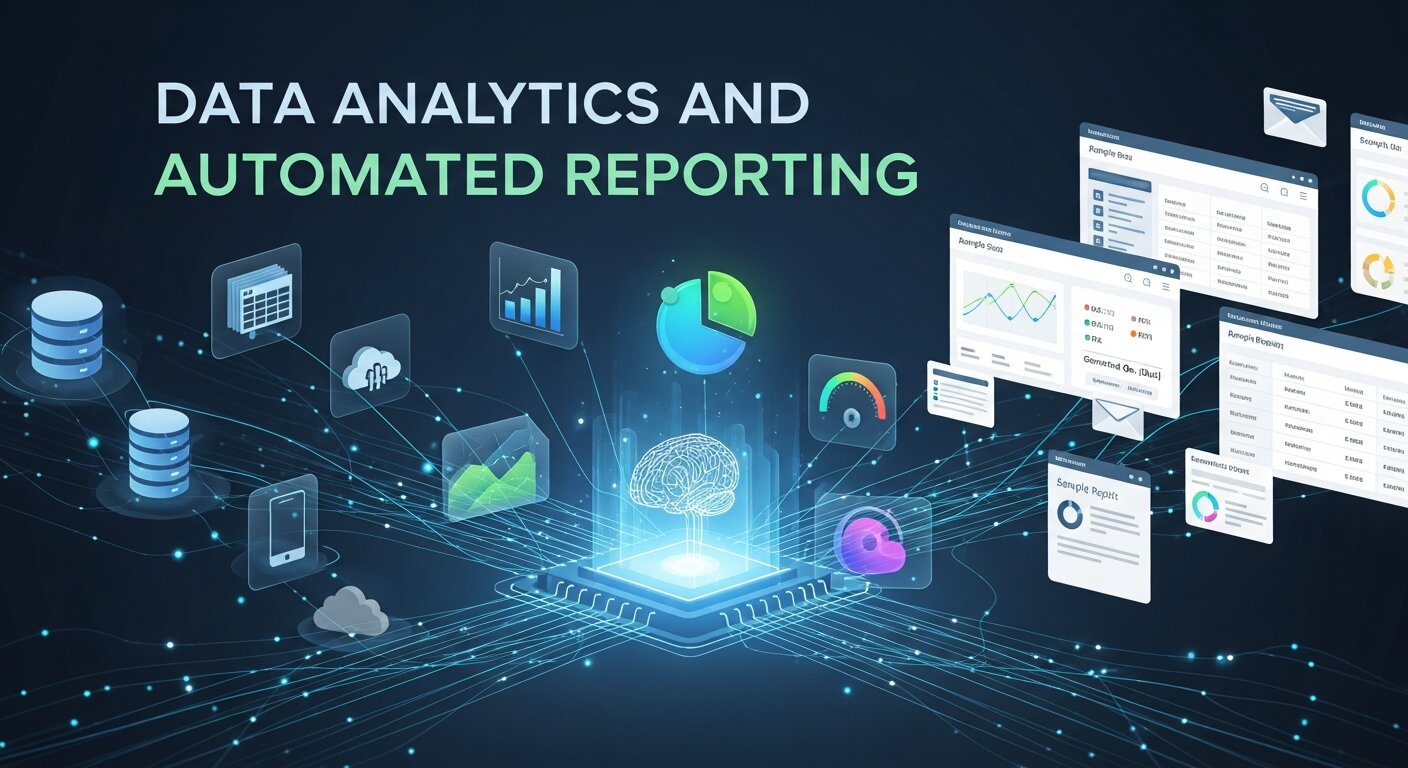
Collecting business data is only useful if companies can analyze it efficiently. Automated reporting systems gather information from websites, sales platforms, marketing campaigns, and customer databases to generate real-time reports instantly. Instead of spending hours manually creating spreadsheets, managers receive visual dashboards showing performance metrics, trends, and forecasting insights automatically. This allows organizations to make faster, data-driven decisions with greater confidence. Automated analytics tools can also detect unusual patterns, helping businesses identify opportunities or potential risks early. Marketing teams use these insights to improve campaigns, while finance departments track revenue and operational costs more accurately. By simplifying data analysis, automation helps businesses stay competitive in industries where speed and accurate information are critical for success.
The Future of Hyperautomation
Hyperautomation represents the next stage in digital transformation. Instead of automating isolated tasks, hyperautomation connects multiple technologies like AI, machine learning, robotic process automation, and analytics into one unified ecosystem. Businesses use this approach to automate entire operational chains from start to finish. For example, a customer order can trigger inventory updates, payment processing, shipping notifications, and accounting entries automatically without human involvement. Hyperautomation improves scalability, reduces delays, and creates seamless workflows across departments. Organizations adopting this strategy gain greater operational agility and can respond to market changes much faster than competitors. As technology evolves, hyperautomation is expected to become a core business strategy for enterprises seeking long-term efficiency, innovation, and sustainable growth in a highly competitive digital economy.
Frequently Asked Questions
What is software automation used for?
It is used for practically anything repetitive. Common use cases include invoice processing, data backup, software testing, customer relationship management, and social media posting.
Do I need to know how to code?
Not necessarily. Many modern platforms feature “drag-and-drop” interfaces designed specifically for non-technical users. While coding knowledge helps for highly complex, custom solutions, everyday users can easily build workflows using visual builders.
Will automation replace human jobs?
While automation handles specific tasks, it rarely replaces entire jobs outright. Instead, it changes the nature of the work. Employees transition from acting as manual data processors to becoming strategy managers who oversee the automated systems.
What is the difference between RPA and AI automation?
Robotic Process Automation (RPA) follows fixed rules to complete repetitive tasks exactly as programmed. It is ideal for structured workflows like copying data between systems or generating reports. AI automation goes further by learning from patterns and making intelligent decisions based on data analysis. AI systems can adapt over time, recognize trends, and improve performance without constant manual updates.
Can software automation reduce human error?
Yes. One of the biggest advantages of automation is consistency. Humans can make mistakes due to fatigue, distractions, or repetitive workloads, while automated systems follow the same programmed rules every time. This reduces errors in data entry, calculations, reporting, inventory tracking, and communication. As long as workflows are configured correctly, automation improves reliability and operational accuracy.
Take the Next Step Toward an Optimized Future
Understanding what is software automation is just the beginning of your journey. The real magic happens when you start applying these concepts to your own daily routines. Look at your calendar and identify the one task you dread doing every single week. Chances are, there is a tool available right now that can do it for you.
Start small. Try automating your email sorting or syncing your digital calendar with your to-do list. As you grow more comfortable with the technology, you can expand your automated workflows to cover larger, more complex projects. By embracing these tools, you build a more efficient, productive, and less stressful environment for yourself and your team.