Manual work eats up more time than most businesses realize. Copying data between spreadsheets, sending the same follow-up emails, approving routine requests—these small tasks pile up fast. And every time a human touches a repetitive process, there’s a chance for a typo, a missed step, or a forgotten deadline.
Process automation offers a way out. By handing repetitive, rule-based tasks over to software, businesses can cut down on errors and free up their teams for work that actually requires human judgment. The result? Faster operations, lower costs, and happier employees who aren’t bogged down by busywork.
This guide breaks down what process automation is, how it works, and why it matters. You’ll learn the different types of automation, the real benefits it delivers, and practical steps for bringing it into your own organization. Whether you run a small team or manage operations at a large enterprise, the principles here can help you work smarter.
What Is Process Automation?
Process automation is the use of technology to perform repetitive tasks and workflows with minimal human involvement. Instead of relying on a person to manually complete each step, software handles the work based on a set of predefined rules.
Think of a simple example: when a new customer signs up for a service, several things usually need to happen. Their details get entered into a database, a welcome email goes out, and a sales rep gets notified. Done manually, this takes time and invites mistakes. With process automation, all three steps trigger automatically the moment someone hits “sign up.”
Automation can range from simple to highly sophisticated. On the simpler end, you have tools that connect apps and move data between them. On the more advanced end, you have systems that use artificial intelligence to make decisions, analyze data, and even handle exceptions that don’t fit neatly into a rulebook.
How Does Process Automation Work?
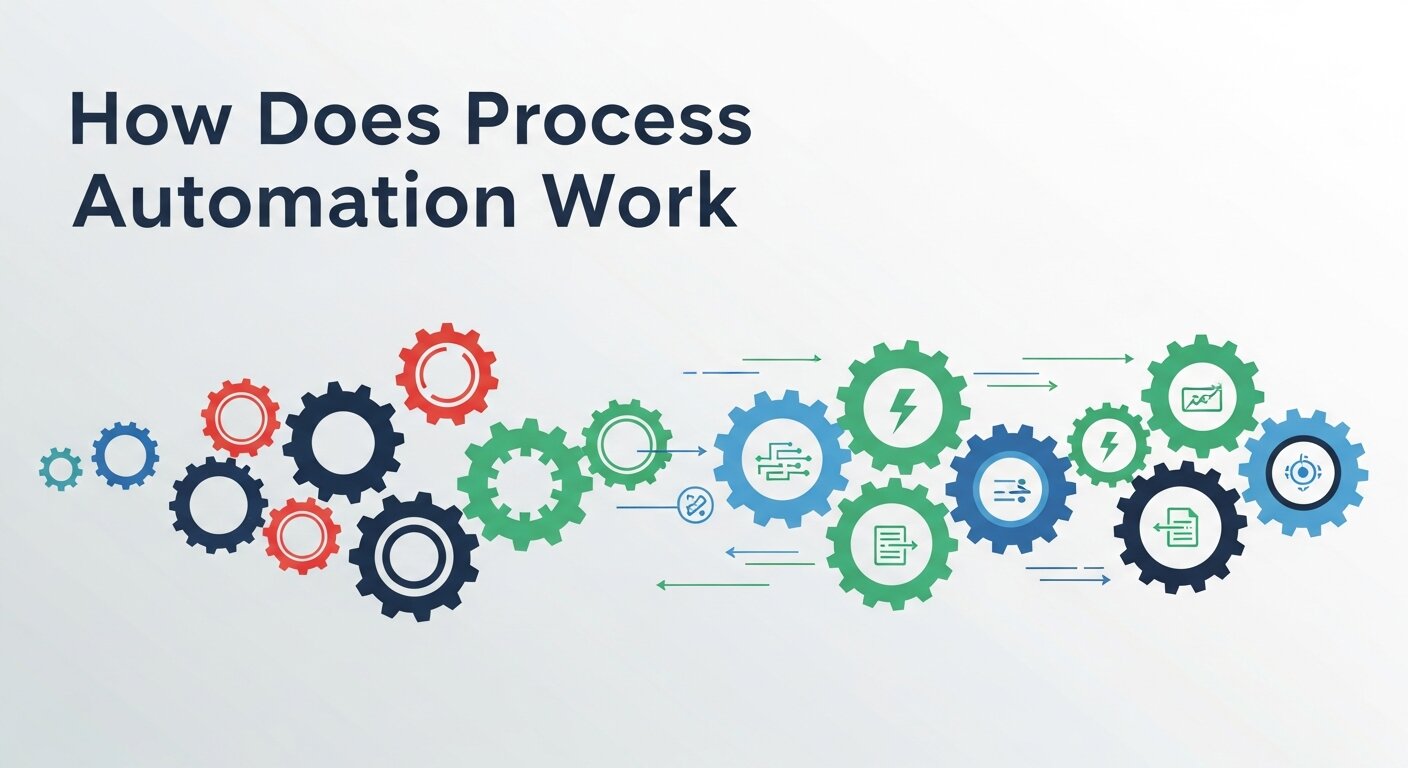
At its core, process automation follows a logic: if this happens, then do that. A trigger sets the process in motion, and the software carries out a series of predefined actions.
Here’s a closer look at the typical building blocks:
- Triggers: An event that starts the process. This could be a form submission, a new email, a scheduled time, or a change in a database.
- Rules: The conditions that determine what happens next. For example, “If the order total is over $500, route it to a manager for approval.”
- Actions: The tasks the software performs, such as sending notifications, updating records, or generating documents.
- Integrations: Connections between different software tools, allowing data to flow seamlessly across platforms.
When these pieces work together, an entire workflow can run from start to finish without anyone lifting a finger. The software follows the rules consistently every single time, which is exactly why automation reduces errors so effectively.
Types of Process Automation
Process automation isn’t one-size-fits-all. Different technologies suit different needs, and many businesses use a combination of them.
Business Process Automation (BPA)
Business process automation focuses on automating entire workflows across an organization. Rather than tackling a single task, BPA streamlines complex, multi-step processes that span departments. Examples include employee onboarding, invoice processing, and customer service ticketing.
Robotic Process Automation (RPA)
Robotic process automation uses software “bots” to mimic the actions a human would take within applications. These bots can log into systems, copy and paste data, fill out forms, and move information between programs. RPA is especially useful for repetitive tasks that involve legacy systems without modern integration options.
Intelligent Automation
Intelligent automation combines RPA with artificial intelligence and machine learning. This allows systems to handle more complex tasks that require some level of judgment, such as reading unstructured documents, understanding natural language, or making predictions based on data patterns.
Workflow Automation
Workflow automation centers on managing the flow of tasks, documents, and information between people and systems. It ensures that the right work reaches the right person at the right time, often with automated approvals, reminders, and handoffs built in.
The Key Benefits of Process Automation
Why are so many businesses investing in automation? The advantages reach far beyond simply saving time.
Fewer Errors
Humans make mistakes, especially when handling repetitive tasks over long hours. A single typo in a financial record or a missed step in a compliance process can cause serious problems. Automation follows the same rules every time, eliminating the variability that leads to errors.
Greater Efficiency
Automated processes run faster than manual ones, and they don’t need breaks. A task that might take an employee 30 minutes can often be completed by software in seconds. This speed adds up, especially when a process repeats hundreds or thousands of times.
Lower Costs
By reducing the time and labor needed for routine tasks, automation cuts operational costs. Employees can redirect their energy toward higher-value work, and businesses often need fewer resources to handle growing workloads.
Improved Employee Satisfaction
Nobody enjoys spending their day on tedious, repetitive tasks. Automation takes the drudgery off employees’ plates, letting them focus on creative, strategic, and meaningful work. This often leads to higher engagement and lower turnover.
Better Scalability
As a business grows, so does its workload. Automated processes scale effortlessly—handling 10 transactions or 10,000 with the same consistency. This makes it easier to grow without proportionally increasing headcount.
Stronger Compliance and Auditability
Automated systems create detailed records of every action they take. This audit trail makes it easier to demonstrate compliance with regulations and to spot where things went wrong if a problem arises.
Where Process Automation Makes the Biggest Impact
Automation can be applied across nearly every part of a business. Some areas tend to see the most dramatic results.
Finance and Accounting
Tasks like invoice processing, expense approvals, payroll, and financial reporting are perfect candidates for automation. These processes are rule-based, repetitive, and prone to costly errors when handled manually.
Human Resources
From onboarding new hires to managing time-off requests and tracking performance reviews, HR teams handle a steady stream of routine processes. Automation keeps these moving smoothly and ensures nothing falls through the cracks.
Marketing and Branding
Many companies now turn to automated branding solutions to keep their messaging consistent across channels. Automation can schedule social posts, personalize email campaigns, and ensure brand assets stay on-brand without constant manual oversight. When evaluating the best brands for automation in this space, look for platforms that integrate with your existing marketing stack.
Customer Service
Automated ticketing, chatbots, and self-service portals help customer service teams respond faster and handle more requests. Routine questions get answered instantly, while complex issues route to the right human agent.
IT Operations
IT teams use automation to manage software deployments, monitor systems, handle security alerts, and respond to common support requests. This keeps systems running smoothly and frees up technical staff for higher-priority projects.
Automation Beyond the Office
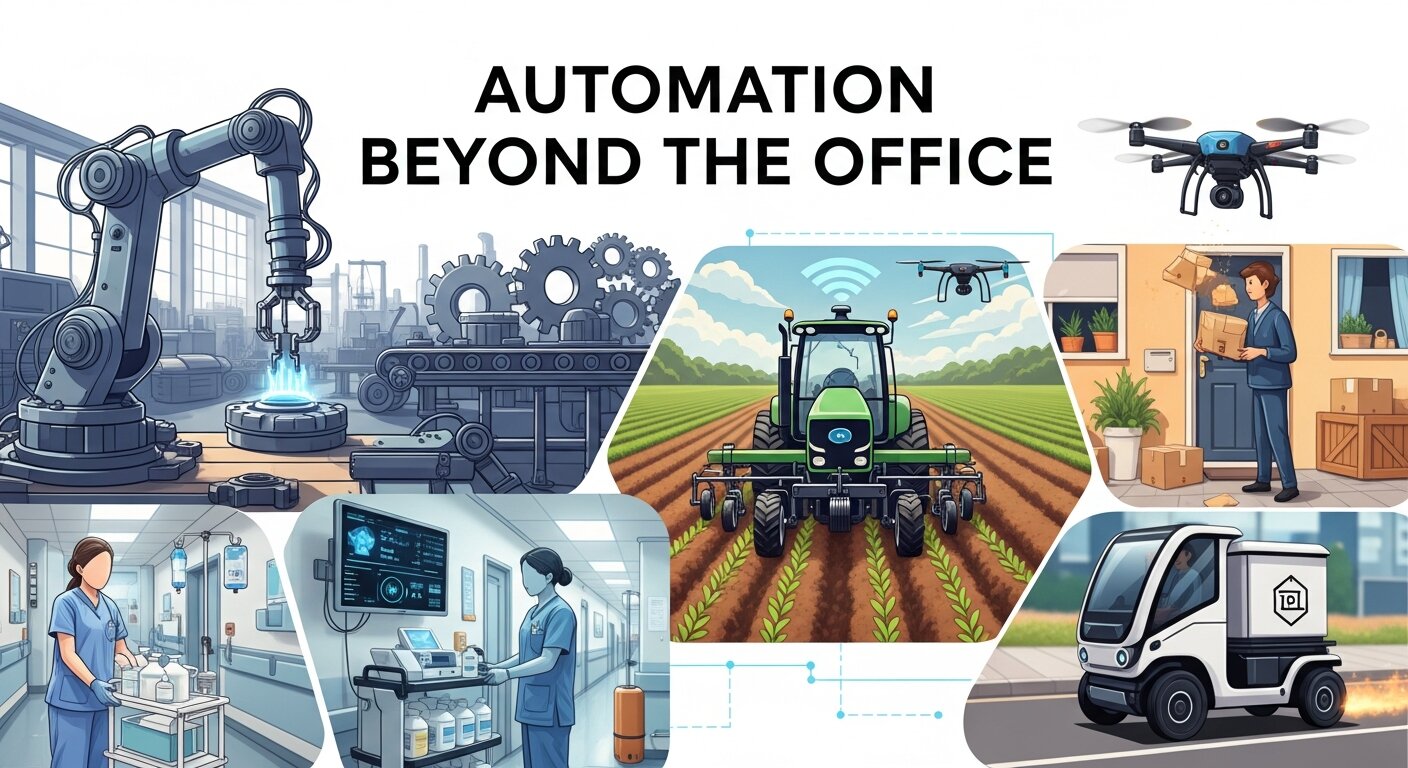
Process automation isn’t limited to business operations. The same principles power the smart technology many people use at home every day.
Home automation brands have made it possible to control lighting, temperature, security, and appliances through simple rules and triggers. Set your thermostat to lower itself when you leave, schedule your lights to turn on at sunset, or have your security system alert you when motion is detected. These consumer products use the same “if this, then that” logic that drives business automation.
The popularity of smart home technology shows just how natural automation has become in daily life. The line between business and personal automation continues to blur as the tools grow more accessible and intuitive.
How to Get Started With Process Automation
Bringing automation into your organization doesn’t require a massive overhaul. The best approach is usually to start small and build momentum.
- Identify repetitive tasks: Look for processes that are rule-based, high-volume, and time-consuming. These offer the quickest wins.
- Map the process: Document each step of the workflow before automating it. This helps you spot inefficiencies and clarify exactly what the automation needs to do.
- Choose the right tools: Match the technology to the task. A simple workflow tool may suffice for basic needs, while complex processes might call for RPA or intelligent automation.
- Start with a pilot: Test your automation on a single process before rolling it out widely. This lets you work out the kinks and prove the value.
- Measure and refine: Track the results—time saved, errors reduced, costs cut. Use this data to improve your automation and identify new opportunities.
Starting small keeps risk low and helps your team build confidence. As early projects deliver results, you’ll find it easier to expand automation across the organization.
Common Challenges in Process Automation
 Although process automation delivers significant benefits, businesses often face several challenges during implementation. One of the most common obstacles is resistance to change, as employees may worry that automation will replace their jobs or disrupt familiar workflows. Organizations can also encounter difficulties when existing processes are poorly documented or inefficient, making automation harder to implement effectively. Integration issues between different software platforms may create additional complications, particularly for companies using older systems. Budget limitations and a lack of technical expertise can further slow adoption. The key to overcoming these challenges is careful planning, clear communication, employee training, and selecting automation tools that align with business goals. With the right approach, most implementation challenges can be successfully managed.
Signs Your Business Is Ready for Automation
Many businesses wait too long before exploring automation opportunities. One clear sign that automation is needed is when employees spend a large portion of their day performing repetitive administrative tasks instead of focusing on strategic work. Frequent errors, missed deadlines, and inconsistent processes are also indicators that manual workflows may be holding the organization back. If your business is experiencing rapid growth and struggling to keep up with increasing workloads, automation can help maintain efficiency without significantly expanding staff. Customer complaints about slow response times may also point to workflow bottlenecks. By recognizing these warning signs early, businesses can implement automation solutions that improve productivity, support growth, and create a more scalable operational structure.
Measuring the Success of Process Automation
Implementing automation is only the first step; measuring its effectiveness is equally important. Businesses should establish clear performance indicators before launching any automation initiative. Common metrics include time saved, reduction in manual errors, cost savings, employee productivity, and customer satisfaction improvements. Tracking these measurements helps determine whether automation is delivering the expected return on investment. Organizations should also monitor workflow completion times and identify areas where additional optimization may be possible. Employee feedback can provide valuable insights into how automation affects daily operations and job satisfaction. Regular performance reviews ensure that automated processes continue to support business objectives. By measuring results consistently, companies can maximize the value of their automation investments and identify future opportunities for improvement.
Making Automation Work for You
Process automation has shifted from a nice-to-have to a competitive necessity. Businesses that automate their repetitive, rule-based tasks gain a clear edge—fewer mistakes, faster operations, and teams freed up to focus on work that drives real value.
The key is to approach automation thoughtfully. Start by identifying the tasks that drain time and invite errors, then choose tools that fit your specific needs. Test your approach on a small scale, measure the impact, and expand from there. Done right, automation pays for itself many times over.