
Every business has them—the repetitive, time-consuming tasks that eat into your team’s day without adding much strategic value. Manually entering data, chasing invoice approvals, sending follow-up emails, generating weekly reports. Individually, these tasks seem manageable. Collectively, they represent thousands of hours of lost productivity every year.
Business process automation (BPA) offers a practical solution. By using technology to handle routine workflows, organizations can free up their people to focus on higher-value work—the kind that actually moves the needle. And the results speak for themselves. According to McKinsey, roughly 45% of work activities could be automated using currently available technology. That’s nearly half of what your team does every day.
But automation isn’t a one-size-fits-all fix. The most effective implementations are strategic, deliberate, and aligned with the specific inefficiencies holding a business back. This guide breaks down what business process automation actually involves, which areas of your business stand to benefit most, and how to build an automation strategy that delivers real, measurable results.
What Is Business Process Automation?
Business process automation refers to the use of technology to execute recurring tasks or processes within an organization—with minimal human intervention. This can range from simple rule-based tasks (like routing emails to the right department) to complex, multi-step workflows that span multiple systems and teams.
It’s worth distinguishing BPA from a few related terms you’ll encounter:
- Workflow automation refers specifically to automating the sequence of steps in a process—who does what, when, and in what order.
- Robotic Process Automation (RPA) uses software “bots” to mimic human interactions with digital systems, like copying data from one platform to another.
- Marketing automation focuses on automating customer-facing marketing tasks, such as email campaigns, lead nurturing, and social media scheduling.
Each plays a role within the broader BPA landscape. The key is knowing which approach suits your goals.
Why Business Process Automation Matters for Your Bottom Line
The financial case for automation is compelling. A study by Smartsheet found that 40% of workers spend at least a quarter of their work week on manual, repetitive tasks. When you calculate the cost of that time across an entire workforce, the numbers become hard to ignore.
Beyond labor costs, manual processes introduce risk. Human error in data entry, missed deadlines, inconsistent communication—these aren’t just inconveniences. They can damage client relationships, cause compliance issues, and slow your business down at the moments it can least afford it.
Automation addresses these pain points directly:
- Cost reduction: Automated systems don’t need overtime pay, sick days, or benefits. Once set up, they run 24/7 at a fraction of the cost of manual labor.
- Speed and consistency: Automated workflows execute tasks in the same way, every time, without fatigue or distraction.
- Scalability: As your business grows, automated processes scale with it—without the need to proportionally grow your headcount.
- Employee satisfaction: Removing tedious tasks from your team’s plate allows them to focus on creative, strategic, and interpersonal work—the stuff that actually engages people.
Which Business Processes Are Best Suited for Automation?
Not every process is a good candidate for automation. The ideal targets share a few characteristics: they’re repetitive, rule-based, high-volume, and prone to human error. Here are the areas where businesses typically see the strongest returns.
Finance and Accounts Payable
Invoice processing, expense approvals, and payment reconciliation are among the most time-intensive administrative tasks in any organization. Automation tools can extract data from invoices, match them against purchase orders, flag discrepancies, and route approvals—all without manual input. Companies using automated accounts payable processes report up to 80% reductions in processing costs, according to the Institute of Finance & Management.
Human Resources and Onboarding
HR teams spend enormous amounts of time on administrative work—collecting documents, setting up system access, scheduling orientation sessions, and sending welcome communications. Workflow automation tools can handle all of this systematically, ensuring every new hire has a consistent, smooth experience from day one.
Customer Service and Support
Automation has transformed how businesses handle customer inquiries. Chatbots can resolve common questions instantly, ticket-routing systems can direct issues to the right agent, and follow-up emails can be triggered automatically after a support interaction. The result is faster response times, lower support costs, and—when done well—a better customer experience.
Marketing and Lead Management
Marketing automation platforms like HubSpot, Marketo, and ActiveCampaign allow businesses to nurture leads at scale. Triggered email sequences, behavior-based segmentation, and automated lead scoring mean your sales team spends time on prospects who are actually ready to buy—not chasing cold leads manually.
An effective AI brand strategy also integrates with marketing automation, using AI-powered tools to personalize content, optimize campaign timing, and analyze performance data in real time. This layer of intelligence makes automation not just faster, but smarter.
IT and System Monitoring
Automated monitoring tools can detect system anomalies, trigger alerts, and even resolve common issues without human intervention. This reduces downtime, improves security response times, and takes pressure off your IT team.
How to Build a Business Process Automation Strategy
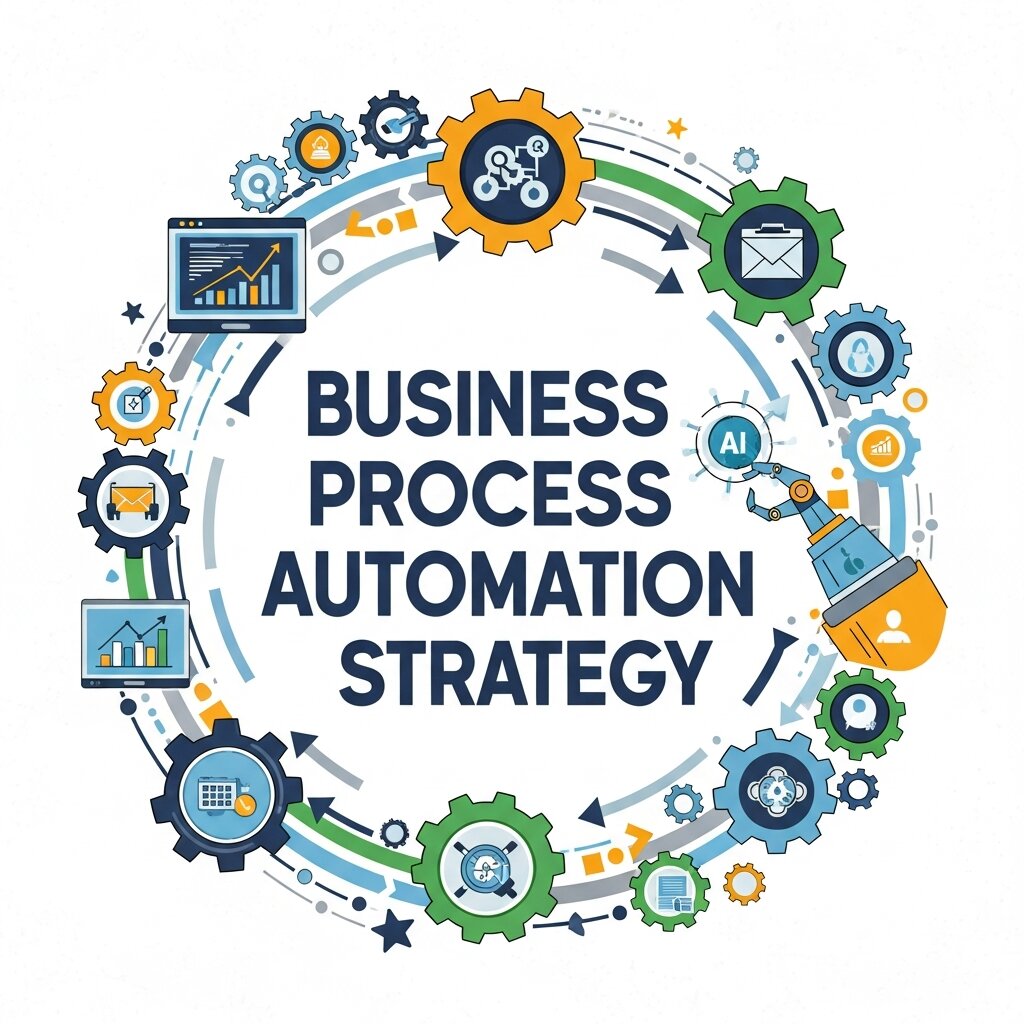
Jumping into automation without a clear plan is one of the most common mistakes businesses make. Here’s how to approach it strategically.
Step 1: Audit Your Current Processes
Start by mapping out your existing workflows. Where are the bottlenecks? Which tasks consume the most time? Where do errors most frequently occur? Interview team members, review process documentation, and use time-tracking tools to get an honest picture of where inefficiencies live.
Focus on processes that are:
- High-frequency (done daily or weekly)
- Standardized (follow consistent rules)
- Time-consuming relative to their complexity
- Prone to errors or delays
Step 2: Prioritize by Impact and Feasibility
Not everything on your list should be automated at once. Score each candidate process by two factors: the potential impact of automating it (time saved, cost reduced, errors eliminated) and the feasibility of doing so (technical complexity, cost of the tool, time to implement).
Start with quick wins—high-impact, low-complexity processes that can deliver results quickly. This builds internal confidence in the automation program and generates momentum for more complex projects down the line.
Step 3: Choose the Right Tools
The automation tool you choose should fit the process, the technical capability of your team, and your budget. Some options to consider:
- Zapier and Make (formerly Integromat) for lightweight workflow automation between cloud apps
- UiPath and Automation Anywhere for more advanced RPA use cases
- HubSpot, Marketo, or Klaviyo for marketing automation
- ServiceNow or Freshservice for IT process automation
- SAP or Oracle for enterprise-level finance and operations automation
Many modern business tools also include built-in automation features. Before investing in dedicated software, check what your existing platforms already offer.
Step 4: Design, Test, and Refine
Once you’ve selected a tool, map out the automated workflow in detail before building it. Define triggers, conditions, actions, and exception-handling rules. Then test the automation thoroughly in a controlled environment before rolling it out broadly.
Automation rarely works perfectly on the first attempt. Build in a feedback loop—monitor performance, collect input from the team members using the new process, and iterate continuously.
Step 5: Manage the Human Side of Automation
This is where many automation initiatives stumble. Employees often worry that automation threatens their jobs, which creates resistance and low adoption. Address this head-on.
Be transparent about what’s being automated and why. Emphasize that the goal is to eliminate tedious work, not people. Provide training so your team can work alongside new tools confidently. And wherever possible, involve the people closest to a process in designing its automation—they’ll have insights that your technology team won’t.
Common Pitfalls to Avoid
Even well-intentioned automation projects can go wrong. Watch out for these mistakes:
Automating a broken process: Automation amplifies what already exists. If a process is poorly designed, automating it just makes the problems happen faster. Fix the process first, then automate it.
Over-automating too quickly: Trying to automate everything at once spreads resources thin and makes it harder to troubleshoot when something goes wrong. Move incrementally.
Neglecting maintenance: Automated workflows require ongoing oversight. When a connected app updates its interface, a business rule changes, or a new edge case emerges, your automation may break. Assign ownership and build in regular reviews.
Ignoring data quality: Automation is only as good as the data it runs on. If your CRM is full of duplicate records or your inventory data is inconsistent, automated workflows will compound those problems rather than solve them.
Measuring the ROI of Business Process Automation
To justify ongoing investment in automation—and to identify where to focus next—you need to measure results consistently. Key metrics to track include:
- Time saved per process (hours per week or month)
- Error rate reduction (before vs. after automation)
- Cost per transaction (comparing manual vs. automated)
- Cycle time (how long a process takes from start to finish)
- Employee time reallocation (what are people doing with the time they’ve recovered?)
Set baseline measurements before implementing any automation so you have a clear comparison point. Review these metrics quarterly and use them to guide future automation decisions.
The Future of Business Process Automation

Workflow automation is evolving rapidly. The integration of artificial intelligence into automation tools is shifting the paradigm from rule-based execution to adaptive, context-aware systems. AI-powered automation can handle unstructured data, learn from past outcomes, and make decisions that previously required human judgment.
Natural language processing, for instance, now allows automated systems to read and interpret emails, contracts, and support tickets—not just transfer data between fields. Machine learning models can predict when a process is likely to fail and trigger proactive interventions.
For businesses developing an AI brand strategy, this convergence of AI and automation opens significant competitive opportunities. The organizations investing in intelligent automation today are building operational advantages that will compound over time.
Start Small, Think Big
Business process automation doesn’t require a massive budget or a team of engineers. It requires clarity about where your time and money are being lost, a willingness to question how things have always been done, and a methodical approach to implementing change.
The best place to start is wherever the pain is greatest. Pick one process, automate it well, measure the results, and build from there. The compounding effect of multiple well-designed automations—each one saving hours and reducing errors—can transform the operational capacity of a business without requiring a single new hire.